
Zoho Tables
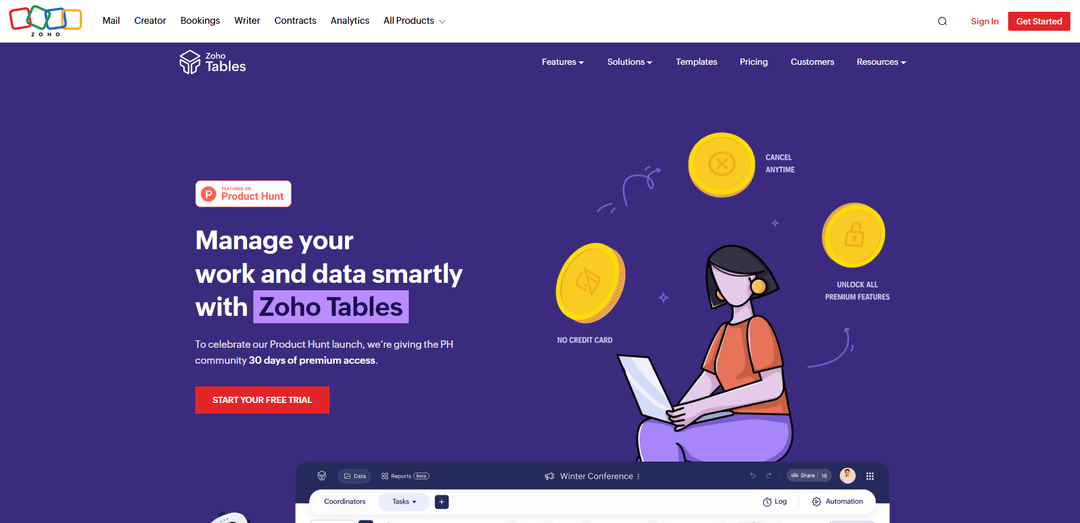
Zoho Tables is a modern spreadsheet-database hybrid that helps teams organize data with relational links, build views and dashboards, collaborate in real time, and automate workflows with no-code and AI assistance.
https://www.zoho.com/tables/product-hunt-launch-offer.html?ref=producthunt
Product Information
Updated:Jul 9, 2026
Zoho Tables Monthly Traffic Trends
Zoho Tables received 62.4m visits last month, demonstrating a Slight Growth of 1.5%. Based on our analysis, this trend aligns with typical market dynamics in the AI tools sector.
View history trafficWhat is Zoho Tables
Zoho Tables is a work and data management tool designed for modern teams that want the simplicity of a spreadsheet with the power of a relational database. It lets you turn scattered, cluttered information into structured, connected tables without writing code, making it suitable for everything from MVP tracking to ongoing operations. With collaboration features built in, Zoho Tables becomes a shared workspace where teams can plan, track, and manage work while keeping data consistent and accessible across the organization.
Key Features of Zoho Tables
Zoho Tables is a no-code, spreadsheet-database hybrid designed to help teams organize data into relational structures, collaborate in real time, and automate repetitive work. It supports multiple ways to view and manage records (e.g., Grid, Kanban, Calendar, Gallery), lets you create meaningful relationships across datasets, and provides AI assistance to build structured solutions faster. With built-in collaboration (assignments, chat, live updates), dashboards for high-level visibility, mobile apps for working on the go, and integrations/automation across other apps (including via Zoho Flow), it’s built to scale from lightweight MVPs to more robust operational systems.
Spreadsheet-like UI with database power: Feels familiar like a spreadsheet, but runs on a relational database core so you can structure data cleanly and build connected systems instead of isolated sheets.
Smart Relationships (linked records): Connect records across tables to create meaningful relationships between datasets, enabling a more functional, connected workspace for work and data management.
Versatile views (Grid, Kanban, Calendar, Gallery): Switch between views depending on the work style—use Kanban for progress tracking, Calendar for milestones, Gallery for attachment/image-driven records, and Grid for general data entry and tracking.
No-code automations: Automate repetitive tasks using simple trigger-and-action logic, helping teams reduce manual updates and keep workflows consistent without writing code.
AI assistance to build solutions: Use AI to quickly create smart, structured setups tailored to your work needs, reducing the time required to design tables, fields, and processes.
Real-time collaboration + mobile-first access: Collaborate with teammates through assignments, chat, and instant record updates, and manage work anywhere with mobile apps that support creating/managing setups and mobile-optimized views.
Use Cases of Zoho Tables
Product launch planning: Use templates and views to track cross-team readiness, milestones, and deliverables for launch day—ideal for coordinating marketing, product, and operations tasks in one place.
HR employee data management: Maintain structured employee records (e.g., IDs, dates of birth) in tables and control changes to critical fields (e.g., by locking key fields) to reduce errors and protect sensitive data.
Marketing and campaign operations: Centralize campaign assets, calendars, and execution checklists; use Calendar/Kanban views for timelines and progress, and automate routine status updates and handoffs.
Sales and CRM-adjacent tracking: Bring in data from tools like Zoho CRM and organize leads, deal tasks, or account operations with linked records, collaboration, and dashboards for pipeline visibility.
Creative/digital asset lifecycle management: Manage large volumes of assets from ideation to publishing by structuring metadata, linking related records, and automating task handovers across teams.
On-the-go field/team operations: Use mobile features (including scanning documents into tables and switching between mobile-optimized views) to capture updates in the field and keep operations current in real time.
Pros
Combines ease of spreadsheets with relational database structure for cleaner, scalable data management.
Strong no-code automation and integration potential (e.g., Zoho Flow across many apps) to reduce manual work.
Multiple views and real-time collaboration make it adaptable for different teams and workflows.
Mobile-first capabilities support managing and capturing work from anywhere.
Cons
Breadth of features can make initial setup and learning feel overwhelming for some teams.
Some users of Zoho products report occasional UI clunkiness, bugs, or slow performance in the broader Zoho ecosystem.
If you cancel a paid subscription you keep data/configuration but are limited by the free-plan capabilities until you resubscribe.
How to Use Zoho Tables
1. Sign up and access Zoho Tables: Go to Zoho Tables and click Get Started/Sign Up. After signing in, you’ll land in the Zoho Tables workspace where you can create and manage tables.
2. Create your first table (start from scratch or use a template): Create a new table to store your data in a structured, spreadsheet-style format. If you want a faster start, pick a template (Zoho Tables provides templates for different use cases like product, marketing, operations, HR, sales, and personal tracking).
3. Add fields (columns) using appropriate field types: Define the columns you need (e.g., Name, Status, Due Date). Choose suitable field types—Zoho Tables supports many basic field types such as URL and Phone, and also AI field types like Sentiment Analysis, Keyword Extraction, and Language Detector.
4. Enter and organize records (rows): Add records directly into the grid (similar to a spreadsheet). Each row represents one record (e.g., one task, one product, one customer), and each column is a field describing that record.
5. Create multiple views to match how you work: Switch your data into different views depending on your workflow: Grid for general work, Kanban for progress tracking, Calendar for milestones/dates, and Gallery for attachment/image-driven records.
6. Use Gallery view for image-driven data: If you manage items like product catalogs or invoices, use Gallery View to display records as visual cards. This is especially useful when each record has an attachment or image you want to scan quickly.
7. Link related records with Smart Relationships: Create relationships between tables so your data behaves like a relational database. For example, link a 'Projects' table to a 'Tasks' table, or a 'Products' table to an 'Orders' table, so you can navigate connected records and avoid duplication.
8. Collaborate in real time with your team: Invite teammates to your tables so they can collaborate on records. Use collaboration features to assign work, communicate, and see updates as they happen across distributed teams.
9. Automate repetitive work with no-code automations: Set up automations using trigger-and-action logic (no coding). Example: when a status changes to 'Approved', automatically assign the next owner or update a related field.
10. Build simple data entry forms to collect information: Create shareable forms that feed submissions directly into your table. Use forms to collect requests, leads, updates, or inputs from teammates and external stakeholders without giving them full table access.
11. Create dashboards/reports for high-level insights: Use reporting and dashboard capabilities to track progress and key metrics at a glance. This helps decision-making by summarizing table data into a more executive-friendly view.
12. Bring data in from other apps (imports and integrations): Import data from tools like Google Drive and Zoho CRM to avoid scattered information. For broader automation across tools, connect Zoho Tables with Zoho Flow (supports workflows across 1000+ apps) or Zapier.
13. Use Zoho Flow to automate cross-app workflows: In Zoho Flow, create no-code integrations that move data between Zoho Tables and other apps. Example: when a new lead arrives in another system, automatically create a record in Zoho Tables and notify your team.
14. Use the mobile app to work anywhere: Install the Zoho Tables mobile app to create and manage your setup on the go. You can switch between mobile-optimized views (Gallery/Kanban/Calendar/Grid), capture ideas quickly, and keep work moving while away from your desk.
Zoho Tables FAQs
Zoho Tables is a modern spreadsheet-database hybrid designed to help individuals and teams organize work and data. It feels like a spreadsheet but works like a relational database, enabling connected datasets and structured work management.
Zoho Tables Video
Popular Articles

Proferex: A Cloud-Based Ad Tracking and Campaign Optimization Platform
Nov 4, 2026

How to Create Viral Talking Baby Podcast Videos with AI: Step-by-Step Guide
Nov 2, 2026

Vosko AI: Localize and Dub Videos for Global Audiences
Oct 15, 2026

Atoms: A Multi-Agent AI Platform That Transforms Ideas into Launch-Ready Products
Oct 13, 2026
Analytics of Zoho Tables Website
Zoho Tables Traffic & Rankings
62.4M
Monthly Visits
#420
Global Rank
#19
Category Rank
Traffic Trends: Jul 2024-Jun 2025
Zoho Tables User Insights
00:15:35
Avg. Visit Duration
13.91
Pages Per Visit
25.51%
User Bounce Rate
Top Regions of Zoho Tables
US: 25.64%
IN: 16.14%
BR: 5.6%
CA: 4.22%
AE: 3.81%
Others: 44.58%
Latest AI Tools Similar to Zoho Tables
Tomat
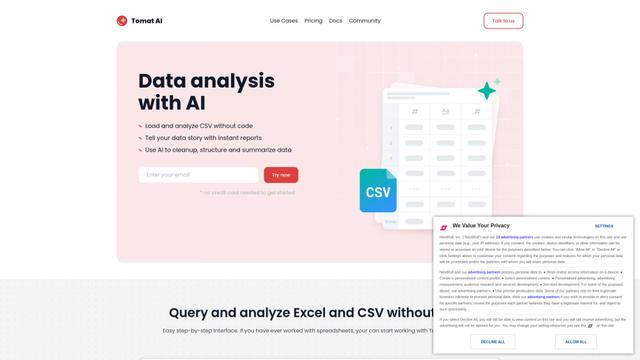
Tomat.AI is an AI-powered desktop application that enables users to easily explore, analyze, and automate large CSV and Excel files without coding, featuring local processing and advanced data manipulation capabilities.
Gentables
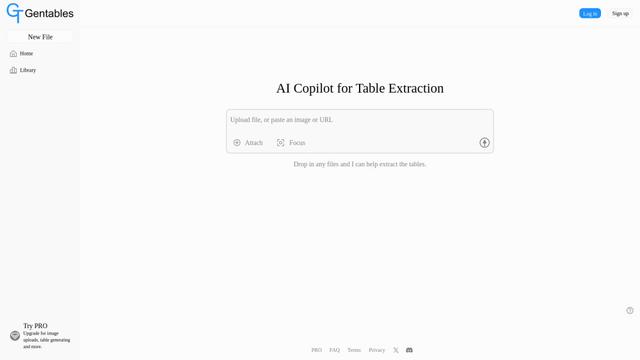
Gentables is an AI-powered tool for extracting and generating tables from various file formats with features like table editing, visualization and data processing capabilities.
SheetBot AI
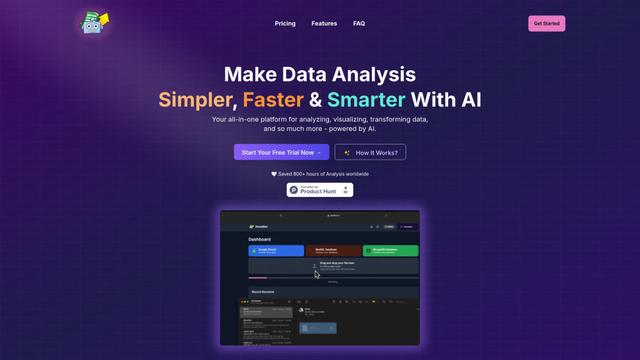
SheetBot AI is an AI-powered data analyst tool that automates data visualization and analysis tasks in spreadsheets, enabling users to generate precise graphs and insights within seconds.
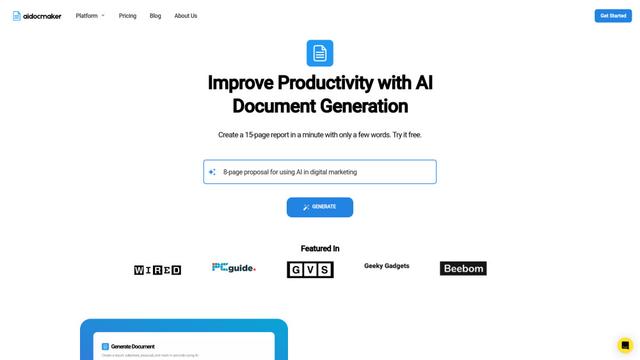
Aidocmaker.com
Aidocmaker.com is an AI-powered document creation platform that allows users to effortlessly generate professional documents, presentations, spreadsheets, and voiceovers in minutes.
Popular AI Tools Like Zoho Tables
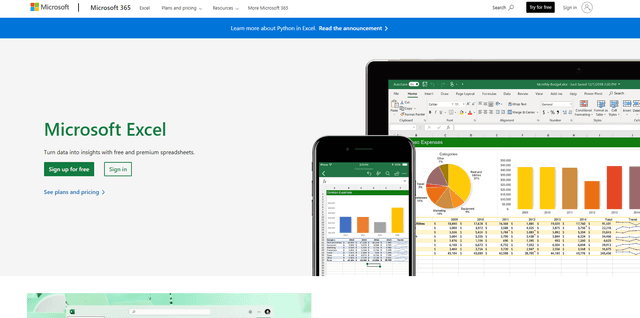
Microsoft Excel: Spreadsheets
Microsoft Excel is the industry-leading spreadsheet software that allows users to organize, analyze, and visualize data through powerful features like formulas, charts, and AI-powered insights.
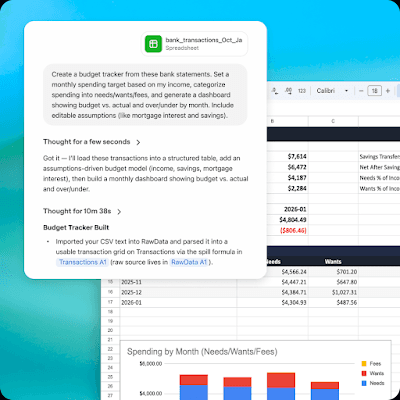
ChatGPT for Google Sheets
FreemiumAI Spreadsheet
ChatGPT for Google Sheets is an OpenAI add-on that brings ChatGPT into a Sheets sidebar so you can build, analyze, and update multi-tab spreadsheets with natural-language prompts, including formulas and cross-tab insights.
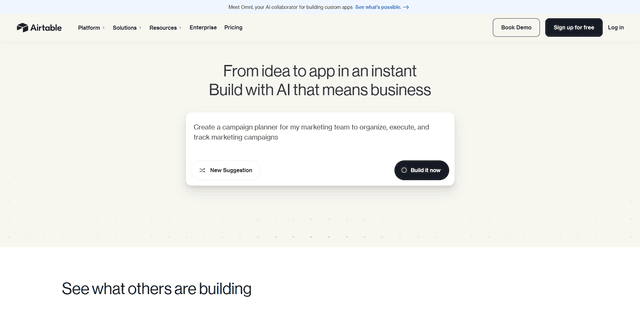
Airtable
Airtable is an AI-powered cloud collaboration platform that combines the functionality of spreadsheets and databases with no-code app building capabilities to help teams organize, track and manage their workflows and data.
Bricks
FreemiumAI Spreadsheet
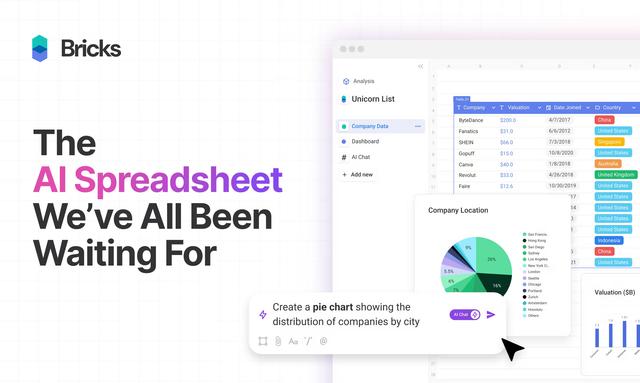
Bricks is an AI-powered spreadsheet platform that helps users create dashboards, reports, presentations and visuals without requiring spreadsheet expertise.