
Remix
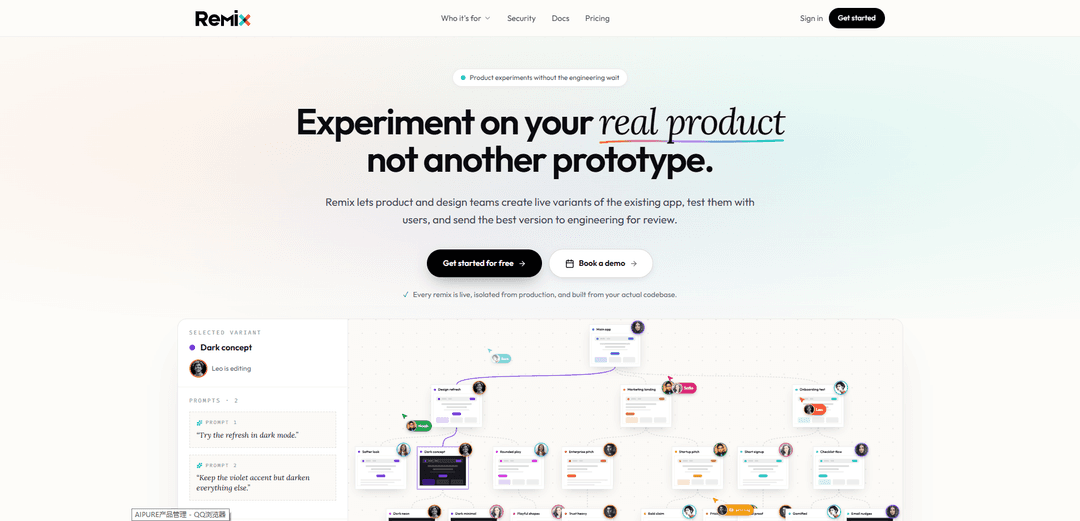
Remix lets teams spin up safe, live, sandboxed copies of their real production app, make changes by prompting, and send engineering a reviewable GitHub PR with full prompt history, guardrails, and a shareable preview link.
https://remix.one/product-hunt?ref=producthunt
Product Information
Updated:Aug 15, 2026
What is Remix
Remix is a product experimentation platform designed to help non-engineers (PMs, designers, marketing, sales, founders, support) turn ideas into working changes on the actual product—without risking production or waiting weeks for engineering cycles. Instead of building throwaway prototypes, Remix creates isolated, live variants of your existing app directly from your codebase, so teams can test real UX, copy, layouts, and flows with users and stakeholders. When a change is ready, it’s handed back to engineering as a clean, auditable request that includes a live preview and the full context of how it was created.
Key Features of Remix
Remix is a product experimentation platform that lets teams create live, sandboxed variants of their real production app (built from the actual codebase) by describing changes in AI tools like Claude Code or Cursor. Each “remix” gets an isolated environment and shareable live link for feedback or testing, and proposed changes are sent to engineering as a reviewable request that includes the full prompt-to-code story (prompts, agent responses, diffs) plus automated guardrails for design system, security, and compliance—so teams can move fast without risking production.
Live, isolated variants of the real app: Spin up a safe, sandboxed copy of your production product (not a prototype) so experiments are realistic while remaining isolated from production.
Prompt-to-change building in familiar AI tools: Teammates make product changes by describing them using tools they already use (e.g., Claude Code, Cursor), with no new editor or heavy setup.
One-click shareable previews: Every remix has its own unique URL that can be shared in Slack, emailed to customers, or used in ads for quick feedback and validation.
Engineering review with full “story,” not just diff: Engineers see the complete history—prompts, AI responses, file changes, and live preview—so AI-assisted contributions are understandable and reviewable.
Guardrails and checks before anything ships: Changes are checked against team rules (security, secrets, dependencies, route permissions, design/compliance constraints) before they reach engineering.
Disposable environments + rollback-friendly workflow: If an experiment breaks or underperforms, discard it or roll it back quickly without impacting production stability.
Use Cases of Remix
Product teams validating roadmap ideas: PMs can turn a backlog item into a working flow, test it with users, and send engineering a proven change instead of a ticket (e.g., onboarding checklist).
Design teams testing UI/UX in production context: Designers can adjust layout, copy, spacing, and interactions directly inside the real app to evaluate real-world usability beyond Figma prototypes.
Marketing teams A/B testing landing pages: Marketers can create and share multiple homepage/landing variants quickly, test messaging by audience segment, and hand off winners to engineering.
Sales teams creating customer-specific demos: Sales can tailor a demo environment for a target account (industry-specific dashboards or terminology) without changing the main product.
Founders iterating on core funnels fast: Founders can experiment with high-leverage changes (signup, activation, pricing pages), share live links for alignment, then route to engineering for approval.
Pros
Reduces engineering bottlenecks by enabling non-engineers to produce working, testable changes.
Safer experimentation: isolated sandboxes, disposable environments, and guardrails protect production.
Higher review trust: engineers get prompt history and rationale, not a black-box AI code dump.
Fast feedback loops via live links for internal review, customer validation, or marketing tests.
Cons
Requires an initial engineering setup/integration with the existing codebase and environment configuration.
Effectiveness depends on the quality of guardrails and review discipline; weak rules can increase review burden.
Teams may still need engineering involvement for complex architectural changes or deep backend work.
How to Use Remix
1) Have an engineer connect your app to Remix (one-time setup): An engineer links the existing project/codebase to Remix once. After this, Remix can automatically handle environment variables, services, and credentials for new remixes so teammates don’t need manual onboarding.
2) Invite teammates who should experiment on the product: Engineering/product leadership invites PMs, designers, marketing, sales, support, or founders—anyone with product ideas—to Remix so they can create safe variants of the real app.
3) Teammate installs the Remix app and accepts the invite: The invited teammate downloads the Remix app and accepts the invitation. Within about a minute, Remix provisions a fully working, isolated copy of the product for them.
4) Create a new remix (a sandboxed variant of the real product): Start a remix to get a disposable environment that is isolated from production and from other teammates’ work. This remix is built from the actual codebase, not a prototype.
5) Open the remix in your existing AI coding tool (e.g., Claude Code or Cursor): Remix works inside tools your team already uses. The teammate can begin making changes by describing what they want (prompting) rather than manually implementing everything.
6) Describe the change you want in prompts (build by prompting): Prompt the AI to implement the product change in the remix. Example prompts from Remix include: “Add a checklist to the onboarding flow for new workspace admins.” or “Make this dashboard feel simpler and move the key metrics higher.”
7) Iterate safely: refine prompts, retry, and adjust until it’s right: AI-assisted work often involves multiple prompts, responses, edits, and retries. Remix records every prompt and change automatically, so the full story of how the change was built is preserved.
8) Use the live preview link to test and gather feedback: Each remix has its own unique live URL. Share it in Slack for internal feedback, send it to customers for validation, or use it as a destination in an ad—anyone can open the link.
9) (Optional) Compare and merge variants when exploring multiple directions: If your team explores multiple remixes in parallel, you can bring ideas together by merging variants (e.g., combining two promising directions into one).
10) Submit a Remix request to engineering for review: When the change is ready, the teammate sends a Remix request. This packages the work for engineering review, including the live link, code diffs, and the complete prompt/agent history.
11) Engineering reviews the full story (not just the diff): Engineering can inspect every prompt, every AI response, and every file changed, plus the live result. This makes AI-generated changes easier to trust and review because the rationale and sequence are visible.
12) Guardrails run before anything can ship: Remix checks proposed changes against team-defined rules (e.g., design system, security, compliance). Examples of checks include security, dependency, secrets, and route permission checks.
13) Engineering approves, requests changes, or rejects: Engineering keeps final control: they can approve the request, ask for revisions (which the teammate can implement via more prompts), or decline the change.
14) Merge to GitHub via a clean pull request: Once approved, Remix produces a clean PR to GitHub so the change can be merged through normal engineering workflows. Nothing reaches production without engineering sign-off.
15) Roll back or discard if needed (disposable environments): If the remix breaks or the idea doesn’t pan out, discard the environment and start a new remix. This keeps experimentation fast without risking production stability.
Remix FAQs
Remix is a product experimentation tool that lets product and design teams create live variants of their existing app from the real codebase, test them with users, and then send the best version to engineering for review.
Remix Video
Popular Articles

Vosko AI: Localize and Dub Videos for Global Audiences
Oct 15, 2026

Atoms: A Multi-Agent AI Platform That Transforms Ideas into Launch-Ready Products
Oct 13, 2026

Nano Banana SBTI: What It Is, How It Works, and How to Use It in 2026
Apr 15, 2026

Atoms Review — The AI Product Builder Redefining Digital Creation in 2026
Apr 10, 2026
Latest AI Tools Similar to Remix

Hapticlabs
Hapticlabs is a no-code toolkit that enables designers, developers and researchers to easily design, prototype and deploy immersive haptic interactions across devices without coding.
Deployo.ai
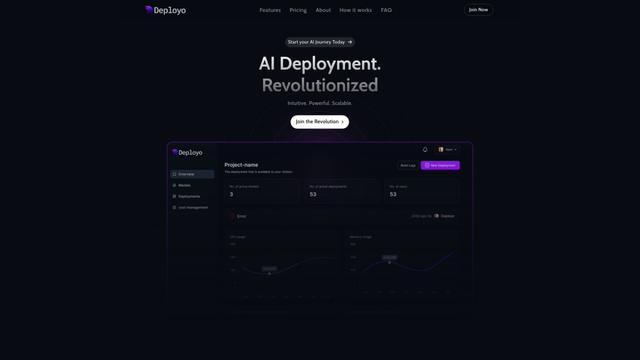
Deployo.ai is a comprehensive AI deployment platform that enables seamless model deployment, monitoring, and scaling with built-in ethical AI frameworks and cross-cloud compatibility.
CloudSoul
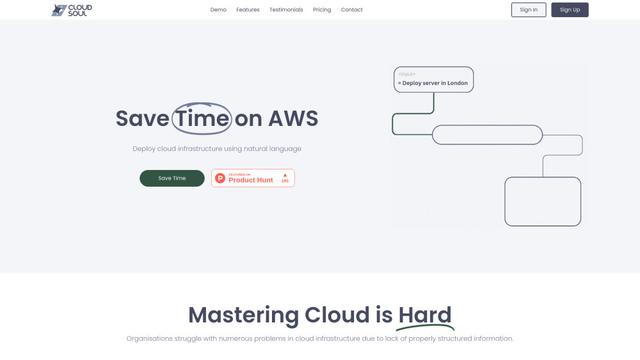
CloudSoul is an AI-powered SaaS platform that enables users to instantly deploy and manage cloud infrastructure through natural language conversations, making AWS resource management more accessible and efficient.

Devozy.ai
Devozy.ai is an AI-powered developer self-service platform that combines Agile project management, DevSecOps, multi-cloud infrastructure management, and IT service management into a unified solution for accelerating software delivery.
Popular AI Tools Like Remix

A2A Protocol
A2A (Agent2Agent) Protocol is an open interoperability protocol developed by Google that enables seamless communication and collaboration between AI agents across different frameworks and vendors, regardless of their underlying architecture.
VoltOps
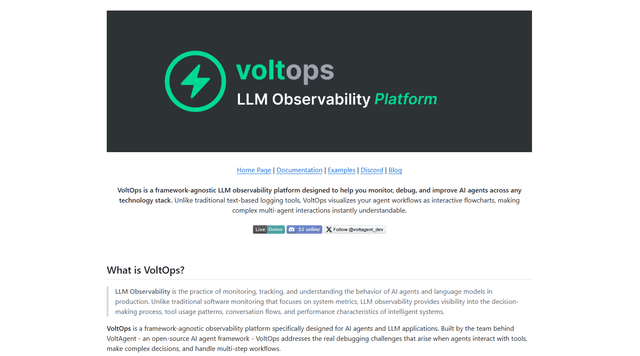
VoltOps is a framework-agnostic LLM observability platform that provides real-time visual monitoring, debugging, and optimization tools for AI agents across any technology stack.
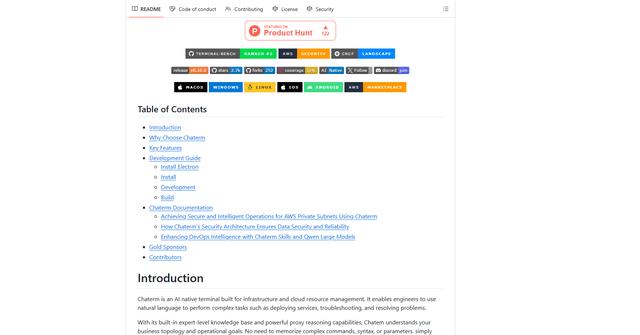
Chaterm
Chaterm is an open-source AI-native terminal and SRE copilot that enables engineers to manage complex infrastructure through natural language, automating deployment, troubleshooting, and operations without memorizing commands.
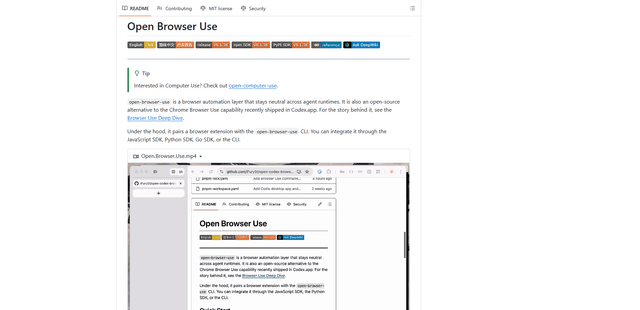
Open Browser Use
Open Browser Use is an open-source, agent-runtime-neutral browser automation layer that pairs a Chrome extension with a CLI/SDK/MCP to enable DOM-aware, CDP-powered tab control, navigation, and actions across different AI agent tools.