
Bluey Email
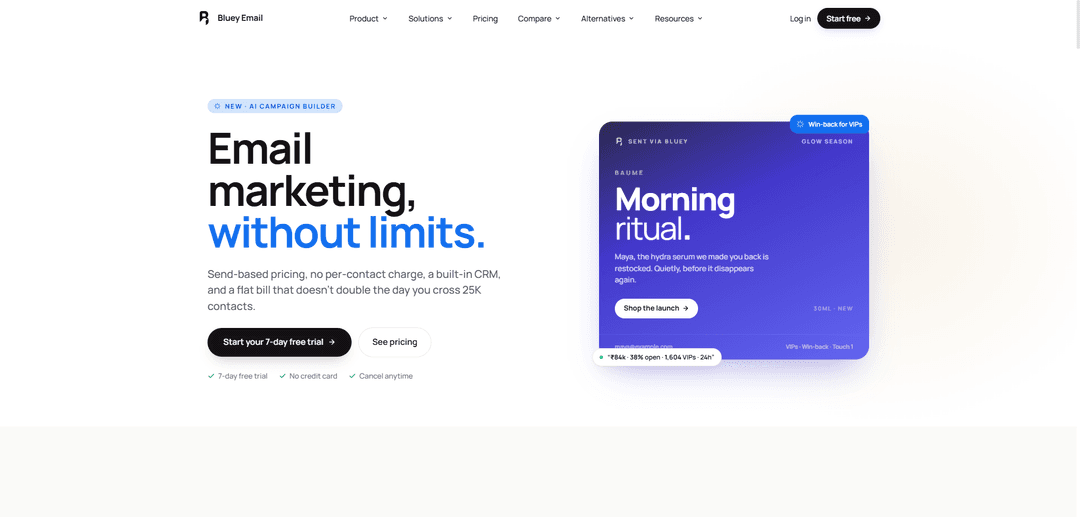
Bluey Email is a send-based email platform that combines marketing campaigns, transactional email, unlimited automations, and a built-in CRM—plus an AI Campaign Builder—so teams can scale without per-contact pricing.
https://blueyemail.com/?ref=producthunt
Product Information
Updated:Sep 21, 2026
What is Bluey Email
Bluey Email is an email marketing and transactional email platform designed to remove common growth penalties found in traditional tools. Instead of charging you more as your contact list grows, Bluey focuses on send-based pricing and keeps marketing and transactional messages (like receipts, OTPs, and password resets) under one account and one bill. It also includes modern essentials like a built-in CRM, automation flows, A/B testing, and a 7-day free trial with no credit card required, positioning it as a scalable option for e-commerce, SaaS, and agencies that want predictable pricing and fewer feature paywalls.
Key Features of Bluey Email
Bluey Email is an all-in-one email platform for marketing and transactional sending with send-based pricing (no per-contact fees), built-in CRM, landing pages/forms, and unlimited campaigns/automations without step or branch limits. It includes AI-powered campaign and sequence generation (Composer), deep revenue attribution analytics, domain/authentication guidance (SPF/DKIM/DMARC checks), and practical migration/support (CSV import, real human support). It focuses on removing feature paywalls and consolidating marketing + transactional email under one setup and invoice, with native Shopify plus automation-friendly integrations via Zapier/webhooks/API.
Send-based pricing (no contact caps): Charges based on the number of emails you actually send, not the number of contacts you store—so your bill doesn’t spike as your list grows or as integrations sync in more contacts.
Marketing + transactional email in one platform: Run newsletters and automations alongside receipts, OTPs, and password resets under one domain verification setup (DKIM) and one suppression/unsubscribe system, billed on a single invoice.
AI Campaign Builder (Composer) + AI sequences: Generate campaigns from a single prompt—copy, layout, audience/segmentation, and automation flows—while using an AI safety approach to reduce “creepy” or broken personalization.
Visual automations with unlimited branching/steps: Build multi-branch flows like welcome series, cart recovery, win-back, and onboarding with real-time execution visibility, conversion-aware stopping, and no “automation limit” walls.
Landing pages, forms, popups, and waitlists: Create lead capture experiences directly inside Bluey (no external landing page builder required) to grow lists and route signups into automations.
Deep analytics and revenue attribution: Track performance beyond opens/clicks with revenue per campaign/subscriber, funnel/flow drop-offs, and step-level attribution to see which automation touchpoints drive sales.
Use Cases of Bluey Email
Ecommerce cart recovery and win-back: Shopify-connected stores can trigger abandoned cart/browse abandonment flows, VIP win-back sequences, and post-purchase upsells, with revenue attributed back to specific steps.
SaaS onboarding and lifecycle messaging: Send welcome/onboarding journeys, feature adoption nudges, and re-engagement campaigns using event-triggered automations and segmentation, while also handling transactional product emails.
Creator or newsletter growth funnels: Use built-in landing pages/forms and automated welcome sequences to grow an audience, deliver newsletter campaigns, and measure engagement without paying per stored subscriber.
Webinars and launches: Build waitlists, registration flows, reminder sequences, and follow-up funnels with branching logic (attended vs. no-show), plus A/B testing where applicable on plan.
B2B lead capture and nurturing: Capture leads through forms/landing pages, manage them in the built-in CRM, and run segmented nurture sequences with deliverability-friendly personalization controls.
Pros
Cost scales with sends, not list size—avoids “dead contact taxes” and contact-cap pricing shocks.
Unified marketing + transactional email with one setup (DKIM/domain verification) and one suppression list simplifies operations.
Strong automation + analytics focus: multi-branch flows, step-level revenue attribution, and funnel drop-off visibility.
Built-in landing pages/forms and included support/migration (CSV import, real-human help) reduce time-to-launch.
Cons
Email-only platform: no SMS, WhatsApp, or push notifications (not an omnichannel tool).
Some advanced capabilities are plan-dependent (e.g., CRM/testing/automation allowances vary by plan as listed on pricing).
If you only need pure transactional sending, specialized providers (e.g., Postmark/SES) may be a better fit depending on priorities.
How to Use Bluey Email
1) Create your Bluey Email account and start the free trial: Go to https://blueyemail.com/ and start the 7-day free trial (no credit card). This gives you access to build campaigns, set up automations (flows), and explore the built-in CRM depending on your plan.
2) Connect and authenticate your sending domain (SPF, DKIM, DMARC): In Bluey, connect your sending domain and complete email authentication so your emails land in inboxes. Add the DNS records Bluey provides for SPF, DKIM, and DMARC. The platform runs checks when you connect your domain and guides you through fixes. Start with DMARC at p=none while you verify everything is passing; later tighten to p=quarantine and eventually p=reject once stable.
3) Set up compliance basics (unsubscribe + consent tracking): Ensure every marketing email includes unsubscribe management (including one-click unsubscribe where applicable) and that you’re only emailing opted-in contacts. Keep spam complaints under 0.3% and avoid sending to people who no longer engage.
4) Import contacts (CSV) and map fields: Upload a CSV containing contacts, tags, and any custom fields. Map columns to Bluey fields during import. Bluey can clean obvious bad addresses so your list is ready to send quickly.
5) Connect your data sources (Shopify / Zapier / webhooks / REST API): If you use Shopify, connect it to pull order/cart events for segmentation and revenue attribution. For other tools, connect via Zapier, viaSocket, Google Analytics 4, webhooks, or the REST API. Use webhooks/API if you need to trigger flows from custom backend events.
6) Build your first campaign using Composer (manual or AI prompt): Open Composer and either (a) design a campaign using templates and your product shots, or (b) use the AI Campaign Builder: type one sentence describing what you want to send. Bluey generates copy, layout, audience suggestion, and a queued campaign. Edit anything before sending.
7) Choose your audience and segmentation rules: Select who should receive the campaign (e.g., all subscribers, recent buyers, VIPs). Use behavior and purchase data (especially if Shopify is connected) to segment by buying behavior and engagement.
8) Schedule and send your campaign: Pick a send time (or use send-time optimization if available), then schedule or send immediately. After sending, monitor opens, clicks, and revenue attribution in analytics.
9) Set up your first automation (flow): Welcome series: Create a flow triggered when someone signs up. Build the sequence using the core nodes: Trigger → Wait → Send. A common structure is three emails spaced roughly 30–60 minutes, 24 hours, and 48–72 hours. Stop after the third touch to avoid sounding pushy and to reduce training subscribers to expect coupons.
10) Set up your second automation (flow): Abandoned cart recovery: Use a cart/checkout event trigger (from Shopify or your custom event via API). Add a wait, then send a reminder. Add conditions/branches so the flow stops when the customer converts (purchases), preventing unnecessary follow-ups. Use revenue attribution to see which step recovers sales.
11) Set up your third automation (flow): Win-back / re-engagement: Create a flow that triggers after a period of inactivity or time since last purchase. Add branching for VIPs vs casual customers (VIP-aware copy/offers). Stop the flow when they re-engage or purchase.
12) Add branching, exits, and waits to refine automations: Use conditions to branch based on behavior (opened, clicked, purchased, viewed product) and add exits so people leave the flow when they convert. Use wait nodes to space messages appropriately.
13) Use A/B testing to improve performance: Test subject lines, content, send times, or full email variations. Configure the test so the winner automatically sends to the remainder of your audience.
14) Monitor deliverability and protect sender reputation: Track inbox placement signals indirectly via engagement and complaint rates. Keep complaints under 0.3%, maintain list hygiene, and avoid emailing unengaged contacts. If reputation dips, recovery typically takes weeks: reduce or suppress unengaged segments, keep volume steady, and focus on engaged recipients.
15) Run a final re-engagement push, then suppress inactive contacts: Before removing or suppressing, send a short 2–3 email re-engagement sequence. Suppress those who don’t respond. Because Bluey uses send-based pricing (billed on emails sent, not contacts stored), suppressing inactive contacts doesn’t penalize you for list size.
16) Track results in analytics (including revenue attribution): Review campaign and flow performance: opens, clicks, click-to-open, and revenue per campaign/subscriber. For automations, use flow drop-offs and step-level attribution to identify which message closes sales.
17) Use the built-in CRM (if on your plan) to manage pipeline and history: Store contacts and revenue history in the built-in CRM and use it to coordinate marketing and transactional messaging in one place. Keep a universal suppression approach so unsubscribes and bounces are respected across sends.
18) Send transactional emails (receipts, OTPs, password resets) in the same account: Configure transactional sending so receipts and authentication emails are handled alongside marketing email under one domain verification setup and one invoice. Ensure transactional templates are clear, minimal, and authenticated with the same SPF/DKIM/DMARC setup.
19) Export your data anytime: If you need to migrate or back up, export contacts and revenue history in usable formats (e.g., CSV). Bluey emphasizes easy export without long delays.
20) Get human support for setup and troubleshooting: If you get stuck (domain auth, imports, flow logic, integrations), contact support. Bluey positions setup guidance as included, with real humans helping you build key flows like welcome, cart recovery, and onboarding.
Bluey Email FAQs
Bluey Email is an email platform that combines marketing emails and transactional emails in one product, with send-based pricing (you pay for emails you send, not contacts you store) and a built-in CRM.
Bluey Email Video
Popular Articles

Atoms: A Multi-Agent AI Platform That Transforms Ideas into Launch-Ready Products
May 22, 2026

Nano Banana SBTI: What It Is, How It Works, and How to Use It in 2026
Apr 15, 2026

Atoms Review — The AI Product Builder Redefining Digital Creation in 2026
Apr 10, 2026

Kilo Claw: How to Deploy and Use a True "Do‑It‑For‑You" AI Agent(2026 Update)
Apr 3, 2026
Latest AI Tools Similar to Bluey Email
Voltmailer
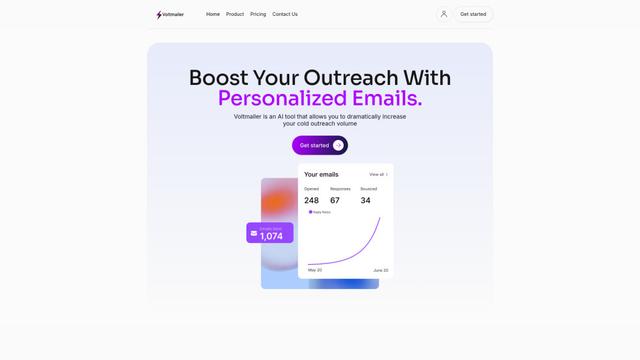
Voltmailer is an AI-powered email automation tool that helps businesses scale their cold outreach by generating personalized emails through website data scraping and automated personalization.
Strongest Layer
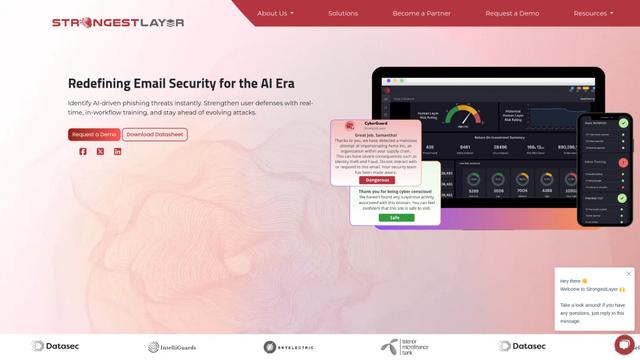
StrongestLayer is an AI-powered email security platform that protects organizations against AI-generated phishing threats while providing real-time training and threat analysis integrated directly into employee email workflows.
GATE AI Email Generator
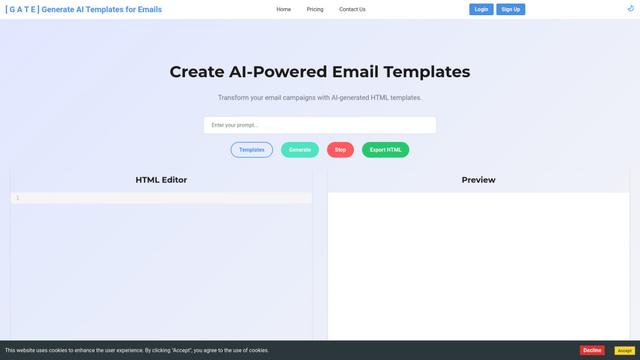
GATE is an AI-powered email HTML template generator that helps transform email campaigns by automatically creating customized HTML templates using artificial intelligence.
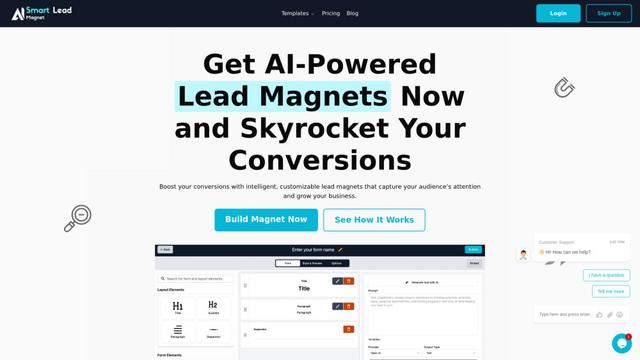
SmartLeadMagnet
SmartLeadMagnet is an AI-powered lead magnet creation platform that helps businesses generate high-converting lead magnets through an intuitive drag-and-drop interface, customizable templates, and seamless website integration.
Popular AI Tools Like Bluey Email
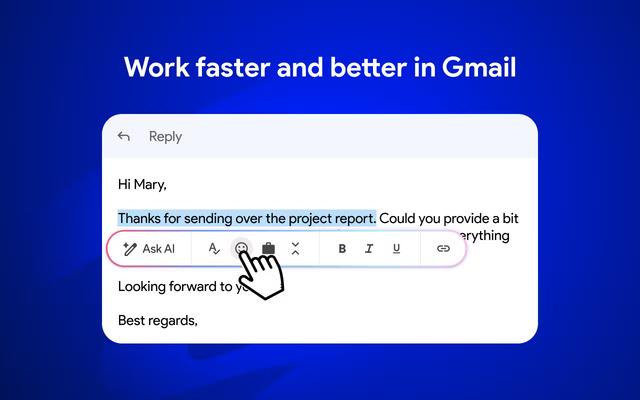
Mailmeteor AI for Gmail
Mailmeteor is a powerful Gmail extension that combines AI email writing, mail merge, automated follow-ups, and email export capabilities to enhance productivity and email management within Gmail.
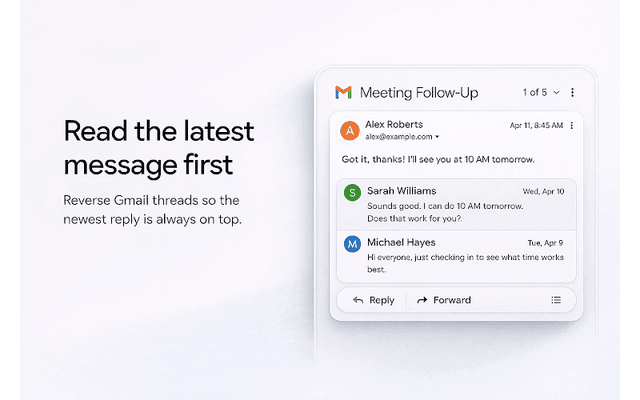
Apparent for Gmail
Apparent for Gmail is a Chrome extension that enhances Gmail's readability and usability by reorganizing conversations, simplifying layouts, and streamlining workflows while maintaining privacy and security.
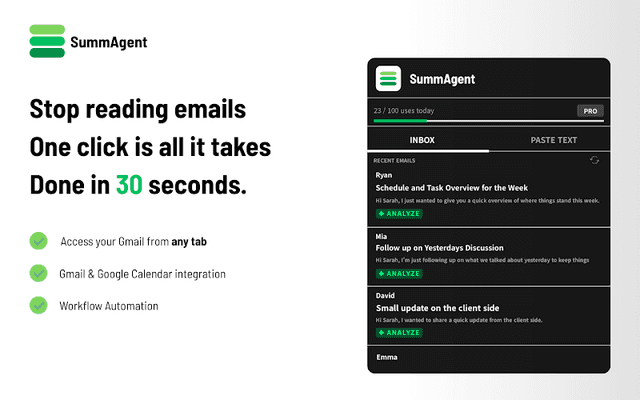
SummAgent
SummAgent is an AI-powered Gmail productivity extension that extracts tasks and deadlines from emails, provides smart summaries, and syncs action items directly to Google Calendar with one click.
Mailchimp
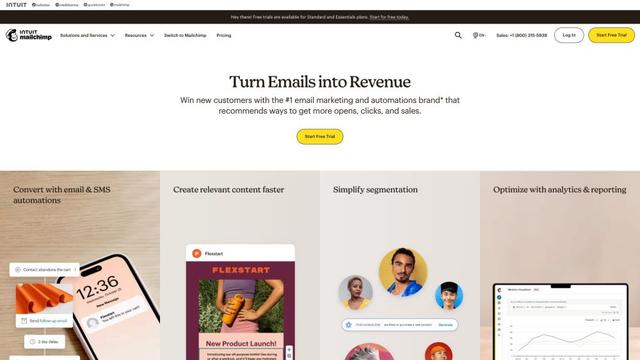
Mailchimp is a leading all-in-one marketing platform that provides AI-powered email marketing, automation, and customer relationship management tools to help businesses grow and engage with their audience.