
SummAgent
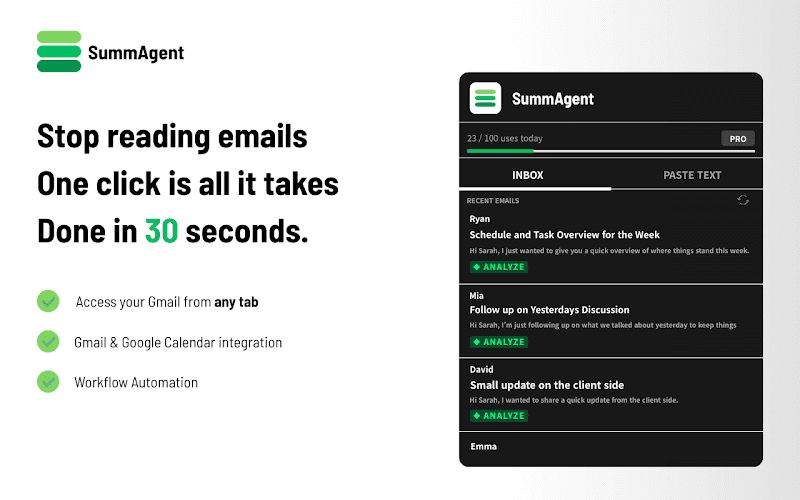
SummAgent is an AI-powered Gmail productivity extension that extracts tasks and deadlines from emails, provides smart summaries, and syncs action items directly to Google Calendar with one click.
https://chromewebstore.google.com/detail/ammooofobcbihechpcheneobmfjhledh?utm_source=item-share-cb&ref=producthunt
Product Information
Updated:Apr 15, 2026
What is SummAgent
SummAgent is a Chrome browser extension designed to transform Gmail inbox management by serving as an intelligent productivity partner. Released in April 2025 (version 1.1.1), this AI-powered tool addresses the common challenge of digging through lengthy email threads to find critical information like dates, times, and action items. Developed by SummAI and based in South Korea, SummAgent works directly within the browser to maintain data security while converting messy inboxes into organized schedules. The extension offers in-app purchases and is specifically designed for Gmail users who want to streamline their email workflow and focus on what truly matters rather than spending time manually parsing through correspondence.
Key Features of SummAgent
SummAgent is an intelligent Gmail productivity Chrome extension that transforms cluttered email inboxes into organized schedules. It leverages AI technology to extract key information from emails, including action items, deadlines, and important dates, and seamlessly integrates them with Google Calendar. The extension provides smart summaries of long email threads, allowing users to quickly grasp essential information without reading every word. Operating directly within the browser, SummAgent prioritizes security while helping users focus on what matters most by automating email management tasks.
Task Extraction: Automatically identifies action items and deadlines from your emails, eliminating the need to manually search through long threads
One-Click Calendar Sync: Seamlessly adds extracted items, dates, and times directly to Google Calendar with a single click
Smart Summaries: Converts long email threads into concise key summaries, allowing you to understand the essence without reading every word
Fast & Secure Processing: Works directly within your browser to ensure data safety and privacy while providing quick results
Use Cases of SummAgent
Project Management: Automatically extract project deadlines, milestones, and action items from team email communications and sync them to your calendar for better task tracking
Client Communication Management: Quickly summarize lengthy client email threads to identify key requirements, meeting times, and deliverables without missing critical details
Executive Email Processing: Help busy executives efficiently process high volumes of emails by providing instant summaries and automatically scheduling important meetings and tasks
Sales Follow-up Tracking: Extract follow-up dates and action items from customer conversations to ensure timely responses and maintain strong client relationships
Academic Coordination: Students and educators can track assignment deadlines, meeting schedules, and important dates mentioned in email communications automatically
Pros
Saves significant time by automating email reading and task extraction
Direct browser integration ensures data security and privacy
Seamless Google Calendar integration for easy schedule management
Reduces information overload with smart email summaries
Cons
Limited to Gmail platform only, not compatible with other email services
Relatively new extension with no user reviews or ratings available yet
Requires access to personal email data which may concern privacy-conscious users
Offers in-app purchases which may indicate limited functionality in free version
How to Use SummAgent
1: Install the SummAgent extension from the Chrome Web Store
2: Open your Gmail inbox in your browser
3: Navigate to an email or email thread that you want to summarize or extract information from
4: Click on the SummAgent extension icon to activate it on the email
5: Review the smart summary generated by SummAgent, which highlights key points without reading every word
6: Check the extracted tasks and action items that SummAgent has identified from the email
7: Review any dates, times, and deadlines that have been automatically detected
8: Use the one-click calendar sync feature to add extracted items directly to your Google Calendar
SummAgent FAQs
SummAgent is an intelligent Gmail productivity partner Chrome extension that helps you manage your inbox more efficiently. It transforms messy email threads into organized schedules by extracting tasks, identifying action items and deadlines, creating smart summaries of long emails, and seamlessly syncing extracted items to Google Calendar with one click.
Popular Articles

Vosko AI: Localize and Dub Videos for Global Audiences
Oct 15, 2026

Atoms: A Multi-Agent AI Platform That Transforms Ideas into Launch-Ready Products
Oct 13, 2026

Nano Banana SBTI: What It Is, How It Works, and How to Use It in 2026
Apr 15, 2026

Atoms Review — The AI Product Builder Redefining Digital Creation in 2026
Apr 10, 2026
Latest AI Tools Similar to SummAgent
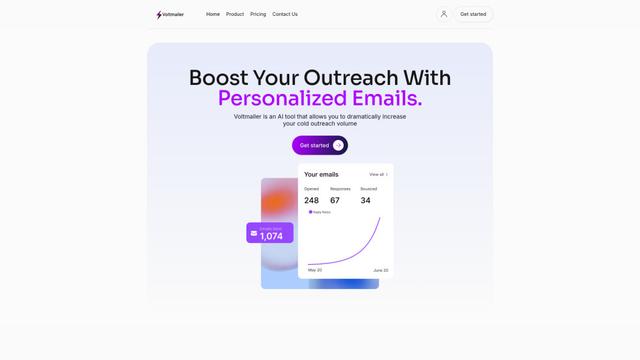
Voltmailer
Voltmailer is an AI-powered email automation tool that helps businesses scale their cold outreach by generating personalized emails through website data scraping and automated personalization.
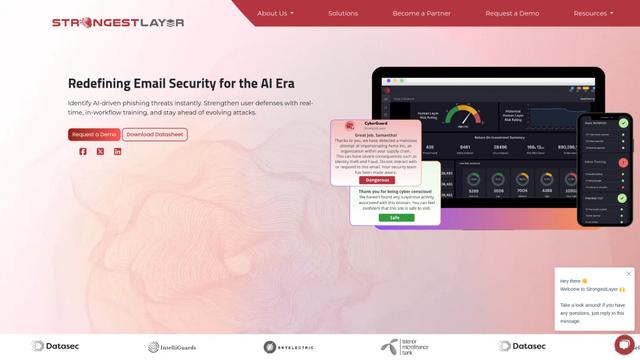
Strongest Layer
StrongestLayer is an AI-powered email security platform that protects organizations against AI-generated phishing threats while providing real-time training and threat analysis integrated directly into employee email workflows.
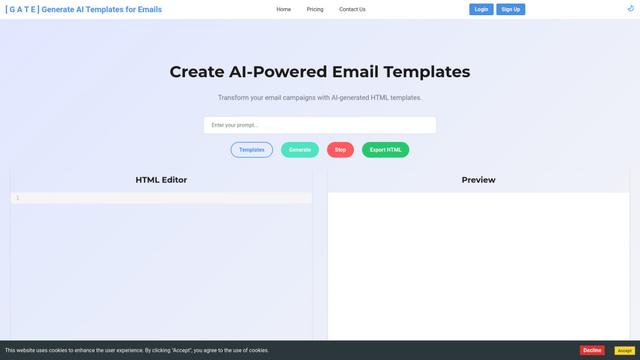
GATE AI Email Generator
GATE is an AI-powered email HTML template generator that helps transform email campaigns by automatically creating customized HTML templates using artificial intelligence.
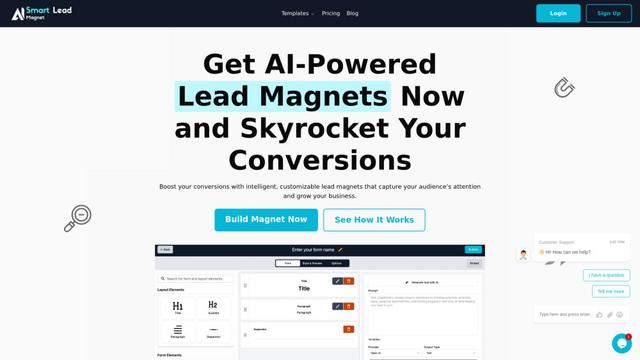
SmartLeadMagnet
SmartLeadMagnet is an AI-powered lead magnet creation platform that helps businesses generate high-converting lead magnets through an intuitive drag-and-drop interface, customizable templates, and seamless website integration.
Popular AI Tools Like SummAgent
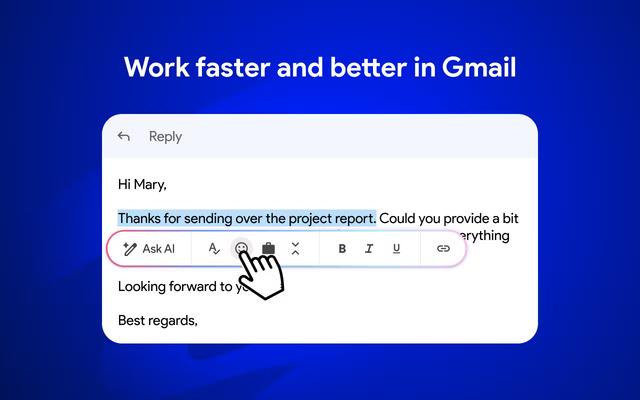
Mailmeteor AI for Gmail
Mailmeteor is a powerful Gmail extension that combines AI email writing, mail merge, automated follow-ups, and email export capabilities to enhance productivity and email management within Gmail.

Apparent for Gmail
Apparent for Gmail is a Chrome extension that enhances Gmail's readability and usability by reorganizing conversations, simplifying layouts, and streamlining workflows while maintaining privacy and security.

Mailchimp
Mailchimp is a leading all-in-one marketing platform that provides AI-powered email marketing, automation, and customer relationship management tools to help businesses grow and engage with their audience.

Klaviyo
Klaviyo is an intelligent marketing automation platform that unifies customer data and powers personalized email, SMS, and other digital marketing campaigns.