
ChatHop
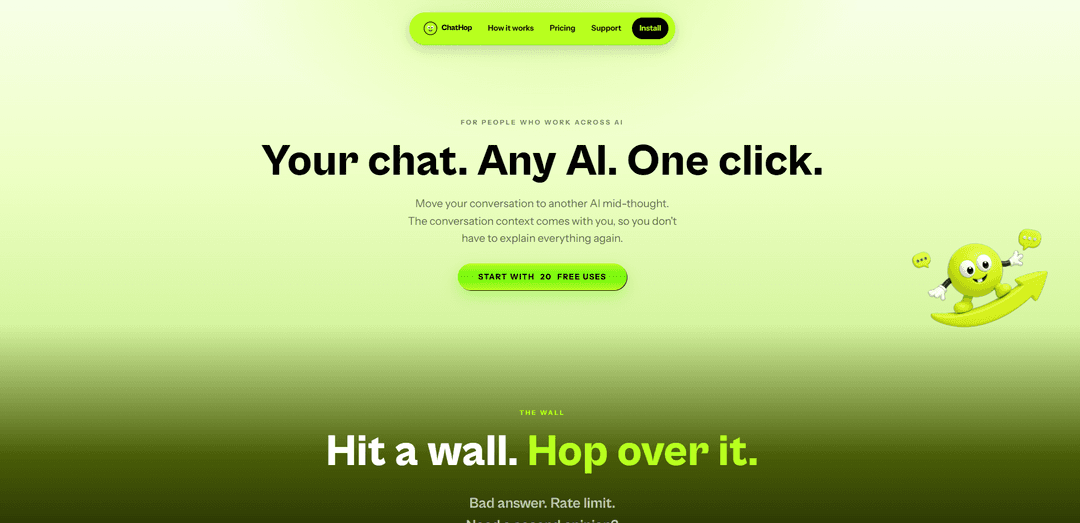
ChatHop is a one-click tool that carries your full conversation context between major AI chat services—letting you switch models, avoid rate limits, and continue seamlessly with optional auto-send and plain-text/Markdown export.
https://chathop.tech/?ref=producthunt
Product Information
Updated:Sep 21, 2026
What is ChatHop
ChatHop is built for people who rely on AI chats daily and don’t want to lose momentum when they hit a wall—like a bad answer, a rate limit, or simply needing a second opinion. Instead of re-explaining your prompt and context from scratch, ChatHop “hops” your existing conversation into a new chat on the AI service you choose. It supports the major AI chat platforms you already use and emphasizes user control: by default, it prepares the transferred message for review rather than sending it automatically.
Key Features of ChatHop
ChatHop is a tool that lets you “hop” an ongoing conversation from one AI chat service to another in a single click, carrying over the full context so you don’t have to re-explain. It’s designed for moments when you hit a wall (bad answer, rate limits, or needing a second opinion), and it places the transferred conversation into the destination chat composer for you to review before sending. Auto-send is optional and off by default, and it also supports copying the entire conversation to your clipboard in plain text or Markdown so you can paste it anywhere.
One-click conversation hopping: Move an existing chat’s context into a fresh conversation on another AI service with minimal friction—click, pick a reason/destination, and continue.
Cross-AI context carryover: Transfers the conversation context so you can continue seamlessly in the new AI chat without retyping background or prior messages.
Review-before-send workflow: The conversation is placed into the destination composer for review first, helping you confirm what will be shared before continuing.
Optional auto-send (off by default): Auto-send can be enabled for faster workflows, but the default behavior is to not send anything automatically.
Full chat copy in plain text or Markdown: Copy the entire conversation to the clipboard in your preferred format for reuse in documents, notes, code editors, Slack, email, or other tools.
Use Cases of ChatHop
Avoiding downtime from rate limits: When one AI service rate-limits or errors, teams can hop the same conversation to another provider and keep working without losing context.
Second-opinion and verification workflows: Researchers, analysts, and writers can move the same prompt history to another AI to cross-check answers, reduce hallucination risk, or compare outputs.
Software development and debugging: Developers can transfer a multi-turn debugging thread to a different AI tool better suited for code reasoning, then paste the full history into an issue, PR, or doc in Markdown.
Customer support and operations handoffs: Support or ops teams can copy or hop conversation context into internal channels (e.g., Slack/email/docs) or another AI for summarization, drafting replies, or escalation notes.
Content production across tools: Marketers and content teams can continue the same editorial conversation across different AI chat services (or export to Markdown) to fit different stages like ideation, polishing, and repurposing.
Pros
Reduces rework by carrying full conversation context across AI chats
Improves reliability and continuity when an AI tool gives poor answers or is rate-limited
User control: review-first and auto-send is optional/off by default
Easy export via plain text/Markdown copy for documentation and collaboration
Cons
Effectiveness depends on compatibility/support for the “major AI chat services” a user relies on
Moving conversations between services may require careful review to avoid sharing sensitive context
Best value is realized only if you regularly switch between multiple AI chat tools
How to Use ChatHop
1. Open your current AI conversation: Start in the AI chat service you already use. ChatHop works with major AI chat services, so you can begin from an existing conversation where you’re stuck, rate-limited, or want a second opinion.
2. Trigger ChatHop: Click the ChatHop action/entry point while viewing your conversation to begin moving ("hopping") the conversation context.
3. Choose your reason for hopping: Select why you’re moving the conversation (e.g., bad answer, rate limit, need a second opinion). This helps guide the hop flow.
4. Pick the destination AI chat: Select the AI service you want to hop to. ChatHop will carry over the conversation context so you don’t have to re-explain.
5. Review the carried-over conversation in the destination composer: ChatHop places the conversation into the destination chat’s message composer so you can verify it before sending.
6. Send the message (or enable Auto-send if you want): By default, Auto-send is off, so nothing is sent without your approval. If you enable Auto-send, ChatHop can send automatically—but only with your explicit opt-in.
7. Continue the conversation in the new AI chat: Proceed from the destination AI with the full context already present, and continue your workflow without retyping background.
8. (Optional) Copy the entire chat to your clipboard: Use ChatHop’s copy feature to copy the complete conversation in plain text or Markdown, then paste it anywhere (documents, email, notes, code editor, Slack, or another AI).
9. (Optional) Watch the demo to learn the flow: View the product video (“Watch the hop”) to see the hop process end-to-end and understand the click → pick → review → send workflow.
ChatHop FAQs
ChatHop is a tool that lets you move an existing AI chat conversation (its context) into a fresh chat on another AI service in one click, so you can continue without re-explaining.
Popular Articles

Vosko AI: Localize and Dub Videos for Global Audiences
Oct 15, 2026

Atoms: A Multi-Agent AI Platform That Transforms Ideas into Launch-Ready Products
Oct 13, 2026

Nano Banana SBTI: What It Is, How It Works, and How to Use It in 2026
Apr 15, 2026

Atoms Review — The AI Product Builder Redefining Digital Creation in 2026
Apr 10, 2026
Latest AI Tools Similar to ChatHop
Folderr
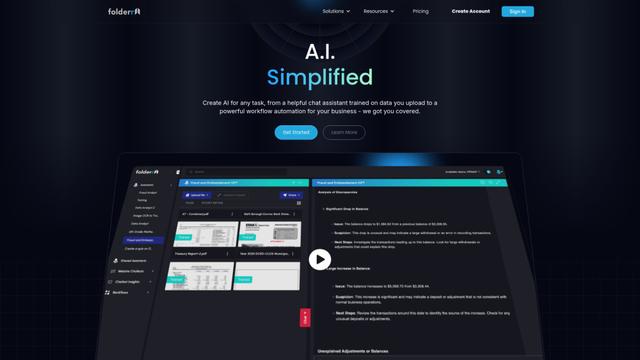
Folderr is a comprehensive AI platform that enables users to create custom AI assistants by uploading unlimited files, integrating with multiple language models, and automating workflows through a user-friendly interface.
Peache.ai
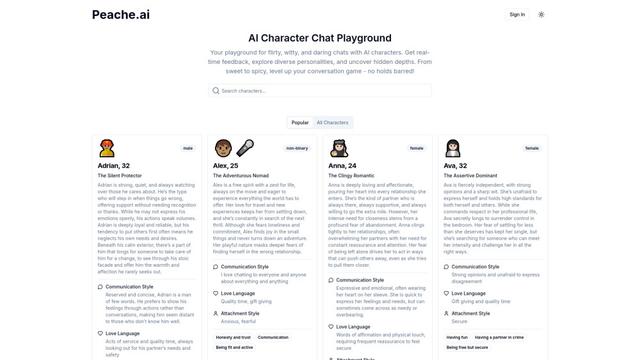
Peache.ai is an AI character chat playground that enables users to engage in flirty, witty, and daring conversations with diverse AI personalities through real-time interactions.

TalkPersona
TalkPersona is an AI-powered video chatbot that provides real-time human-like conversation through a virtual talking face with natural voice and lip-sync capabilities.
Thaly AI
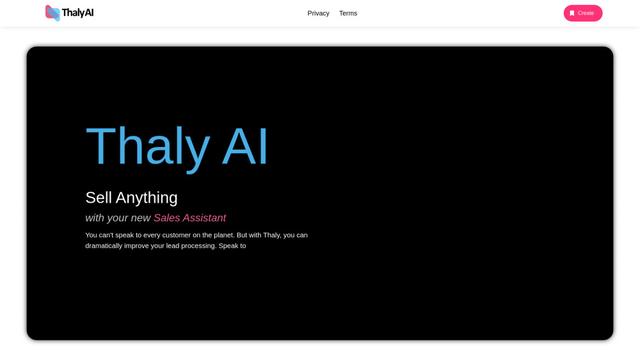
Thaly AI is an AI-powered sales assistant that automates customer conversations and lead qualification to help businesses scale their sales operations while saving time.
Popular AI Tools Like ChatHop

GPT‑5.5 | ChatGPT Official
GPT‑5.5 in ChatGPT is OpenAI’s latest work-focused model designed to understand complex goals, use tools effectively, check its work, and carry multi-step tasks (coding, research, documents, spreadsheets) through to completion with stronger safeguards.
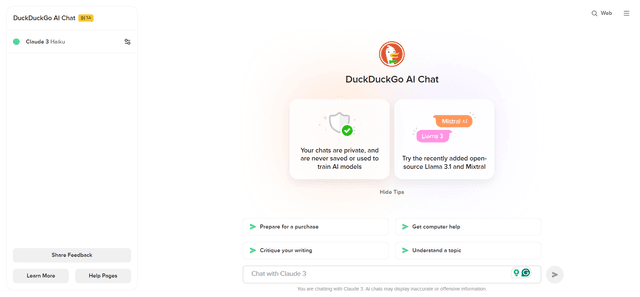
DuckDuckGo AI Chat
DuckDuckGo AI Chat is a free, anonymous way to access popular AI chatbots like GPT-3.5, Claude, and others while preserving user privacy.

Arch
Arch is an intelligent Layer 7 gateway built on Envoy Proxy that provides secure handling, robust observability, and seamless integration of prompts with APIs for building fast, robust, and personalized AI agents.
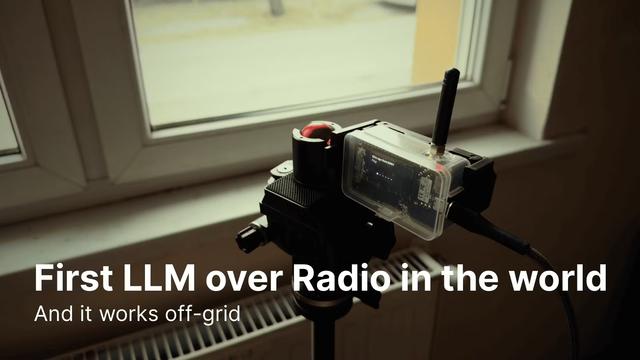
Off-grid LLM over Radio
A platform that integrates Large Language Models (LLMs) with Meshtastic mesh communication networks to enable off-grid AI interactions and automated task execution through radio communication.