
Craft Agents
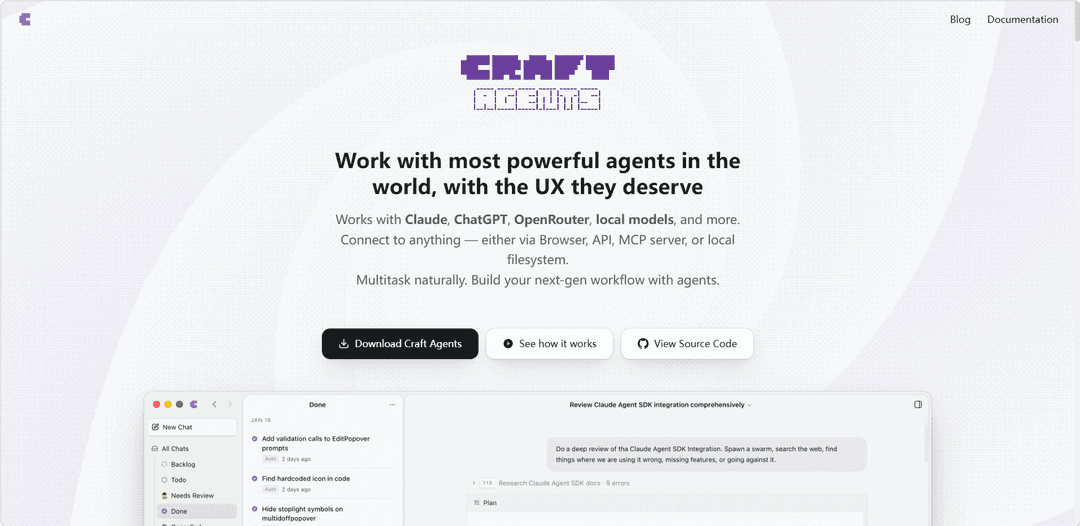
Craft Agents is an open-source, agent-native desktop app and CLI for working with AI agents across multiple models, APIs, MCP servers, local files, and web browsers through a document-centric multitasking interface.
https://thecraftagents.com/?ref=producthunt
Product Information
Updated:Nov 20, 2026
What is Craft Agents
Craft Agents is a customizable desktop workspace for individuals and teams that want to use capable AI agents without relying solely on a command-line interface. Built with the Claude Agent SDK and Pi SDK, it supports Claude, ChatGPT/Codex, OpenRouter, local models through Ollama or LM Studio, and other compatible providers. The project is open source under the Apache 2.0 license, enabling users to self-host, modify, and adapt it to their own workflows. Its interface is designed around persistent sessions, task-style organization, reusable skills, source connections, permissions, diffs, and shareable conversations.
Key Features of Craft Agents
Craft Agents is an open-source, desktop-based AI agent workspace for orchestrating tasks across APIs, MCP servers, local files, databases, and websites. It supports multiple model providers—including Claude, ChatGPT, OpenRouter, and local models—and combines document-style conversations, background task execution, reusable skills, fine-grained permissions, a built-in Chromium browser, and configurable Explore and Execute modes to let users research, plan, automate, and review work from one interface.
Universal integrations: Connect REST APIs, OpenAPI specifications, MCP servers, local filesystems, databases, and SaaS tools such as Slack, Gmail, GitHub, Linear, Notion, and Google Drive. Users can describe the desired connection in natural language or paste existing configuration.
Built-in agent browser: A full Chromium browser lets agents navigate websites, log in through user-authorized sessions, fill forms, click controls, extract information, capture screenshots, and work with services that do not expose an API.
Multi-model and local-model support: Use Anthropic Claude, ChatGPT/Codex, OpenRouter and compatible gateways, or offline local endpoints such as Ollama and LM Studio, allowing organizations to select models based on cost, capability, or privacy needs.
Explore-to-Execute control: Explore mode supports read-only research, analysis, and planning before changes are made; Execute mode enables the agent to carry out approved work with less interruption. Per-source permissions further limit what an agent can read, write, or run.
Multitasking and background work: Run multiple agent sessions, preserve the context of each task, organize work similarly to an inbox, and allow longer operations to continue in the background with completion notifications.
Custom skills and configurable workflows: Create reusable skills containing specialized instructions and supporting resources for recurring workflows. Themes, permissions, statuses, workflows, and skills are file-based and can be edited, versioned, and shared.
Use Cases of Craft Agents
Software engineering operations: Connect GitHub, GitLab, Linear, Sentry, local repositories, and internal APIs so agents can investigate issues, draft implementation plans, help with code-related tasks, update tickets, and preserve decision context for reviews.
Business process automation: Automate cross-tool workflows such as gathering data from a dashboard, updating a CRM, creating tasks, drafting a follow-up in Gmail or Slack, and reporting completion while retaining human approval for sensitive actions.
Research and competitive intelligence: Use browser automation and connected sources to collect information from public sites, internal documents, databases, and spreadsheets, then synthesize findings into structured reports, comparisons, or briefing materials.
Customer support and operations: Connect Zendesk, Slack, product databases, and internal documentation to investigate customer issues, summarize account context, prepare response drafts, and coordinate follow-up work across support and engineering teams.
E-commerce and revenue workflows: Combine Shopify, Stripe, HubSpot, spreadsheets, and browser-based tools to monitor orders or support cases, analyze operational data, prepare outreach, and execute repeatable back-office processes.
Private internal-tool assistant: Organizations can connect private APIs, databases behind controlled access, local files, and custom MCP tools to build a natural-language interface for internal systems without requiring every workflow to be developed as a dedicated application.
Pros
Broad connectivity across MCP, APIs, local files, databases, browser automation, and many common business tools.
Flexible model choice, including local/offline models for workflows with stronger privacy or data-control requirements.
Human-control features such as planning before execution, fine-grained permissions, and separate Explore and Execute modes.
Open-source Apache 2.0 licensing and file-based customization support self-hosting, modification, and reusable workflow skills.
Cons
Connecting powerful sources, local subprocesses, databases, and browser sessions can create security risks if permissions, credentials, and agent actions are not carefully governed.
Reliable autonomous execution depends on the selected model, API quality, website stability, and the clarity of task instructions; browser-based workflows can be brittle.
The breadth of integrations and customization options may require technical setup and operational oversight, particularly for private APIs, MCP servers, and self-hosted deployments.
Use of cloud models or external services may introduce usage costs, rate limits, and data-handling considerations unless a fully local setup is used.
How to Use Craft Agents
1. Install and launch Craft Agents: Download or build the open-source desktop app, then open it and create or select a workspace. If building from source, clone the repository, install dependencies with Bun, and start the Electron app.
2. Choose an AI provider: Configure the model provider you want to use. Craft Agents supports Claude through an Anthropic API key or eligible subscription, ChatGPT Plus/Codex, OpenRouter and compatible gateways, or local OpenAI-compatible models such as Ollama and LM Studio.
3. Create a new agent session: Start a new conversation for a task. Treat each session like an inbox item: give it a clear goal, keep its history for later, and organize it using statuses, priorities, flags, or custom workflow states.
4. Start in Explore mode: Use Explore mode for safe, read-only work such as research, analysis, reviewing files, checking sources, and drafting plans. Ask the agent to explain what it found and propose an approach before allowing changes.
5. Provide the goal in natural language: Describe the outcome rather than the implementation. For example: "Research our support backlog and summarize the top five recurring issues," or "Create a daily briefing from these sources." The agent can determine whether to use files, APIs, MCP tools, code, or the browser.
6. Connect a service or source: Ask the agent to connect a service, for example: "Add Linear as a source" or "Connect my Gmail." It can locate API or MCP documentation, guide credential setup, and configure the connection. You can also paste an existing MCP JSON configuration.
7. Add custom APIs when needed: For a service without an MCP server, provide an OpenAPI specification, endpoint URLs, API documentation, screenshots, or other integration details. The agent can use these to understand and configure REST or private APIs.
8. Connect local tools and data: Add access to local filesystems, repositories, databases, Obsidian vaults, Apple Notes, or local MCP servers. Stdio MCP servers can be launched as local subprocesses through commands such as npx, Python scripts, or local binaries.
9. Set permissions before execution: Review and configure what each source may read, write, or execute. Use fine-grained permissions to limit access, especially for databases, local files, production APIs, shell commands, and services that can make external changes.
10. Use the built-in browser for website work: When no suitable API is available, ask the agent to use the embedded Chromium browser. Sign in yourself if needed, then let the agent navigate pages, fill forms, click controls, extract information, and capture screenshots.
11. Review the agent plan: Ask the agent to provide a proposed plan before acting. Confirm the intended sources, scope, expected changes, and any external actions. Refine the plan in the session until it matches your goal.
12. Switch to Execute mode: After approving the plan, switch to Execute mode so the agent can perform the work. It can make authorized changes, call connected services, use MCP tools, work with files, run workflows, or operate the browser according to its permissions.
13. Multitask across sessions: Run long tasks in the background while creating or returning to other sessions. Each session retains its own conversation history and context, so you can pause work and resume it later without restating the task.
14. Inspect actions and results: Review the agent’s responses, tool activity, generated diffs, browser results, and final output. For code or file changes, inspect multi-file diffs before accepting or sharing the result.
15. Create reusable skills: Ask the agent to create a skill for work you repeat. Describe the intended workflow, required inputs, constraints, sources, and expected output. Skills can encode reusable prompts and procedures for future sessions.
16. Build recurring automations: Describe an automation in plain language, such as "Send me a morning briefing at 9 AM" or "Notify me when a session is flagged." Craft Agents can create automation configuration that triggers prompt-based workflows or commands on events or schedules.
17. Share a session with collaborators: Share an agent session when you need others to review the reasoning and outcome. Shared sessions preserve context, decisions, alternatives, and implementation details, and can be linked from tickets, issues, pull requests, or documentation.
18. Customize the workspace: Customize themes, statuses, workflows, permissions, sources, and skills to fit your process. These settings are file-based, so they can be edited, versioned, shared, and adjusted through natural-language requests to the agent.
19. Use remote or headless operation if needed: For longer-running or server-hosted workflows, run Craft Agents as a headless server on a remote machine and connect to it from the desktop app as a thin client. This lets agent work continue outside your local desktop environment.
Craft Agents FAQs
Craft Agents is an open-source desktop interface for working with AI agents. It supports models and providers including Claude, ChatGPT, OpenRouter, and local models, and is designed to let agents connect to APIs, MCP servers, web browsers, and local files.
Popular Articles

Proferex: A Cloud-Based Ad Tracking and Campaign Optimization Platform
Nov 4, 2026

How to Create Viral Talking Baby Podcast Videos with AI: Step-by-Step Guide
Nov 2, 2026

Vosko AI: Localize and Dub Videos for Global Audiences
Oct 15, 2026
Atoms: A Multi-Agent AI Platform That Transforms Ideas into Launch-Ready Products
Oct 13, 2026
Latest AI Tools Similar to Craft Agents
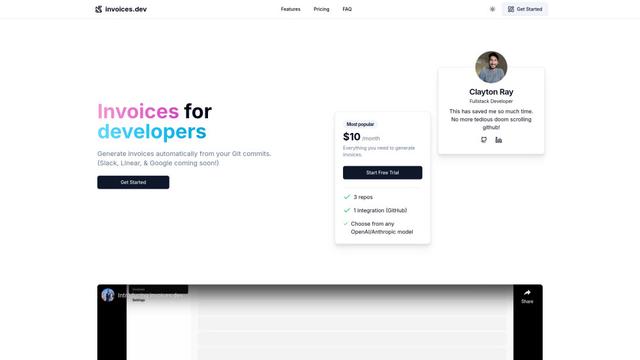
invoices.dev
invoices.dev is an automated invoicing platform that generates invoices directly from developers' Git commits, with integration capabilities for GitHub, Slack, Linear, and Google services.
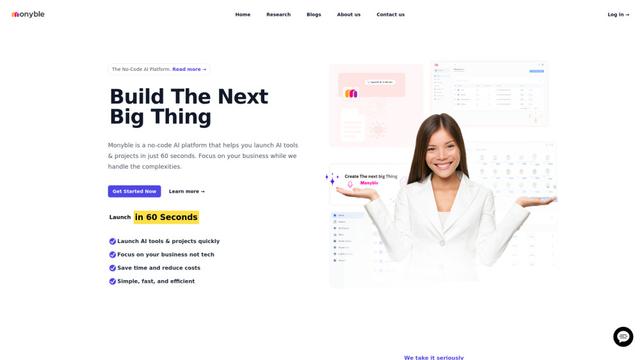
Monyble
Monyble is a no-code AI platform that enables users to launch AI tools and projects within 60 seconds without requiring technical expertise.
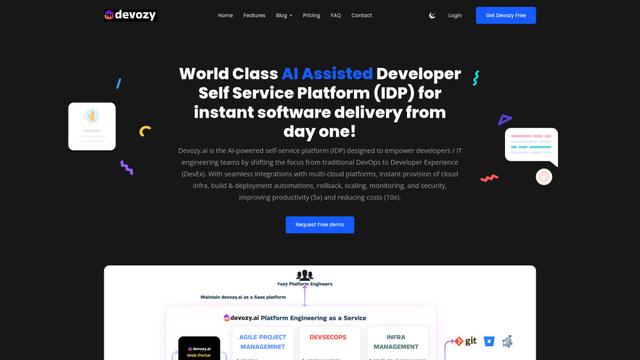
Devozy.ai
Devozy.ai is an AI-powered developer self-service platform that combines Agile project management, DevSecOps, multi-cloud infrastructure management, and IT service management into a unified solution for accelerating software delivery.
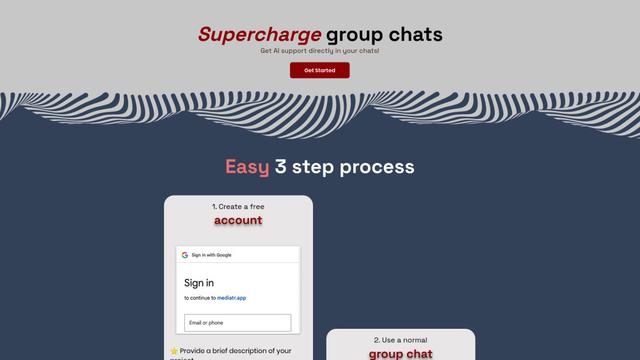
Mediatr
MediatR is a popular open-source .NET library that implements the Mediator pattern to provide simple and flexible request/response handling, command processing, and event notifications while promoting loose coupling between application components.
Popular AI Tools Like Craft Agents
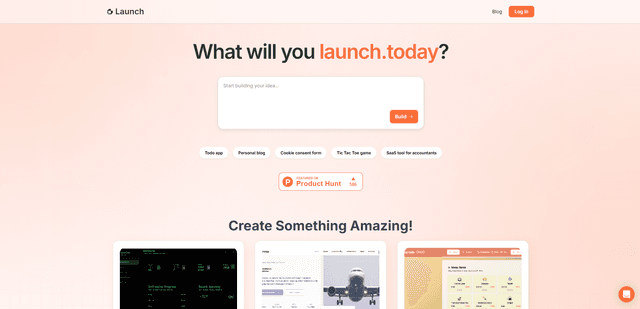
Launch
Launch is an AI-powered platform that enables users to build full-stack applications instantly while providing comprehensive tools for product launches, entrepreneurship programs, and customer acquisition.

GitHub Copilot Chat
GitHub Copilot Chat is an AI-powered coding assistant that provides natural language interactions, real-time code suggestions, and contextual support directly within supported IDEs and GitHub.com.
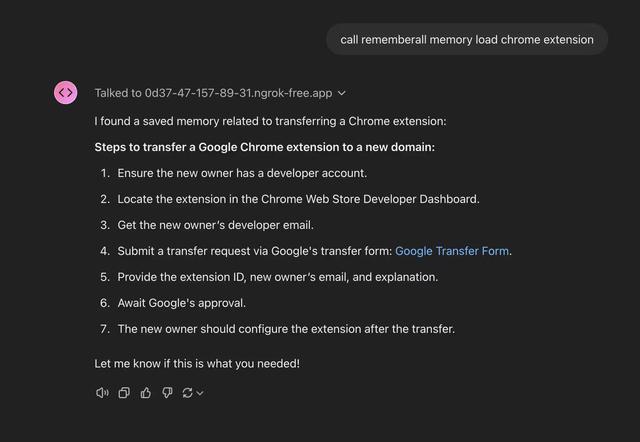
Rememberall
Rememberall is a secure, open-source long-term memory solution that enables AI applications and GPT models to maintain persistent memory across conversations through semantic search and vector storage capabilities.
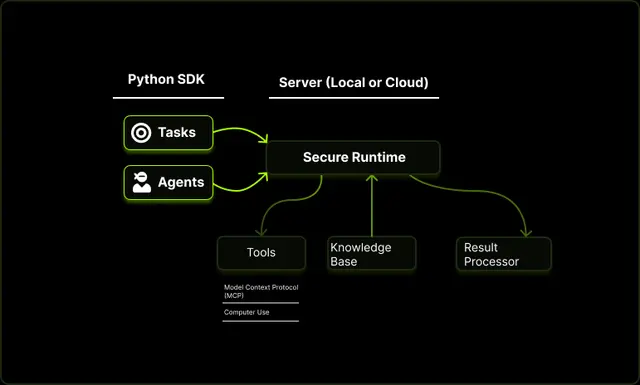
Upsonic
Upsonic is a reliability-focused AI agent framework with dockerized server-client architecture that enables trusted agent workflows through advanced features like verification layers, triangular architecture, and Model Context Protocol (MCP) integration.