
Keysake
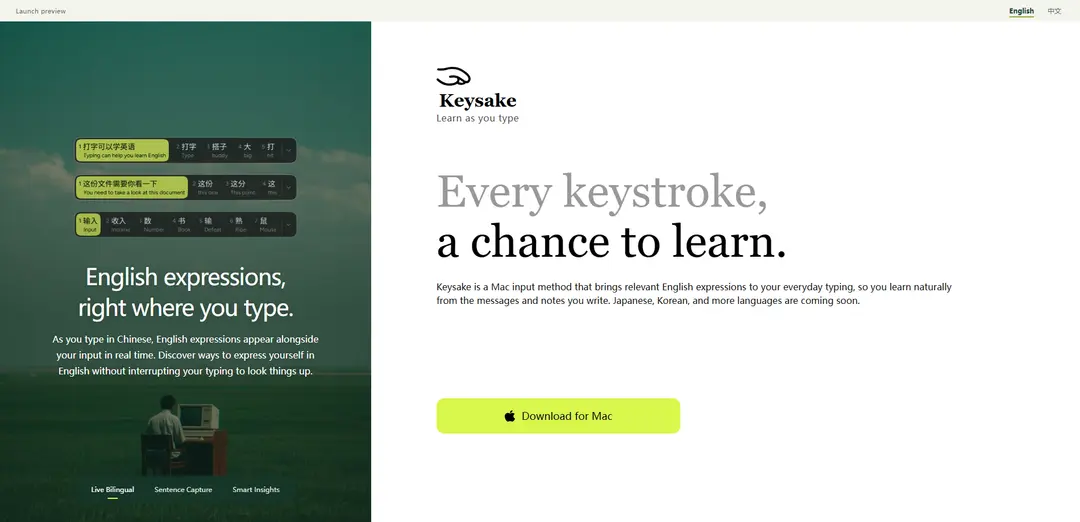
Keysake is a free macOS input method that shows real-time English expressions alongside your Chinese typing, lets you save words/phrases/full sentences with simple gestures, and provides built-in grammar insights to help you learn in context.
https://keysake.ai/?ref=producthunt
Product Information
Updated:Oct 8, 2026
What is Keysake
Keysake is a Mac input method designed for learning English through everyday writing. As you type in Chinese, it surfaces corresponding English expressions right next to your input so you can discover natural ways to say what you already mean—without stopping to search or switch apps. It focuses on context-driven learning: you can collect words, phrases, or complete sentences from your own messages and notes, then revisit them later with explanations. Today it supports Chinese input with a Chinese-language interface on macOS, with plans to expand to more languages such as Japanese and Korean, and to add English input support in future releases.
Key Features of Keysake
Keysake is a macOS input method designed to help users learn English while typing Chinese. As you type, it shows relevant English expressions alongside your Chinese input in real time, letting you learn without interrupting your workflow. It can save words, phrases, or full sentences you’ve typed (including a quick double-space gesture to capture a whole sentence) and later helps you review them with automatic grammar and sentence-structure insights. Keysake emphasizes privacy by using Apple’s on-device translation so your typed content isn’t sent to the cloud for translation, and it plans to expand beyond Chinese→English to more languages like Japanese and Korean in the future.
Real-time bilingual expression overlay: Displays English expressions alongside Chinese input as you type, helping you discover natural English phrasing without leaving your current app.
Sentence capture with double-space: Recognizes the full sentence you just typed and saves it when you double-tap the space bar, enabling fast collection without breaking typing flow.
Save words and phrases on demand: Allows saving individual words or phrases via hover and right-click, so you can build a personalized set of useful expressions from everyday writing.
Learning collection for review: Stores saved items (words/phrases/sentences) so you can revisit them later as a personal learning library based on what you actually wanted to say.
Automatic grammar and structure insights: Provides built-in explanations of sentence structure (e.g., subject/predicate/object) and grammar notes to help you understand how expressions work, not just memorize them.
On-device translation privacy (Apple Translation): Generates translations locally on your Mac using Apple’s on-device translation technology, reducing privacy risk by avoiding cloud-based translation for your typed input.
Use Cases of Keysake
Everyday messaging and social chat: Learners can type Chinese messages as usual and immediately see English equivalents, helping them gradually shift to writing more natural English in daily conversations.
Workplace communication and email drafting: Employees who think in Chinese can draft content and learn common professional English expressions (requests, follow-ups, document reviews) directly while composing notes or emails.
Student writing and study support: Students can capture sentences they commonly need for assignments and review them later with grammar breakdowns, turning real homework phrasing into study material.
Customer support and operations teams: Support agents can learn reusable English phrasing (polite requests, troubleshooting steps) while drafting responses, building a consistent bilingual phrase bank over time.
Personal journaling and note-taking: Users can write thoughts in Chinese and learn how to express the same ideas in English, saving meaningful sentences for later review and reinforcement.
Pros
Fits learning into existing typing habits with minimal disruption (learn-as-you-type workflow).
Personalized learning from your own context (messages/notes you actually want to write).
Privacy-forward approach by using Apple on-device translation instead of cloud translation.
Helpful reinforcement via saved collections plus automatic grammar/sentence-structure insights.
Cons
Currently limited to macOS and primarily Chinese→English input; other languages and English input are not available yet.
The site indicates it’s a design preview and the installer is not connected yet, so availability may be limited.
Saving words/phrases relies on hover + right-click today, which may be less seamless than fully integrated shortcuts.
How to Use Keysake
1) Get Keysake on your Mac: Go to https://keysake.ai/ and download Keysake for macOS (the site presents it as a Mac input method). Install it on your Mac.
2) Enable Keysake as an input method: After installation, enable Keysake in your macOS input sources so you can switch to it while typing (Keysake works as a Mac input method).
3) Switch your keyboard/input to Keysake when you want to learn: When you’re about to type (in messages, notes, email drafts, etc.), switch your active input method to Keysake.
4) Type in Chinese as you normally do: Keysake currently supports Chinese input. Type word-by-word or phrase-by-phrase in Chinese, just like your usual workflow.
5) Watch English expressions appear alongside your Chinese in real time: As you type Chinese, Keysake shows corresponding English expressions next to your input so you can discover natural English phrasing without leaving your typing flow.
6) Save a full sentence with a double-space: When you finish a sentence, double-tap the space bar. Keysake recognizes the full sentence you just typed and saves it to your collection.
7) Save individual words or phrases (manual save): To save a specific word or phrase, hover over it, then right-click and choose “Save.” (Keysake notes this is supported today, with plans to make it more seamless later.)
8) Revisit your saved collection to review what you’ve captured: Open your saved items (words/phrases/sentences) and review them later for learning and reinforcement.
9) Use Smart Insights to understand grammar and structure (when available): Keysake can provide automatic explanations such as sentence structure (e.g., subject/predicate/object) and grammar notes to help you understand how expressions work. (The site also labels Smart Insights as “Feature coming soon,” so availability may vary by version.)
10) Rely on on-device translation for privacy and speed: Keysake uses Apple’s on-device translation technology, generating translations locally on your Mac (no cloud translation), which also helps it respond quickly while you type.
Keysake FAQs
Keysake is a macOS input method that shows relevant English expressions alongside what you type in Chinese, helping you learn English naturally from your everyday messages and notes.
Keysake Video
Popular Articles

Atoms: A Multi-Agent AI Platform That Transforms Ideas into Launch-Ready Products
May 22, 2026

Nano Banana SBTI: What It Is, How It Works, and How to Use It in 2026
Apr 15, 2026

Atoms Review — The AI Product Builder Redefining Digital Creation in 2026
Apr 10, 2026

Kilo Claw: How to Deploy and Use a True "Do‑It‑For‑You" AI Agent(2026 Update)
Apr 3, 2026
Latest AI Tools Similar to Keysake

InDesign Translator
InDesign Translator is an online translation service that enables users to translate InDesign files while maintaining formatting and styles, offering AI-assisted translation and easy collaboration features without requiring translators to have InDesign installed.

Blanc AI
Blanc AI is a revolutionary AI solution that enables video content translation and dubbing into 47+ languages while preserving the original voice, emotions, and lip synchronization.

MenuGuide
MenuGuide is a cutting-edge AI-powered app that instantly translates restaurant menus from any language to your preferred language, providing dish details, allergen information, and nutritional facts for seamless global dining experiences.
Vocabulary AI
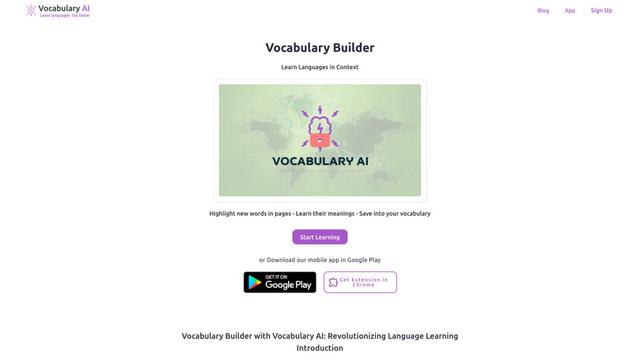
Vocabulary AI is an advanced AI-powered language learning platform that combines translation, vocabulary building, and personalized practice through website, mobile app, and browser extension to help users effectively learn and retain new words.
Popular AI Tools Like Keysake
ChatGPT Translate
FreeTranslate
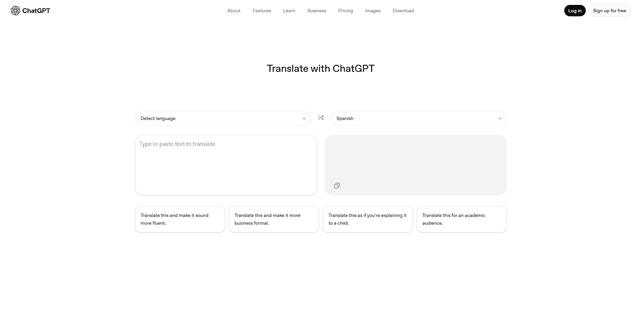
ChatGPT Translate is OpenAI's dedicated translation service that supports 50+ languages with AI-powered customization features for producing natural, context-aware translations across different tones and styles.
RSTGameTranslation
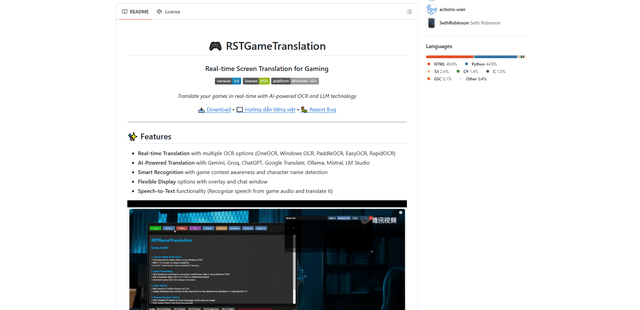
RSTGameTranslation is an open-source real-time game translation tool that combines OCR and AI translation technologies to automatically translate game text across multiple languages while supporting both offline and online modes.
Duory
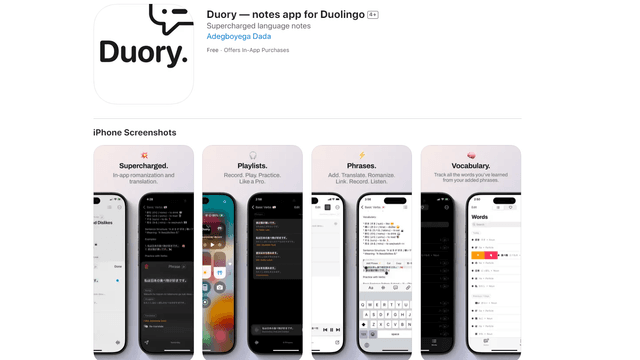
Duory is a dynamic language learning companion app that helps Duolingo users reinforce their lessons through interactive note-taking, translation features, and voice recording capabilities.