RSTGameTranslation
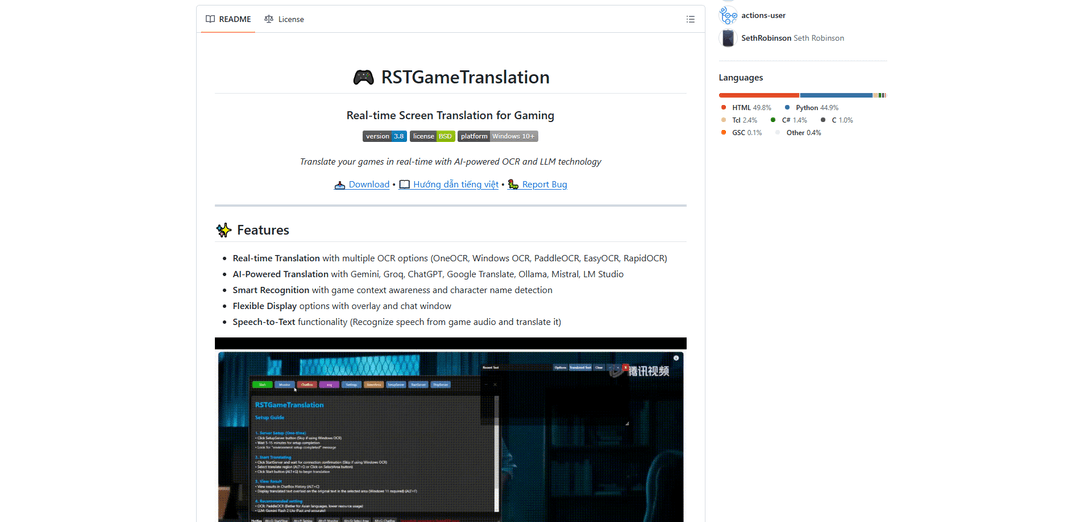
RSTGameTranslation is an open-source real-time game translation tool that combines OCR and AI translation technologies to automatically translate game text across multiple languages while supporting both offline and online modes.
https://github.com/thanhkeke97/RSTGameTranslation?ref=producthunt
Product Information
Updated:Dec 16, 2025
What is RSTGameTranslation
RSTGameTranslation is a powerful Windows-based tool designed specifically for gamers who want to play games in different languages. It's an innovative solution that breaks down language barriers in gaming by providing real-time translation capabilities. The software supports multiple OCR options (including OneOCR, Windows OCR, PaddleOCR, EasyOCR, and RapidOCR) and integrates with various AI translation services like Gemini, Groq, ChatGPT, Google Translate, Ollama, and Mistral. Additionally, it features a built-in speech-to-text functionality that can recognize and translate game audio in real-time.
Key Features of RSTGameTranslation
RSTGameTranslation is an open-source real-time game translation tool that combines OCR technology with AI-powered translation capabilities. It offers multiple OCR options, supports various translation services including local and cloud-based options, features smart recognition with game context awareness, and includes speech-to-text functionality for translating game audio. The tool provides flexible display options and runs on Windows 10+ systems.
Multiple OCR Options: Supports various OCR engines including OneOCR, Windows OCR, PaddleOCR, EasyOCR, and RapidOCR, allowing users to choose based on their language needs and performance requirements
AI-Powered Translation Services: Integrates with multiple translation providers including Gemini, Groq, ChatGPT, Google Translate, Ollama, and Mistral, offering both online and offline translation capabilities
Real-time Audio Translation: Features speech-to-text functionality that can recognize and translate game audio in real-time, enhancing the gaming experience for non-native speakers
Flexible Display Options: Offers customizable overlay and chat window displays, allowing users to choose how translated text appears during gameplay
Use Cases of RSTGameTranslation
Gaming Localization: Enables players to enjoy games that haven't been officially translated into their preferred language
Game Testing and QA: Helps developers and testers verify game text and dialogue across different languages during development
Game Streaming: Allows streamers to play games in one language while providing real-time translations for their international audience
Educational Gaming: Supports language learning by allowing players to see both original and translated text while playing games
Pros
Offers both online and offline translation options for privacy and flexibility
Regular updates and active community support
Highly customizable with multiple OCR and translation options
Cons
Requires Windows 10+ to operate
Some features require additional setup and API keys
Performance may vary depending on hardware capabilities
How to Use RSTGameTranslation
Download and Install: Download the latest version from Releases page and extract the files to your preferred location
Run Application: Launch rst.exe from the extracted folder
Configure OCR Settings: Go to Settings → OCR tab and select your preferred OCR option (OneOCR recommended for beginners as it requires no setup)
Set Languages: Go to Settings → Language tab, choose your source and target languages. Click 'Check' button if using Windows OCR to verify language pack
Choose Translation Service: Go to Settings → Translation tab, select translation service (Google Translate recommended for beginners as it needs no API key)
Select Game Window: Click 'Select Window' button and choose the game window you want to translate. Game must be in windowed or borderless mode
Select Translation Area: Press Alt+Q to select the area containing text you want to translate
Enable Overlay: Press Alt+F to show/hide the translation overlay
Start Translation: Press Alt+G to start/stop the translation process
Additional Controls: Use Alt+C to show/hide chat box, Alt+L for logs, Alt+B to show/hide selected area, Alt+H to clear area
RSTGameTranslation FAQs
RSTGameTranslation is a real-time screen translation tool for games that uses OCR and AI translation technology to translate game text in real-time. It supports multiple languages and works with games in windowed/borderless mode on Windows 10+.
Popular Articles

Vosko AI: Localize and Dub Videos for Global Audiences
Oct 15, 2026

Atoms: A Multi-Agent AI Platform That Transforms Ideas into Launch-Ready Products
Oct 13, 2026

Nano Banana SBTI: What It Is, How It Works, and How to Use It in 2026
Apr 15, 2026

Atoms Review — The AI Product Builder Redefining Digital Creation in 2026
Apr 10, 2026
Latest AI Tools Similar to RSTGameTranslation
InDesign Translator
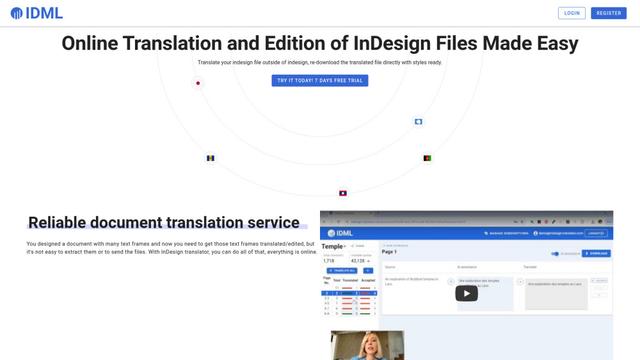
InDesign Translator is an online translation service that enables users to translate InDesign files while maintaining formatting and styles, offering AI-assisted translation and easy collaboration features without requiring translators to have InDesign installed.

Blanc AI
Blanc AI is a revolutionary AI solution that enables video content translation and dubbing into 47+ languages while preserving the original voice, emotions, and lip synchronization.
MenuGuide
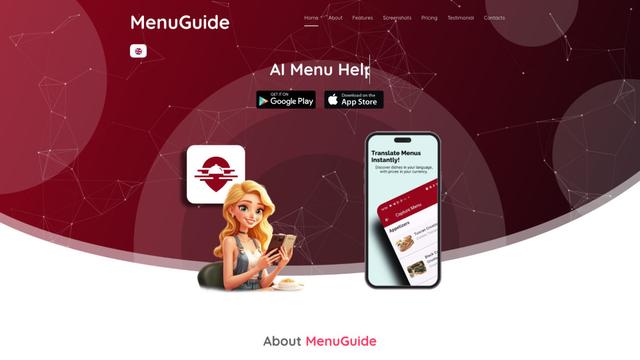
MenuGuide is a cutting-edge AI-powered app that instantly translates restaurant menus from any language to your preferred language, providing dish details, allergen information, and nutritional facts for seamless global dining experiences.
Vocabulary AI
Vocabulary AI is an advanced AI-powered language learning platform that combines translation, vocabulary building, and personalized practice through website, mobile app, and browser extension to help users effectively learn and retain new words.
Popular AI Tools Like RSTGameTranslation
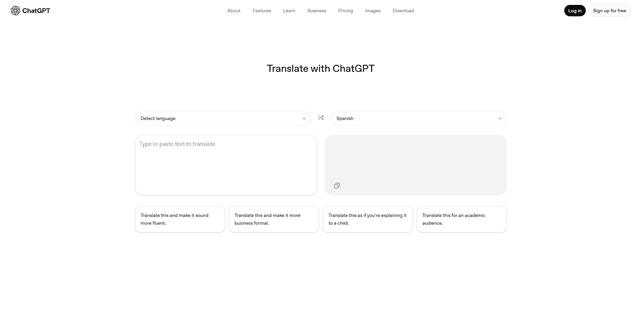
ChatGPT Translate
FreeTranslate
ChatGPT Translate is OpenAI's dedicated translation service that supports 50+ languages with AI-powered customization features for producing natural, context-aware translations across different tones and styles.
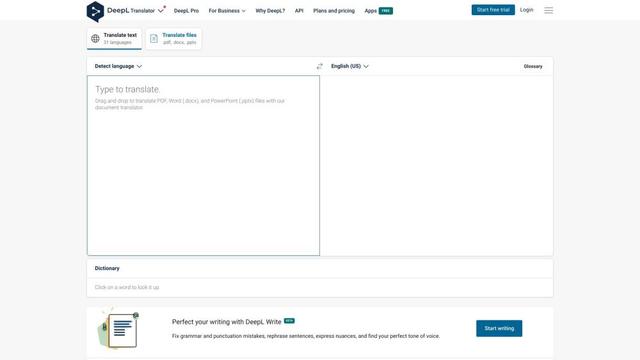
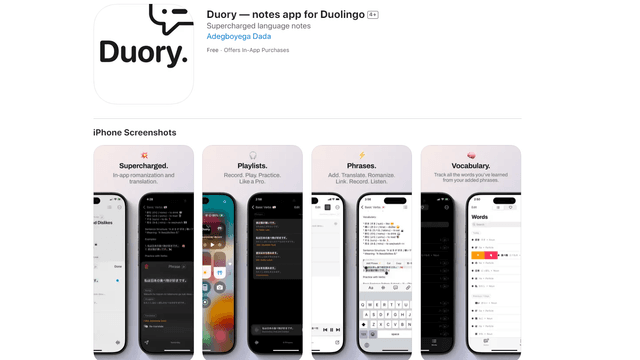
Duory
Duory is a dynamic language learning companion app that helps Duolingo users reinforce their lessons through interactive note-taking, translation features, and voice recording capabilities.
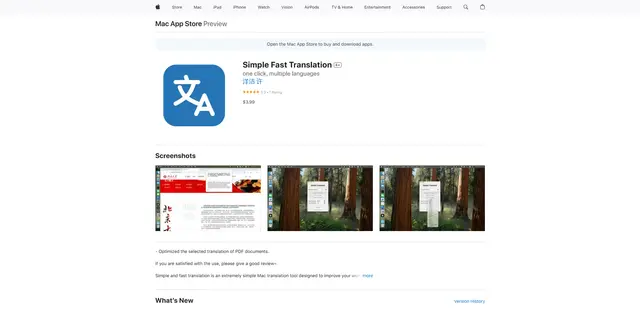
Simple Fast Translation
Simple Fast Translation is a minimalist Mac translation tool that enables instant text translation through customizable keyboard shortcuts while supporting multiple languages and protecting user privacy.