
ChatGPT Translate
ChatGPT Translate is OpenAI's dedicated translation service that supports 50+ languages with AI-powered customization features for producing natural, context-aware translations across different tones and styles.
https://chatgpt.com/translate?ref=producthunt
Product Information
Updated:Apr 16, 2026
ChatGPT Translate Monthly Traffic Trends
ChatGPT Translate achieved 6.2B visits with a 4.4% increase in traffic. The new ChatGPT SDK and integration with third-party services such as Canva, Zillow, Coursera, and Spotify likely contributed to this growth by enhancing user engagement and functionality.
What is ChatGPT Translate
ChatGPT Translate is a standalone web translation tool launched by OpenAI as a direct competitor to Google Translate. Available at chatgpt.com/translate, it provides instant translation capabilities between over 50 languages while maintaining contextual accuracy and natural language flow. The service goes beyond basic translation by incorporating ChatGPT's advanced language understanding to adapt content across different tones, styles, and cultural contexts.
Key Features of ChatGPT Translate
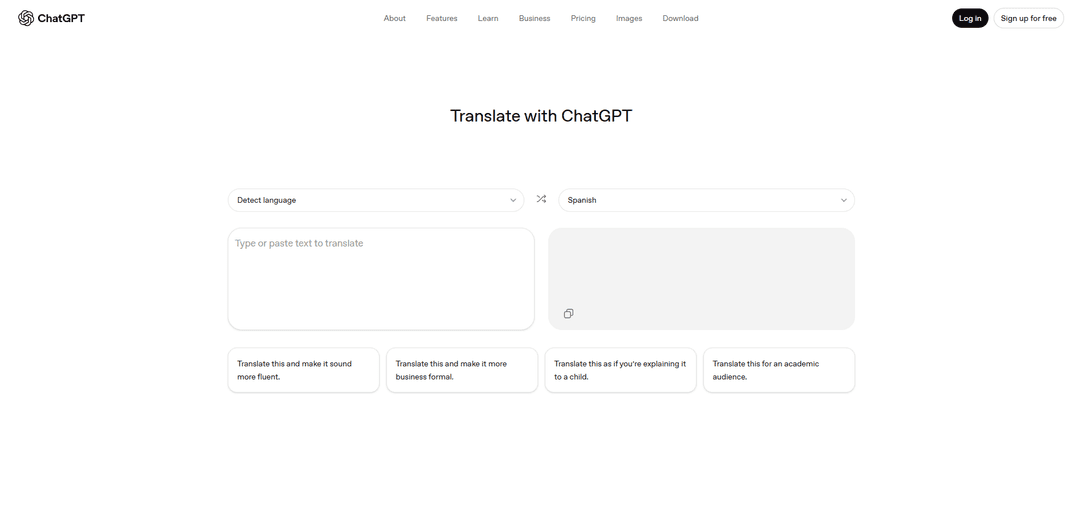
ChatGPT Translate is a standalone web translation service by OpenAI that supports over 50 languages, offering instant translation of text with a focus on contextual understanding and tone adaptation. The tool features a dual-pane interface similar to Google Translate but distinguishes itself through AI-powered capabilities that allow users to customize translations based on tone, formality, and target audience while maintaining cultural nuances and natural language flow.
Context-Aware Translation: Understands tone, idioms, and cultural context to provide translations that capture meaning beyond literal word-for-word conversion
Customizable Tone Adjustment: Allows users to modify translations to be more business formal, child-friendly, academic, or conversational with one-tap prompts
Multi-Input Support: Designed to handle text, voice, and image inputs (though some features are still in development)
Interactive Refinement: Enables users to ask follow-up questions and refine translations through conversational interaction
Use Cases of ChatGPT Translate
Business Communication: Helps professionals translate and adapt business documents, emails, and presentations while maintaining appropriate formal tone and industry-specific terminology
Education and Learning: Assists students and language learners in understanding texts, practicing new languages, and getting detailed grammar explanations
Travel and Tourism: Enables travelers to translate signs, menus, and conversations in real-time for better navigation and communication in foreign countries
Content Localization: Helps creators and businesses adapt content for different cultural contexts while preserving intended meaning and impact
Pros
Superior context understanding and natural language output
Flexible tone adjustment capabilities
Interactive refinement through conversation
Cons
Limited language coverage compared to Google Translate
Some advertised features (like image translation) not yet available
Lacks document upload and real-time voice translation features currently available in competing tools
How to Use ChatGPT Translate
Access ChatGPT Translate: Go to chatgpt.com/translate in your web browser. The service works on both desktop and mobile browsers.
Select Languages: Choose your source language (the language you're translating from) and target language (the language you want to translate to) from the 50+ supported languages including English, Spanish, Japanese, Arabic, etc.
Input Text: Type or paste the text you want to translate into the left input box. For best results with long content, break it into smaller chunks.
Get Translation: The translation will appear automatically in the right box almost instantly, maintaining context and tone from the original text.
Adjust Translation Style (Optional): Use the quick options below the translation to adjust how the text sounds - make it more fluent, business formal, child-friendly, or academic. This will redirect you to the main ChatGPT interface for further customization.
Refine Translation (Optional): In the ChatGPT interface, you can ask follow-up questions, request clarification, or adjust phrasing to better match your needs.
Copy Translation: Once satisfied with the translation, copy the text from the output box and use it as needed.
Voice Input (Mobile Only): When using mobile browsers, you can use the microphone feature to speak what you need translated instead of typing.
ChatGPT Translate FAQs
ChatGPT can translate between 50+ languages, including English, Spanish, Japanese, Arabic, and more. It can handle text, voice, or image translations while maintaining context and meaning.
Popular Articles

Atoms: A Multi-Agent AI Platform That Transforms Ideas into Launch-Ready Products
May 22, 2026

Nano Banana SBTI: What It Is, How It Works, and How to Use It in 2026
Apr 15, 2026

Atoms Review — The AI Product Builder Redefining Digital Creation in 2026
Apr 10, 2026

Kilo Claw: How to Deploy and Use a True "Do‑It‑For‑You" AI Agent(2026 Update)
Apr 3, 2026
Analytics of ChatGPT Translate Website
ChatGPT Translate Traffic & Rankings
6.2B
Monthly Visits
#6
Global Rank
#1
Category Rank
Traffic Trends: Nov 2024-Oct 2025
ChatGPT Translate User Insights
00:06:25
Avg. Visit Duration
3.84
Pages Per Visit
31.18%
User Bounce Rate
Top Regions of ChatGPT Translate
US: 19.78%
IN: 7.03%
BR: 5.24%
JP: 3.8%
GB: 3.34%
Others: 60.81%
Latest AI Tools Similar to ChatGPT Translate
InDesign Translator
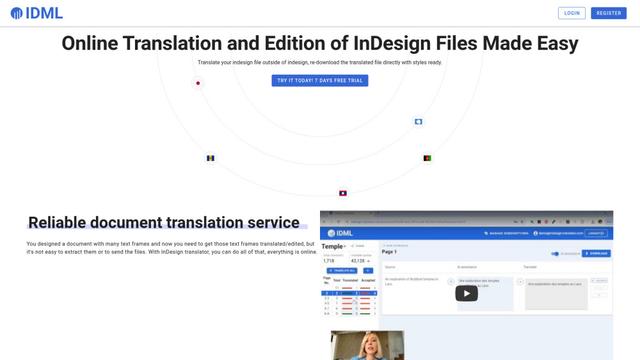
InDesign Translator is an online translation service that enables users to translate InDesign files while maintaining formatting and styles, offering AI-assisted translation and easy collaboration features without requiring translators to have InDesign installed.

Blanc AI
Blanc AI is a revolutionary AI solution that enables video content translation and dubbing into 47+ languages while preserving the original voice, emotions, and lip synchronization.
MenuGuide
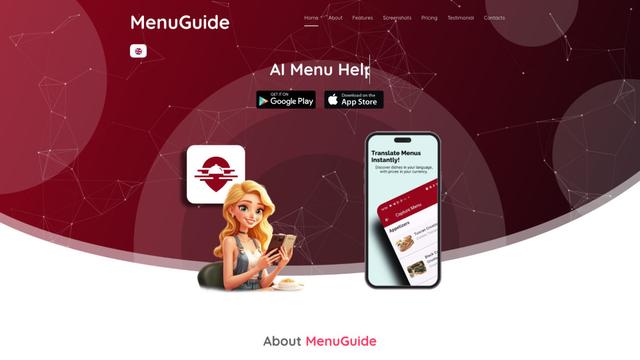
MenuGuide is a cutting-edge AI-powered app that instantly translates restaurant menus from any language to your preferred language, providing dish details, allergen information, and nutritional facts for seamless global dining experiences.
Vocabulary AI
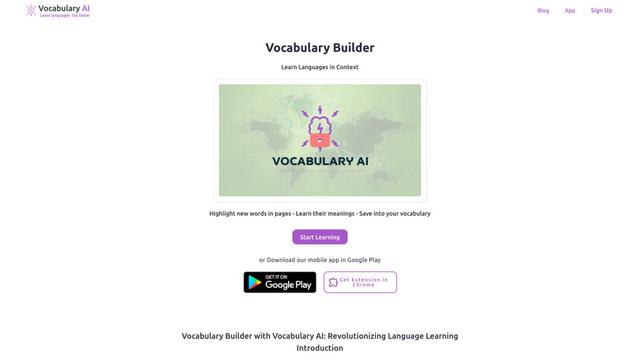
Vocabulary AI is an advanced AI-powered language learning platform that combines translation, vocabulary building, and personalized practice through website, mobile app, and browser extension to help users effectively learn and retain new words.
Popular AI Tools Like ChatGPT Translate
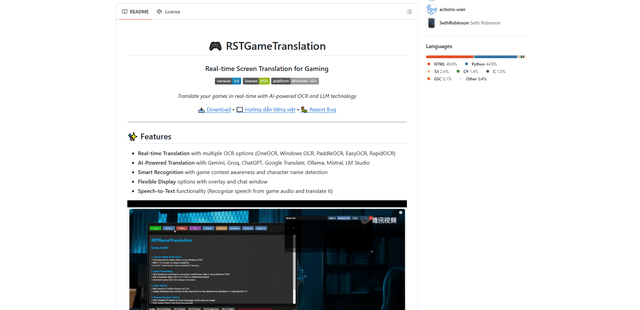
RSTGameTranslation
RSTGameTranslation is an open-source real-time game translation tool that combines OCR and AI translation technologies to automatically translate game text across multiple languages while supporting both offline and online modes.
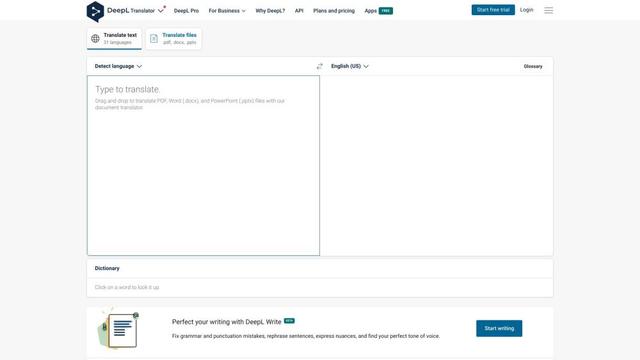
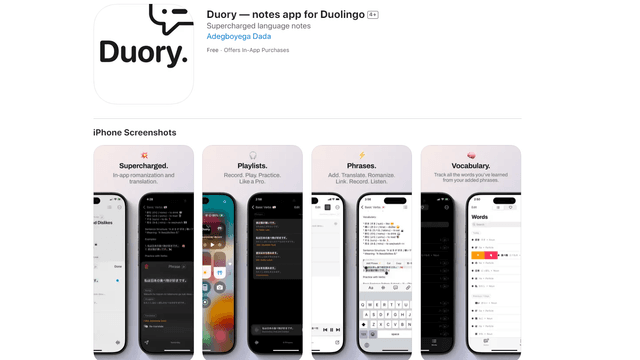
Duory
Duory is a dynamic language learning companion app that helps Duolingo users reinforce their lessons through interactive note-taking, translation features, and voice recording capabilities.
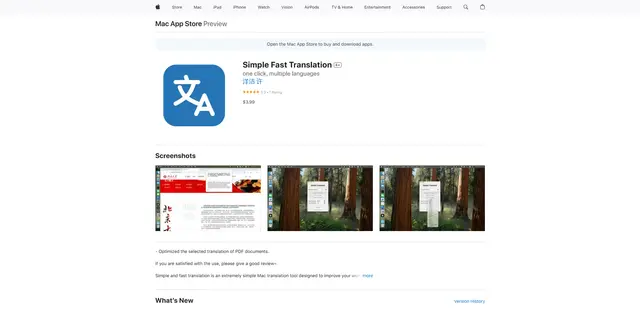
Simple Fast Translation
Simple Fast Translation is a minimalist Mac translation tool that enables instant text translation through customizable keyboard shortcuts while supporting multiple languages and protecting user privacy.