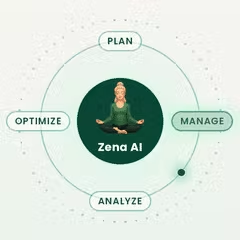
ZenABM🤖Create your LinkedIn Ads with AI
ZenABM lets you create, manage, optimize, and report on LinkedIn Ads with AI—powered by an MCP server that connects your LinkedIn Ads API + CRM data for company-level ABM insights, benchmarks, and revenue attribution.
https://zenabm.com/ai?utm_source=ph&utm_medium=launch&utm_campaign=create-launch-linkedin-ads-ai&ref=producthunt
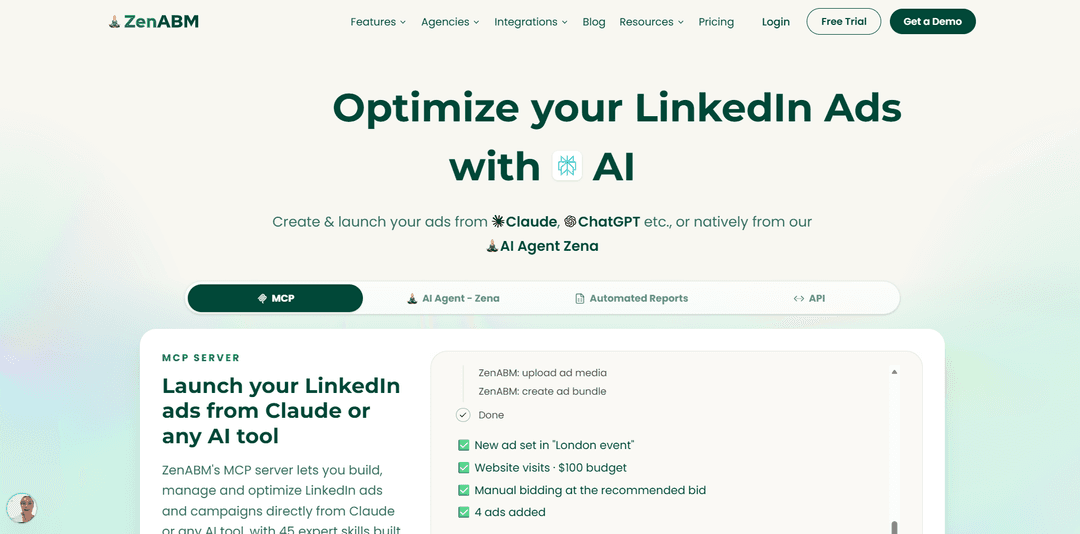
Product Information
Updated:Nov 20, 2026
What is ZenABM🤖Create your LinkedIn Ads with AI
ZenABM🤖Create your LinkedIn Ads with AI is a LinkedIn-first ABM and ads platform that combines automation, analytics, and an AI agent (Zena) to help B2B teams build and improve LinkedIn campaigns end-to-end. Instead of relying on manual exports from LinkedIn Campaign Manager, ZenABM connects directly to your LinkedIn ad account (and optionally your CRM like HubSpot or Salesforce) to surface company-level engagement, top/low-performing ads and campaigns, and pipeline/revenue influence—then helps you take action from chat. It also offers an MCP server so you can use ZenABM capabilities inside AI clients like Claude or ChatGPT, with built-in “expert skills” for audits, reporting, and optimization workflows.
Key Features of ZenABM🤖Create your LinkedIn Ads with AI
ZenABM’s “Create your LinkedIn Ads with AI” (via the Zena AI analyst and the ZenABM MCP server) lets teams generate, build, manage, and optimize LinkedIn ad campaigns using natural-language prompts—either inside Zena or from AI clients like Claude/ChatGPT. It can assemble campaigns end-to-end (campaign structure, ad sets, targeting, ads), reuse saved audiences and lead forms, pull creatives from your media library, and then push drafts to LinkedIn Campaign Manager for review—nothing goes live until you approve. On top of creation, it automates reporting and performance analysis using company-level engagement plus CRM/pipeline data, enabling action-oriented optimization (pause assets, adjust bids/budgets, build retargeting audiences) and ABM workflows like account scoring and sales handoff lists.
Natural-language campaign creation: Describe the campaign you want and ZenABM drafts the full setup—campaign, ad sets, targeting, and ads—without manual build steps.
MCP server to create ads from any AI client: Use ZenABM’s MCP server to generate and push LinkedIn ads from tools like Claude, ChatGPT, Perplexity, or Gemini, leveraging read/write tools across LinkedIn Ads and ABM data.
Approval-first publishing workflow: ZenABM sends generated ads/campaigns to LinkedIn Campaign Manager for review and confirmation; nothing is launched automatically without explicit approval.
Reuse of existing assets and structures: Pull creatives from your media library, reuse saved audiences and lead forms, and duplicate what already works to speed up iteration.
Automated reporting with pipeline context: Generates weekly/monthly/quarterly reports with insights and action items, cross-referencing ad performance with CRM pipeline and influenced deals (not just vanity metrics).
One-click optimization actions + ABM skills: Identify best/lowest performers and take guided actions (pause campaigns/ad sets, adjust bids/budgets, build retargeting audiences), supported by pre-built ABM “slash command” skills like audits and ad-decay checks.
Use Cases of ZenABM🤖Create your LinkedIn Ads with AI
B2B SaaS ABM campaign launches: A mid-market SaaS team can generate full-funnel LinkedIn ABM campaigns quickly (targeting, ads, lead forms) and tie engagement back to CRM pipeline to prioritize accounts for sales outreach.
Agency multi-client LinkedIn ad production: Agencies can accelerate ad creation and campaign builds across multiple accounts, standardize reporting, and quickly surface winners/losers for optimization while keeping final approval in Campaign Manager.
Quarterly performance reporting for leadership: Marketing leads can automate executive-ready summaries that connect LinkedIn spend to influenced pipeline/revenue, highlighting what to scale or cut without manual CSV exports and pivot tables.
Sales handoff and account prioritization workflows: Teams can use company-level engagement and account scoring to create “top engaged accounts” lists and trigger sales follow-up (e.g., alerts/tasks) when accounts cross intent thresholds.
Creative iteration based on performance signals: Marketers can rapidly produce new ad variants, compare performance by format/message, identify decaying ads, and refresh creative while preserving proven audiences and structures.
Pros
End-to-end LinkedIn campaign and ad creation via chat, reducing manual setup time
Approval-gated publishing reduces risk of unintended launches or changes
Reporting and optimization are grounded in company-level engagement plus CRM/pipeline attribution
Works inside Zena and via an MCP server from external AI clients (Claude/ChatGPT, etc.)
Cons
LinkedIn-first orientation; broader multi-channel depth may be secondary depending on needs
Requires connecting LinkedIn Ads (and typically CRM) to unlock full attribution and account-level insights
Best value is realized when teams adopt the workflow (skills, reporting, optimization) rather than using it only for copy generation
How to Use ZenABM🤖Create your LinkedIn Ads with AI
1) Create a ZenABM account and start the free trial: Go to ZenABM and create an account (the sources mention a 37-day free trial). Verify your email so you can connect ad and CRM data.
2) Connect your LinkedIn Ads account to ZenABM: In ZenABM, connect LinkedIn Ads. Complete LinkedIn’s verification/authorization flow, then select the LinkedIn ad account you want to sync. Your first sync can pull ~90 days of historical data and may take a few minutes.
3) (Recommended) Connect your CRM (HubSpot or Salesforce) for pipeline + revenue attribution: Link HubSpot or Salesforce so ZenABM can tie LinkedIn ad engagement to company records, opportunities, pipeline, and influenced revenue. This enables account-level optimization and reporting beyond Campaign Manager.
4) Prepare your Target Account List (TAL) for ABM targeting: Build a CSV company list for LinkedIn Matched Audiences. Include at least one identifier (company name, website domain, LinkedIn Page URL, or company email domain). Including multiple identifiers improves match rate. Aim for ~80–90%+ match rate and upload the list ~48 hours before launch.
5) Create (or reuse) your LinkedIn Matched Audience from the company list: In LinkedIn Campaign Manager, go to Plan → Audiences → Create audience → Company/Contact list, then upload your CSV and name it clearly (e.g., “TAL-Q1-2026-SaaS-MidMarket”). You’ll use this as the core ABM targeting input for the AI-built campaign.
6) Choose where you will create the ads: Zena (inside ZenABM) or via the ZenABM MCP server from your AI tool: Option A: Use Zena inside ZenABM to build campaigns end-to-end. Option B: Use ZenABM’s MCP server so Claude/ChatGPT/Perplexity/Gemini can generate and push ads/campaign structure into LinkedIn for review. Both routes end with you approving in Campaign Manager before anything goes live.
7) Describe the campaign you want in plain English (the AI build brief): Provide the essentials so Zena/MCP can build the campaign: objective, budget, bidding preference, dates, TAL/matched audience to target, job functions/seniority, offer, landing page, and creative angle. The sources indicate ZenABM can build: campaign, ad sets, targeting, and ads (copy + creatives pulled from your media library).
8) Let ZenABM AI generate the campaign structure (campaign + ad sets + targeting): Zena/MCP will create the campaign and ad sets based on your brief, using your saved audiences/lead forms where applicable, and will show you the audience size before you commit. You can duplicate what already works if you have prior campaigns.
9) Generate the ads (copy + creatives) with AI: Ask for the exact ad formats you want (e.g., single image ads, thought leader ads, text ads, conversation ads). ZenABM AI drafts the copy and can pull creatives from your media library. If you’re using MCP, it can push the generated ads into a new ad set with the objective/budget/bidding you specified.
10) Apply key ABM safety settings before launch (to reduce waste): Based on the sources’ recommended defaults to avoid budget waste: turn OFF Audience Expansion, turn OFF LinkedIn Audience Network, avoid ‘Maximum Delivery’ bidding if it causes inefficiency, and avoid Budget Optimization if it dilutes spend. Ensure your company list targeting is correct and ready.
11) Review everything and approve in LinkedIn Campaign Manager (nothing launches until you confirm): ZenABM provides a link/workflow to review the created campaign assets in Campaign Manager. Confirm targeting, budgets, bids, creatives, and tracking. The sources explicitly state nothing goes live until you approve.
12) Launch, then use AI to optimize at the account level (the ABM layer): After launch, use Zena to analyze company-level engagement and (if connected) CRM pipeline impact. Use Zena to surface best/lowest-performing assets and propose actions (pause campaigns/ad sets, adjust bids/budgets, build retargeting audiences from engagement/CRM events). Approve changes before they’re applied.
13) Automate reporting (weekly/monthly/quarterly) with Zena: Enable automated reports so you receive written insights and action items (not just dashboards). Or request reports on demand (e.g., monthly performance, executive summary, pipeline influenced) cross-referenced with CRM data.
14) Use ZenABM’s built-in expert skills (slash commands) to systematize improvements: Run the ready-made ABM skills mentioned in the sources—e.g., /abm-strategy-planning to stress-test goals, /abm-campaign-execution to build ads, /linkedin-abm-audit and /linkedin-abm-report to keep performance honest on a weekly/monthly cadence.
ZenABM🤖Create your LinkedIn Ads with AI FAQs
ZenABM is a multi-channel ABM platform that provides company-level engagement data, account scoring, intent signals, and revenue attribution across channels like LinkedIn Ads, Google Ads, Reddit Ads, website visits, organic social, and AI referrals—starting from $59/month.
ZenABM🤖Create your LinkedIn Ads with AI Video
Popular Articles

Proferex: A Cloud-Based Ad Tracking and Campaign Optimization Platform
Nov 4, 2026

How to Create Viral Talking Baby Podcast Videos with AI: Step-by-Step Guide
Nov 2, 2026

Vosko AI: Localize and Dub Videos for Global Audiences
Oct 15, 2026
Atoms: A Multi-Agent AI Platform That Transforms Ideas into Launch-Ready Products
Oct 13, 2026
Latest AI Tools Similar to ZenABM🤖Create your LinkedIn Ads with AI
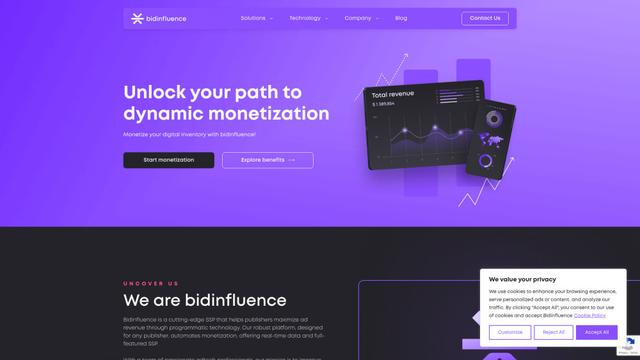
Bidinfluence
Bidinfluence is a cutting-edge supply-side platform (SSP) specializing in dynamic monetization through high-quality programmatic video advertising for publishers.
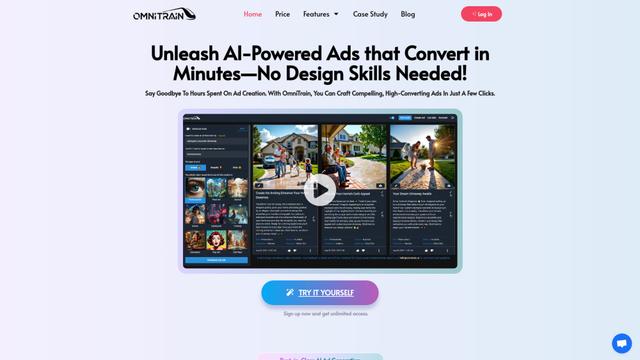
Omnitrain
Omnitrain is an AI-powered platform that creates high-converting social media ads in minutes without requiring design skills.
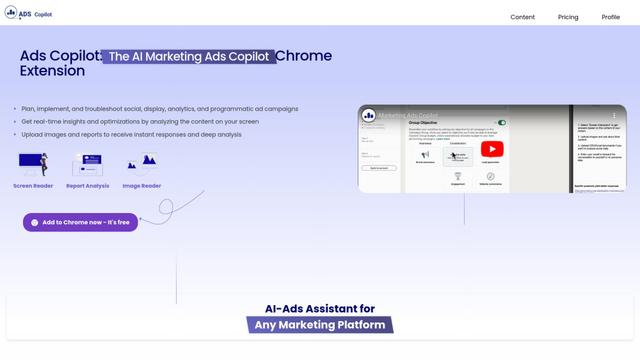
Ads Copilot
Ads Copilot is an AI-powered Chrome extension that assists marketers in planning, implementing, and optimizing ad campaigns across multiple platforms through real-time insights, report analysis, and image reading capabilities.
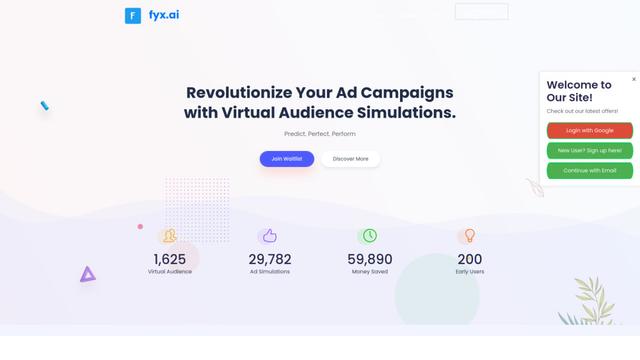
Fyx.ai
Fyx.ai is an AI-powered platform that enables advertisers to create virtual audiences, simulate ad campaigns, and optimize performance before real-world launch.
Popular AI Tools Like ZenABM🤖Create your LinkedIn Ads with AI
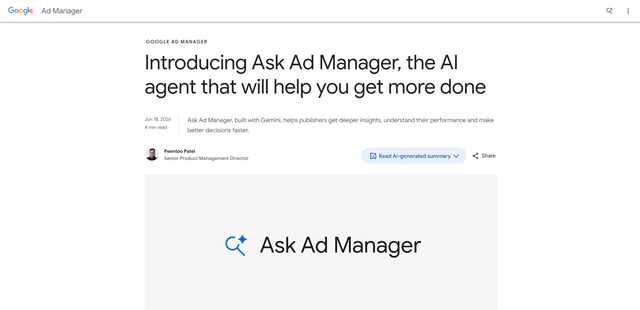
Ask Ad Manager by Google Ads
Ask Ad Manager is a Gemini-powered conversational agent inside Google Ad Manager that helps publishers troubleshoot issues in real time, generate custom performance reports from prompts, and navigate directly to the right settings using their own Ad Manager data.
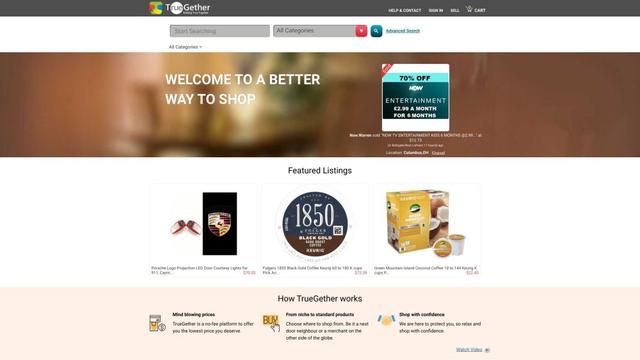
TrueGether
TrueGether is a no-fee, AI-powered e-commerce marketplace that offers buyers low prices and sellers an easy way to list products across multiple channels.
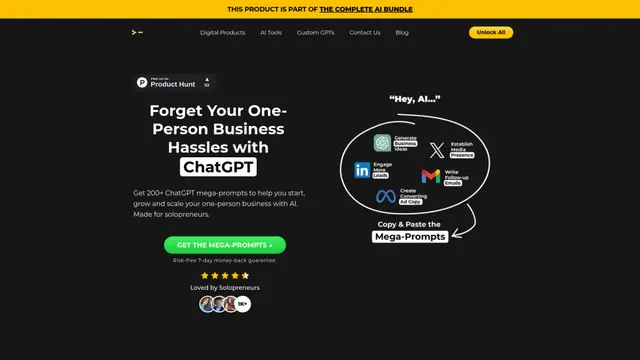
200+ ChatGPT Mega-Prompts for Solopreneurs
A curated collection of 200+ powerful ChatGPT mega-prompts designed to help solopreneurs streamline their business operations, boost productivity, and scale their ventures efficiently.
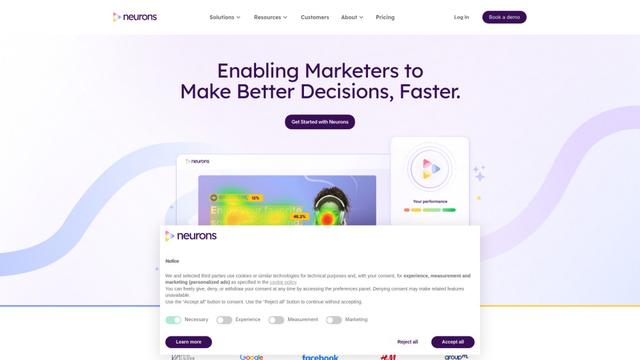
Neurons
Neurons is a consumer neuroscience company that uses AI and neuroscience to predict customer behavior and optimize marketing assets.