
SparrowDesk
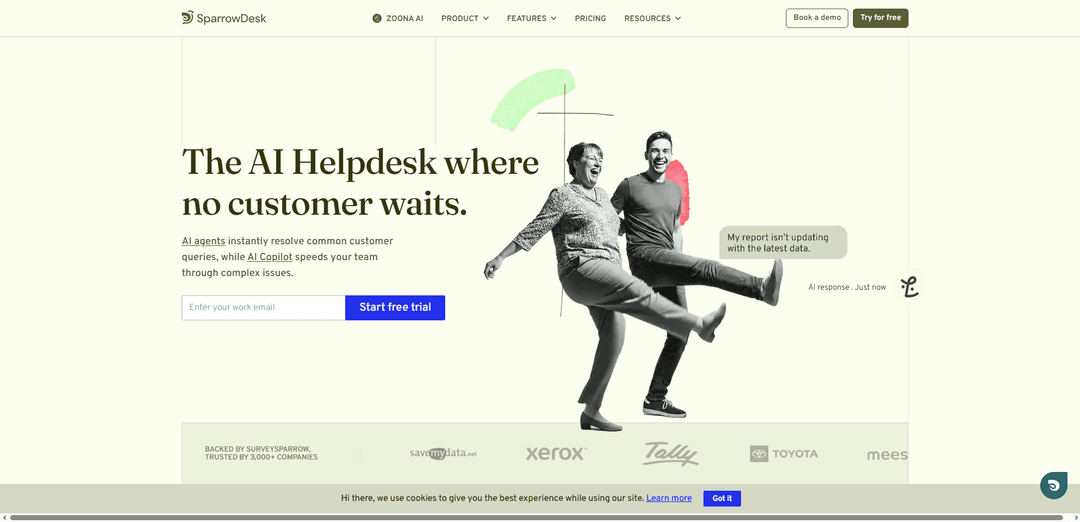
SparrowDesk is an AI-first, omnichannel helpdesk that unifies email and chat in one inbox, uses Zoona AI agents to auto-resolve over 60% of tickets, and boosts human agents with AI Copilot and automation.
https://www.sparrowdesk.com/?ref=producthunt
Product Information
Updated:Jul 8, 2026
What is SparrowDesk
SparrowDesk is a modern customer support platform built for growing teams that want faster, more scalable service without the complexity of traditional helpdesk tools. It brings key channels like email and live chat into a single workspace, giving agents full context to track, prioritize, and resolve customer issues efficiently. Positioned as an AI-first help desk, SparrowDesk focuses on frontline automation with AI agents and real-time assistance for agents, aiming to deliver 24/7 support while keeping workflows simple and consistent.
Key Features of SparrowDesk
SparrowDesk is an AI-first helpdesk and customer support platform that unifies omnichannel conversations (email, live chat, WhatsApp, Slack, and more) into a single inbox and uses AI Agents to auto-resolve common queries (claimed up to 60%) while an AI Copilot assists human agents with summaries, reply drafts, and knowledge suggestions. It also includes self-service knowledge base/help centers, SLA tracking with business hours, collaboration tools (internal notes/shared ownership), analytics dashboards and reporting, no-code workflow automation for routing and standardization, and capabilities for multi-brand and multilingual support with enterprise-grade controls like role-based access.
AI Agents (Zoona/Luna) for auto-resolution: Automates routine customer questions via chat and email, with claims of resolving up to 60% of tickets and providing 24/7 coverage.
AI Copilot for agent assistance: Supports human agents with AI-generated ticket summaries, smart reply suggestions, and surfacing relevant knowledge base content directly in the inbox to speed complex resolutions.
Omnichannel unified inbox: Centralizes customer conversations across channels (e.g., email, live chat, WhatsApp, Slack) so teams can manage, prioritize, and respond without tab-switching.
No-code workflows & intelligent routing: Workflow builder to automate repetitive processes and standardize operations; routing can incorporate intent, priority, and context to reduce manual triage.
Self-service help center & knowledge base: Creates branded portals and knowledge bases so customers can find answers before submitting tickets; AI can learn from uploaded documents and imported FAQs/articles.
Ops controls: SLAs, collaboration, and analytics: Includes SLA tracking and business hours, internal notes and real-time updates for collaboration, plus dashboards/custom reports to monitor trends, productivity, and adherence.
Use Cases of SparrowDesk
SaaS customer support scaling: Auto-resolve repetitive product, billing, and account questions with AI Agents while Copilot accelerates complex troubleshooting for a small support team.
E-commerce & DTC order inquiries: Handle high-volume questions (shipping status, returns, refunds) across email/chat/WhatsApp in one inbox, using workflows for routing and SLAs for time-sensitive cases.
Multi-brand support operations: Manage separate brands with distinct help centers/workflows while maintaining centralized oversight and reporting from one platform.
Internal IT / employee service desk: Standardize request intake, automate common how-to questions via knowledge base + AI, and enforce SLA targets with workflow automation and routing.
Global support with multilingual needs: Support customers in multiple languages with consistent responses, centralized channel management, and analytics to track service quality across regions.
Pros
AI-first approach with strong automation focus (claimed 60% auto-resolution) and Copilot assistance to speed agent work
Unified omnichannel inbox plus no-code workflows for routing/standardization without heavy engineering effort
Includes core support ops features (SLAs, business hours, collaboration, dashboards) and self-service help center/knowledge base
Fast deployment positioning (go live in hours) with a 14-day free trial and transparent, modular add-ons for AI
Cons
Some advanced capabilities may require higher-tier plans and/or paid AI add-ons
Integrations and certain advanced features are described as still being developed compared with more mature enterprise competitors
How to Use SparrowDesk
1) Start a free trial or book a demo: Go to https://www.sparrowdesk.com/ and choose “Sign up” to start the 14-day free trial, or “Book a demo” if you want a guided walkthrough before setup.
2) Set up your workspace basics: After signing in, personalize your initial settings (workspace/support preferences) so your team has a consistent starting point for handling conversations.
3) Invite your support team: Add teammates so they can access the shared inbox and workflows. Assign roles/permissions as needed (SparrowDesk supports role-based access controls for scaled operations).
4) Connect your support channels into one inbox: Enable omnichannel support by connecting the channels you use (email, live chat, WhatsApp, Slack, and other social channels). SparrowDesk routes and prioritizes messages into a single queue so agents don’t miss requests.
5) Configure ticket routing and prioritization: Set up how incoming conversations should be routed and prioritized in the unified queue so the right requests reach the right agents quickly.
6) Turn on AI Copilot for agent assistance: Enable AI Copilot to help agents respond faster and more accurately with instant summaries, smart reply drafts, and on-demand answers during live ticket handling.
7) Set up Zoona AI Agents to auto-resolve common queries: Use SparrowDesk’s AI Agents (Zoona) to handle repetitive questions and automate resolutions (the platform positions this as auto-resolving a large share of routine tickets).
8) Train your AI Agent with your content: Upload documents (PDFs, guides, internal docs) and ingest existing help articles/FAQs so the AI Agent can generate consistent, on-brand responses based on your knowledge.
9) Create a self-service Help Center (optional but recommended): Build and host a Help Center with FAQs, troubleshooting manuals, how-to guides, and playbooks using the built-in rich-text editor (with media support). Add a chat widget to the Help Center so customers can reach you conversationally.
10) Configure Customer Portal access rules: Decide how customers can view and reply to tickets: (a) only logged-in users, or (b) anyone with the ticket link (from email notifications). Configure sign-up/login options (email + password, and optionally Google authentication).
11) Customize ticket submission and portal appearance: Adjust how the ticket form submission page looks from Help Center → Appearance → Ticket Submission, and create Ticket Forms to collect the right information up front.
12) Set up operational controls (SLAs, workflows, analytics): Enable SLAs to keep response/resolution targets clear, configure workflows to automate repetitive steps and trigger actions, and use analytics to track performance as volume grows.
13) Integrate SparrowDesk with your existing tools: Connect SparrowDesk to the rest of your stack using available integrations so ticket context and customer data can flow where your team already works.
14) Use the REST API for custom builds (developers): If you need custom apps, use the SparrowDesk REST API to read/write workspace data. Authenticate every request with a bearer token, keep tokens out of source control, store them in environment variables, and use HTTPS only.
15) Subscribe to real-time events with webhooks (developers): Enable webhooks to receive events in real time (e.g., ticket updates) so your systems can react immediately without polling.
16) Enable SSO with Okta (optional): If your organization uses Okta, configure the Okta + SparrowDesk integration so users can sign in via Single Sign-On, improving security and simplifying access.
17) Automate customer surveys with SurveySparrow (optional): Connect SurveySparrow and create triggers to send surveys automatically based on conversation activity/status changes. If you want surveys sent more than once, enable “Allow sending multiple surveys for every status change,” and ensure variables mapped in SparrowDesk match variables used in your survey questions.
18) Run day-to-day support from the unified queue: Agents work from the single prioritized inbox: review AI Copilot summaries, use draft replies, collaborate with internal notes, assign ownership, update statuses, and rely on Zoona AI Agents to resolve routine tickets while humans focus on complex cases.
SparrowDesk FAQs
SparrowDesk is an AI-powered customer support/helpdesk platform designed to automate common support queries with AI agents (Zoona) and help human agents resolve complex issues faster with AI Copilot.
SparrowDesk Video
Popular Articles

Vosko AI: Localize and Dub Videos for Global Audiences
Oct 15, 2026

Atoms: A Multi-Agent AI Platform That Transforms Ideas into Launch-Ready Products
Oct 13, 2026

Nano Banana SBTI: What It Is, How It Works, and How to Use It in 2026
Apr 15, 2026

Atoms Review — The AI Product Builder Redefining Digital Creation in 2026
Apr 10, 2026
Latest AI Tools Similar to SparrowDesk
Heartbeat
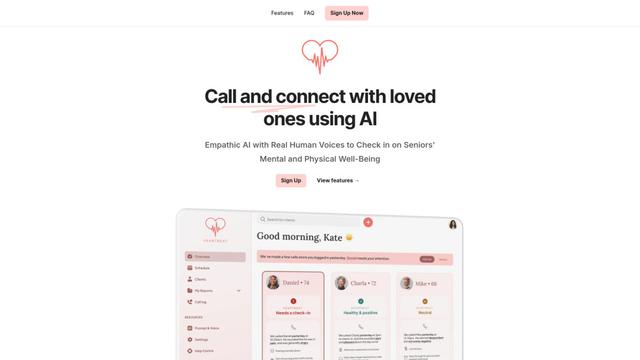
Heartbeat is a versatile platform that offers both an online community-building solution and an AI-powered wellness calling system for seniors and at-risk individuals, featuring customizable spaces, real-time communication, and health monitoring capabilities.
Resonoon
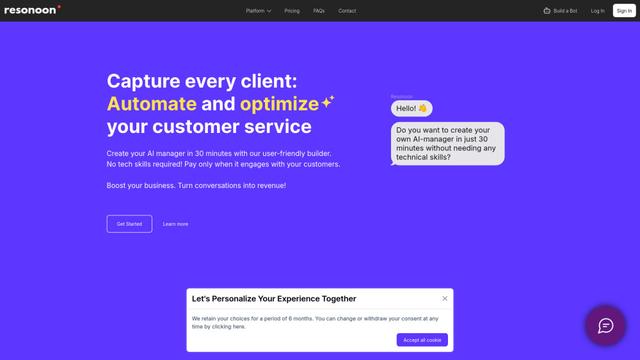
Resonoon is a no-code B2B SaaS platform that enables businesses to create AI-powered voice and chatbots in 30 minutes without technical skills, offering pay-per-conversation pricing.
WhatsBoost
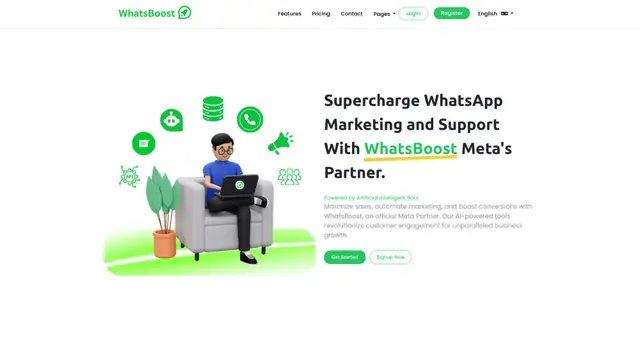
WhatsBoost is an AI-powered WhatsApp marketing platform and official Meta Partner that enables businesses to automate customer communications, manage campaigns, and integrate with multiple services through open APIs.
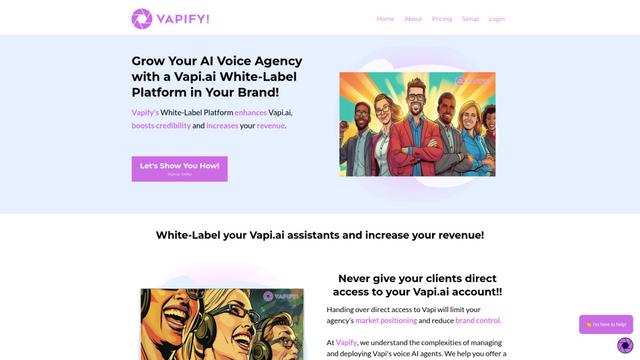
Vapify
Vapify is a white-label platform that enables agencies to offer Vapi.ai's voice AI solutions under their own brand while maintaining control over client relationships and maximizing revenue.
Popular AI Tools Like SparrowDesk
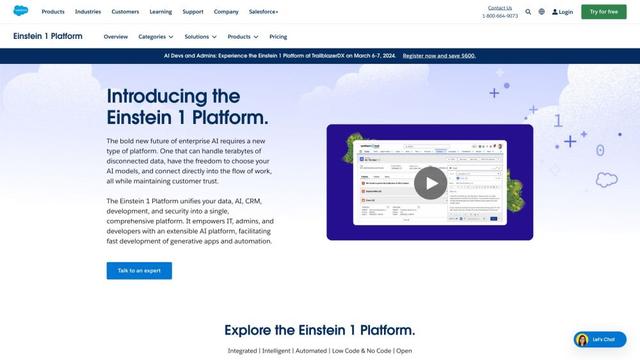
Salesforce Einstein
Salesforce Einstein is an integrated artificial intelligence platform that brings AI capabilities to Salesforce's CRM products, offering predictive analytics, natural language processing, and machine learning to enhance customer experiences and business processes.
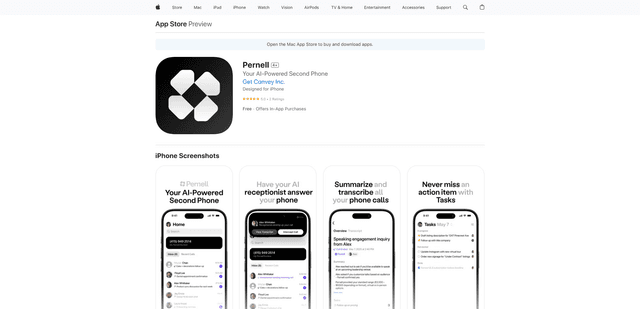
Pernell
Pernell is an AI-powered receptionist app that answers calls, provides summaries and transcripts, and manages follow-ups on your behalf.
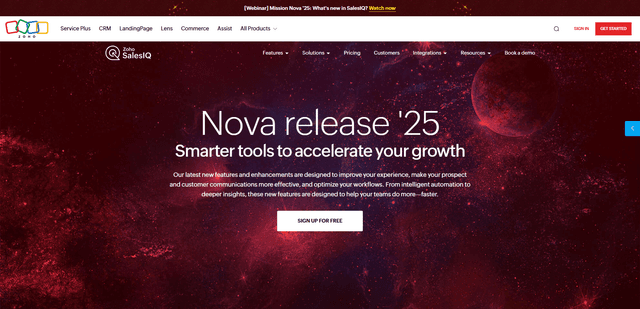
Zoho SalesIQ Nova '25
Zoho SalesIQ Nova '25 is a comprehensive update featuring 25+ new enhancements across AI-powered chatbots, GenAI tools, messaging channels, workflows, and integrations to help businesses accelerate customer engagement and sales growth.
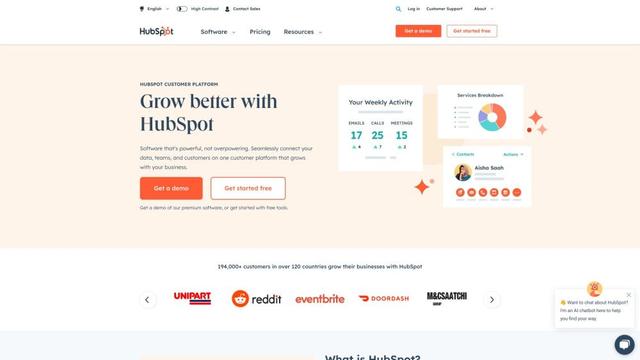
HubSpot
HubSpot is an all-in-one AI-powered customer platform that provides marketing, sales, service, operations, and website-building software to help businesses grow.