
Searchad.ai
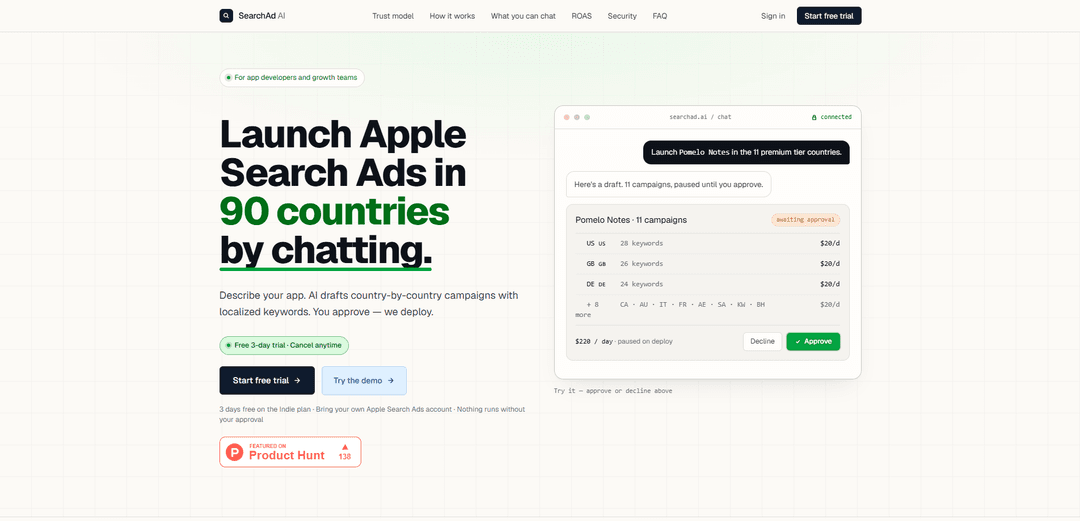
SearchAd AI lets you plan, localize, and launch Apple Search Ads across up to 90 countries via chat, with a hard approval gate so nothing can spend or change in Apple without your explicit OK.
https://searchad.ai/?ref=producthunt
Product Information
Updated:Jun 8, 2026
What is Searchad.ai
SearchAd AI is a chat-based campaign manager for app developers and growth teams that helps you create and manage Apple Search Ads campaigns country-by-country. After you connect your own Apple Search Ads account, you can describe your app and goals in plain language, and the system drafts localized keyword and campaign structures (including budgets and bids) for your review. It’s a paid product with a free trial; AI usage is billed by SearchAd AI, while ad spend remains in your own Apple Search Ads account.
Key Features of Searchad.ai
Searchad.ai (SearchAd AI) is a chat-based tool for planning and managing Apple Search Ads across up to 90 countries. You describe your app and goals, and it drafts localized, country-by-country campaign plans (keywords, ad groups, bids, and explicit daily caps) that remain as private drafts until you approve. It connects to your own Apple Search Ads account (spend stays there), enforces a hard server-side approval gate for any write action, deploys campaigns paused by default, and can also connect read-only RevenueCat data to report ROAS alongside spend and draft actions like pausing underperforming campaigns for your approval.
Chat-driven campaign planning and management: Create and manage Apple Search Ads by describing what you want in plain English; the system drafts structured plans (campaigns/ad groups/keywords/bids/budgets) you can review before deploying.
Multi-country launch with localized keywords: Drafts country-by-country campaigns (including localized keyword ideas) so teams can scale launches across many markets without manually building each account structure.
Hard approval gate for any spend-impacting change: The AI is read-only by default and cannot write to Apple; the only write path is a green “Approve plan” button tied to a specific plan ID, enforced server-side (no prompt can bypass it).
Bring-your-own Apple Search Ads account (spend stays in Apple): You connect your own Apple Search Ads account; Searchad.ai charges for AI usage while ad spend remains in your Apple account and nothing runs without explicit approval.
Paused-by-default deployments and explicit daily ceilings: Deployed campaigns land as PAUSED unless you explicitly request going live, with clear daily budget caps surfaced in the plan to reduce accidental overspend.
ROAS visibility via RevenueCat (no-code, read-only): Optionally connect a read-only RevenueCat key to match Apple Search Ads spend to subscription revenue and ask questions like “pause everything under 1.5× ROAS,” generating an approval-ready plan.
Use Cases of Searchad.ai
Mobile app global expansion (consumer apps): A meditation, notes, or fitness app can quickly draft and launch Apple Search Ads in multiple countries with localized keywords and tiered budgets, then iterate based on CPI/ROAS reporting.
Subscription apps optimizing for revenue (DTC subscriptions): Teams can connect RevenueCat to evaluate true subscription ROAS by campaign and draft actions like pausing low-ROAS markets or reallocating budgets—only executing after approval.
Indie developers running lean acquisition: Small teams can replace manual Apple Search Ads setup with guided chat-based planning, explicit daily caps, and paused-by-default deployments to safely test new geos and keywords.
Growth teams doing competitor conquesting: Draft competitor keyword ad groups (e.g., adding or removing competitor terms across markets) and clone successful setups from one country to others, with changes gated by approval.
Operational control during promos or outages: Draft rapid-response plans to pause/resume specific countries during inventory constraints, weekend holds, or timed promotions (e.g., Black Friday budgets), then approve when ready.
Performance auditing and reporting workflows: Ask for spend/CPI/CPT breakdowns, identify wasted spend (e.g., high spend with zero installs), and export audit trails of what was deployed—useful for weekly reviews and stakeholder reporting.
Pros
Strong safety model: read-only AI with a server-enforced approval gate; no prompt-based bypass and no write tool exposed to the model.
Fast multi-country scaling: drafts localized, country-by-country structures and budgets to reduce manual Apple Search Ads setup time.
Spend control defaults: deployments are paused by default and plans include explicit daily ceilings.
Revenue-aware optimization: optional no-code ROAS reporting via read-only RevenueCat integration.
Cons
Requires trust in third-party credential custody: Apple Search Ads private key is stored server-side (even if encrypted and access-restricted).
Primary focus is Apple Search Ads: not positioned as a cross-channel search ads manager (e.g., Google/Microsoft) based on the provided sources.
Approval-gated workflow may feel slower for frequent micro-optimizations since every write action must be reviewed and approved.
RevenueCat ROAS features are most relevant to subscription businesses; non-subscription apps may get less value from that component.
How to Use Searchad.ai
1) Start a free trial (or open the demo): Go to https://searchad.ai/ and click “Start free trial” to log in (or use “Try the demo” to explore without connecting your account).
2) Connect your Apple Search Ads account (paste credentials): In onboarding, paste your Apple Search Ads API credentials (client/team/key). Your private key is stored encrypted server-side; the model never sees it and your browser can’t read it back.
3) (Optional) Connect RevenueCat for ROAS reporting: Paste your RevenueCat read-only secret API key to enable subscription-revenue attribution and ROAS-by-campaign reporting (no code, no app build changes). The key is stored server-side only; the model never sees it.
4) Describe your app in plain English: Tell SearchAd AI what your app is and who you compete with (e.g., “Pomelo Notes is a markdown notes app, competing with Bear and Obsidian.”). The AI can read your Apple Search Ads account (apps/countries/campaigns) and draft a plan in your private workspace.
5) Ask for what you want to run (countries, budgets, structure): Request a rollout like: “Launch in the 11 premium tier countries, $20/day each, paused.” The AI drafts country-by-country campaigns with localized keywords, typically separating Exact and Competitor ad groups and including explicit daily ceilings.
6) Review the drafted plan carefully: Inspect the proposed campaigns/ad groups/keywords, bids, and daily caps. Nothing is created or changed in Apple yet—this is still a draft in SearchAd AI.
7) Approve the plan (the only write path): If you’re satisfied, tap the green “Approve plan” button in chat. This is the only way anything is deployed to Apple; you can’t approve in advance, and prompts can’t bypass the gate.
8) Deployment happens server-side and is tied to that plan ID: After you tap Approve, SearchAd AI’s backend re-checks you own the plan, re-reads it from secure storage, and signs a single request to Apple using your encrypted key.
9) Confirm campaigns are deployed (typically paused by default): Deployed campaigns land in Apple Search Ads as PAUSED unless you explicitly requested “go live.” This prevents accidental spend across many countries.
10) Start spend when you’re ready: Resume campaigns in Apple’s UI when you want them to begin spending (or explicitly ask SearchAd AI to draft a “go live” change, then approve it).
11) Use chat to monitor performance (read-only queries): Ask reporting questions like: “What’s daily spend across all EU campaigns this week?” or “Show me CPI per country, sorted by cheapest.” These are read-only and don’t require approval.
12) Use chat to propose changes (writes always require approval): Request actions like pausing/resuming, changing bids/budgets, adding/removing keywords, cloning setups to new countries, or batch edits (e.g., “Pause every campaign with zero installs this week.”). The AI will draft the change and stop at the approval gate.
13) (If RevenueCat is connected) optimize by ROAS: Ask revenue-based questions and actions like: “Pause every campaign below 1.5× ROAS.” The AI reads ROAS, drafts the plan, and you approve to apply.
14) Audit what happened: Ask for history like: “What did I deploy last Friday?” or “What changed in my account since yesterday?” to review actions and drafts.
15) Disconnect to revoke access: From settings, click Disconnect Apple to wipe your credentials from the vault. After disconnecting, even approved drafts can’t be deployed because there’s no key left to sign requests.
Searchad.ai FAQs
SearchAd AI is a chat-based tool for planning and managing Apple Search Ads. You describe your app, and it drafts country-by-country campaigns with localized keywords that you can review and approve before anything is deployed.
Popular Articles

Vosko AI: Localize and Dub Videos for Global Audiences
Oct 15, 2026

Atoms: A Multi-Agent AI Platform That Transforms Ideas into Launch-Ready Products
Oct 13, 2026

Nano Banana SBTI: What It Is, How It Works, and How to Use It in 2026
Apr 15, 2026

Atoms Review — The AI Product Builder Redefining Digital Creation in 2026
Apr 10, 2026
Latest AI Tools Similar to Searchad.ai
Bidinfluence
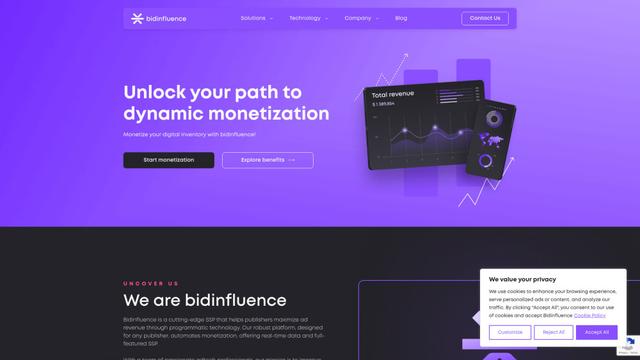
Bidinfluence is a cutting-edge supply-side platform (SSP) specializing in dynamic monetization through high-quality programmatic video advertising for publishers.

Omnitrain
Omnitrain is an AI-powered platform that creates high-converting social media ads in minutes without requiring design skills.
Ads Copilot
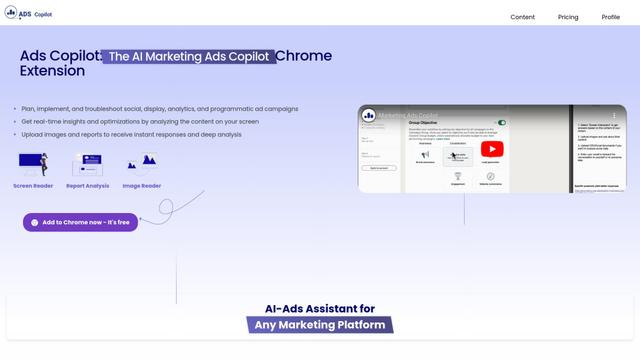
Ads Copilot is an AI-powered Chrome extension that assists marketers in planning, implementing, and optimizing ad campaigns across multiple platforms through real-time insights, report analysis, and image reading capabilities.
Fyx.ai
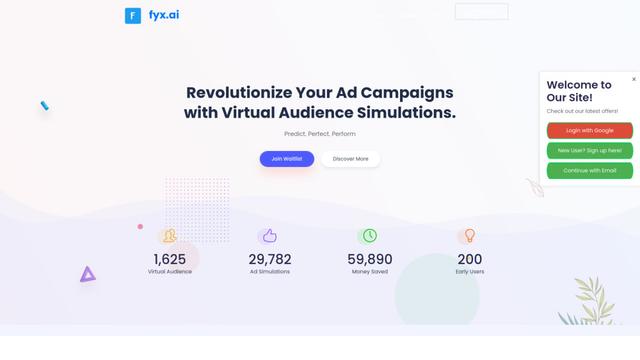
Fyx.ai is an AI-powered platform that enables advertisers to create virtual audiences, simulate ad campaigns, and optimize performance before real-world launch.
Popular AI Tools Like Searchad.ai
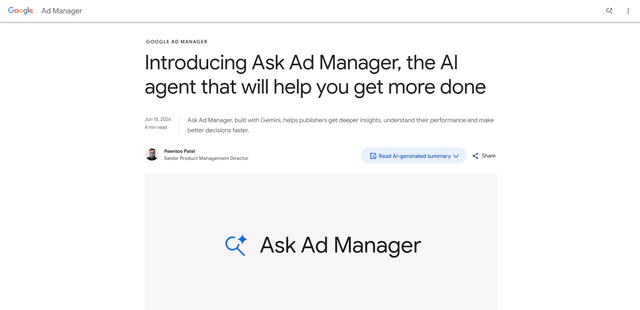
Ask Ad Manager by Google Ads
Ask Ad Manager is a Gemini-powered conversational agent inside Google Ad Manager that helps publishers troubleshoot issues in real time, generate custom performance reports from prompts, and navigate directly to the right settings using their own Ad Manager data.

TrueGether
TrueGether is a no-fee, AI-powered e-commerce marketplace that offers buyers low prices and sellers an easy way to list products across multiple channels.
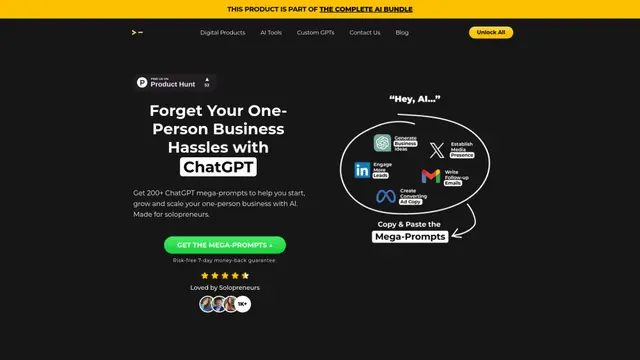
200+ ChatGPT Mega-Prompts for Solopreneurs
A curated collection of 200+ powerful ChatGPT mega-prompts designed to help solopreneurs streamline their business operations, boost productivity, and scale their ventures efficiently.
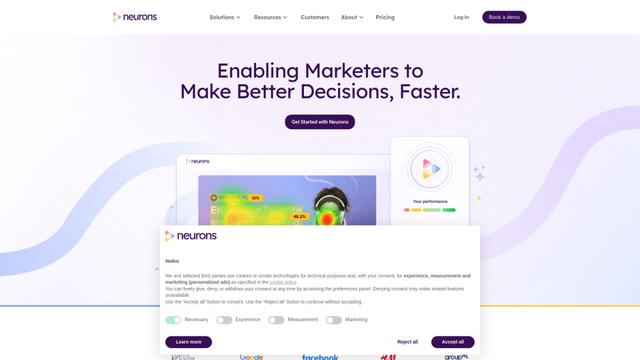
Neurons
Neurons is a consumer neuroscience company that uses AI and neuroscience to predict customer behavior and optimize marketing assets.