
Quartz
Quartz is an AI-native email app for Gmail on Mac that runs on-device to prioritize important messages and draft replies in your personal writing style while keeping email private with end-to-end encryption.
https://www.quartzmail.ai/?ref=producthunt

Product Information
Updated:Jul 8, 2026
What is Quartz
Quartz (Quartz Mail) is a public-beta, AI-powered email client designed to make your inbox easier to process and your replies faster to write without sacrificing privacy. Built for macOS (Apple Silicon) and currently supporting Gmail, it focuses on helping you quickly see what matters, reduce inbox noise, and generate drafts that sound like you. A key differentiator is its privacy-first approach: Quartz emphasizes that your mail is processed locally on your device rather than being uploaded to external AI providers.
Key Features of Quartz
Quartz is an AI-native email client (currently a public beta for Mac + Gmail) that helps you focus by automatically organizing messages by importance and generating reply drafts in your personal writing style. Its core differentiator is privacy: both classification and drafting run locally on your Apple Silicon Mac, with end-to-end encryption and no server-side processing of your mail, aiming to reduce inbox noise while keeping sensitive content on-device.
Importance-based inbox organization: Auto-categorizes emails by importance (as defined by you and learned over time), giving critical messages more space while collapsing lower-priority buckets (e.g., FYI, Icebox, Noise) to keep the inbox scannable.
On-device AI processing: Email sorting and reply drafting run locally on your Mac (Apple Silicon), minimizing data exposure and avoiding server-side analysis of your inbox.
Style-matched AI reply drafts: Generates drafts from a few bullet points, learning your cadence, phrasing, and typical warmth, and using thread context and relationship cues to avoid generic “LLM tone.”
Privacy-first architecture: Mail is not uploaded to Quartz servers (the product positions itself as having no servers that can read your mail) and is protected with end-to-end encryption where keys are held by the user.
Gmail integration (public beta): Designed to connect directly to Gmail accounts for daily inbox triage and drafting within a dedicated Quartz experience.
Security posture signals: Claims independent auditing/certification (e.g., CASA Tier 2) to strengthen trust for users concerned about email security and compliance.
Use Cases of Quartz
Executive and leadership inbox triage: Helps leaders quickly surface high-stakes messages (board, investors, key customers) while collapsing noise, reducing time spent scanning and prioritizing.
Sales and customer success responses: Drafts replies that match the rep’s voice and adapt to thread context, speeding up follow-ups, renewals, and customer communications without sounding templated.
Recruiting and HR communications: Organizes candidate and stakeholder threads by importance and generates personalized, consistent replies for scheduling, offers, and sensitive HR conversations with privacy preserved on-device.
Legal, finance, and other privacy-sensitive teams: Supports email productivity while reducing risk of exposing confidential content to third-party AI providers by keeping processing local and encrypted.
Founders and small teams managing high volume: Reduces cognitive load by summarizing/structuring attention and accelerating replies from bullet points, useful when one person handles multiple functions.
Pros
Strong privacy stance: on-device AI processing and messaging that mail is not uploaded to servers.
Improves focus: importance-based categorization reduces inbox clutter and prioritization effort.
Higher-quality drafting: replies aim to match the user’s authentic writing style rather than generic AI tone.
Cons
Platform limitation: on-device AI requires Apple Silicon Macs (not broadly cross-platform).
Ecosystem limitation: positioned around Gmail integration, which may not fit organizations on other providers.
Beta maturity risk: public beta implies potential feature gaps, model tuning needs, or workflow rough edges.
How to Use Quartz
1. Confirm requirements: Use a Mac with Apple Silicon (on-device AI is Apple Silicon only) and a Gmail account (public beta supports Mac + Gmail).
2. Download Quartz: Go to https://www.quartzmail.ai/ and download the Quartz app.
3. Install and open the app: Install Quartz on your Mac and launch it.
4. Connect your Gmail account: In Quartz, connect/sign in to Gmail to let Quartz access your inbox (beta users can connect Gmail).
5. Let Quartz organize your inbox by importance: Quartz auto-categorizes messages by importance (defined by you and learned over time) and groups mail into sections such as Important, Inbox, FYI, Icebox, and Noise.
6. Review the focused inbox layout: Read Important messages with more space/attention, scan Inbox items as one-liners, and use the collapsed FYI/Icebox/Noise sections to hide low-priority mail.
7. Use AI summaries for quick triage: Use the in-inbox AI summaries (shown alongside messages) to quickly understand key points before opening threads.
8. Draft replies using bullet points: When replying, provide a few bullet points; Quartz generates a draft reply based on the thread context and your writing style.
9. Edit and send in your own voice: Review the generated draft (intended to match your cadence, phrasing, and warmth), make any edits, then send.
10. Keep using Quartz so it learns your preferences: Continue reading, triaging, and replying; Quartz learns what you consider important and adapts its importance classification over time.
Quartz FAQs
Quartz is an AI-native email app (public beta for Mac + Gmail) that prioritizes important messages, drafts replies in your writing style, and keeps email processing private by running AI on your device.
Quartz Video
Popular Articles

Vosko AI: Localize and Dub Videos for Global Audiences
Oct 15, 2026

Atoms: A Multi-Agent AI Platform That Transforms Ideas into Launch-Ready Products
Oct 13, 2026

Nano Banana SBTI: What It Is, How It Works, and How to Use It in 2026
Apr 15, 2026

Atoms Review — The AI Product Builder Redefining Digital Creation in 2026
Apr 10, 2026
Latest AI Tools Similar to Quartz

10xBeast
10xBeast is an AI-powered sales platform that helps businesses automate and personalize cold email outreach to convert leads into customers in just a few clicks.

Inbox AI
Inbox AI is a privacy-focused MacOS productivity app that combines voice-driven AI automation with email management capabilities, allowing users to create custom workflows and commands while offering both cloud-based and on-device AI options.

MailSense
MailSense is an AI-powered email assistant that filters, summarizes, and generates replies to emails through a Telegram bot interface to help users manage their inbox more efficiently.
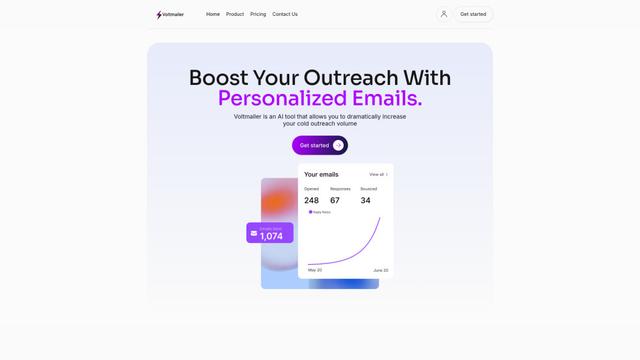
Voltmailer
Voltmailer is an AI-powered email automation tool that helps businesses scale their cold outreach by generating personalized emails through website data scraping and automated personalization.
Popular AI Tools Like Quartz
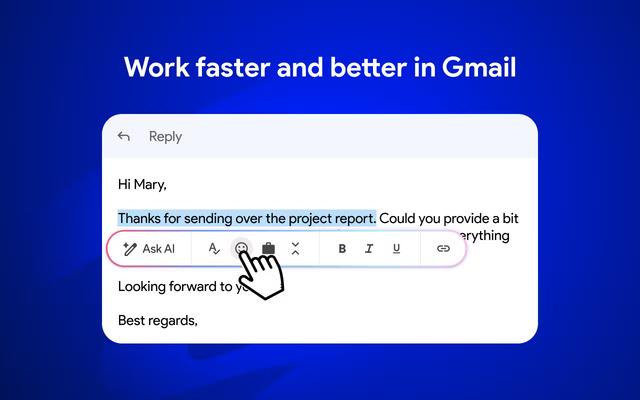
Mailmeteor AI for Gmail
Mailmeteor is a powerful Gmail extension that combines AI email writing, mail merge, automated follow-ups, and email export capabilities to enhance productivity and email management within Gmail.
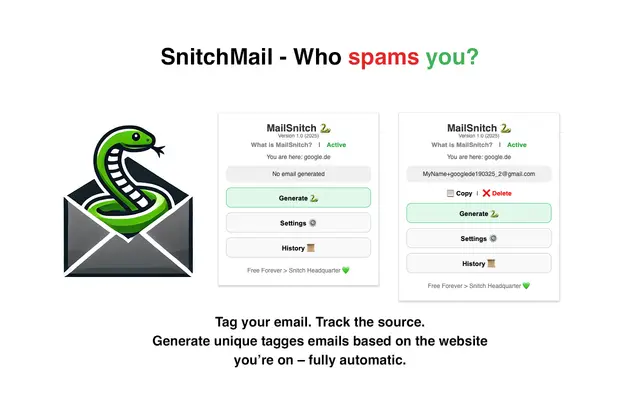
MailSnitch
MailSnitch is a free email tracking and anti-spam Chrome extension that helps users identify spam sources through automated email tagging and tracking system.
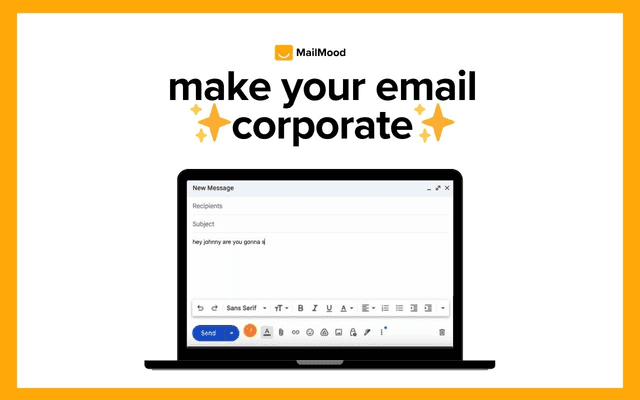
MailMood - AI Email Rewriter
MailMood is a Chrome extension that instantly transforms Gmail messages into professional, clean, and confident business language with three different tone options - corporate, casual, or assertive - all with just one click.
Apparent for Gmail
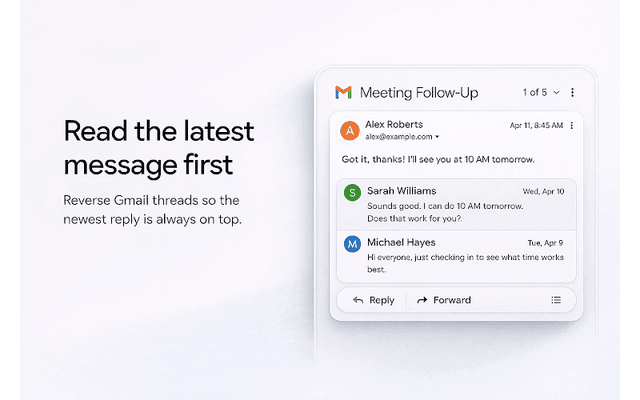
Apparent for Gmail is a Chrome extension that enhances Gmail's readability and usability by reorganizing conversations, simplifying layouts, and streamlining workflows while maintaining privacy and security.