
OpenTag
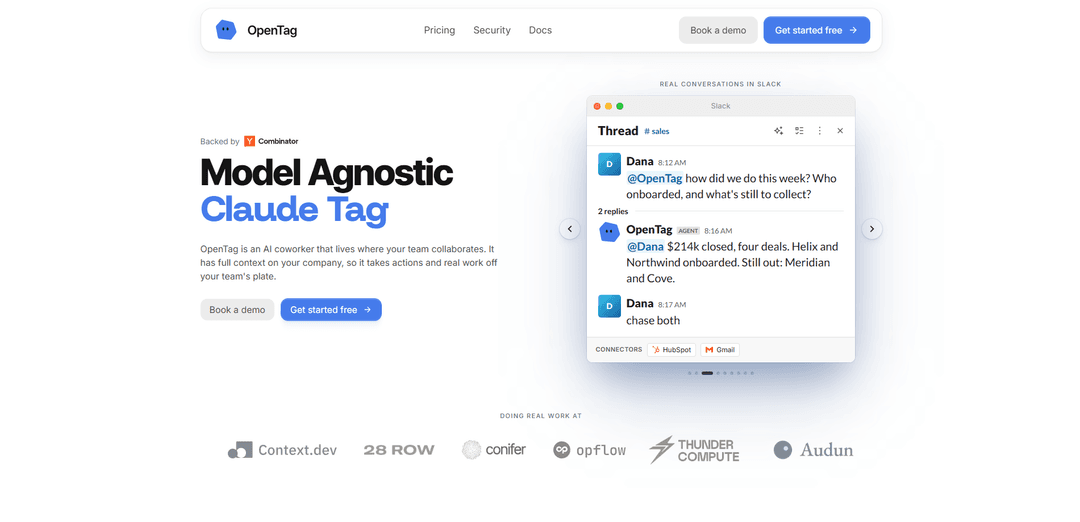
OpenTag is a model-agnostic AI coworker for team chat that you can @mention in Slack or Microsoft Teams to route tasks across 80+ models, run real actions via connected tools, and reply in-thread with evidence—not just summaries.
https://tryopentag.com/?ref=producthunt
Product Information
Updated:Sep 8, 2026
What is OpenTag
OpenTag is a team-native AI teammate designed to live where work already happens—primarily Slack and Microsoft Teams. Instead of being a standalone chatbot, it operates inside your channels and threads with shared context and permissioning, helping teams answer questions, draft outputs, and complete operational tasks. A core differentiator is its model-agnostic routing: OpenTag can choose among 80+ models and only “reach for” frontier models when needed, aiming to reduce overall model spend while keeping quality high.
Key Features of OpenTag
OpenTag is a model-agnostic AI coworker that lives inside team collaboration threads (notably Slack and Microsoft Teams). You mention/tag it in a conversation, and it routes the request to an appropriate model (from a large pool of 80+ models via Conifer, using frontier models only when needed), executes work in a sandboxed environment scoped to connected tools, and replies back in the same thread with evidence/receipts. It also learns from recurring requests to suggest automations, maintains a self-updating wiki sourced from real team discussions, and is designed for team-wide use with permissions that follow the requesting user so teammates don’t share credentials.
In-thread AI coworker for Slack & Teams: Works where your team already collaborates: mention @opentag in a thread and it responds in-context, returning results directly to the same conversation rather than pushing users into a separate UI.
Model-agnostic routing across 80+ models: Automatically selects the best-fit model for the task (via Conifer), using cheaper/faster models for routine work and escalating to Claude/GPT/Gemini-class models when necessary to reduce overall spend.
Sandboxed runs with scoped tool access: Each run executes on its own machine/environment, is sandboxed, limited to the tools you connected, and is torn down after completion—supporting a safer “do real work” posture.
Human-in-the-loop approvals & evidence-based output: Designed to show receipts and hold actions that would affect external systems until a person signs off; “Apply” appears only when an adapter is configured to execute the action.
Automation suggestions from repeated requests: When OpenTag detects recurring requests (e.g., the same Monday report multiple times), it proactively offers to schedule and own the workflow, with a simple yes/no approval.
Self-organizing team wiki from real threads: Turns scattered channel decisions and runbooks into living pages that update when policies change, preserving institutional knowledge and reducing “tribal knowledge” loss during turnover.
Use Cases of OpenTag
Sales & RevOps recurring reporting: Automatically generate weekly pipeline/CAC/forecast recaps from connected systems and post them into the right Slack channel on a schedule once the team approves the suggested automation.
Customer support & operations runbooks: Capture evolving policies (refund thresholds, escalation rules, onboarding steps) from support/ops threads into an always-current wiki, and answer questions with sourced context.
Engineering on-call and incident triage: In incident channels, summarize context, pull relevant info from connected tools (e.g., GitHub/Zendesk/monitoring where integrated), propose next actions, and keep an auditable trail of what was done.
Finance & billing follow-ups: Coordinate invoice chasing or collections workflows by drafting messages, tracking status, and posting updates in-thread—then converting repeated manual follow-ups into scheduled automations.
Cross-functional project coordination: Turn ongoing project discussions into structured knowledge (decisions, owners, timelines) and help execute routine coordination tasks across tools without requiring bespoke workflow configuration.
Pros
Model-agnostic routing can lower cost by using smaller models for most work while preserving access to frontier models when needed.
Works directly in team collaboration tools (Slack/Teams), reducing context-switching and keeping outcomes tied to the original thread.
Automation suggestions based on repeated behavior reduce the need for manual workflow setup and encourage gradual adoption.
Cons
Setup and effectiveness depend on connecting the right tools/adapters; without proper channel membership or configuration, it may appear “broken” despite behaving correctly.
Because it can take actions, organizations may need careful permissioning, approvals, and governance to match internal security/compliance requirements.
Active development implies faster change; interfaces/SDK components and operational details may evolve over time.
How to Use OpenTag
1) Verify Node.js 22.14+ is installed: In a terminal, run `node -v`. Confirm the version is 22.14.0 or newer. If it’s older, upgrade Node (e.g., via nvm, Volta, or your OS package manager) and re-check with `node -v`.
2) Install (or run) the published OpenTag CLI: Use the published OpenTag CLI from the OpenTag project (amplifthq/opentag). If you prefer not to install globally, you can run it via a package runner (e.g., `npx`) depending on how the CLI is published. After installation, confirm it works by running `opentag --help`.
3) Start guided configuration with `opentag setup`: Run `opentag setup` and follow the interactive prompts. This is where you connect the tools OpenTag will read from and act in, select a coding agent runner, and bind OpenTag to a local project checkout.
4) Choose your chat / thread source (ingress adapter): During setup, pick where you’ll mention OpenTag and where it will reply in-thread. Choose one (or more, if supported by your setup) from: Slack, GitHub, GitLab, Linear, Lark / Feishu, Telegram, Discord, or Microsoft Teams.
5) Connect the chosen platform(s) and grant scoped access: Complete the platform’s OAuth/app installation steps as prompted by `opentag setup`. OpenTag is designed so permissions follow the person who asked, channels stay invite-only, and teammates don’t borrow each other’s access.
6) If using Slack or Teams, ensure the app is present in the channel: For Slack specifically, add/invite the OpenTag app to any channel where you expect `@opentag` mentions to work. Slack will not emit `app_mention` events in channels the app is not a member of, which can look like OpenTag is broken even when it’s configured correctly.
7) Choose a coding agent runner: In `opentag setup`, select which coding agent OpenTag should route work to. Built-in options include runners like `claude-code` and `codex`, and OpenTag can also route to Cursor or any Agent Client Protocol (ACP) agent, depending on your environment.
8) Bind OpenTag to a local project checkout (local-first workflow): Select the local repository/project directory OpenTag should work in. The default ‘happy path’ is running locally so coding work stays in your checkout. Hosted runners are possible on the same claim-and-callback contracts if you don’t want a local daemon.
9) Start the local daemon (if your setup uses it): If your configuration uses the local runner/daemon (commonly referred to as `opentagd`), start it as instructed by the CLI so OpenTag can claim and execute runs on your machine.
10) Use OpenTag in a thread by mentioning it: In your chosen platform (e.g., Slack channel thread, GitHub issue/PR comment), mention `@opentag` and describe the task. OpenTag normalizes the mention into an event, dispatches it to the configured runner, and replies in the same thread with evidence/receipts—not just a summary.
11) Understand ‘Apply’ vs ‘setup/attention needed’ receipts: OpenTag only shows ‘Apply’ when the dispatcher confirms a configured adapter can execute the requested action. If an adapter isn’t configured or lacks scope, the receipt will indicate setup or attention needed, and the run remains auditable locally.
12) Inspect run status and audit trail locally: When you have a run id, use `opentag status --run <run_id>` to view the local audit trail and see what happened (or what is blocked) for that run.
13) Let OpenTag propose automations for repeated requests: If the same request repeats (e.g., ‘pull the Monday numbers’ three Mondays in a row), OpenTag can offer to take it over as an automation. You explicitly approve (yes/no) before it starts running on a schedule and posting results back into the channel with receipts attached.
14) Use OpenTag to keep a living wiki from real threads: As your team makes decisions in channels, OpenTag can synthesize and maintain wiki pages sourced to the original threads. When a decision changes, it revises the page, notes what changed, and keeps prior versions archived so docs don’t rot.
OpenTag FAQs
OpenTag is a model-agnostic AI coworker/teammate that works where your team collaborates—primarily Slack and Microsoft Teams. You mention/tag it in a thread, and it returns results back in the same context.
Popular Articles

How to Create Viral Talking Baby Podcast Videos with AI: Step-by-Step Guide
Nov 2, 2026

Proferex: A Cloud-Based Ad Tracking and Campaign Optimization Platform
Nov 2, 2026

Vosko AI: Localize and Dub Videos for Global Audiences
Oct 15, 2026

Atoms: A Multi-Agent AI Platform That Transforms Ideas into Launch-Ready Products
Oct 13, 2026
Latest AI Tools Similar to OpenTag

Ticknotes
Ticknotes is an AI-powered meeting assistant that automatically records, transcribes, and generates personalized meeting summaries, action items, and key insights from audio, video, and text content.

Feta
Feta is an AI-powered meeting tool that helps product and engineering teams run efficient meetings by capturing discussions, automating tasks, and providing actionable insights through smart summaries and integrations.
Aimeet
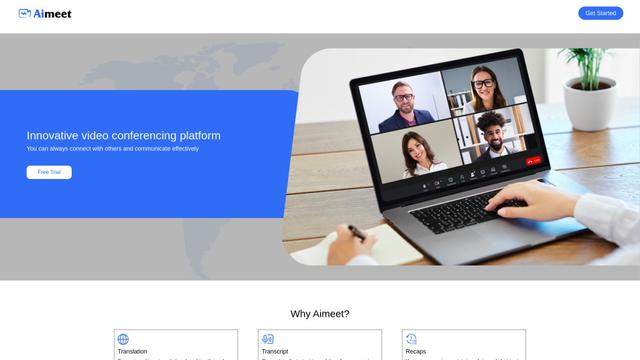
Aimeet is a comprehensive AI-powered communication platform that combines real-time translation, transcription, screen sharing, and unlimited meeting capabilities for effective virtual collaboration.
MinutesLink
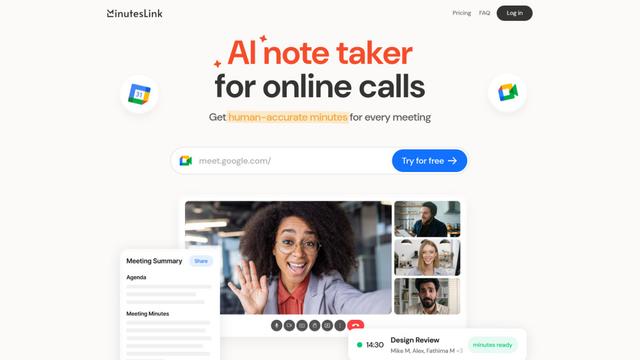
MinutesLink is an advanced AI-powered note-taking assistant that automatically records, transcribes, summarizes and organizes virtual meetings while building personalized digital avatars from meeting data.
Popular AI Tools Like OpenTag
Second Brain for AI
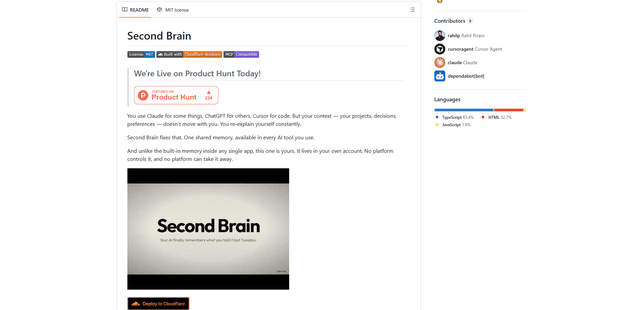
Second Brain for AI is a self-hosted, MCP-compatible persistent memory layer on Cloudflare that lets Claude, ChatGPT, Cursor, and other AI clients store and semantically recall shared context across sessions.
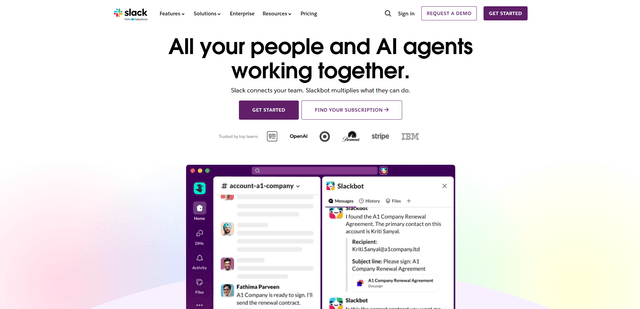
Slack
Slack is an AI-powered work platform that brings team communication, channels, files, automation, and app integrations into one conversational workspace.
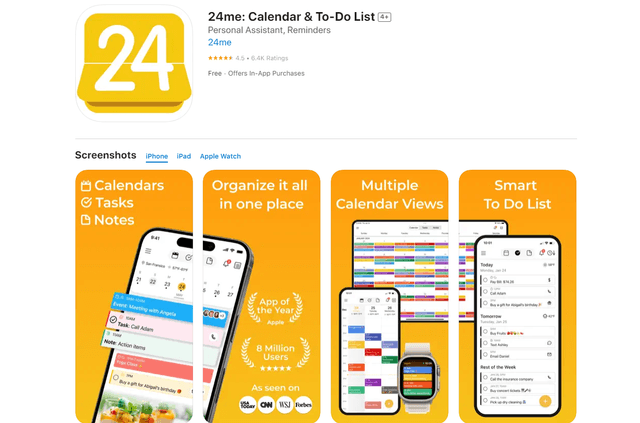
24me Smart Personal Assistant
24me is an award-winning smart personal assistant app that combines calendar, to-do lists, notes, and personal accounts in one unified platform to help boost productivity and time management.
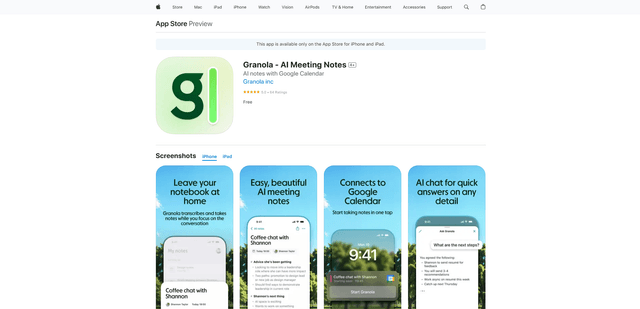
Granola for iOS
Granola for iOS is an AI-powered notepad app that helps users effortlessly capture, transcribe and summarize meeting conversations through intelligent note-taking and one-tap recording capabilities.