
OrcaSheets
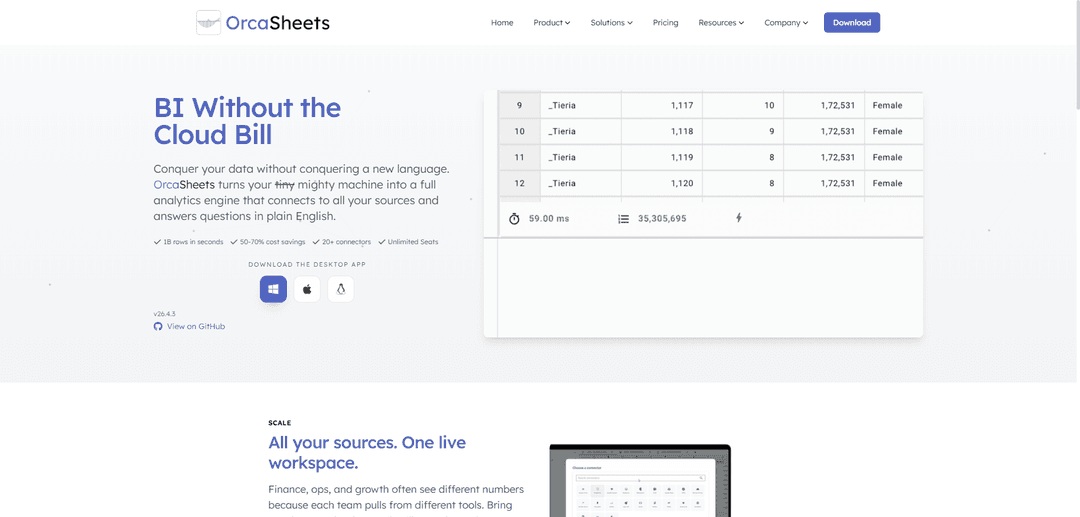
OrcaSheets is a local-first, AI-powered analytics engine with a spreadsheet-like interface that can scan billions of rows in seconds, connect to 20+ data sources, and answer questions in plain English—offline and with stronger data privacy.
https://orcasheets.io/?ref=producthunt
Product Information
Updated:May 19, 2026
What is OrcaSheets
OrcaSheets is an AI-first data analytics platform designed to turn your laptop (especially Mac) into a high-performance analytics engine, so teams can explore and visualize large datasets without relying on cloud uploads or heavy infrastructure. It combines a familiar spreadsheet workflow with built-in AI chat and optional SQL for power users, helping finance, operations, growth, and enterprise teams get consistent answers from unified data. Positioned as “local-first by default,” OrcaSheets emphasizes speed, security, and ease of use while supporting many common data formats and databases through its connector ecosystem.
Key Features of OrcaSheets
OrcaSheets is an AI-first, local-first data analytics platform that turns your laptop/desktop into a high-performance analytics engine. It processes very large datasets (up to billions of rows) quickly, lets users explore and query data in plain English via built-in chat, and also supports SQL for advanced control. It connects to many common data sources (databases, warehouses, files, and APIs), enables reusable workflows (e.g., templates/recipes, joins), and emphasizes security and compliance by keeping raw data on your infrastructure with clear boundaries for optional cloud features.
Local-first analytics engine: Runs queries and analysis on your own machine/infrastructure so data doesn’t need to be uploaded to third-party clouds, improving privacy, security, and offline capability.
High-speed processing at massive scale: Designed to scan and analyze extremely large datasets (e.g., billions of rows) in seconds, reducing lag from cloud queues and stale dashboards.
AI chat for plain-English analysis: Ask questions, validate trends, and request summaries through a built-in chat experience that treats your dataset like a live knowledge base and returns context-aware insights.
Spreadsheet + SQL workflow: Combines a familiar spreadsheet interface with the ability to drop into SQL for full control, supporting both non-technical users and advanced analysts.
Broad connectors and live unified workspace: Connects to warehouses, databases, flat files, and APIs (e.g., CSV/XLSX/Parquet/JSON, Postgres/MySQL/SQL Server/Oracle, Snowflake/Databricks, S3/GCP/Azure) to unify metrics across teams.
Reusable workflows (recipes/templates, joins): Supports repeatable analysis via pre-built/customizable workflows and reusable models/joins so teams can rerun common reporting and transformations without rebuilding queries.
Use Cases of OrcaSheets
Finance & RevOps close and reconciliation: Run month-end close, reconciliations, cohort and revenue reporting on live data sources to reduce manual exports and resolve conflicting numbers across systems.
Operations & supply chain performance tracking: Unify inventory, logistics, and SLA data across warehouses/carriers/channels to monitor inventory health, fulfillment performance, and operational bottlenecks.
Growth & product analytics (funnels/cohorts/campaigns): Stitch together product, marketing, and billing data to analyze funnels, cohort retention, and campaign performance without waiting on data teams.
Sensitive/government or regulated analytics: Analyze confidential datasets locally so raw data stays within secure environments, helping teams meet security and compliance expectations.
Manufacturing/ERP analytics at scale: Query large, complex ERP histories (hundreds to thousands of tables) to answer business questions quickly in plain English or SQL.
Pros
Local-first architecture improves data privacy/security and can work offline.
Very fast exploration and querying of large datasets (including billion-row scale).
Accessible to non-technical users via AI chat while still supporting SQL power users.
Connects to many common data sources, enabling a unified analytics workspace.
Cons
Performance and capacity depend on local hardware/resources for the heaviest workloads.
Teams that rely on centralized cloud governance/sharing may need process adjustments due to local-first orientation.
AI chat accuracy can vary with ambiguous questions and may require validation for critical decisions.
How to Use OrcaSheets
1) Install OrcaSheets: Go to https://orcasheets.io and download/install OrcaSheets for your OS. Launch the app to open your first workspace (a live, spreadsheet-like environment for analysis).
2) Create or open a workspace: Start a new workbook/workspace for the project you’re analyzing. OrcaSheets is designed to keep work in a familiar sheet interface while running analytics locally on your machine.
3) Connect your data sources (Connector): Use the built-in Connector to attach data sources such as files (CSV/XLSX/TSV/JSON/Parquet), databases (PostgreSQL/MySQL/SQL Server/Oracle/MongoDB), warehouses (Snowflake/Databricks), or cloud storage (AWS S3/GCP/Azure). Authenticate and select the tables/files you want available in the workspace.
4) Load data into the sheet: Bring selected tables/files into the sheet so you can view columns, types, and sample rows. OrcaSheets is optimized to scan very large datasets locally, so filters and pivots should remain responsive even at high row counts.
5) Unify multiple sources with joins: If your metrics live across tools (e.g., payments + inventory + marketing), create joins between tables inside OrcaSheets so teams see one consistent dataset. Reuse these joins/models across workbooks when needed.
6) Explore with natural language (OrcAI Chat): Open the built-in AI chat and ask questions in plain English (e.g., “Show revenue by month and channel” or “Find top 10 products by margin”). OrcaSheets uses your schema context (column names, types, relationships) to help generate analysis.
7) Generate new columns or transformations (Connector + OrcAI): Describe the transformation you want in simple language (e.g., “Create a column for customer tenure in days” or “Bucket order value into low/medium/high”). OrcaSheets will generate the computed column/transformation without requiring SQL/Python.
8) Use spreadsheet-style analysis tools: Apply filters, pivots, and statistical summaries directly in the sheet. Iterate quickly: filter → pivot → refine question → re-run, while staying in the same workspace.
9) Drop down to SQL when you need full control: When a question requires precise logic, write SQL against your connected data. Use this for complex aggregations, window functions, or exact reproducibility, then bring results back into the sheet.
10) Save workflows as templates: Turn repeatable analyses into templates so others can rerun the same workflow (joins + transformations + queries) without rewriting logic. This is useful for recurring reporting like month-end close or weekly funnel reviews.
11) Use Recipes for common workflows: Browse and apply pre-built “Recipes” (customizable workflows) for tasks like reconciliations, revenue reporting, operations dashboards, and ad-hoc analysis. Modify the recipe steps to match your schema and business rules.
12) Create charts and visual summaries: Generate charts from your analysis outputs to quickly visualize trends (e.g., time series, breakdowns by segment). Use these visuals to validate findings and communicate results.
13) Work securely in a local-first mode: Keep raw data on your own infrastructure/machine for sensitive use cases. OrcaSheets is designed so analytics run on your hardware rather than requiring you to upload datasets to third-party cloud services.
14) Iterate and scale up to larger datasets: As your dataset grows, continue using the same workflow: connect sources → unify → ask questions → transform → visualize. OrcaSheets is built to handle very large row counts locally, enabling fast ad-hoc exploration without waiting on cloud queues.
OrcaSheets FAQs
OrcaSheets is an AI-first data analytics platform that turns a local machine into a full analytics engine, letting users analyze and visualize data and ask questions in plain English, with the option to use SQL for more control.
OrcaSheets Video
Popular Articles

Atoms: A Multi-Agent AI Platform That Transforms Ideas into Launch-Ready Products
May 22, 2026

Nano Banana SBTI: What It Is, How It Works, and How to Use It in 2026
Apr 15, 2026

Atoms Review — The AI Product Builder Redefining Digital Creation in 2026
Apr 10, 2026

Kilo Claw: How to Deploy and Use a True "Do‑It‑For‑You" AI Agent(2026 Update)
Apr 3, 2026
Latest AI Tools Similar to OrcaSheets
Tomat
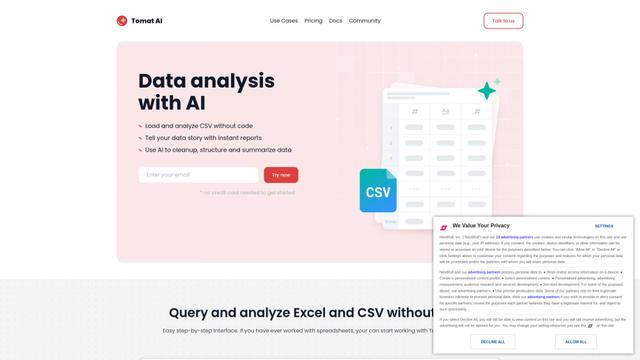
Tomat.AI is an AI-powered desktop application that enables users to easily explore, analyze, and automate large CSV and Excel files without coding, featuring local processing and advanced data manipulation capabilities.
Gentables
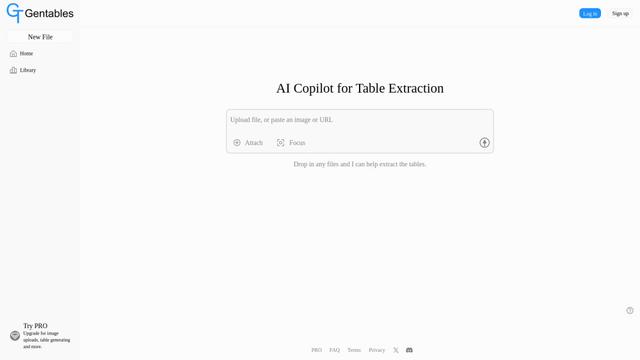
Gentables is an AI-powered tool for extracting and generating tables from various file formats with features like table editing, visualization and data processing capabilities.
SheetBot AI
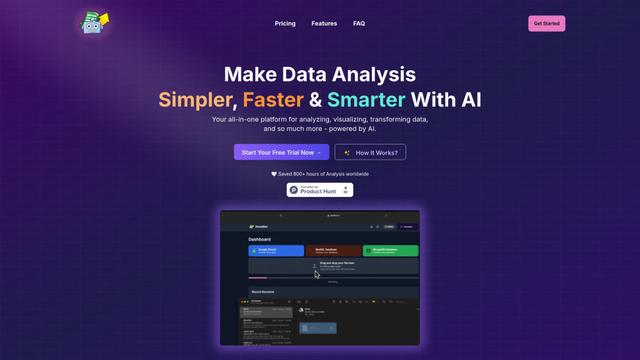
SheetBot AI is an AI-powered data analyst tool that automates data visualization and analysis tasks in spreadsheets, enabling users to generate precise graphs and insights within seconds.
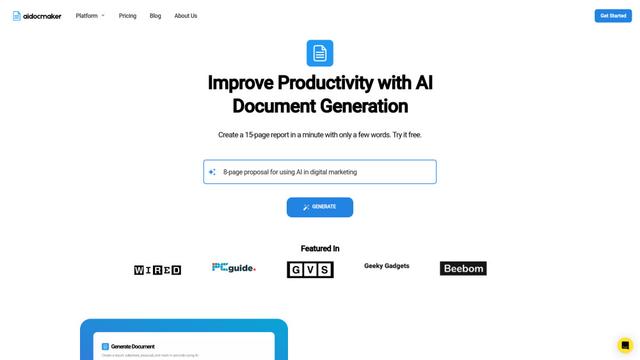
Aidocmaker.com
Aidocmaker.com is an AI-powered document creation platform that allows users to effortlessly generate professional documents, presentations, spreadsheets, and voiceovers in minutes.
Popular AI Tools Like OrcaSheets

Microsoft Excel: Spreadsheets
Microsoft Excel is the industry-leading spreadsheet software that allows users to organize, analyze, and visualize data through powerful features like formulas, charts, and AI-powered insights.
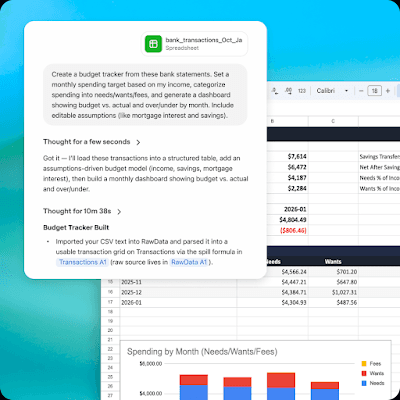
ChatGPT for Google Sheets
FreemiumAI Spreadsheet
ChatGPT for Google Sheets is an OpenAI add-on that brings ChatGPT into a Sheets sidebar so you can build, analyze, and update multi-tab spreadsheets with natural-language prompts, including formulas and cross-tab insights.
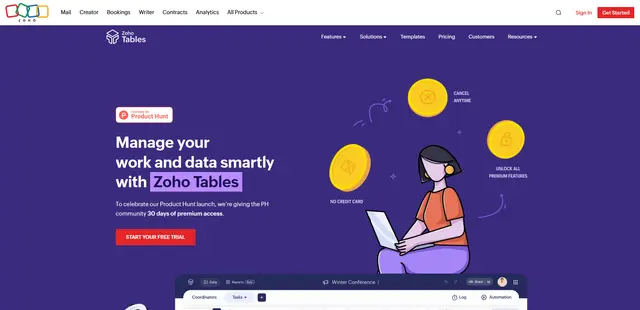
Zoho Tables
Zoho Tables is a modern spreadsheet-database hybrid that helps teams organize data with relational links, build views and dashboards, collaborate in real time, and automate workflows with no-code and AI assistance.
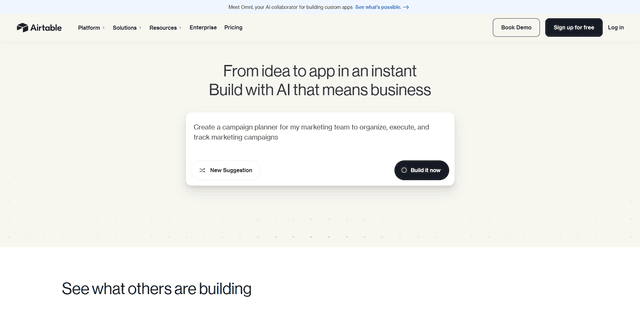
Airtable
Airtable is an AI-powered cloud collaboration platform that combines the functionality of spreadsheets and databases with no-code app building capabilities to help teams organize, track and manage their workflows and data.