Overview: From Concept to SaaS in Minutes
Without writing a single line of code, have you ever imagined transforming a basic concept into a fully functional web application with a database, payments, login, and more?
Atoms enables that in 2026 by using AI agents that collaborate like your whole product team. We'll demonstrate in this AIPURE guide how Atoms can assist you in creating a SaaS control panel that is ready for revenue in a matter of minutes rather than weeks.
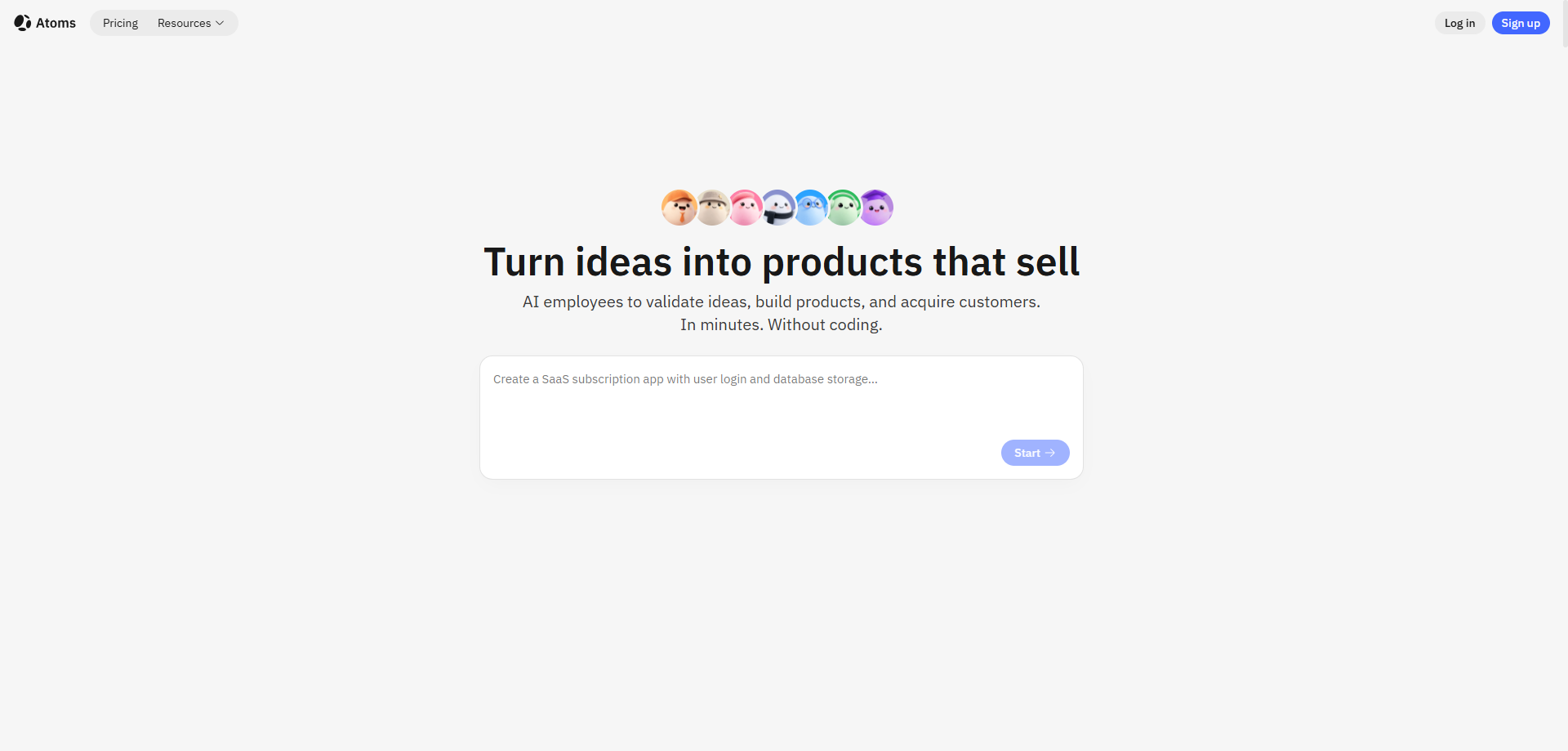
We'll begin by defining Atoms, discussing what it can be used for, and then going over a practical example: building a SaaS e-commerce dashboard. Lastly, we'll present AIPURE's review and scoring so you can determine whether Atoms complements your workflow.
What Is Atoms?
Atoms is a browser-based AI development platform that acts as your virtual product team. You describe what you want in plain English, and Atoms coordinates specialized AI agents—each with a specific role—to plan, design, build, and launch your app end to end.

Before we dive into building a SaaS control panel, it helps to understand how these agents work together. Inside Atoms, agents behave like real teammates. For example, Engineer Alex reads your prompt, breaks it into a task list, asks for your approval, then writes and refines the code.
Here’s the core "team" you work with conceptually:
- Team Leader Mike – Oversees the overall plan, coordinates agents, and gets your sign-off so things stay on track.
- SEO Specialist Sarah – Creates SEO-friendly pages and optimizations to help attract traffic at a low cost.
- Engineer Alex – Builds production-ready full-stack apps, including frontend, backend, integrations, and deployment.
- Data Analyst David – Helps analyze data and metrics for better product and growth decisions.
- Deep Researcher Iris – Spots market demand and turns it into concrete opportunities and features.
- Architect Bob – Designs scalable, robust technical blueprints for your app.
- Product Manager Emma – Turns your ideas into clear, simple specs that the whole AI team can follow.
In practice, Atoms doesn’t just generate small chunks of code. It delivers full-stack projects with frontend, backend, authentication, and payment integration ready to go, so you can move directly from idea to something you can test and monetize.

Atoms Can Be Used To Build What?
Before delving into the "how," it's critical to examine the variety of projects that Atoms can produce. It can be used to construct:
- landing pages for marketing campaigns or new products.
- SaaS tools with user logins and billing that are subscription-based.
- internal dashboards for reporting, operations, or analytics.
- Basic web applications such as portfolio websites, CRMs, and task managers.
Because of this, Atoms is adaptable enough for both rapid prototypes and apps that can begin making money.
Starting from scratch and creating a revenue-ready SaaS control panel for online stores—from concept to live dashboard so you can see the complete workflow—is the specific example we'll be focusing on in this AIPURE article.

AIPURE Hands-On Guide: How to Build a SaaS E‑commerce Dashboard Using Atoms
In this section, we’ll guide you step by step through building a SaaS analytics dashboard for e‑commerce stores.

Step 1: Find Atoms from AIPURE and Sign Up
First, open AIPURE and search for "Atoms" in the tools or search section. Once you find Atoms, click "Visit Website" to jump directly to the official Atoms homepage.

On the Atoms site, create an account. For beginners, AIPURE recommends signing up quickly using your Google account—it’s the fastest way without extra friction.
After registration, hover your mouse over the left edge of the page. Similar to the behavior in Perplexity, a sidebar slides out. From there you can:
- Click "New Project" to start from scratch, or
- Type your idea directly into the main input box on the homepage.

Step 2: Enter Your Project Idea (The Prompt)
For this demo, we’ll build a SaaS analytics dashboard for e‑commerce stores.
You can use a prompt like this:
This single description is enough for Atoms to understand what you want and start planning your project.

Step 3: Access the Workspace
Click the upward arrow icon next to the input box—or press Enter on your keyboard. This sends your idea to the AI team and opens the full workspace.
Inside the workspace:
- On the left, you see the chat window where you interact with your AI agents, including Engineer Alex.
- On the right, you see the live preview area where your app builds in real time.
The interface feels like a mix between a modern code editor and a visual website builder, but it’s driven by AI rather than manual coding.

Step 4: Review and Approve the Plan
Engineer Alex analyzes your prompt and generates a detailed work list—a project plan with key steps and features. This plan shows up in the left chat window.
- If something looks off, you can edit the plan directly: remove tasks, add new ones, or adjust wording.
- If it looks correct, click "Approve" to continue.
For this walkthrough, we approve the plan right away to keep things simple.

Next, Alex asks for your Shopify Admin API credentials:
- SHOPIFY_ADMIN_API_ACCESS_TOKEN
- SHOPIFY_STORE_DOMAIN
If you’re ready to connect to a real store, you can enter real credentials. If not, you can click "Skip" to use mock data while you test the structure and layout. In our AIPURE demo, we choose Skip to move quickly.

Step 5: Let Alex Build Automatically
After that, Alex starts working automatically in the background.
- In the left chat, you see status updates as different tasks are completed.
- On the right, you watch the code and layout appear: pages, charts, and tables are generated in real time.
Within about 20 minutes, Alex reports that the build is complete. At this point, the main structure of your SaaS dashboard is ready.
Step 6: Preview Your Dashboard
Click "App Viewer" at the top of the page to open a full preview of your new app.
You should now see:
- Revenue charts
- Top product tables
- Customer metrics and growth trends
The result closely matches the original prompt, delivering a working SaaS control panel for online stores.

Step 7: Customize with Simple Chat Commands
If you don’t like the colors or want to change layout elements, you don’t have to dig into the code immediately.
Instead, you can talk to the system through the chat. For example:
- Type: “Change the color to green.”
Within seconds, the dashboard updates with the new color scheme.

You can use the same approach to:
- Adjust layouts
- Add new sections
- Introduce extra metrics or filters
Simply describe what you want and let the AI agents update the interface.
Step 8: Test and Publish
Now test the app like a real user would:
- Log in to the dashboard.
- Click through charts and tables.
- Switch sections and confirm everything reacts correctly.
When you’re satisfied, click the "Publish" button in the top-right corner.
At this point, your SaaS dashboard is:
- Live and shareable
- Ready to accept Pro subscriptions at $9/month via Stripe (once configured)
The entire journey—from idea to publish—takes under 20 minutes in our AIPURE test.

Step 9: Go Live with Production Setup (Optional)
For a fully production-ready setup, you can:
- Add a custom domain
- Connect real Stripe and Shopify credentials
- Invite real users and start charging for access
The same workflow can be reused for other ideas: email tools, CRMs, landing pages, and more. The main difference is your prompt and the data sources you connect.
In just nine clear steps, you can move from a blank page to a revenue-ready SaaS dashboard, all powered by AI agent Alex and the Atoms team—no coding degree or full dev team required.
Who Is Atoms For?
From AIPURE’s perspective, Atoms is a strong fit if you are:
- A founder or indie hacker who wants to validate ideas quickly, without hiring a full development team.
- A marketer or operator who needs working tools and dashboards, not just static mockups.
- A developer who wants to skip boilerplate code and jump straight into customization and high-level architecture.
If you are trying to build very complex, deeply specialized systems, you will still benefit from experienced engineers. But for SaaS dashboards and similar web apps, Atoms covers most of the heavy lifting.
Quick AIPURE Tips for Using Atoms
To get better results with Atoms, AIPURE recommends:
- Be as specific as possible in your initial prompt. Describe your users, key flows, data sources, and design style.
- Use the chat like a real teammate. Ask Alex to adjust layout, add new features, or fix logic in plain language.
- Start with something simple. Begin with a clean dashboard or single-page app, then layer on advanced functionality over time.
This approach keeps your projects focused and makes it easier to iterate quickly.
AIPURE Review: How Atoms Scores for SaaS Dashboards
After building the actual SaaS e‑commerce control panel described above, AIPURE rated Atoms across several practical dimensions.
AIPURE Test Results for the SaaS Control Panel
| Test Aspect | Score | Details |
|---|---|---|
| Build Speed | 8.5/10 ⭐ | 18 minutes from prompt to live preview (vs 2–3 weeks manual dev). |
| Ease of Use | 7.8/10 ⭐ | 9 simple steps, Google signup, no coding needed for 90% of work. |
| Free Tier Experience | 8.0/10 ⭐ | Full dashboard built on free plan, only Pro needed for unlimited use. |
| Customization | 7.3/10 ⭐ | Chat commands (“make it green”) update in ~3 seconds, no code edits. |
| Production Ready | 8.2/10 ⭐ | Stripe payments, user auth, responsive design—one-click Publish. |
| Code Quality | 6.8/10 ⭐ | Clean React/Supabase stack, ESLint passed, mock data works smoothly. |
What AIPURE Liked Most
- 18-minute MVP: You can get a revenue-ready dashboard dramatically faster than hiring and managing external developers.
- Chat-driven edits: Simple changes like color, layout, or sections can be made using short natural-language commands.
- Solid free tier: You can build and test a complete SaaS dashboard on the free plan before deciding to upgrade.
- Flexible data flow: The option to skip real API credentials and work with mock data makes early testing easier.
Where There’s Room to Improve
- Real Shopify integration requires valid API keys and, for serious usage, a paid plan.
- More complex, highly customized charts or logic often need manual code editing.
- Free tier limits mean very active users will likely move to a paid plan after a small number of projects.
AIPURE Final Score
Final AIPURE Score for building a SaaS control panel with Atoms: 7.8 / 10
Atoms is not just a demo tool—it can produce a real SaaS dashboard that you can refine and turn into a paid product. It gives solo builders and small teams a practical way to move from idea to a working app much faster than traditional development.

Stay Updated with AIPURE
If this guide helped you understand what Atoms can do, there is much more to explore.
For deeper walkthroughs, tool comparisons, and updated reviews of Atoms and other AI platforms, visit AIPURE. We continuously track the latest AI tools and provide practical, step-by-step guides so you can build faster, smarter, and with less friction.
Check AIPURE regularly to discover new AI tools like Atoms and get the most comprehensive, actionable resources for your next project.



