
Airbrush Studio
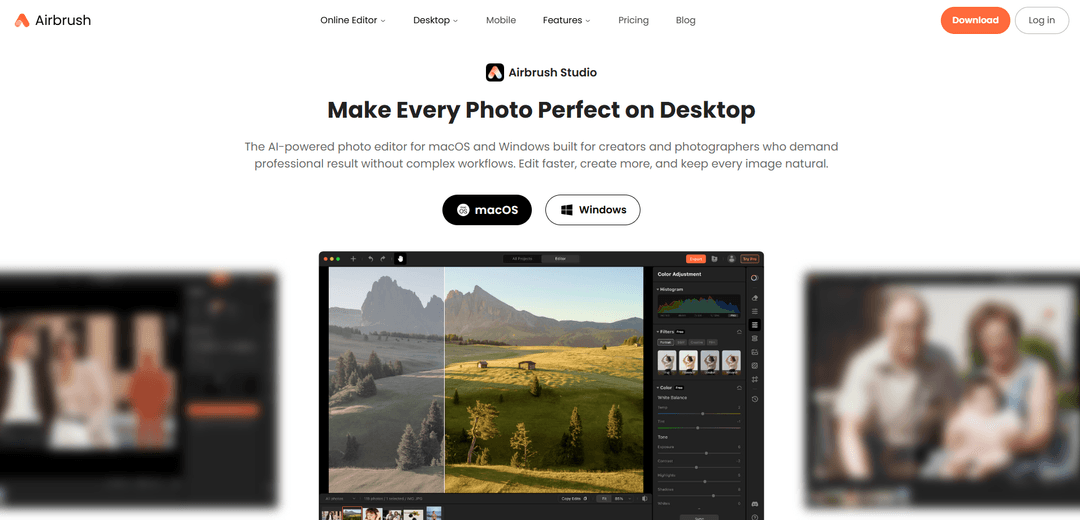
Airbrush Studio is an AI-powered desktop photo editor for macOS and Windows that delivers natural-looking portrait retouching, smart presets, and fast batch workflows with pro results and a simple interface.
https://airbrush.com/airbrush-studio?ref=producthunt
Product Information
Updated:Jun 15, 2026
Airbrush Studio Monthly Traffic Trends
Airbrush Studio received 4.3m visits last month, demonstrating a Moderate Growth of 23.5%. Based on our analysis, this trend aligns with typical market dynamics in the AI tools sector.
View history trafficWhat is Airbrush Studio
Airbrush Studio is a desktop photo editing application built for creators and photographers who want professional-quality edits without complex, time-consuming workflows. Focused on portrait retouching and everyday enhancement, it combines AI-driven tools (for skin, body, and expression refinement) with practical editing features like color grading, background removal, object removal, creative blur, sky replacement, and image enhancement. Available for Windows 10+ and macOS 11+, it’s designed to help users edit faster, keep results natural, and handle both single-image precision work and high-volume production.
Key Features of Airbrush Studio
Airbrush Studio is an AI-powered desktop photo editor for macOS and Windows focused on fast, natural-looking portrait retouching and streamlined professional workflows. It combines one-click AI tools (skin/body/expression fixes, background removal, object removal, enhancement and upscaling) with scene-based Smart Presets and batch automation so creators can apply consistent edits across many images quickly. The product emphasizes a clean pro-oriented workspace, GPU-accelerated performance, offline-capable processing for privacy, and unlimited high-resolution exports, with a free Basic plan that includes credits and paid plans for more usage.
AI portrait retouching (skin/body/expression): Portrait-specific tools powered by proprietary AI models that understand human anatomy to smooth skin while preserving texture, refine body details, and adjust expressions for authentic, natural results.
Magic Eraser & distraction removal: Quickly removes unwanted objects (e.g., passersby, clutter) to keep attention on the subject, useful for both portraits and commercial imagery.
Background removal & clean cutouts: Generates studio-style cutouts in seconds, enabling easy subject isolation for headshots, product images, and marketing creatives.
Image enhancement (upscale/sharpen): Improves low-resolution or blurry images by upscaling and sharpening for crisp, high-quality output.
Smart Presets + batch workflows: Scene-tailored one-click presets (e.g., weddings, headshots, products, real estate, beauty/fashion) plus batch import/sync/export to apply consistent edits across hundreds of photos efficiently.
Desktop advantages: privacy, speed, hi-res exports: Designed for productivity with GPU-accelerated performance, offline-capable processing to keep photos on-device, and unlimited high-resolution exports without per-image limits.
Use Cases of Airbrush Studio
Wedding & event photography post-production: Apply consistent color grading and portrait retouching across large sets, fix distractions, and batch export deliverables faster.
Headshots for HR, agencies, and personal branding: Create clean, professional headshots with background options, standard-size AI crop, and natural facial/skin refinements at scale.
E-commerce product catalog cleanup: Batch remove backgrounds, crop to standard sizes, and erase unwanted artifacts to produce consistent product listings quickly.
Real estate marketing imagery: Enhance interiors/exteriors with sky replacement, auto-straighten, and overall image polish to improve listing appeal.
Beauty & fashion content production: Retouch skin and hair (e.g., flyaway cleanup, texture refinement) and apply stylistic color grading for editorial-ready visuals.
Pros
Fast, workflow-oriented editing with Smart Presets and strong batch automation for high-volume work
Portrait-focused AI tools aim for natural results and reduce manual retouching time
Desktop benefits: GPU acceleration, offline-capable processing for privacy, and unlimited high-resolution exports
Accessible to non-experts via one-click tools and a clean, productivity-focused interface
Cons
Primarily optimized for portrait retouching; may feel limited for broader, advanced photo-manipulation needs compared to full suites
English-only UI (per FAQ), which can be a barrier for some teams
Free Basic plan is credit-based; heavier usage likely requires paid plans
How to Use Airbrush Studio
1) Install and launch Airbrush Studio: Download Airbrush Studio for your operating system (Windows 10+ or macOS 11+), install it, and open the app.
2) Start a project by importing photos: Import a single image for precision editing or use the batch workflow to bring in multiple photos at once (useful for catalogs, weddings, headshots, etc.).
3) Choose your workflow: Smart Preset or manual edits: If you want fast results, pick a Smart Preset tailored to your scenario (e.g., Weddings, Headshots, Beauty & Fashion, Products, Real Estate). If you prefer control, proceed directly to individual tools like retouching, color grading, and removal tools.
4) Retouch portraits (skin, body, expression): Use the Portrait Retouch features to refine portraits while keeping results natural. Apply skin retouching for smoother skin and blemish cleanup, adjust body retouching if needed, and refine expression-related edits where available.
5) Remove distractions with Magic Eraser: Use Magic Eraser to remove unwanted objects (e.g., passersby, clutter, distractions) so attention stays on the subject.
6) Remove or replace the background: Use Background Remove to generate clean cutouts quickly. For headshots, you can also choose from professional background styles to standardize the look.
7) Improve composition with crop and straighten: Use crop tools to refine framing. For real estate or scenes needing alignment, use Auto Straighten. For headshots/passport-style outputs, use AI Crop to quickly crop to standard sizes.
8) Adjust color and style with Color Grading: Apply Color Grading to create richer, more cinematic tones and unify the look across your images.
9) Add depth with Creative Blur: Use Creative Blur to increase subject separation and focus by adding depth-of-field style blur.
10) Replace skies when needed: Use Sky Replacement to swap dull skies for brighter or more dramatic sky assets (commonly used in real estate and outdoor photography).
11) Enhance image quality: Use Image Enhance to upscale and sharpen low-resolution or slightly blurry photos for a crisper final result.
12) Use AI editing modes for transformations (optional): If you need more than standard edits, use the AI-powered editing features (e.g., Selective Magic Edit or Full Image Magic Edit) to transform specific areas or the entire image.
13) Fine-tune one image before syncing (batch workflow): In batch workflows, edit one representative photo first (using presets and/or manual tools), then fine-tune until it matches your desired style.
14) Sync edits across the batch: Apply the same settings/edits to the rest of the imported photos to keep results consistent and speed up delivery.
15) Export your results: Export your final images. Airbrush Studio supports high-resolution exports, and batch export is available when working with multiple photos.
Airbrush Studio FAQs
Airbrush Studio is an AI-powered desktop photo editor for portrait retouching on macOS and Windows, designed to deliver professional-looking results with a streamlined workflow.
Popular Articles

Atoms: A Multi-Agent AI Platform That Transforms Ideas into Launch-Ready Products
May 22, 2026

Nano Banana SBTI: What It Is, How It Works, and How to Use It in 2026
Apr 15, 2026

Atoms Review — The AI Product Builder Redefining Digital Creation in 2026
Apr 10, 2026

Kilo Claw: How to Deploy and Use a True "Do‑It‑For‑You" AI Agent(2026 Update)
Apr 3, 2026
Analytics of Airbrush Studio Website
Airbrush Studio Traffic & Rankings
4.3M
Monthly Visits
#14460
Global Rank
#7
Category Rank
Traffic Trends: Nov 2024-Oct 2025
Airbrush Studio User Insights
00:02:27
Avg. Visit Duration
2.85
Pages Per Visit
34.13%
User Bounce Rate
Top Regions of Airbrush Studio
RU: 33.42%
IN: 9.27%
US: 6.15%
PE: 5.98%
MX: 3.6%
Others: 41.58%
Latest AI Tools Similar to Airbrush Studio

AiSource
AiSource is a unified platform that allows users to generate and compare images using multiple leading AI text-to-image generators in one place without requiring separate subscriptions.
SampleFaces
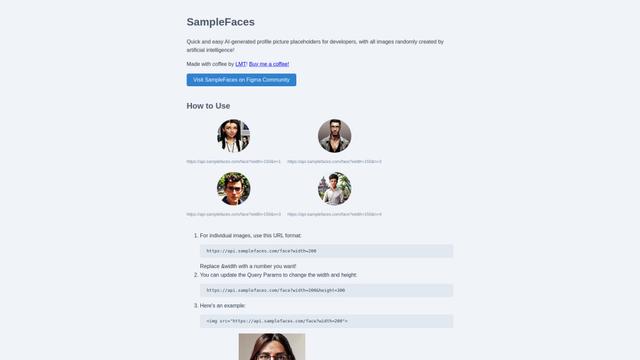
SampleFaces is a free web service that provides AI-generated profile pictures for developers and designers to use as placeholders in their projects.
ImageKit.io
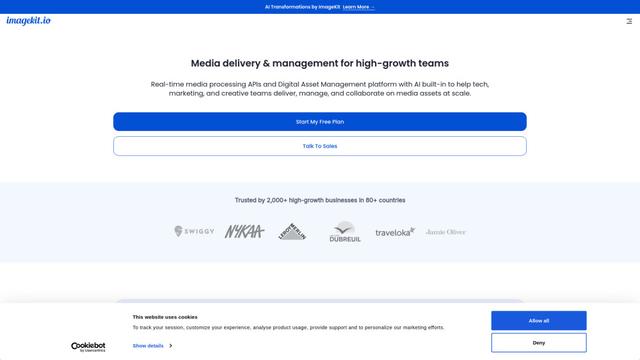
ImageKit.io is a comprehensive media management and delivery platform that provides real-time image and video optimization, processing APIs, and Digital Asset Management (DAM) solutions for delivering high-quality visual experiences on websites and apps.

FASHN
FASHN is a self-funded, AI-first company that develops cutting-edge virtual try-on technology and image-based generative models tailored specifically for the fashion industry.
Popular AI Tools Like Airbrush Studio
ChatGPT Images(GPT Image 1.5)
FreemiumAI Photo & Image Generator
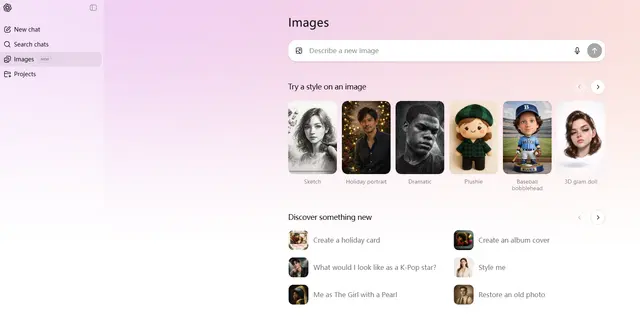
ChatGPT Images, powered by GPT Image 1.5, is OpenAI's flagship image generation model that offers 4x faster processing, stronger instruction following, precise editing capabilities, and enhanced detail preservation for creating and editing high-quality AI-generated images.
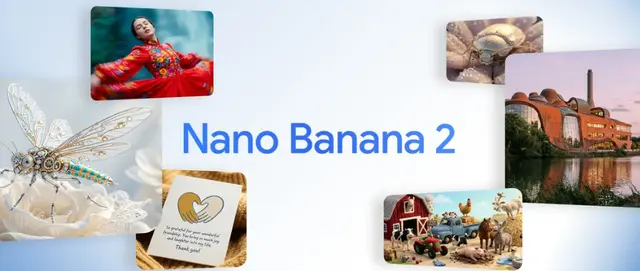
Nano Banana 2 (Gemini 3.1 Flash Image) - Official
FreemiumAI Photo & Image Generator
Nano Banana 2 (Gemini 3.1 Flash Image) is Google's latest state-of-the-art image generation model that combines Pro-level quality with Flash-speed performance, offering enhanced visual fidelity, real-world knowledge integration, and advanced editing capabilities.
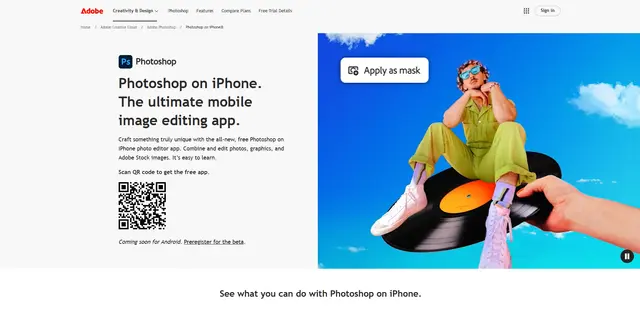
Adobe Photoshop App
Adobe Photoshop App is a free, powerful mobile photo editor that allows users to combine and edit photos, graphics, and Adobe Stock images with professional-grade tools and AI features optimized for touch devices.
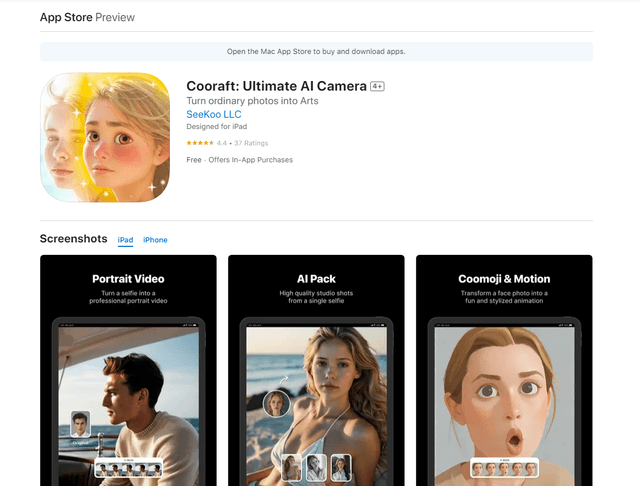
Cooraft: Ultimate AI Camera
Cooraft is an AI-powered camera app that transforms selfies and photos into stunning studio-quality videos, animations, and artistic renderings with just one tap.