ChatGPT Images(GPT Image 1.5)
ChatGPT Images由GPT Image 1.5提供支持,是OpenAI的旗艦圖像生成模型,它提供4倍更快的處理速度、更強的指令遵循、精確的編輯功能以及增強的細節保留,用於創建和編輯高品質的AI生成圖像。
https://chatgpt.com/images/?openaicom_referred=true&utm_source=aipure

產品資訊
更新時間:2026年04月16日
ChatGPT Images(GPT Image 1.5) 每月流量趨勢
ChatGPT Images (GPT Image 1.5) 的訪問量增長了 4.4%,達到 61.7億次訪問。儘管最近的 GPT-5 發布和 ChatGPT SDK 更新提升了用戶體驗和整合能力,但增長幅度溫和,這可能反映出穩定的用戶基礎,而非新用戶的激增。
什麼是 ChatGPT Images(GPT Image 1.5)
ChatGPT Images是OpenAI的整合視覺AI平台,由他們最新的GPT Image 1.5模型提供支持,該模型於2023年12月發布。它代表了AI圖像生成方面的重大進步,通過將強大的圖像創建和編輯功能直接整合到ChatGPT介面中。該平台在側邊欄中設有一個專用的「圖像」選項卡,其中包含預設濾鏡和熱門提示,使全球所有ChatGPT用戶都可以訪問,並可通過API作為GPT Image 1.5使用。
ChatGPT Images(GPT Image 1.5) 的主要功能
ChatGPT Images 由 GPT Image 1.5 提供支持,是 OpenAI 最新的圖像生成模型,可在速度、精確度和質量方面實現顯著改進。它提供快 4 倍的生成速度、更準確的指令遵循、具有更好細節保留的精確編輯功能以及改進的文本渲染。此更新包括 ChatGPT 中一個新的專用圖像界面,具有預設濾鏡和樣式,使其更易於訪問,成為休閒用戶和企業的創意工作室。
增強的速度和性能: 生成圖像的速度比以前的版本快 4 倍,並提高了處理效率和響應時間
精確的編輯控制: 在編輯過程中更好地保留照明、構圖和面部特徵等細節,並提高多次修改的一致性
改進的文本渲染: 增強了處理密集和較小文本的能力,特別適用於徽標、信息圖表和詳細的視覺內容
簡化的用戶界面: 新的專用圖像選項卡,具有預設濾鏡和熱門提示,可以更輕鬆地探索和創建,而無需依賴完美的書面提示
ChatGPT Images(GPT Image 1.5) 的使用案例
電子商務產品攝影: 創建和編輯具有一致照明和細節的專業產品照片,適用於在線商店和目錄
營銷和品牌推廣: 生成和修改品牌一致的視覺效果,用於社交媒體、廣告和營銷材料,並保留徽標和樣式
創意設計: 通過更快的生成和精確的編輯功能,快速進行設計概念的原型設計和迭代
專業頭像: 創建和編輯具有一致照明和樣式的專業人像,用於商業檔案和公司用途
優點
顯著更快的生成速度(提高 4 倍)
更好地保留細節和編輯一致性
具有預設濾鏡和樣式的更直觀界面
與現有 ChatGPT 工作流程的強大集成
缺點
仍然需要 ChatGPT 訂閱才能完全訪問
與專業圖像編輯軟件相比,可能存在局限性
一些用戶報告說,複雜的編輯結果不一致
如何使用 ChatGPT Images(GPT Image 1.5)
訪問ChatGPT Images: 登錄ChatGPT,並在側邊欄中尋找新的「圖像」選項卡,它的工作方式類似於創意工作室
選擇您的圖像創建方法: 您可以鍵入描述您要創建的圖像的文字提示,或者選擇麥克風圖標旁邊的「查看所有工具」並點擊「創建圖像」
輸入您的圖像提示: 詳細描述您要生成的圖像種類。具體說明您要包含的風格、構圖、光線、顏色和其他元素
等待生成: 新的GPT Image 1.5模型生成圖像的速度比以前的版本快4倍,但可能仍需要一分鐘以上的時間。您將收到一張高品質的圖像
通過對話進行完善: 您可以與ChatGPT進行自然的對話來完善圖像 - 請求更改、強調某些元素或通過後續提示修改風格
嘗試預設風格: 探索「圖像」側邊欄中的新預設濾鏡和風格,以快速將圖像轉換為不同的藝術風格,如素描、波普藝術或節日肖像
編輯現有圖像: 上傳現有圖像進行編輯 - 您可以添加/刪除元素、組合圖像、調整光線或應用風格轉換,同時保留關鍵細節
保存和匯出: 一旦對您生成的或編輯的圖像感到滿意,您可以保存並下載它以用於您的專案中
ChatGPT Images(GPT Image 1.5) 常見問題
ChatGPT Images 是 OpenAI 升級的圖像生成模型 (GPT Image 1.5),提供更精確的編輯、一致的細節,以及高達 4 倍的圖像生成速度。所有 ChatGPT 用戶以及透過 API 均可使用。
相關文章




ChatGPT Images(GPT Image 1.5) 網站分析
ChatGPT Images(GPT Image 1.5) 流量和排名
6.2B
每月訪問量
#6
全球排名
#1
類別排名
流量趨勢:Nov 2024-Oct 2025
ChatGPT Images(GPT Image 1.5) 用戶洞察
00:06:25
平均訪問時長
3.84
每次訪問的頁面數
31.18%
用戶跳出率
ChatGPT Images(GPT Image 1.5) 的主要地區
US: 19.78%
IN: 7.03%
BR: 5.24%
JP: 3.8%
GB: 3.34%
Others: 60.81%
与 ChatGPT Images(GPT Image 1.5) 类似的最新 AI 工具

AiSource
AiSource is a unified platform that allows users to generate and compare images using multiple leading AI text-to-image generators in one place without requiring separate subscriptions.
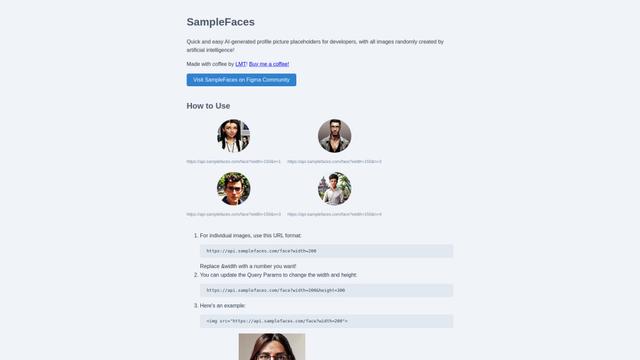
SampleFaces
SampleFaces 是一個免費的網絡服務,為開發者和設計師提供 AI 生成的個人頭像,用於在其項目中作為佔位符。
ImageKit.io
ImageKit.io 是一個全面的媒體管理和交付平台,提供實時圖像和視頻優化、處理 API 和數字資產管理(DAM)解決方案,以在網站和應用程序中提供高質量的視覺體驗。
FASHN
FASHN 是一家自籌資金、以 AI 為主導的公司,專門為時尚行業開發尖端的虛擬試穿技術和圖像生成模型。
类似 ChatGPT Images(GPT Image 1.5) 的热门 AI 工具
Nano Banana 2 (Gemini 3.1 Flash Image) - Official
FreemiumAI Photo & Image Generator
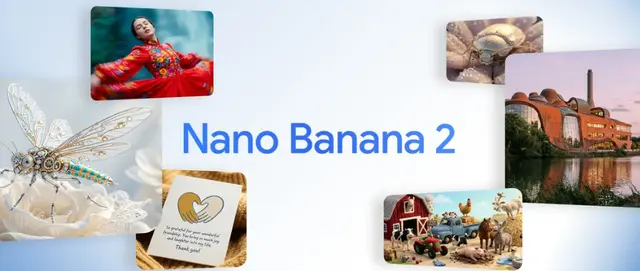
Nano Banana 2 (Gemini 3.1 Flash Image) 是 Google 最新的最先進的圖像生成模型,它結合了專業級品質和 Flash 速度性能,提供增強的視覺保真度、真實世界知識整合和高級編輯功能。
Adobe Photoshop App
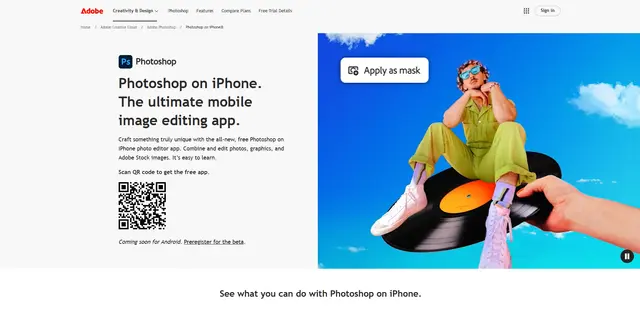
Adobe Photoshop App 是一款免費且功能強大的行動照片編輯器,使用者可以使用針對觸控裝置最佳化的專業級工具和 AI 功能來合併和編輯照片、圖形和 Adobe Stock 影像。
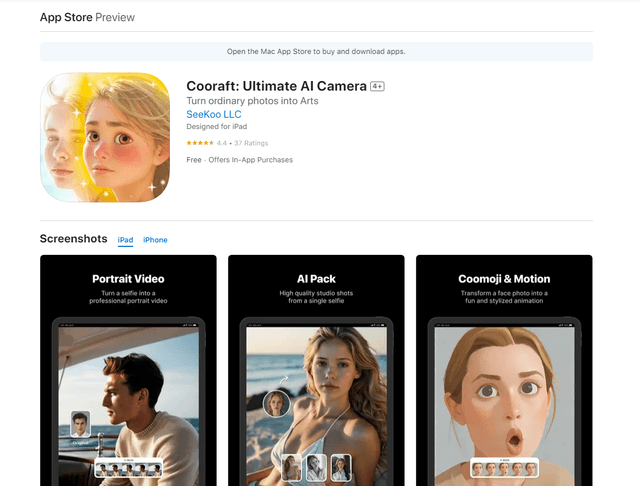
Cooraft: Ultimate AI Camera
Cooraft 是一款 AI 驅動的相機應用,只需輕輕一按,即可將自拍和照片轉變為令人驚嘆的影棚級視頻、動畫和藝術渲染。
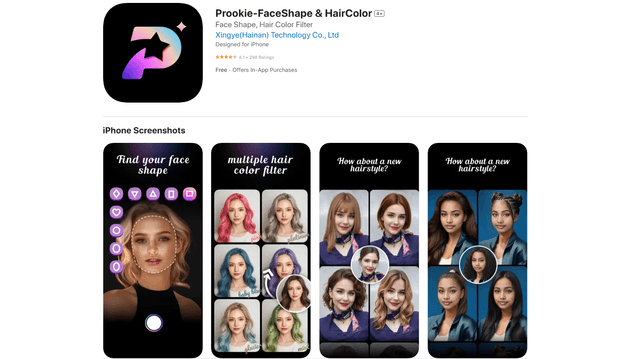
Prookie-AI Photo & Cartoon
Prookie 是一款 AI 驅動的照片編輯應用,提供卡通效果、髮型變換、老化預測和專業編輯工具,適合初學者和有經驗的用戶。