
Juno
Juno is a 24/7 AI health assistant for people with chronic illness that tracks symptoms and biometrics, spots patterns and triggers, supports pacing, and generates clear one-page doctor reports.
https://junocompanion.com/?ref=producthunt

Product Information
Updated:Jun 15, 2026
What is Juno
Juno is an AI companion designed to make chronic illness management feel less overwhelming by turning day-to-day symptom experiences into organized, useful health insights. Built by founders with lived experience of chronic conditions and informed by research conducted at Oxford and UCL, Juno supports people with conditions like ME/CFS, POTS, fibromyalgia, MS, endometriosis, migraines, IBS, and other invisible illnesses. It combines conversational check-ins with health tracking so users can better understand flares, capture what helps, and communicate more effectively with their care team.
Key Features of Juno
Juno is a 24/7 AI health assistant designed for people living with chronic illness that makes symptom tracking easier through natural voice/text conversations, connects health context (daily check-ins, medical history, doctor notes, and biometrics like sleep/HRV), spots patterns and triggers over time, supports pacing/energy management to help prevent flares, and turns ongoing logs into clear, shareable one-page doctor-ready summaries for more productive appointments.
Conversational symptom journaling (voice or text): Log symptoms, pain, mood, energy, meds, diet, and daily context by talking naturally; Juno captures details without making tracking feel like paperwork.
Context-aware pattern and trigger detection: Connects entries across time and compares new symptoms against your baseline to surface correlations, small changes, and potential triggers that might otherwise be missed.
Doctor-ready reports and appointment prep: Generates a concise one-page summary with timelines of symptoms/flares, sleep, medication changes, and what helped—so you can share context before the visit and know what to ask.
Energy management and pacing support: Uses your history and signals (e.g., HRV/sleep) to flag crash risk and gently reshape your schedule with rest breaks and workload adjustments aligned with spoon theory/pacing.
Personalization for chronic and complex conditions: Tailors check-ins and guidance to your specific conditions (e.g., ME/CFS, POTS, fibromyalgia, MS, endometriosis, migraines, IBS, Long COVID) and remembers your symptom history.
Privacy controls and account management: Positions itself as private and secure, with options like account deletion and subscription cancellation controls referenced in FAQs.
Use Cases of Juno
Chronic illness self-management at home: People with fluctuating symptoms use Juno to track daily changes, identify triggers, and maintain a manageable health diary even during low-energy periods.
Clinical visit preparation and care coordination: Patients compile weeks of symptoms and interventions into a shareable summary for GPs/specialists, improving communication and reducing time spent recounting history.
Post-diagnosis adjustment and monitoring: Newly diagnosed patients (e.g., MS) use Juno to establish baselines, monitor treatment/med changes, and document what improves or worsens symptoms.
Pacing and relapse/crash prevention (ME/CFS, Long COVID, POTS): Users manage exertion by letting Juno flag over-scheduling and suggest rest breaks or calendar reshaping based on biometrics and prior crash patterns.
Caregiver-supported tracking: Families or caregivers can use the structured logs and summaries to help track flares, meds, and functional changes and share clearer updates with clinicians.
Pros
Reduces tracking friction by using natural conversation (voice/text) and gentle check-ins suited to low-energy days
Produces doctor-friendly summaries that can make appointments more efficient and actionable
Connects multiple data types (symptoms, history, notes, biometrics) to highlight patterns and changes vs. baseline
Pacing and crash-risk awareness is tailored to chronic illness realities (spoon theory, flare management)
Cons
Not a diagnostic or treatment tool; insights are informational and still require clinician oversight
Effectiveness depends on consistent logging and/or availability of connected data (e.g., biometrics, notes)
Privacy expectations may vary by feature and platform; users may need to review the app’s specific data-handling disclosures
How to Use Juno
1. Download and install Juno: Install Juno from the App Store or Google Play, then open the app to begin setup.
2. Create your account and set preferences: Sign up/log in and provide basic context (e.g., conditions you’re managing, what you want help with). Juno will use this to personalize check-ins, pattern detection, and pacing support.
3. Add your baseline health context: Enter or import what you already know: medical history, past symptoms, medications, appointment history, and any notes you’ve kept. This helps Juno compare new symptoms against your baseline.
4. Connect biometrics and devices (optional): Link wearables/health data sources (e.g., Garmin, Fitbit, and other supported integrations) so Juno can use signals like sleep, heart rate, steps, stress, and HRV alongside your symptom logs.
5. Start daily check-ins via conversation: Use natural language to tell Juno how you feel (symptoms, pain, mood, fatigue, sleep, diet, schedule changes, meds taken). Juno can turn these conversations into structured tracking without long forms.
6. Log symptoms quickly when they happen: When symptoms flare or change, open Juno and add a quick update. The app is designed for faster data entry and a streamlined symptom logging flow.
7. Track medications and routines: Record medication changes, doses, and timing as part of check-ins or quick logs so Juno can relate symptom changes to treatment and routine shifts.
8. Review patterns and personalized insights: Check Juno’s pattern recognition outputs to see correlations and triggers (e.g., workload + low HRV preceding a crash). Use these insights to refine what you track and what questions you ask next.
9. Use pacing support to prevent flares: Let Juno look at your upcoming schedule and recent biometrics/crash history. If you’re overdoing it, Juno can suggest reshaping your day (e.g., adding rest breaks, restructuring tasks) to reduce crash risk.
10. Set custom notifications and reminders: Configure personalized alerts for medications, symptom check-ins, and other routines so you don’t have to rely on memory—especially on low-energy days.
11. Prepare a doctor-ready summary report: Before an appointment, generate a one-page report summarizing your timeline (symptoms, flares, sleep, medication changes, what helps) and key patterns/triggers. Share it ahead of time so your clinician starts with context.
12. Keep using Juno between appointments: Continue daily/weekly check-ins, update symptoms and meds, and revisit insights. Over time, Juno’s memory of your conversations and preferences helps make tracking and support more personalized.
Juno FAQs
Juno is a 24/7 AI health assistant designed for people living with chronic illness, helping them track symptoms, spot patterns, and feel supported between appointments.
Juno Video
Popular Articles

Atoms: A Multi-Agent AI Platform That Transforms Ideas into Launch-Ready Products
May 22, 2026

Nano Banana SBTI: What It Is, How It Works, and How to Use It in 2026
Apr 15, 2026

Atoms Review — The AI Product Builder Redefining Digital Creation in 2026
Apr 10, 2026

Kilo Claw: How to Deploy and Use a True "Do‑It‑For‑You" AI Agent(2026 Update)
Apr 3, 2026
Latest AI Tools Similar to Juno
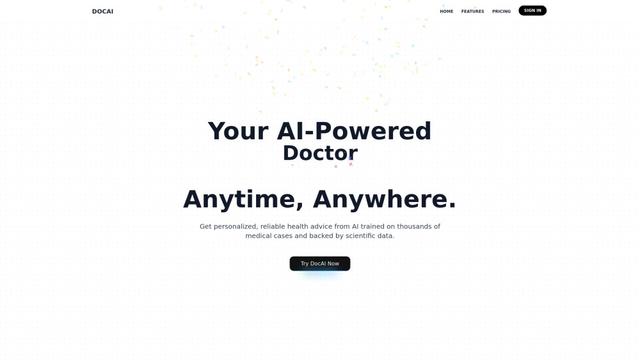
DocAI
DocAI is an AI-powered platform that offers intelligent document processing, medical consultation analysis, and personalized healthcare solutions through advanced machine learning technologies.
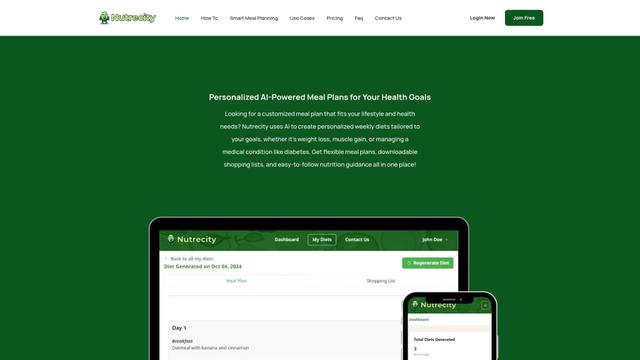
Nutrecity
Nutrecity is an AI-powered meal planning platform that creates personalized nutrition plans tailored to individual health goals, dietary preferences, and restrictions while providing comprehensive nutritional tracking and reporting.
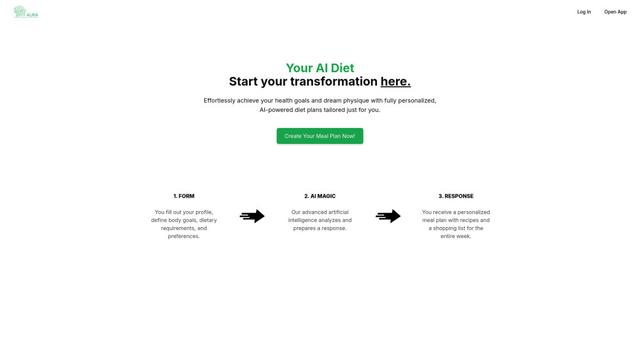
Fit Aura
Fit Aura is an AI-powered diet and nutrition platform that creates personalized meal plans, generates recipes, and helps track fitness progress for achieving health goals.
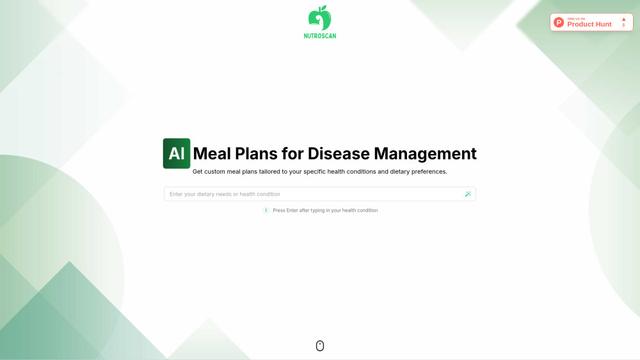
Nutroscan
Nutroscan is an AI-powered meal planning platform that generates personalized nutrition plans based on individual health conditions, dietary preferences, and nutritional needs.
Popular AI Tools Like Juno
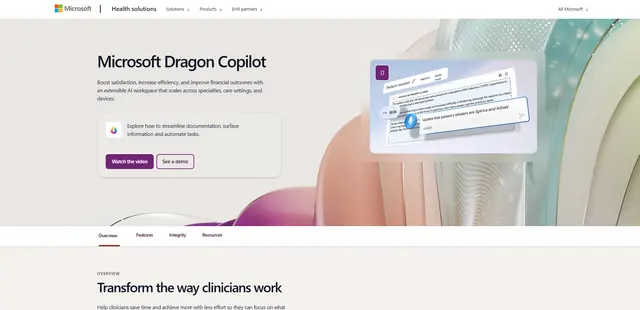
Microsoft Dragon Copilot
Microsoft Dragon Copilot is an AI-powered clinical workflow assistant that combines natural language voice dictation, ambient listening capabilities, and generative AI to streamline documentation, surface information, and automate tasks across healthcare settings.
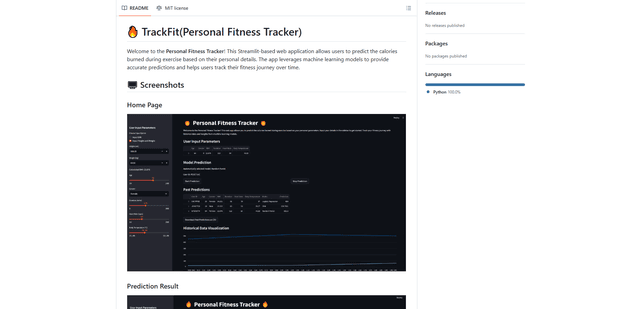
TrackFit
TrackFit is a comprehensive AI-powered fitness tracking system that combines smartwatch sensor data, machine learning models, and personalized analytics to help users monitor workouts, track progress, and improve exercise form in real-time.
HealthyAI - Nutrition Scanner
FreemiumHealthcare
HealthyAI is an AI-powered nutrition scanner app that helps users make healthier food choices by providing instant ingredient analysis, nutritional breakdowns, and personalized recommendations through barcode scanning and photo recognition technology.
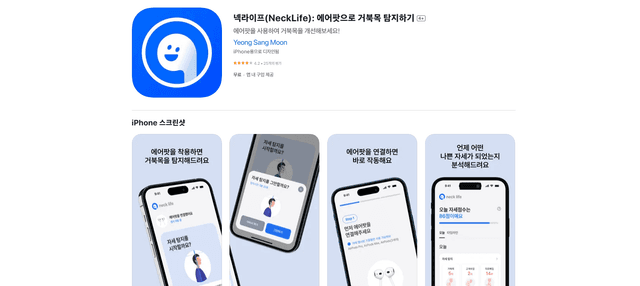
Neck-Life
FreemiumHealthcare
Neck-Life is an innovative app that uses AirPods sensors to monitor neck posture in real-time and helps prevent 'tech neck' through timely alerts and personalized settings.