
Nodey
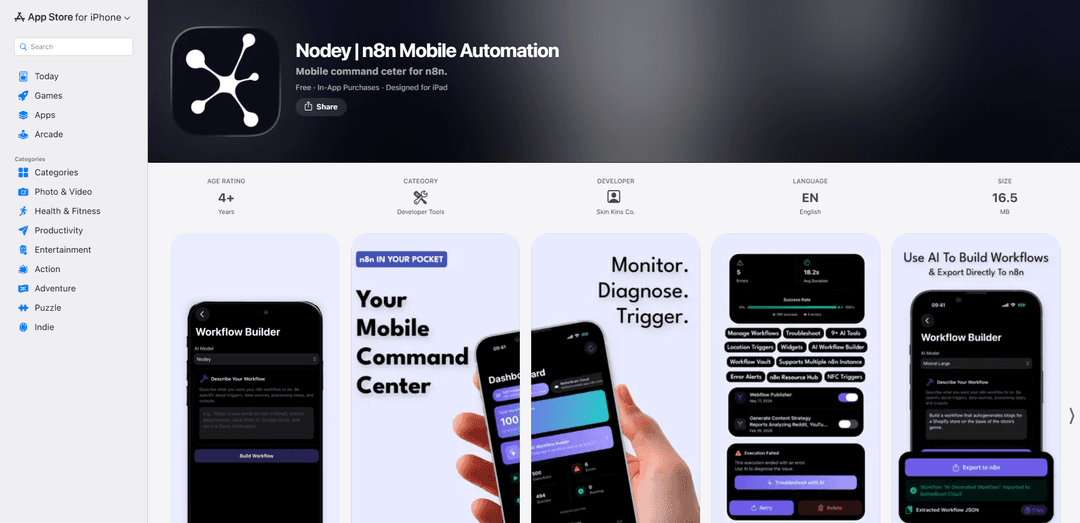
Nodey is a mobile command center for n8n that provides real-time workflow and execution monitoring with instant failure alerts, plus NFC/location triggers and optional AI-powered workflow building and error diagnosis.
https://apps.apple.com/us/app/nodey-n8n-mobile-automation/id6766538094?ref=producthunt
Product Information
Updated:Jun 15, 2026
What is Nodey
Nodey is an iOS app (iPhone/iPad, with support for Apple Silicon Macs and Vision Pro) designed to make your n8n automation setup fully mobile. It connects directly to your self-hosted or n8n Cloud instances and gives you a live dashboard for workflows, executions, error rates, and trends—so you can manage and monitor automations without being tied to the desktop editor. Core features like real-time monitoring, multi-instance switching, notifications, and real-world triggers (NFC and location) are available for free, while Nodey Pro adds AI troubleshooting, workflow explanation, and an AI workflow builder that can generate n8n JSON and export it to your instance.
Key Features of Nodey
Nodey is a mobile command center for n8n that connects directly to your self-hosted or n8n Cloud instances to monitor workflows and executions in real time, receive background alerts when automations fail or go quiet, and trigger workflows from your phone using widgets, location, or NFC. It also adds optional Pro features like AI-assisted error diagnosis, workflow explanations, and an AI workflow builder that generates n8n JSON you can export back to your instance, with a privacy-first approach where keys stay on-device and data is sent to an AI provider only when you invoke AI features.
Real-time workflow & execution monitoring: Dashboard view of workflows, executions, errors, and success rate, plus execution history and trends to spot reliability issues early.
Background failure and health notifications: Alerts when a workflow fails, gets stuck, or goes quiet—without needing to keep the app open.
Multi-instance support (self-hosted + cloud): Connect and switch between multiple n8n instances, suitable for managing separate environments (dev/staging/prod) or multiple clients.
“Real world” triggers (NFC + location): Run workflows via NFC tag taps or geofenced location events (arrive/leave), enabling quick physical-to-digital automations.
AI troubleshooting and workflow documentation (Pro): AI explains failed executions in plain English, suggests fixes, and can generate readable workflow documentation and optimization recommendations.
AI workflow builder to n8n JSON (Pro): Describe an automation in natural language and generate n8n workflow JSON that can be exported directly to your instance.
Use Cases of Nodey
On-call ops for automation reliability: DevOps/SREs monitor n8n-based jobs and integrations, get alerted on failures, and quickly triage issues from a phone when away from a laptop.
E-commerce order and inventory automations: Track and respond to failed order-sync, fulfillment, or inventory update workflows; trigger remediation workflows on demand.
Field service and facilities workflows: Technicians trigger workflows via NFC tags on equipment (e.g., log maintenance, open tickets, update CMMS) and use location triggers for arrival/departure check-ins.
Marketing and growth operations: Monitor lead routing, campaign reporting, and CRM sync workflows; receive alerts when pipelines break and use AI to diagnose errors faster.
Agency / consultant multi-client management: Manage multiple client n8n instances from one app, switching contexts quickly and getting proactive alerts on client-critical automations.
Personal productivity and smart-home routines: Use NFC tags and location triggers to run personal workflows (start workday routine, log tasks, trigger home automations) backed by n8n.
Pros
Mobile-first monitoring and alerts reduce time-to-detect for broken workflows without opening the n8n editor.
Supports both self-hosted and n8n Cloud instances, including multi-instance switching.
Unique trigger options (NFC/location) enable physical-world workflow launches.
Privacy-oriented design: connects directly to your instance; AI is only invoked when you choose (with optional bring-your-own AI key).
Cons
AI features (diagnosis, explainer, builder) require a paid Pro plan.
Requires an n8n instance with API access enabled, which may add setup/security considerations.
Location triggers can impact battery life due to background location usage.
How to Use Nodey
1) Install Nodey: Download “Nodey | n8n Mobile Automation” from the iOS App Store on iPhone/iPad (requires iOS/iPadOS 17+).
2) Prepare your n8n instance for connection: Make sure you have access to an n8n instance (self-hosted or n8n cloud) and that API access is enabled. In n8n, obtain an API key from the n8n configuration/settings panel.
3) Add your n8n instance in Nodey: Open Nodey and add a new instance by entering your n8n domain/IP address and pasting your n8n API key. Save to connect.
4) Connect multiple instances (optional): If you use more than one n8n environment (e.g., self-hosted + cloud), add each instance in Nodey and use the instance switcher to move between them.
5) Use the real-time monitoring dashboard: Open the monitoring view to see totals at a glance (workflows, executions, errors, success rate) and review execution trends (e.g., 7-day trends) to spot issues early.
6) Browse workflows and execution history: Navigate to your workflows list, open a workflow, and view recent executions. Filter executions by status to quickly find successes, failures, or stuck runs.
7) Turn workflows on/off: From the workflow management screen, toggle workflows active/inactive directly from your phone.
8) Retry or delete failed executions: Open a failed execution and use Nodey’s controls to retry it or delete it without needing the desktop editor.
9) Enable instant failure alerts: Allow iOS notifications for Nodey. Configure alerts so you’re notified in the background when an execution errors, gets stuck, or goes quiet.
10) Trigger workflows with location (free): Create a location trigger in Nodey: choose a workflow, drop a pin, set a radius, and select whether it should run on arrival or departure.
11) Trigger workflows with NFC (free): Pair an NFC tag with a workflow in Nodey. Then tap the tag with your phone to run the linked workflow (useful for routines like starting work, logging tasks, or home actions).
12) Add home screen widgets (free): Add Nodey widgets to your iOS home screen to quickly access key workflows and view important stats.
13) Back up workflows with Workflow Vault (free): Use Workflow Vault to back up and store workflow definitions (n8n JSON) from your instance for safekeeping and portability.
14) Upgrade to Nodey Pro for AI features (optional): If you want AI troubleshooting, workflow explanations, or AI workflow generation, subscribe to Nodey Pro (monthly/annual) or purchase the lifetime option if available.
15) Set up AI provider (Pro): In Nodey Pro settings, either use built-in Nodey AI (no API key needed) or bring your own key for supported providers (Claude, Gemini, Mistral). Keys are stored in the iOS Keychain.
16) Diagnose a failed run with AI (Pro): Open a failed execution and tap “Troubleshoot with AI” to get a plain-English explanation of what went wrong and suggested fixes.
17) Generate workflow documentation with AI (Pro): Use the AI Workflow Explainer to turn an existing workflow into readable documentation and get suggestions for performance, error handling, and code quality improvements.
18) Build a new workflow from a prompt and export to n8n (Pro): Use the AI Workflow Builder: describe what you want in plain language, generate the n8n JSON, then export it directly to your instance or copy the JSON to use elsewhere.
19) Privacy check when using AI (Pro): When you run an AI feature, Nodey sends the relevant workflow/execution content to your selected AI provider to generate a response. Review Nodey’s privacy policy if you need details on what’s shared.
20) Ongoing operations: Regularly review the dashboard and execution trends, keep notifications enabled for failures, and use toggles/retries to maintain workflow health without opening a laptop.
Nodey FAQs
Nodey is a mobile command center app for n8n that lets you monitor, manage, and trigger n8n workflows from your phone.
Popular Articles

Atoms: A Multi-Agent AI Platform That Transforms Ideas into Launch-Ready Products
May 22, 2026

Nano Banana SBTI: What It Is, How It Works, and How to Use It in 2026
Apr 15, 2026

Atoms Review — The AI Product Builder Redefining Digital Creation in 2026
Apr 10, 2026

Kilo Claw: How to Deploy and Use a True "Do‑It‑For‑You" AI Agent(2026 Update)
Apr 3, 2026
Latest AI Tools Similar to Nodey
Aguru AI
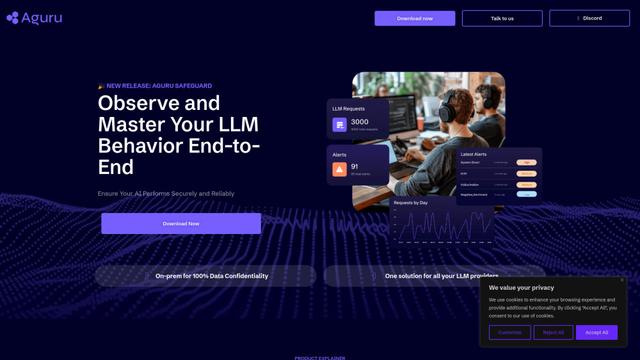
Aguru AI is an on-premises software solution that provides comprehensive monitoring, security, and optimization tools for LLM-based applications with features like behavior tracking, anomaly detection, and performance optimization.
Jorpex
Jorpex is a comprehensive tender notification platform that aggregates and delivers instant tender alerts from across European countries directly to Slack, helping businesses never miss opportunities.
Prompt Inspector
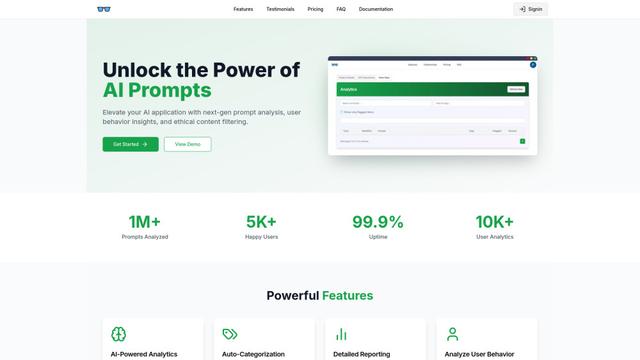
Prompt Inspector is an AI-powered analysis tool that helps developers and businesses optimize their LLM interactions through comprehensive prompt analysis, user behavior insights, and ethical content filtering.
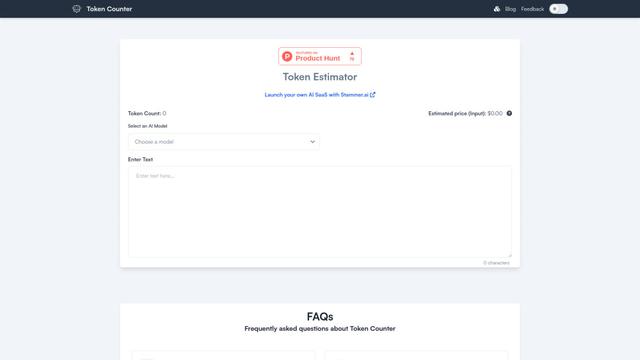
Token Counter
Token Counter is an intuitive online tool that helps users accurately calculate token counts and estimate costs for various AI language models including GPT-4, GPT-3.5-turbo, Claude, and other LLMs.
Popular AI Tools Like Nodey

VoltOps
VoltOps is a framework-agnostic LLM observability platform that provides real-time visual monitoring, debugging, and optimization tools for AI agents across any technology stack.
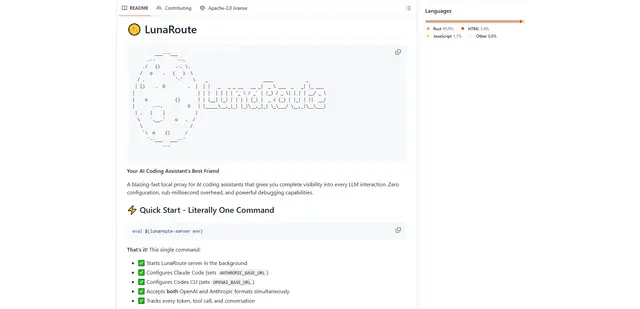
LunaRoute
LunaRoute is a high-performance local proxy for AI coding assistants like Claude Code, OpenAI Codex CLI, and OpenCode that provides complete visibility into every LLM interaction with zero-overhead passthrough, comprehensive session recording, and powerful debugging capabilities.
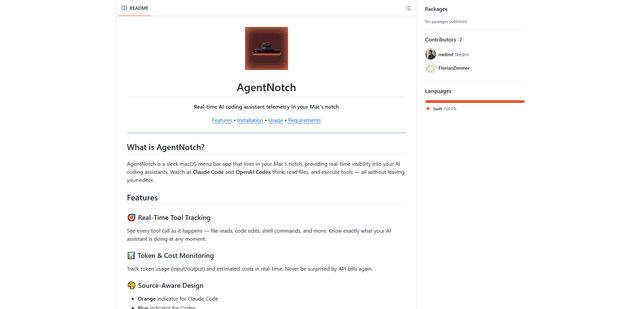
AgentNotch
AgentNotch is a macOS menu bar app that lives in your Mac's notch, providing real-time visibility and monitoring of AI coding assistants like Claude Code and OpenAI Codex.
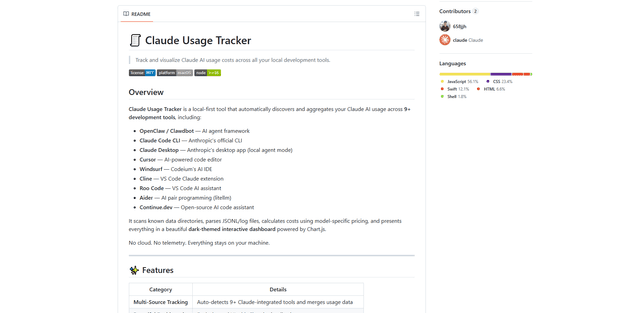
Claude Usage Tracker
Claude Usage Tracker is a local-first tool that automatically monitors and visualizes Claude AI usage costs across multiple development tools through a comprehensive dashboard with real-time analytics and detailed breakdowns.