Claude Usage Tracker
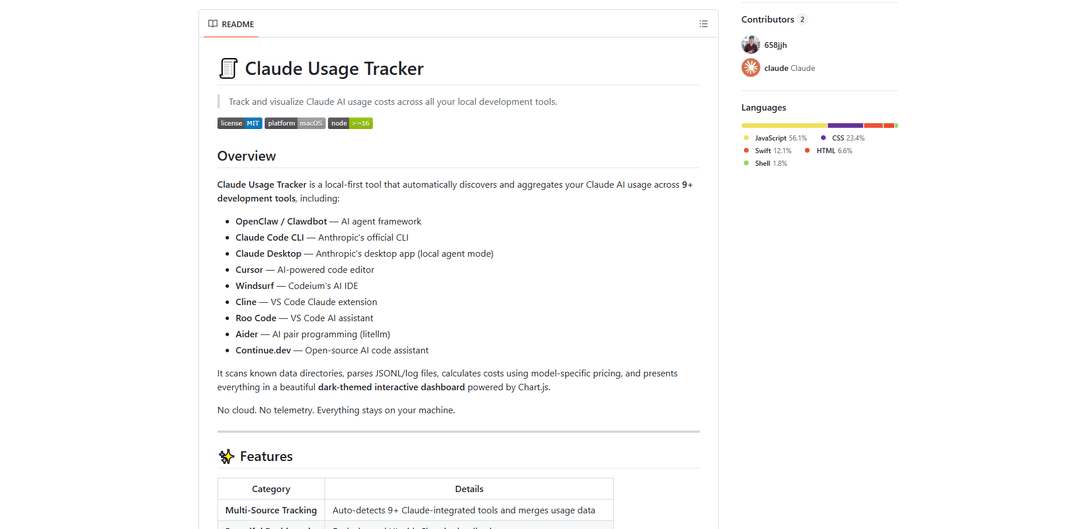
Claude Usage Tracker is a local-first tool that automatically monitors and visualizes Claude AI usage costs across multiple development tools through a comprehensive dashboard with real-time analytics and detailed breakdowns.
https://github.com/658jjh/claude-usage-tracker?ref=producthunt
Product Information
Updated:Apr 8, 2026
What is Claude Usage Tracker
Claude Usage Tracker is a lightweight, open-source utility designed to help developers and teams monitor their Claude AI consumption across various development environments. It's primarily built as a native macOS menu bar application that provides real-time monitoring of Claude AI usage limits. The tool supports multiple Claude accounts and offers a beautiful dark-themed interactive dashboard powered by Chart.js, making it easy to track and analyze AI usage patterns, costs, and resource consumption across different tools and platforms.
Key Features of Claude Usage Tracker
Claude Usage Tracker is a comprehensive monitoring tool that automatically tracks and aggregates Claude AI usage across multiple development platforms and tools. It provides real-time visualization of token usage, costs, and analytics through a beautiful dark-themed dashboard, featuring detailed breakdowns by model, source, and time period, while maintaining complete privacy by keeping all data local to the user's machine.
Multi-Source Integration: Automatically detects and aggregates usage data from 9+ Claude-integrated development tools including OpenClaw, Claude Code CLI, Cursor, and others, providing a unified view of all Claude activities
Advanced Analytics Dashboard: Offers comprehensive visualizations including daily spend charts, heatmaps for peak usage hours, model-specific cost breakdowns, and monthly projections
Detailed Cost Tracking: Calculates precise costs using model-specific pricing for different Claude models (Opus, Sonnet, Haiku), including cache read/write costs and token usage
Privacy-Focused Design: Operates completely locally without cloud storage or telemetry, ensuring user data never leaves their machine
Use Cases of Claude Usage Tracker
Development Team Cost Management: Help development teams track and optimize their Claude AI usage costs across multiple projects and tools
Resource Optimization: Identify peak usage patterns and most expensive sessions to optimize resource allocation and reduce costs
Budget Planning: Use monthly projections and historical data to plan AI usage budgets and make informed decisions about resource allocation
Usage Pattern Analysis: Analyze team's AI usage patterns through heatmaps and session logs to improve workflow efficiency
Pros
Complete privacy with local-first approach
Comprehensive integration with multiple development tools
Detailed cost tracking and analytics
User-friendly interface with beautiful visualizations
Cons
Limited to macOS platform
Requires Node.js installation
No cloud sync capability for multi-device usage
How to Use Claude Usage Tracker
Download and Install: Download Claude Usage Tracker for your system (macOS Intel or Apple Silicon) from GitHub releases. Unzip the file and drag 'Claude Usage Dashboard.app' to your Applications folder.
System Requirements Check: Ensure you have Node.js v16+ installed and are running macOS 12.0 or later
Launch Application: Double-click 'Claude Usage Dashboard.app' to launch the tracker. It will automatically start collecting data from supported Claude AI tools on your system.
View Dashboard Overview: The main dashboard shows stats, daily spend charts, and breakdowns by source and model. You can see your total costs, usage patterns, and projections.
Check Usage Heatmaps: View the Peak Hours heatmap to see your usage patterns across days and hours. The GitHub-style calendar shows activity over time.
Review Session Logs: Expand the session log to see detailed day-by-day usage. Use Shift+E keyboard shortcut to expand/collapse all session rows.
Apply Filters: Use the filtering options to analyze specific data by source, model, date range, or minimum cost using the visual filter chips.
Monitor Costs: Keep track of your spending through monthly projections, yesterday vs today comparisons, and most expensive session highlights.
Check Tool Integration: The tracker automatically detects and aggregates data from 9+ Claude-integrated development tools including OpenClaw, Claude Code CLI, Claude Desktop, Cursor, and others.
Claude Usage Tracker FAQs
Claude Usage Tracker is a local-first tool that automatically discovers and aggregates Claude AI usage across 9+ development tools. It provides real-time monitoring of usage limits through a beautiful dark-themed interactive dashboard powered by Chart.js.
Claude Usage Tracker Video
Popular Articles

Atoms: A Multi-Agent AI Platform That Transforms Ideas into Launch-Ready Products
May 22, 2026

Nano Banana SBTI: What It Is, How It Works, and How to Use It in 2026
Apr 15, 2026

Atoms Review — The AI Product Builder Redefining Digital Creation in 2026
Apr 10, 2026

Kilo Claw: How to Deploy and Use a True "Do‑It‑For‑You" AI Agent(2026 Update)
Apr 3, 2026
Latest AI Tools Similar to Claude Usage Tracker

Aguru AI
Aguru AI is an on-premises software solution that provides comprehensive monitoring, security, and optimization tools for LLM-based applications with features like behavior tracking, anomaly detection, and performance optimization.
Jorpex
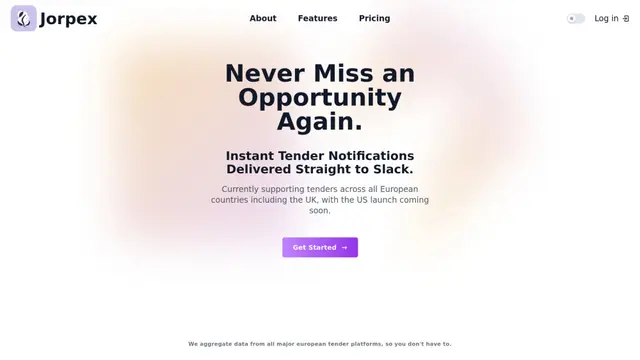
Jorpex is a comprehensive tender notification platform that aggregates and delivers instant tender alerts from across European countries directly to Slack, helping businesses never miss opportunities.
Prompt Inspector
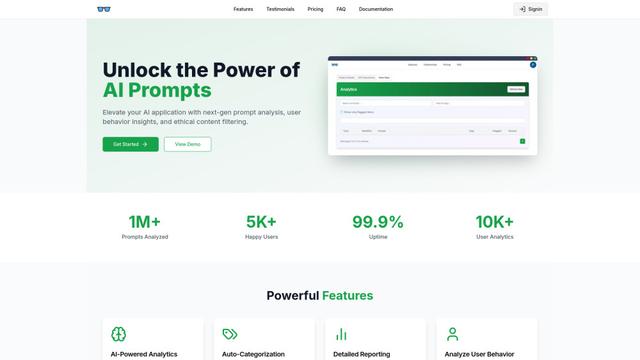
Prompt Inspector is an AI-powered analysis tool that helps developers and businesses optimize their LLM interactions through comprehensive prompt analysis, user behavior insights, and ethical content filtering.
Token Counter
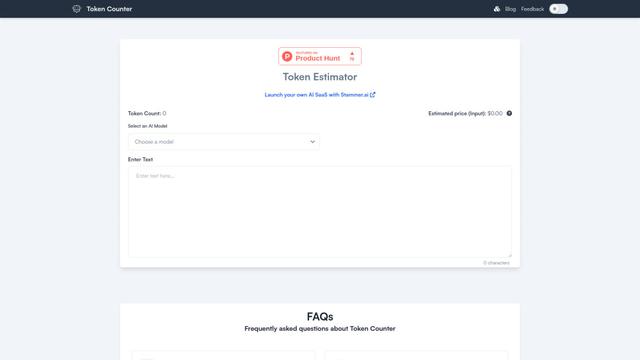
Token Counter is an intuitive online tool that helps users accurately calculate token counts and estimate costs for various AI language models including GPT-4, GPT-3.5-turbo, Claude, and other LLMs.
Popular AI Tools Like Claude Usage Tracker

VoltOps
VoltOps is a framework-agnostic LLM observability platform that provides real-time visual monitoring, debugging, and optimization tools for AI agents across any technology stack.
LunaRoute
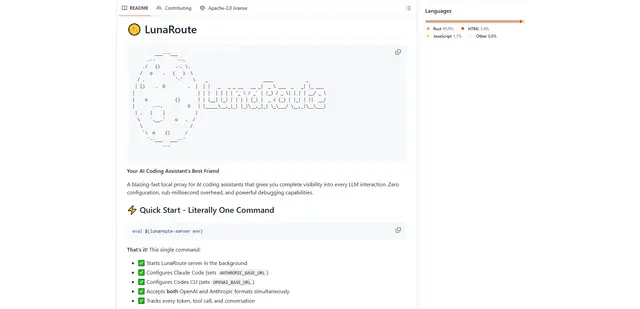
LunaRoute is a high-performance local proxy for AI coding assistants like Claude Code, OpenAI Codex CLI, and OpenCode that provides complete visibility into every LLM interaction with zero-overhead passthrough, comprehensive session recording, and powerful debugging capabilities.
AgentNotch
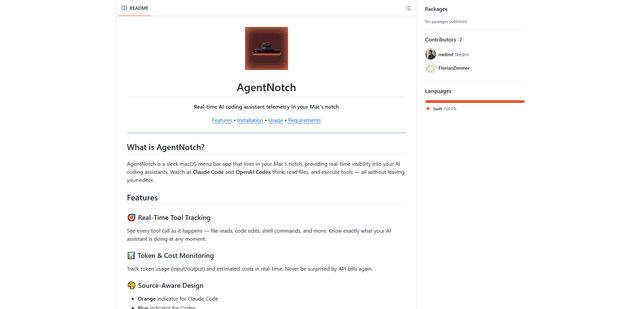
AgentNotch is a macOS menu bar app that lives in your Mac's notch, providing real-time visibility and monitoring of AI coding assistants like Claude Code and OpenAI Codex.
Editor Usage for Cursor
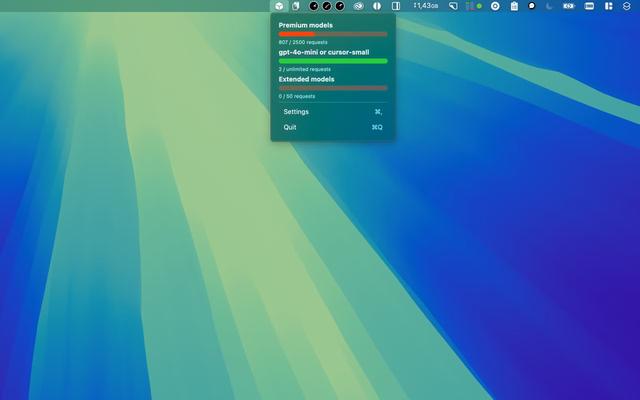
Editor Usage for Cursor is a macOS menubar app that helps users track and monitor their Cursor editor usage across premium, normal, and special requests with customizable alerts and warnings.