
PixelForge
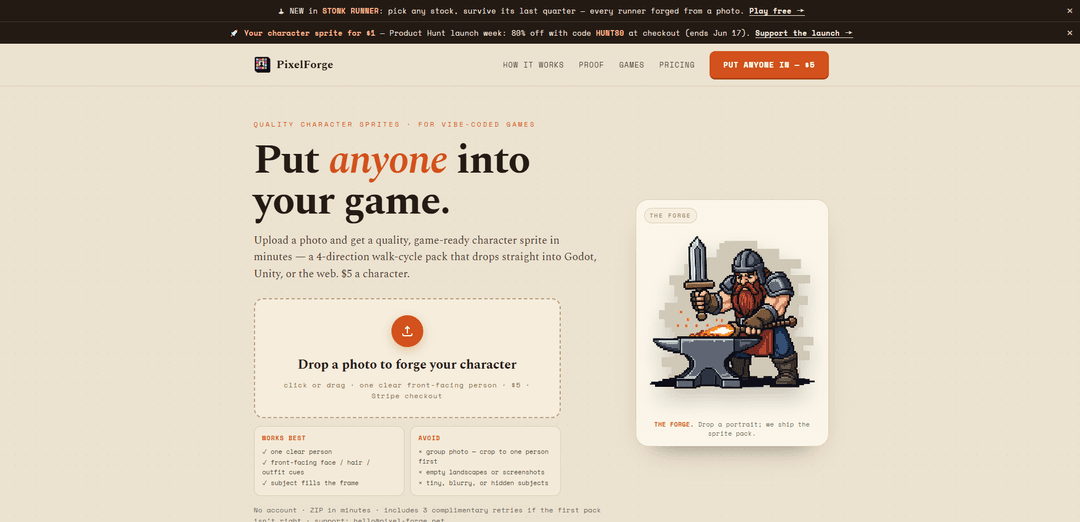
PixelForge turns a single clear, front-facing photo into a game-ready 4-direction RPG walk-cycle sprite pack (4×4 sheet, transparent frames, strips, and GIFs) in minutes for $5, with no account required and complimentary retries during beta.
https://pixel-forge.net/?ref=producthunt
Product Information
Updated:Jun 15, 2026
What is PixelForge
PixelForge is a photo-to-sprite service designed for game developers who want recognizable, playable character sprites fast. You upload one portrait of a person, pay a flat $5 per character, and receive a downloadable ZIP containing an engine-friendly 4-direction walk-cycle that can be dropped into Godot, Unity, or web games. The output is packaged as a strict 4×4 sprite sheet (16 frames) plus pre-sliced assets and usage notes, with a beta QA guarantee and support available via email.
Key Features of PixelForge
PixelForge is a photo-to-game-sprite service that turns one clear, front-facing portrait into a game-ready 4-direction RPG walk-cycle pack in minutes. It generates a strict 4×4 sprite sheet via AI, then runs a deterministic code pipeline to remove key color, align feet across frames, extract transparent PNG frames, and package multiple engine-friendly outputs (sheets, strips, GIFs) into a downloadable ZIP—priced at $5 per character with no account required and up to three complimentary retries during beta if the result isn’t right.
Photo → playable character pack: Upload a single portrait and receive a recognizable character sprite set designed for top-down/RPG movement.
4-direction 4×4 walk-cycle sheet: Outputs a strict 4×4 grid (down/left/right/up) with 16 frames total, suitable for standard 2D walk animations.
Transparent, engine-ready exports: Ships clean PNG assets (sprite_sheet.png, 16 per-frame PNGs, and 4 direction strips) plus looping walk GIF previews.
Deterministic cleanup & alignment pipeline: After AI generation, Python-based processing removes the key color, aligns feet consistently, and extracts frames for reliable in-engine animation.
No account, fast delivery ZIP: Simple flow: upload photo, pay via Stripe, download a ZIP in minutes—no subscription or editor required.
Beta QA + retries: If a pack fails QA it’s handled manually; if it’s close but off, you can request up to 3 complimentary retries from the job page.
Use Cases of PixelForge
Game jams & rapid prototyping: Create a playable character in minutes so teams can focus on mechanics and level design instead of sprite production.
Indie RPGs and top-down adventures: Drop the 4-direction walk-cycle assets directly into engines like Godot or Unity for NPCs or player avatars.
Streamer/community or fan games: Turn creators, friends, or community members into in-game characters to boost engagement and personalization.
Marketing mini-games and brand activations: Convert a spokesperson/mascot photo into a retro sprite for lightweight web games (e.g., Phaser/HTML5) used in campaigns.
Internal demos and pitch builds: Quickly populate a prototype with recognizable characters for investor/client presentations without commissioning custom pixel art.
Pros
Low, simple pricing ($5/character) with no subscription and no account required
Delivers multiple practical formats (sheet, frames, strips, GIFs) ready for common 2D engines
Includes QA support and up to 3 complimentary retries if the result isn’t right
Cons
Input constraints: works best with a single, clear, front-facing portrait; group photos require cropping and poor photos may fail
Style and motion are limited to a standardized 4-direction walk-cycle (not a full animation suite)
AI-generated output quality can vary, requiring retries or manual QA intervention
How to Use PixelForge
1) Open PixelForge: Go to https://pixel-forge.net/ (the “Put anyone into your game — PixelForge” page).
2) Prepare a suitable photo: Use one clear, front-facing photo of a single person. The subject should fill the frame so face/hair/outfit cues read well at small sprite sizes.
3) Avoid common bad inputs: Don’t use group photos (crop to one person first), empty landscapes/screenshots, or images where the subject is tiny, blurry, or hidden.
4) Upload the photo: In the “Drop a photo to forge your character” area, click to select or drag-and-drop your image.
5) Start the forge process: Forge your character from the uploaded portrait. PixelForge generates a strict 4×4 sprite sheet (directions in a D/L/R/U grid).
6) Complete payment: Pay $5 per character via Stripe checkout. (The site notes checkout opens after you forge.)
7) Wait for processing: PixelForge generates the sheet with an AI image model, then runs deterministic Python to remove the key color, align each frame’s feet, and extract transparent frames.
8) Download your ZIP pack: Download the delivered ZIP (no account required). It’s designed to be game-engine ready.
9) Review what’s included: Your pack includes: sprite_sheet.png (strict 4×4), frames/ (16 transparent PNG frames, feet aligned), strips/ (4 horizontal direction strips), walk/ (4 looping walk GIFs), qa_notes.txt (alignment/key-removal/frame report), and README.md (engine usage notes).
10) Import into your engine: Use the provided sprite_sheet.png, per-frame PNGs, or direction strips to set up animations in Godot, Unity, or a web engine (e.g., Phaser/GameMaker/HTML5).
11) If the result isn’t right, request retries: On your job page, use “Not looking right?” to request up to 3 complimentary retries.
12) Get support or QA help if needed: If a pack fails QA, PixelForge will handle it manually during beta. For help, email [email protected].
PixelForge FAQs
PixelForge is a photo-to-sprite service: you upload one clear, front-facing photo and receive a game-ready 4-direction RPG walk-cycle character sprite pack (engine-ready for Godot, Unity, and web).
Popular Articles

Atoms: A Multi-Agent AI Platform That Transforms Ideas into Launch-Ready Products
May 22, 2026

Nano Banana SBTI: What It Is, How It Works, and How to Use It in 2026
Apr 15, 2026

Atoms Review — The AI Product Builder Redefining Digital Creation in 2026
Apr 10, 2026

Kilo Claw: How to Deploy and Use a True "Do‑It‑For‑You" AI Agent(2026 Update)
Apr 3, 2026
Latest AI Tools Similar to PixelForge
SnapShift
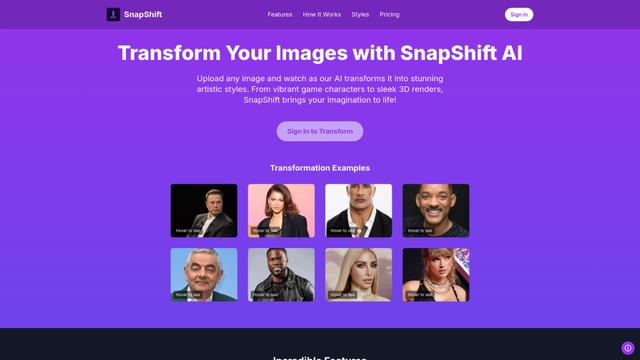
SnapShift is an AI-powered image transformation app that turns photos into stunning artistic styles like video game characters, 3D renders, and more.

Xona.ai
Xona.ai is an AI-powered tool that generates interior designs from user-uploaded images, offering a seamless fusion of technology and creativity.
FLUX.2 - Official
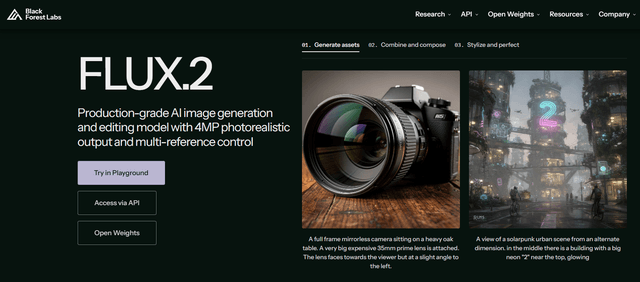
FLUX.2 is a state-of-the-art production-grade AI image generation and editing model that delivers 4MP photorealistic outputs with multi-reference control, exceptional prompt adherence, and consistent character/style preservation.
PromptoMANIA
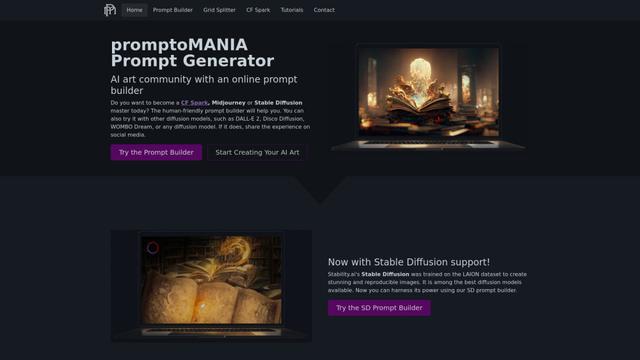
PromptoMANIA is a free AI art community platform with an online prompt builder that helps users create detailed prompts for various text-to-image diffusion models.
Popular AI Tools Like PixelForge
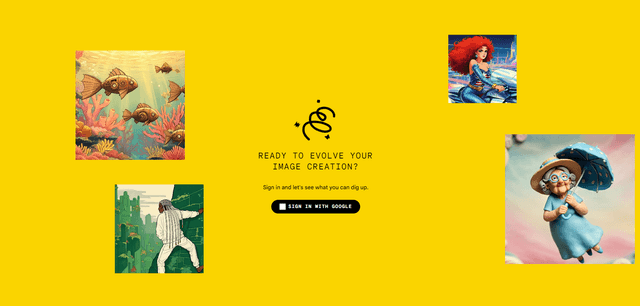
Google Whisk
Whisk is Google Labs' innovative AI image generation tool that allows users to create new images using existing images as prompts rather than relying on text descriptions.
Google Whisk
FreeImage to Image
Google Whisk is an experimental AI-powered image generation tool that allows users to create new images by using existing images as prompts rather than text descriptions.
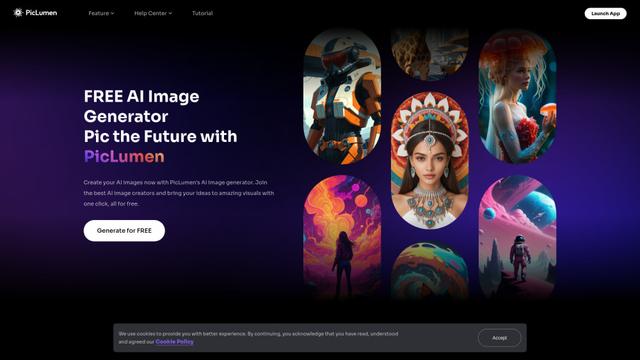
PicLumen AI Image Generator
PicLumen AI Image Generator is a free, powerful tool that transforms text into high-quality images using advanced AI technology, offering unlimited generations across multiple styles.
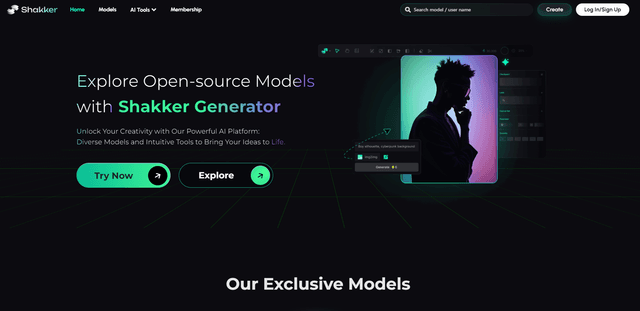
Shakker
Shakker AI is a premium hub for AI image generation models, offering advanced tools to create, edit, and transform visual content using artificial intelligence.