
kuku
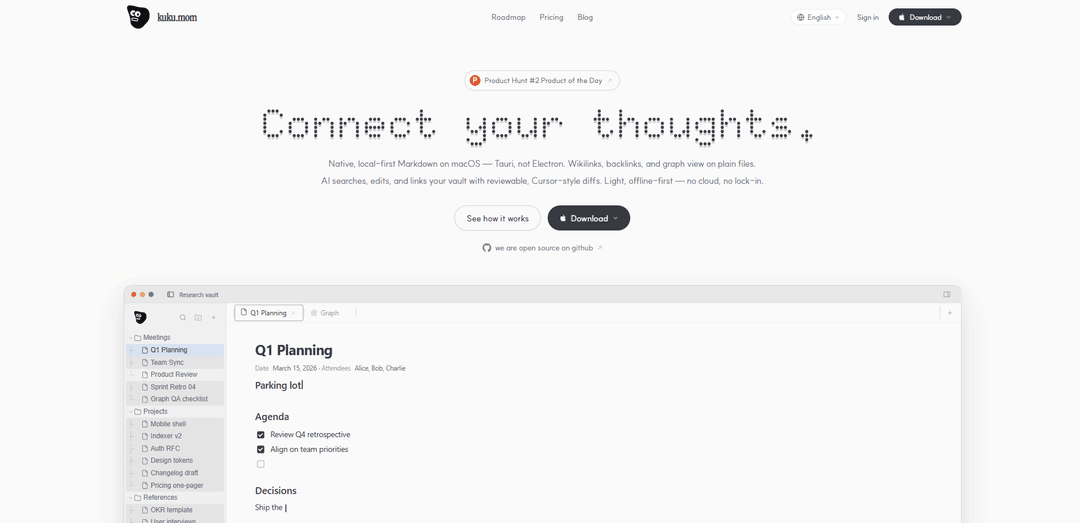
kuku is a native, local-first Markdown workspace for macOS (built with Tauri) that adds wikilinks/backlinks/graph view and offline-first AI search and editing with reviewable, diff-based changes on plain files.
https://kuku.mom/?ref=producthunt
Product Information
Updated:May 18, 2026
What is kuku
kuku is a local-first AI Markdown editor and knowledge workspace designed to help you connect ideas across a folder of plain-text notes. It focuses on native performance on macOS (Tauri, not Electron) and treats your vault as normal Markdown files—so there’s no lock-in. On top of standard Markdown editing, kuku supports wikilinks, backlinks, and a graph view to visualize and navigate relationships between notes, while keeping everything lightweight and usable even when you’re offline.
Key Features of kuku
kuku is a native, local-first Markdown workspace (built with Tauri, not Electron) designed to keep users in flow while working in plain files. It supports wikilinks/backlinks and a graph view, and adds an AI layer that can search, edit, and link your notes with reviewable, diff-based changes. It’s offline-first with no cloud requirement and emphasizes no lock-in, while offering optional sync options (including end-to-end encrypted “zero-knowledge” sync via kuku.mom, self-hosting, or S3).
Native local-first Markdown editor: A fast macOS Markdown workspace built with Tauri that works directly on plain files, prioritizing performance and uninterrupted writing flow.
Wikilinks, backlinks, and graph view: Bidirectional [[wikilinks]] with backlinks and a graph visualization to keep structure and relationships across notes in sync.
Instant vault search & context retrieval: Keyboard-driven search (e.g., ⌘K) that returns answers from your notes quickly and surfaces related context while you work.
AI-assisted editing with reviewable diffs: An AI agent that can edit and link your vault, presenting changes as Cursor-style, reviewable diffs so you stay in control of your files.
Offline-first privacy model: Runs locally and does not require uploading your files to a cloud service; data isn’t sent without permission.
Flexible sync with no lock-in: Optional sync designed to preserve working context (links/graph/AI context), with end-to-end encrypted “zero-knowledge” sync via kuku.mom or the ability to migrate to self-hosting or an S3 bucket.
Use Cases of kuku
Personal knowledge management (PKM) / second brain: Build a connected vault of Markdown notes with wikilinks and a graph; use AI to retrieve prior decisions, surface related ideas, and keep knowledge reusable over time.
Product and engineering documentation: Maintain specs, RFCs, architecture notes, and meeting threads as plain Markdown; use fast search and AI context to answer questions mid-work and propose edits via diffs.
Research and academic literature notes: Organize papers, summaries, and concepts with backlinks and graph navigation; upload documents for faster retrieval and cross-linking between themes.
Writing and content production workflows: Draft and restructure long-form writing in Markdown; rely on AI to suggest connections, refine sections, and apply edits transparently with reviewable diffs.
Privacy-sensitive note-taking (legal, healthcare, security): Keep sensitive notes local and offline-first; optionally sync with end-to-end encryption or self-hosting to meet stricter privacy and control requirements.
Pros
Local-first, offline-first design reduces cloud dependency and supports privacy-focused workflows.
Plain Markdown files and “no lock-in” positioning make it easier to migrate or integrate with other tools.
AI editing with reviewable diffs provides automation while preserving user control.
Wikilinks/backlinks plus graph view supports strong knowledge organization and discovery.
Cons
Currently positioned primarily for macOS; Windows/Linux are listed as “coming soon.”
Some AI capabilities require a subscription, while the core editor is free.
AI features may depend on external models/services (e.g., Gemini), which can introduce cost and connectivity considerations depending on configuration.
How to Use kuku
1) Install kuku on macOS: Download the macOS .dmg from the official site (or GitHub releases) and install it. kuku is a native, local-first Markdown workspace (Tauri-based), designed to work on plain files.
2) Choose where your vault (folder of Markdown files) lives: Point kuku at a folder on your Mac that contains (or will contain) your Markdown notes. kuku uses plain, human-readable Markdown files as the source of truth (no lock-in).
3) (Optional) Set up your own sync by choosing a synced folder: kuku itself has no built-in cloud file sync; if you want files to sync across devices, place your vault inside an iCloud Drive or Dropbox folder so those services sync the files.
4) Write and edit notes in Markdown-first mode: Create and edit notes as Markdown. Use structure (headings, lists, checkboxes) normally—kuku is built to understand and work with Markdown structure.
5) Use wikilinks to connect notes: Link notes using wikilinks (e.g., [[Team Sync]]). kuku keeps wikilinks, backlinks, and graph view aligned with your plain files.
6) Explore backlinks and graph view: Open the backlinks and graph view to see how notes connect. kuku emphasizes keeping the graph state and links consistent with the underlying Markdown.
7) Search your vault with instant context (⌘K): Use the vault search (shown as “⌘K Search vault…”) to retrieve relevant notes quickly. The sources describe sub-second answers and instant retrieval from across your workspace.
8) Ask the AI to find answers from your notes: Use kuku’s AI to query your vault and get answers grounded in your existing notes (“Instant answers from your notes”). This is designed to help you avoid losing your train of thought while writing.
9) Let kuku suggest follow-up questions: As you work, kuku can propose follow-up prompts based on your current context (“Know the right question to ask”) to keep your thinking moving.
10) Reuse prior work via session-based suggestions: Review suggestions surfaced from past sessions (“Answers from past sessions become suggestions for future ones”) to reuse solutions, decisions, or phrasing that worked before.
11) Upload/import documents for instant retrieval: Use the document upload/import feature so kuku can learn the content and make it searchable/retrievable alongside your notes (“Upload any document and kuku learns its content for instant retrieval”).
12) Use AI-assisted edits with reviewable diffs: When you want changes made to your notes, use the AI editing workflow that produces reviewable, Cursor-style diffs, so you can approve changes while keeping Markdown files as the source of truth.
13) Work offline-first and control what leaves your machine: Use kuku offline for local note work. The sources emphasize that kuku runs locally and does not send your data without permission (“Works offline too… never sends your data without permission”).
14) (Optional) Use external AI services only if you choose: If you opt into AI features that require external models/services, connect your own provider as needed. The sources emphasize user control and permission-based data sharing.
kuku FAQs
kuku is a local-first AI Markdown workspace for macOS. It works on plain Markdown files and includes wikilinks, backlinks, and a graph view, with AI that can search, edit, and link your vault using reviewable diffs.
kuku Video
Popular Articles

Atoms: A Multi-Agent AI Platform That Transforms Ideas into Launch-Ready Products
May 22, 2026

Nano Banana SBTI: What It Is, How It Works, and How to Use It in 2026
Apr 15, 2026

Atoms Review — The AI Product Builder Redefining Digital Creation in 2026
Apr 10, 2026

Kilo Claw: How to Deploy and Use a True "Do‑It‑For‑You" AI Agent(2026 Update)
Apr 3, 2026
Latest AI Tools Similar to kuku

Parcae
Parcae is a mind mapping mobile application that helps users organize thoughts and ideas into structured visual maps with intuitive gesture-based controls and automatic saving features.
想读 (WantRead)
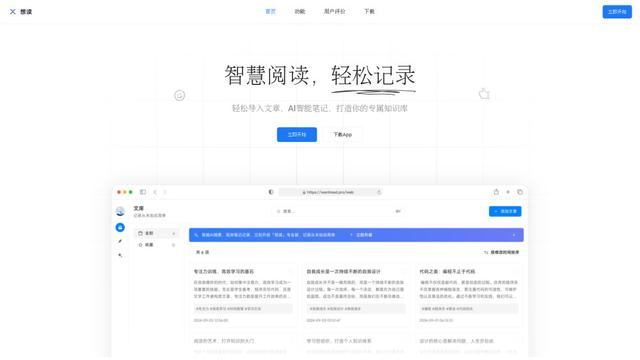
想读(WantRead) is an AI-powered reading and note-taking platform that helps users easily import, read, annotate and build their personal knowledge base.

Hiring Studio by Metaview
Hiring Studio by Metaview is a free AI-powered tool that helps recruiting teams generate customized interview questions with follow-up suggestions and detailed answer rubrics.

AI Journaler
AI Journaler is a free Windows PC app that combines traditional journaling with AI-powered analysis and conversation capabilities to enhance emotional well-being and self-reflection.
Popular AI Tools Like kuku
Lore
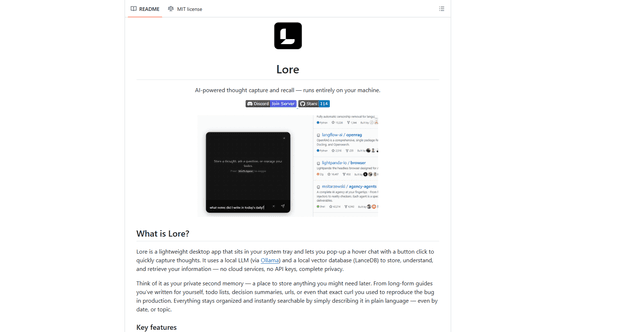
Lore is an AI-powered desktop application that enables quick thought capture and intelligent recall through a local LLM system, allowing users to store and retrieve information privately without cloud services.

Second Brain for AI
Second Brain for AI is a self-hosted, MCP-compatible persistent memory layer on Cloudflare that lets Claude, ChatGPT, Cursor, and other AI clients store and semantically recall shared context across sessions.
NotebookLM Tools Chrome Extension
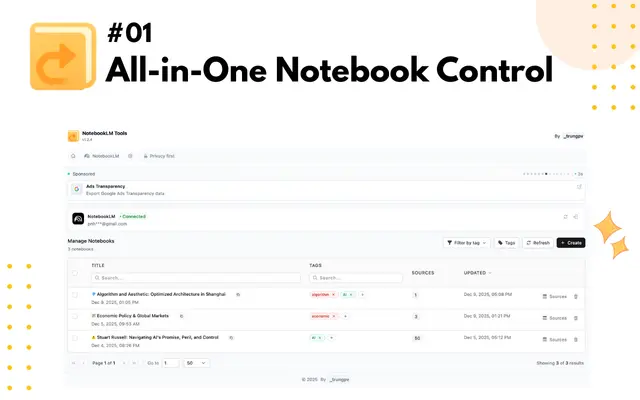
NotebookLM Tools is a comprehensive Chrome extension that enhances Google's NotebookLM with advanced notebook management, multi-language support, bulk operations, and seamless source importing capabilities.
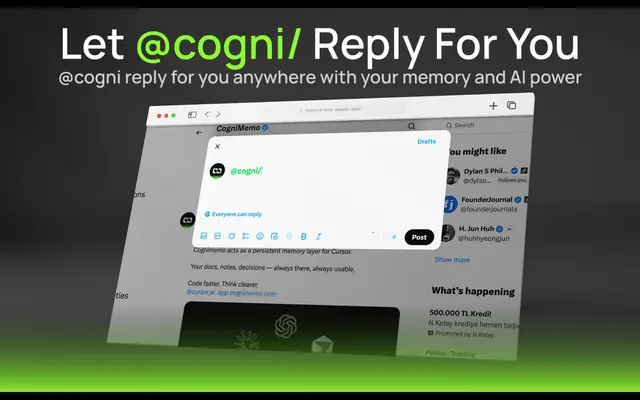
CogniMemo Extension
CogniMemo is a browser extension that adds long-term memory capabilities to AI tools like ChatGPT, Claude, Gemini, and DeepSeek by enabling context-aware conversations and knowledge management through saved notes and past chats.