
Glyphi: Speed Reader
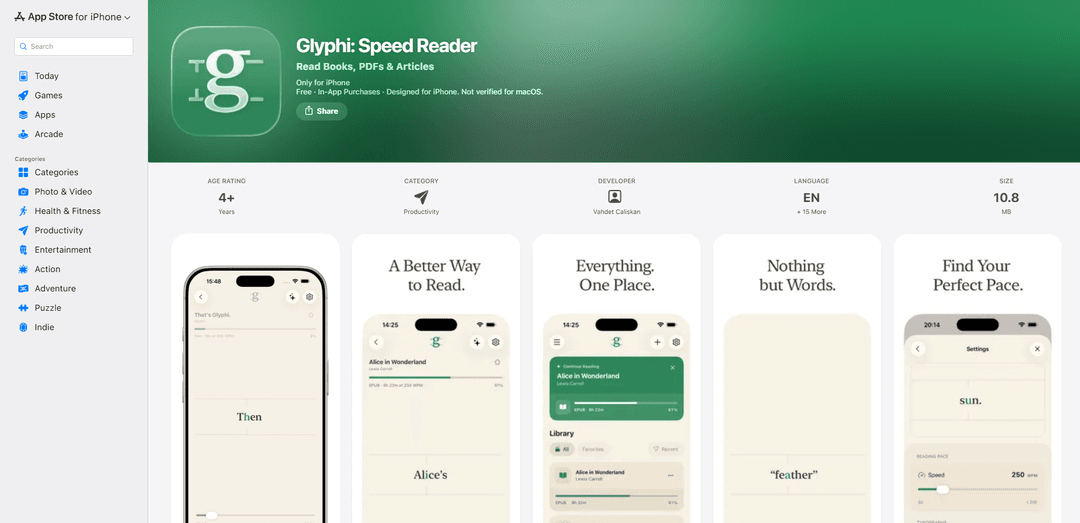
Glyphi: Speed Reader is an RSVP reading app that displays text in guided word-by-word modes (Single Word and Flow), supports importing PDFs/EPUBs/articles/web pages, offers punctuation-aware pacing and training, syncs via iCloud, and can generate private on-device AI summaries on compatible devices.
https://apps.apple.com/us/app/glyphi-speed-reader/id6790872173?ref=producthunt
Product Information
Updated:Aug 8, 2026
What is Glyphi: Speed Reader
Glyphi: Speed Reader is a focused reading app for iPhone (also available on Apple silicon Macs and Vision Pro) designed around RSVP (Rapid Serial Visual Presentation), where words are presented in a guided sequence rather than traditional page scrolling. It supports reading books, PDFs, EPUBs, TXT files, articles, and cleaned-up web pages, plus text you paste or share in from the iOS Share Sheet. The app emphasizes deep focus and customizable comfort with themes, fonts, colors, focal letter guidance, and reading layout options, while keeping your library, settings, and reading position synced across devices via iCloud.
Key Features of Glyphi: Speed Reader
Glyphi: Speed Reader is an RSVP (Rapid Serial Visual Presentation) reading app that displays text in a guided sequence to reduce eye movement and distractions, helping users stay focused while reading books, PDFs, EPUBs, articles, web pages, and pasted text. It supports Single Word and Flow modes, punctuation-aware pauses, long-word timing, extensive visual customization, and iCloud sync across Apple devices. The app also includes structured training modes and progress tracking (time, words, pace, streaks), and on compatible devices can generate private, on-device AI summaries and key points via Apple Intelligence.
RSVP reading with Single Word & Flow modes: Read one word at a time with focal-letter guidance or switch to Flow Mode to keep surrounding words visible while maintaining a guided pace for smoother comprehension.
Import & clean reading from many sources: Bring your own content by importing PDF/EPUB/TXT, pasting or writing text, and extracting readable text from web pages via Share Sheet into a distraction-free reader view.
Adaptive pacing (punctuation + long words): Customize WPM and benefit from punctuation-aware pauses plus a Long Words mode that intelligently gives longer words extra time based on your speed.
Training modes + measurable progress: Use structured sessions to improve speed, comprehension, focus, and endurance, with stats like words read, reading time, sessions, average pace, streaks, and a reading calendar.
Deep personalization for comfort and focus: Adjust themes (Paper/Light/Dark/Charcoal), fonts, size/weight, colors, focal-letter style, focus guide, haptics, layout, and landscape reading to match your preferences.
Privacy-first intelligence + iCloud sync: Generate on-device summaries and key points (Apple Intelligence compatible devices) and sync library, reading position, settings, and training history via iCloud.
Use Cases of Glyphi: Speed Reader
Students studying textbooks and lecture notes: Import PDFs/EPUBs, use guided pacing and training sessions to build endurance and focus, and track streaks and time spent to maintain consistent study habits.
Researchers and academics reviewing papers faster: Read research PDFs with reduced distractions and adaptive pauses; optionally generate on-device summaries/key points to speed up initial triage of long documents.
Professionals processing articles and newsletters: Send web links from the iOS Share Sheet into a clean reader, then use RSVP/Flow mode to stay focused while keeping a steady pace through daily reading.
Language learners building reading fluency: Use supported languages and adjustable speed to practice comprehension at controlled WPM, leveraging punctuation-aware pauses for more natural rhythm.
Commuters and habit builders: Use short, structured training sessions and quick-resume reading position to fit reading into small time windows while maintaining progress and streaks.
Pros
Multiple input types (PDF/EPUB/TXT, web pages, pasted text) with a distraction-free reader and Share Sheet support
Strong customization plus adaptive pacing (punctuation-aware pauses and long-word timing) for more comfortable speed reading
Privacy-oriented features: App Store listing indicates no data collected; AI summaries are processed on-device on compatible devices
iCloud sync for library, progress, and settings across Apple devices
Cons
Platform limitation: primarily iPhone-focused; macOS requires Apple silicon (M1+) and newer OS versions
Free tier is capped (e.g., up to five saved readings and 550 WPM); higher speeds and features require subscription
PDF text extraction quality can vary because PDFs may lack structured content (experimental content detection)
How to Use Glyphi: Speed Reader
1) Install Glyphi and open it: Download “Glyphi: Speed Reader” from the App Store and launch it on an iPhone (requires iOS 18+). Complete onboarding if prompted.
2) Add reading material to your library: Import content in any of these ways: (a) Import files: add PDF, EPUB, or TXT documents. (b) Share Sheet: from Safari or another app, use iOS Share Sheet to send a link or selected text to Glyphi. (c) Paste or write: create a new reading by pasting or typing your own text.
3) Organize your library for quick access: In the Library, browse your imported readings, mark items as favorites, and use recent items to quickly continue where you left off.
4) Open a document and start reading: Tap a book/article/document in your library to open the reader. Glyphi will resume from your last position when available.
5) Choose a reading mode (Single Word Mode vs Flow Mode): Switch between: (a) Single Word Mode: shows one word at a time with focal-letter guidance to reduce eye movement. (b) Flow Mode: keeps nearby words visible while highlighting the active word for easier context.
6) Set your reading speed (WPM): Adjust words-per-minute to match your comfort level. The free tier supports speeds up to 550 WPM; Premium unlocks speeds up to 1,200 WPM.
7) Enable punctuation-aware pauses for natural rhythm: Use Glyphi’s punctuation-aware pauses so the reader automatically slows at commas/periods and similar punctuation, helping comprehension at higher speeds.
8) Use Long Words mode (optional): Turn on Long Words mode and choose one of five sensitivity levels so longer words get slightly more time based on your reading speed.
9) Look up definitions while reading: Tap the active word to open the system dictionary for quick definitions without leaving the reading flow.
10) Navigate within the text: Jump between chapters (for supported content like EPUBs) and move around the text as needed, then continue reading from the new position.
11) Customize the reading experience (theme, layout, and visuals): Personalize the reader with themes (Paper, Light, Dark, Charcoal), fonts, text size/weight, text tone, focal letter style, focus guide, haptics, layout, and customizable text colors. Use landscape reading if preferred.
12) Read web pages in a distraction-free view: Send a web page link to Glyphi; it can extract readable text and present it in a clean reading environment (supported pages and some social posts).
13) Import PDFs with improved text detection (tips): When importing PDFs, Glyphi attempts experimental content detection to reduce repeated headers/footers. Because PDFs can be unstructured, results may vary by document.
14) Use training sessions to improve speed and focus: Open the Training area and run structured sessions designed to build speed, comprehension, focus, and endurance. (Endurance training is available in the free tier; Premium unlocks all training modes.)
15) Track your progress and insights: Review stats such as words read, reading time, sessions, average pace, daily activity, streaks, reading calendar, library progress by document type, and training history. (Some insights require Premium.)
16) Generate on-device summaries (optional, compatible devices): If you have a compatible device with Apple Intelligence enabled, use Glyphi’s on-device AI features to generate summaries and key points for your reading. Results may occasionally contain errors.
17) Sync across Apple devices with iCloud: Enable iCloud sync to keep your library, reading position, settings, training history, and progress synchronized across your Apple devices via your iCloud account.
18) Understand free vs Premium limits and upgrade if needed: Free includes up to five saved readings, speeds up to 550 WPM, and Endurance training. Upgrade to Glyphi Premium for unlimited imports, speeds up to 1,200 WPM, all training modes, reading insights, and other Premium features (monthly or yearly subscription via your Apple Account).
Glyphi: Speed Reader FAQs
Glyphi is an RSVP (Rapid Serial Visual Presentation) speed-reading app that presents text in a guided sequence (often one word at a time) to reduce eye movement and help you stay focused while reading.
Popular Articles

Vosko AI: Localize and Dub Videos for Global Audiences
Oct 15, 2026

Atoms: A Multi-Agent AI Platform That Transforms Ideas into Launch-Ready Products
Oct 13, 2026

Nano Banana SBTI: What It Is, How It Works, and How to Use It in 2026
Apr 15, 2026

Atoms Review — The AI Product Builder Redefining Digital Creation in 2026
Apr 10, 2026
Latest AI Tools Similar to Glyphi: Speed Reader
MicVoice.Ai
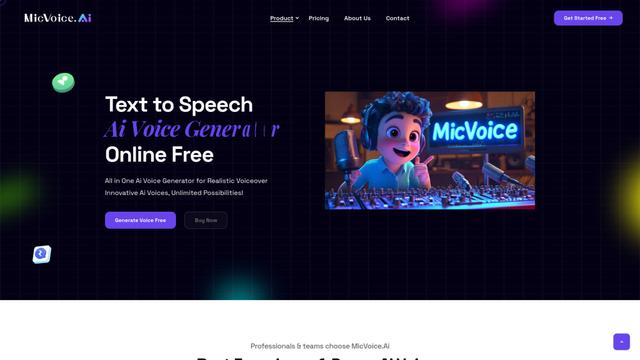
MicVoice.Ai is an all-in-one AI voice generator platform that transforms written text into high-quality, natural-sounding speech with over 5000 realistic AI voices supporting 17+ languages.
Narrai
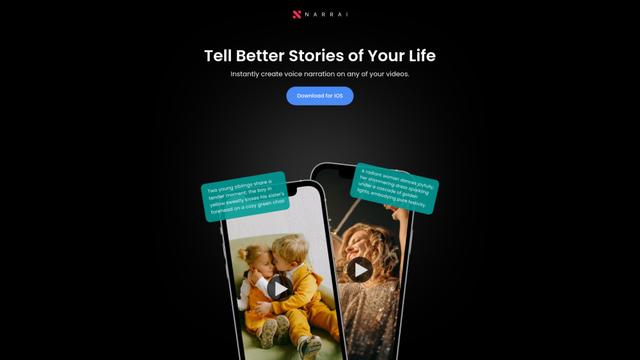
Narrai is an AI-powered mobile app that instantly creates voice narration and background music for short videos by automatically generating relevant scripts and offering multiple narrator personas.

Vagent
Vagent is a lightweight voice interface that enables users to interact with custom AI agents through voice commands, providing a natural and intuitive way to control automations with support for 60+ languages.
F5 TTS
F5-TTS is a state-of-the-art, non-autoregressive text-to-speech system that uses Flow Matching and Diffusion Transformer techniques to generate highly natural and expressive speech with zero-shot voice cloning capabilities.
Popular AI Tools Like Glyphi: Speed Reader
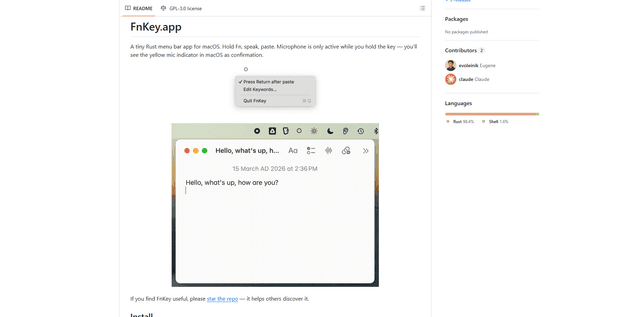
FnKey
FnKey is a lightweight macOS menu bar application that enables quick voice-to-text transcription by holding the Fn key to speak and automatically pastes the transcribed text when released.
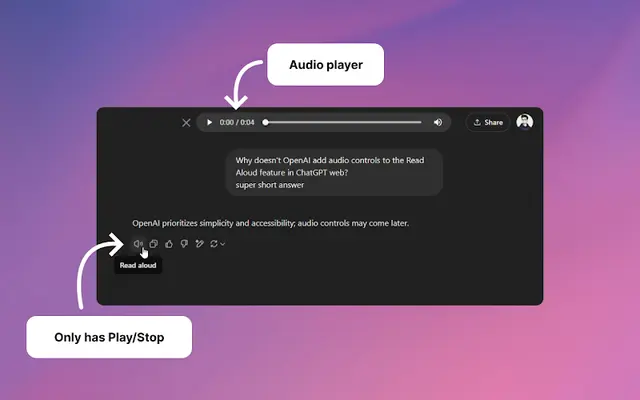
Audio player for ChatGPT
A Chrome extension that enhances ChatGPT's Read Aloud feature by adding a user-friendly audio player with basic controls like play/pause, seek bar, and duration display.
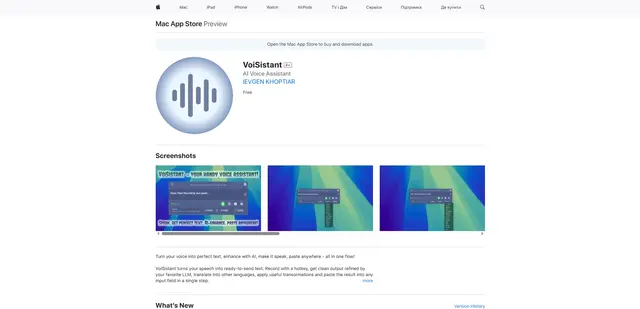
VoiSistant
VoiSistant is a comprehensive voice-to-text application that combines speech recognition, AI enhancement, translation, and text-to-speech capabilities in one seamless workflow.
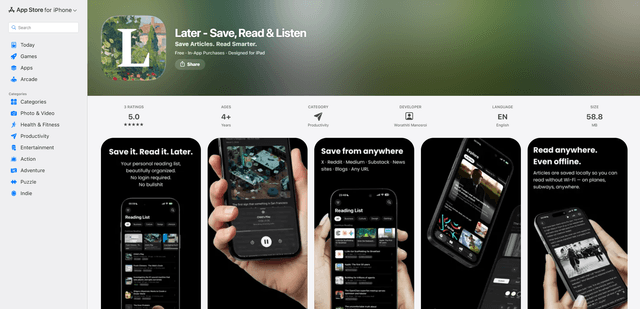
LaterAI
Later is an AI-powered read-it-later app that lets you save articles, read them in a distraction-free environment, and listen to them with natural-sounding AI voices - all while maintaining complete privacy with on-device processing.