
FnKey
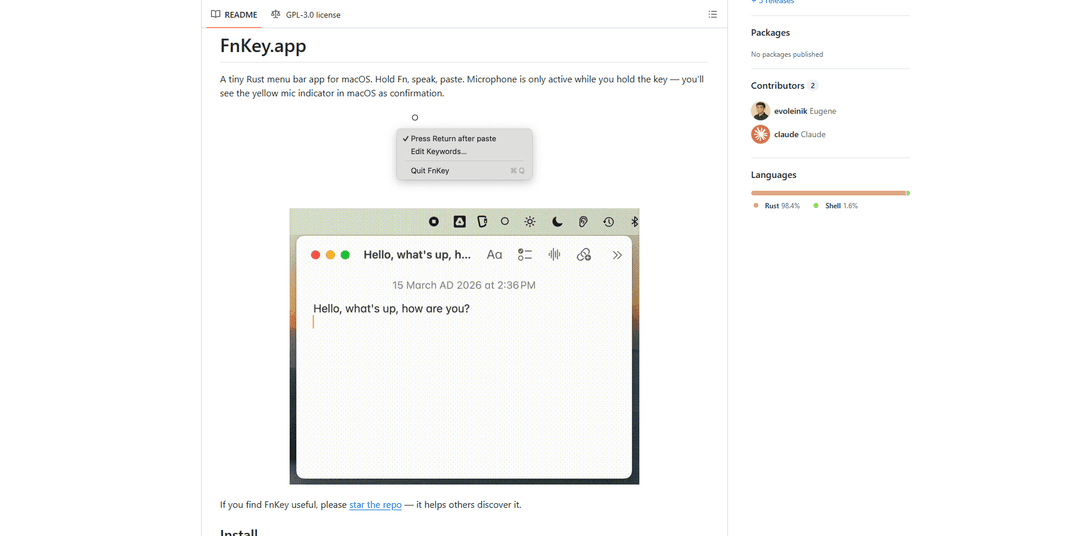
FnKey is a lightweight macOS menu bar application that enables quick voice-to-text transcription by holding the Fn key to speak and automatically pastes the transcribed text when released.
https://github.com/evoleinik/fnkey?ref=producthunt
Product Information
Updated:Apr 8, 2026
What is FnKey
FnKey is an innovative open-source productivity tool developed in Rust that brings seamless voice dictation capabilities to macOS. It lives in the menu bar and provides a simple yet powerful way to convert speech to text in any application. The app requires minimal setup - users just need to configure an API key from either Deepgram or Groq for the transcription service, grant necessary system permissions, and they're ready to start dictating.
Key Features of FnKey
FnKey is a lightweight macOS menu bar application that enables voice-to-text transcription through a simple hold-to-speak interface. Users can hold the Fn key to record speech, which is transcribed in real-time using either Deepgram Nova-3 (streaming) or Groq Whisper (batch) APIs, and automatically pasted into any text field upon release. The app features custom keyword support, audio enhancement, and privacy-focused design where the microphone is only active during key press.
Real-time Streaming Transcription: Uses Deepgram Nova-3 API to stream audio and transcribe text while speaking, providing immediate feedback and faster results
Dual Backend Support: Offers both Deepgram (streaming) and Groq Whisper (batch) transcription options with automatic fallback functionality
Privacy-Focused Design: Microphone only activates during Fn key press, with visual indicators in the menu bar and system level
Custom Vocabulary Support: Allows users to add specialized terms, proper nouns, and technical vocabulary to improve transcription accuracy
Use Cases of FnKey
Software Development: Developers can quickly dictate code comments, documentation, and technical notes while keeping hands on keyboard
Content Creation: Writers and bloggers can rapidly draft content through voice input while maintaining natural workflow
Accessibility Aid: Provides alternative text input method for users with mobility limitations or repetitive strain injuries
Meeting Notes: Professionals can quickly capture thoughts and action items during meetings without switching windows
Pros
Simple and intuitive hold-to-speak interface
Privacy-focused design with clear microphone status indicators
Supports multiple transcription backends with automatic fallback
Cons
Slight recording delay at the start of speech
Requires API keys from external services (Deepgram/Groq)
Currently limited to macOS platform only
How to Use FnKey
Download and Install: Download appropriate version from GitHub Releases (FnKey-arm64.zip for Apple Silicon or FnKey-x64.zip for Intel), unzip it and move FnKey.app to Applications folder
Configure API Keys: Create config directory and add API keys: 1) Create directory: mkdir -p ~/.config/fnkey 2) Add Deepgram key: echo 'your-deepgram-key' > ~/.config/fnkey/deepgram_key 3) Add Groq key: echo 'your-groq-key' > ~/.config/fnkey/api_key
Launch Application: Open FnKey.app from Applications folder using: open /Applications/FnKey.app
Grant Permissions: Go to System Settings → Privacy & Security and grant FnKey.app permissions for: Input Monitoring (to detect Fn key), Microphone (to record voice), and Accessibility (for auto-paste)
Basic Usage: Hold down the Fn key while speaking, then release to transcribe and paste the text. The menu bar icon changes from ○ (idle) to ● (recording) while active
Configure Optional Settings: Click menu bar icon (○) to: 1) Toggle 'Press Return after paste' feature 2) Edit custom Keywords via 'Edit Keywords...' option 3) Switch between Deepgram and Groq backends
Add Custom Keywords: To improve transcription accuracy, add commonly used technical terms or proper nouns via menu bar → 'Edit Keywords...' or by editing ~/.config/fnkey/keywords file directly
FnKey FAQs
FnKey is a macOS menu bar app that allows you to convert speech to text by holding the Fn key while speaking. When you release the key, it transcribes your speech and automatically pastes the text.
Popular Articles

Vosko AI: Localize and Dub Videos for Global Audiences
Oct 15, 2026

Atoms: A Multi-Agent AI Platform That Transforms Ideas into Launch-Ready Products
Oct 13, 2026

Nano Banana SBTI: What It Is, How It Works, and How to Use It in 2026
Apr 15, 2026

Atoms Review — The AI Product Builder Redefining Digital Creation in 2026
Apr 10, 2026
Latest AI Tools Similar to FnKey
MicVoice.Ai
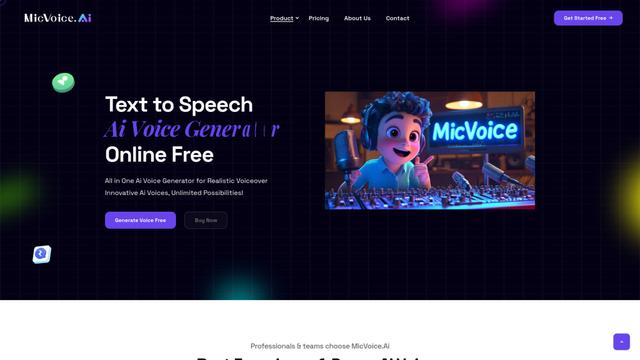
MicVoice.Ai is an all-in-one AI voice generator platform that transforms written text into high-quality, natural-sounding speech with over 5000 realistic AI voices supporting 17+ languages.
Narrai
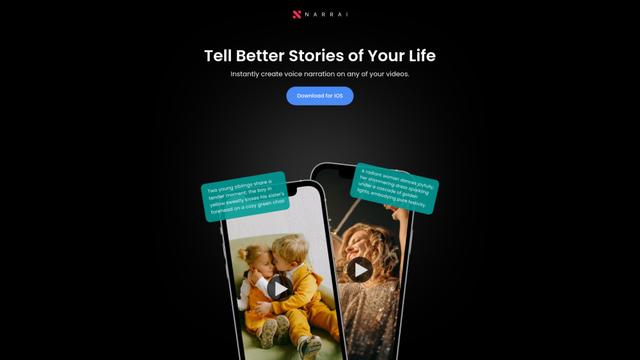
Narrai is an AI-powered mobile app that instantly creates voice narration and background music for short videos by automatically generating relevant scripts and offering multiple narrator personas.
Vagent
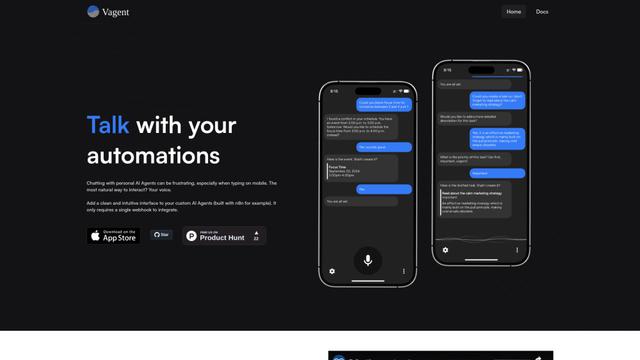
Vagent is a lightweight voice interface that enables users to interact with custom AI agents through voice commands, providing a natural and intuitive way to control automations with support for 60+ languages.
F5 TTS
F5-TTS is a state-of-the-art, non-autoregressive text-to-speech system that uses Flow Matching and Diffusion Transformer techniques to generate highly natural and expressive speech with zero-shot voice cloning capabilities.
Popular AI Tools Like FnKey
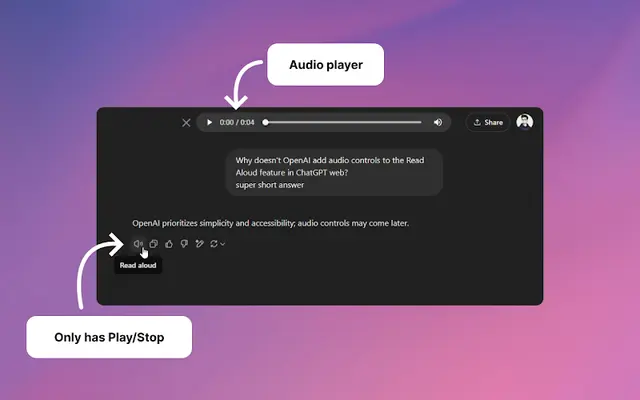
Audio player for ChatGPT
A Chrome extension that enhances ChatGPT's Read Aloud feature by adding a user-friendly audio player with basic controls like play/pause, seek bar, and duration display.
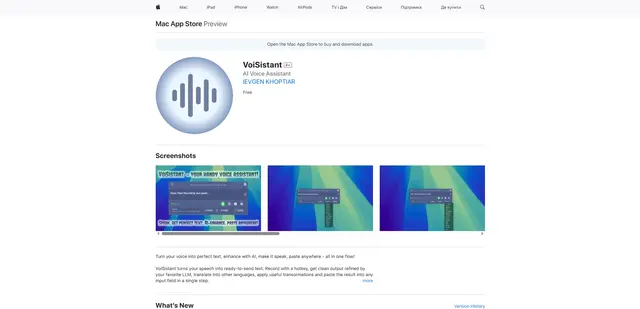
VoiSistant
VoiSistant is a comprehensive voice-to-text application that combines speech recognition, AI enhancement, translation, and text-to-speech capabilities in one seamless workflow.
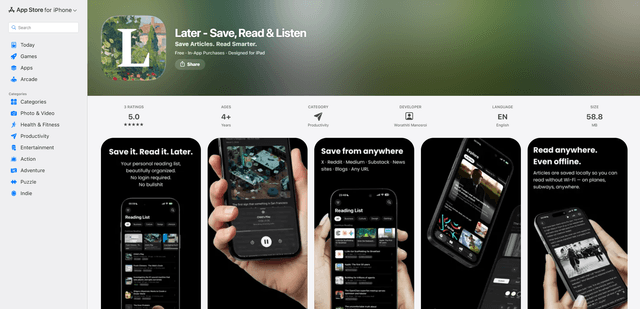
LaterAI
Later is an AI-powered read-it-later app that lets you save articles, read them in a distraction-free environment, and listen to them with natural-sounding AI voices - all while maintaining complete privacy with on-device processing.
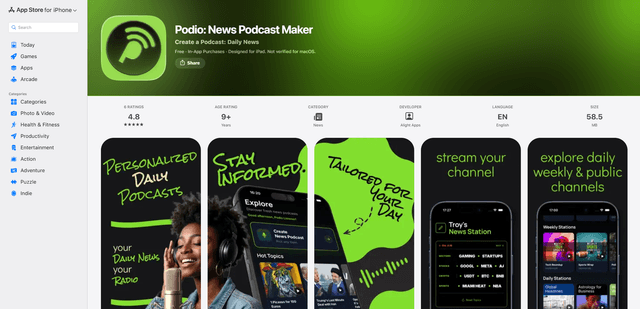
Podio
Podio is an AI-powered news audio app that instantly streams a personalized radio-style podcast channel from your chosen topics, with daily updates, custom episode creation, and natural-sounding AI narration.