
LaterAI
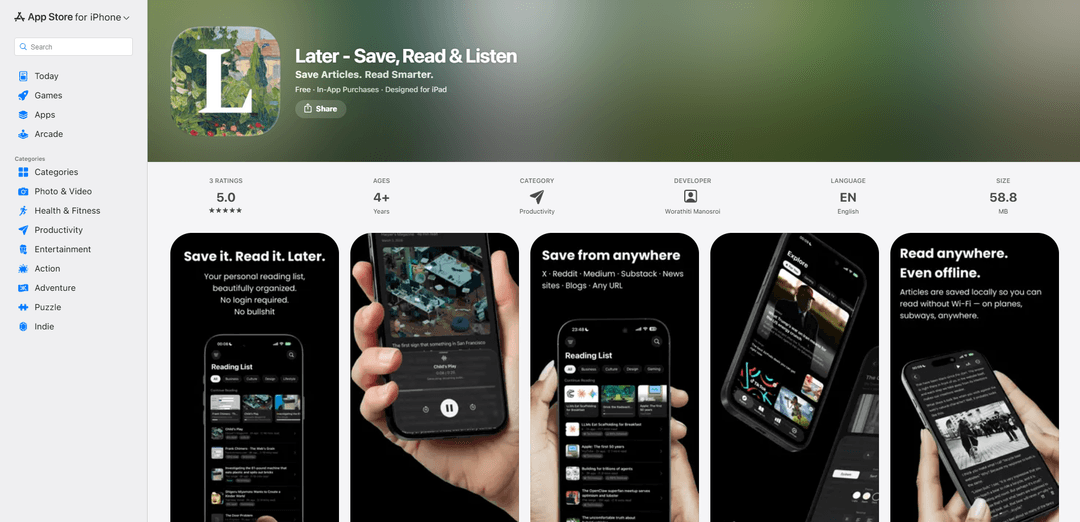
Later is an AI-powered read-it-later app that lets you save articles, read them in a distraction-free environment, and listen to them with natural-sounding AI voices - all while maintaining complete privacy with on-device processing.
https://apps.apple.com/de/app/later-save-read-listen/id6759844513?l=en-GB&ref=producthunt
Product Information
Updated:Mar 16, 2026
What is LaterAI
Later is a modern reading companion app that helps you save and consume online content more effectively. It transforms any article into a clean, personalized reading experience by removing ads and distractions. The app requires no login and runs all AI features directly on your device, ensuring complete privacy of your reading habits and data. Whether you prefer reading or listening, Later adapts to your consumption style with features like Text-to-Speech, smart highlights, and AI summaries.
Key Features of LaterAI
Later (also known as LaterAI) is a privacy-focused read-it-later app that allows users to save, read, and listen to articles offline. It features AI-powered capabilities like text-to-speech, automatic categorization, and article summaries - all running locally on device. The app provides a clean, distraction-free reading experience with customizable typography and dark mode, while maintaining user privacy by not requiring accounts or collecting any user data.
AI-Powered Text-to-Speech: Natural-sounding voice engine that reads articles aloud, with adjustable speed and on-device processing requiring no internet connection
Smart Article Management: AI automatically tags and categorizes saved articles, with offline access and iCloud sync across devices
Distraction-Free Reading: Clean typography with customizable text size, dark mode support, and stripped ads/distractions from saved articles
Privacy-First Design: All AI features run locally on device with no accounts required, no tracking, and no data collection
Use Cases of LaterAI
Commute Reading: Listen to saved articles during daily commutes using the text-to-speech feature
Research Collection: Save and organize articles for research projects with automatic categorization and highlighting capabilities
Offline Learning: Download articles for reading during travel or in areas with limited internet connectivity
Content Curation: Save interesting articles from various sources and get AI summaries for quick content overview
Pros
Strong privacy focus with no data collection
All AI features work offline
Clean, distraction-free reading experience
Seamless integration with Safari
Cons
Requires iOS 26.0 or later
Some features require Pro subscription
Limited to Apple ecosystem
How to Use LaterAI
Install the app: Download Later - Save, Read & Listen from the App Store and install it on your iOS device
Save articles: While browsing in Safari, tap the share button and select Later to save any article with one tap
Access saved articles: Open the Later app to view your saved articles in a clean, distraction-free reading view with no ads
Listen to articles: Use the AI Text-to-Speech feature to have articles read aloud to you using natural-sounding voices powered by on-device AI
Highlight key passages: Save and organize important sections by using the smart highlights feature while reading
View reading stats: Track your reading streak, time spent reading, and total words read in the reading stats section
Use offline mode: Access your saved articles anywhere without internet connection as articles are stored for offline reading
Get AI summaries: Use the AI summary feature to get key points of articles at a glance
Sync across devices: Access your library on all your devices through iCloud sync
LaterAI FAQs
Later offers: one-tap saving from Safari, distraction-free reader with clean typography and dark mode, AI Text-to-Speech, smart highlights, reading stats tracking, auto-categorization, AI summaries, offline reading, iCloud sync, and video detection with playable thumbnails.
Popular Articles

Vosko AI: Localize and Dub Videos for Global Audiences
Oct 15, 2026

Atoms: A Multi-Agent AI Platform That Transforms Ideas into Launch-Ready Products
Oct 13, 2026

Nano Banana SBTI: What It Is, How It Works, and How to Use It in 2026
Apr 15, 2026

Atoms Review — The AI Product Builder Redefining Digital Creation in 2026
Apr 10, 2026
Latest AI Tools Similar to LaterAI
Noiz
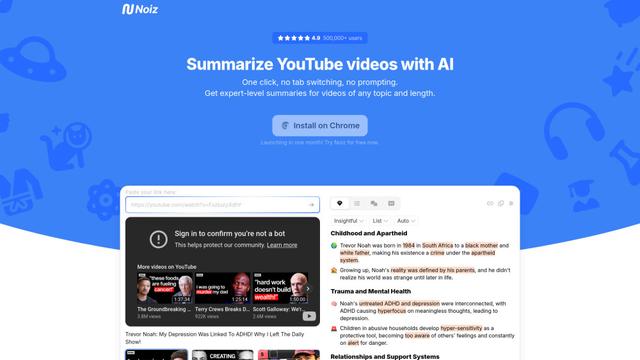
Noiz is an AI-powered video summarizer tool that transforms YouTube videos into concise summaries, transcripts, and key insights in 41 languages with just one click.
RollSummary
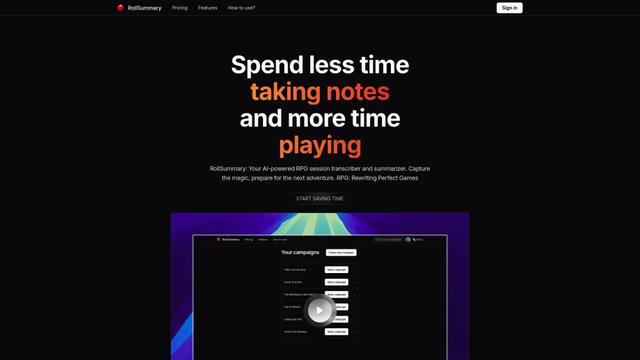
RollSummary is an AI-powered RPG session transcriber and summarizer that helps players and GMs capture, track and prepare their tabletop gaming sessions through automated transcription and smart summaries.
Long Summary
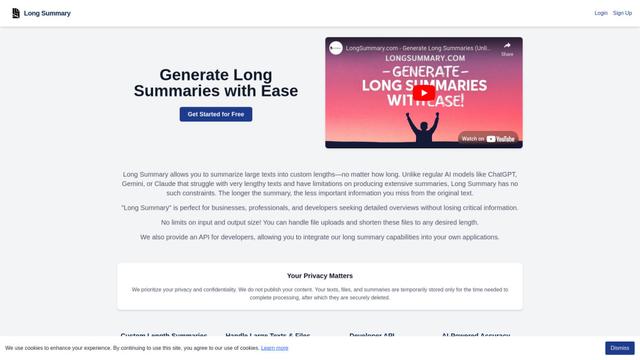
Long Summary is an AI-powered text summarization tool that enables users to generate summaries of any length without input or output limitations, offering custom-length summaries for various content types while maintaining information accuracy.
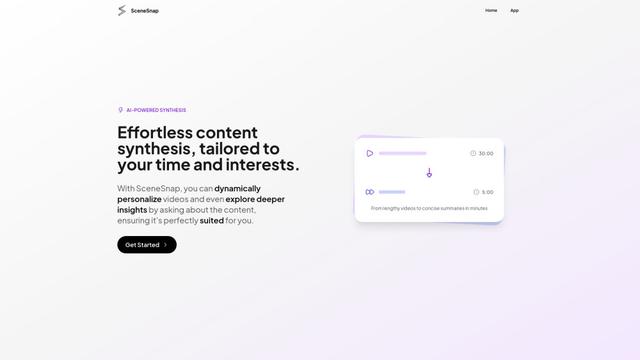
SceneSnap
SceneSnap is an AI-powered content synthesis platform that transforms lengthy videos into personalized, interactive summaries tailored to users' specific interests and time constraints.
Popular AI Tools Like LaterAI
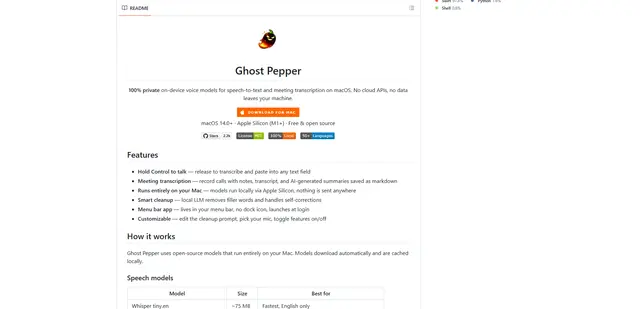
Ghost Pepper 🌶️
Ghost Pepper is a 100% local, privacy-focused speech-to-text and meeting transcription app for macOS that runs entirely on your Mac using open-source AI models, featuring hold-to-talk recording, intelligent text cleanup, and multi-language support without sending any data to the cloud.
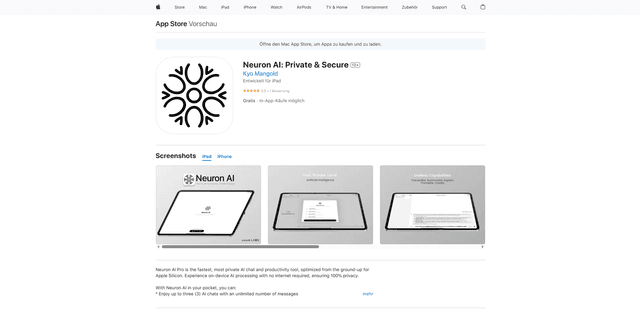
Neuron AI
Neuron AI is a private and secure AI chat and productivity tool optimized for Apple Silicon that runs completely on-device without requiring internet connection, ensuring 100% data privacy.
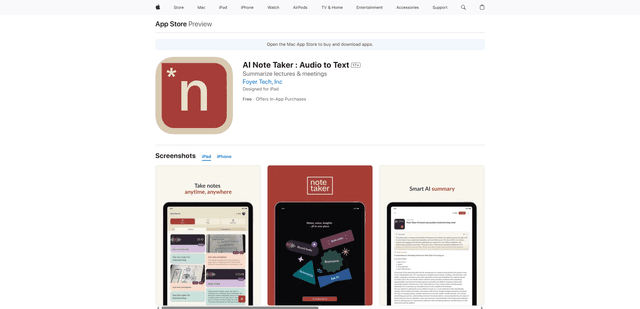
AI Note Taker : Audio to Text
AI Note Taker is an intelligent note-taking assistant that automatically converts audio/voice recordings into text transcriptions while providing AI-powered summaries and organization features for lectures, meetings, and conversations.
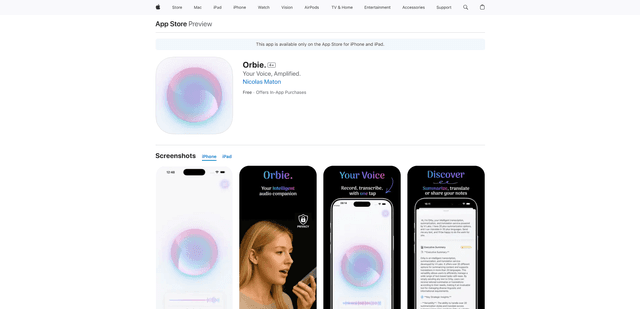
Orbie.
Orbie. is an intelligent audio companion app that transforms voice recordings into clear, shareable text with AI-powered transcription, summarization, and translation capabilities.