
Ghost Pepper 🌶️
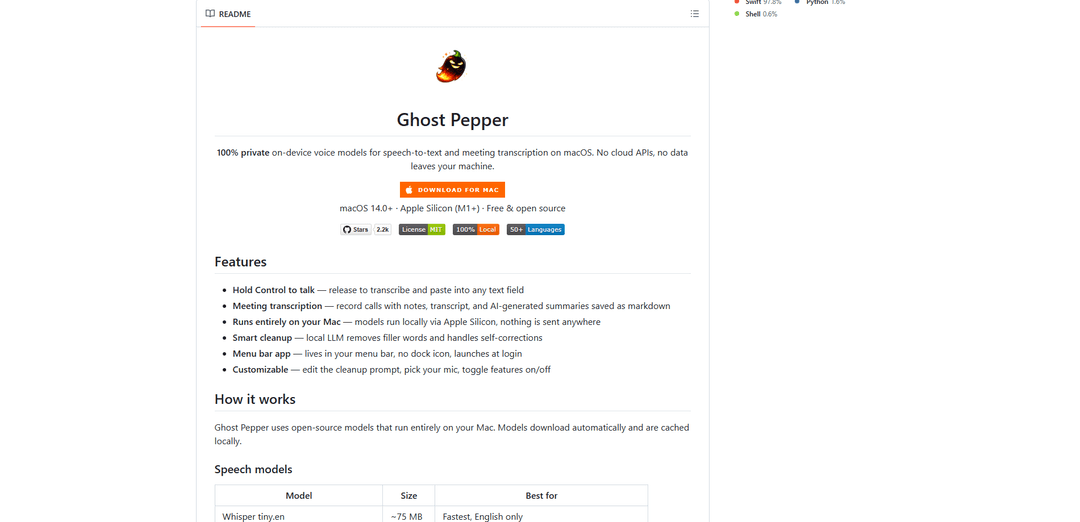
Ghost Pepper is a 100% local, privacy-focused speech-to-text and meeting transcription app for macOS that runs entirely on your Mac using open-source AI models, featuring hold-to-talk recording, intelligent text cleanup, and multi-language support without sending any data to the cloud.
https://github.com/matthartman/ghost-pepper?ref=producthunt
Product Information
Updated:Apr 16, 2026
What is Ghost Pepper 🌶️
Ghost Pepper is a free, open-source macOS application designed for Apple Silicon (M1+) that provides comprehensive voice-to-text capabilities while maintaining complete privacy. Built as a menu bar app, it offers two primary functions: quick hold-to-talk speech-to-text (hold Control to record, release to transcribe and paste) and full meeting transcription with AI-generated summaries. The app leverages powerful on-device models including WhisperKit for speech recognition and Qwen LLM for intelligent text cleanup that removes filler words and handles self-corrections. All processing happens locally on your Mac—no internet connection required for core features, no cloud APIs, and no data ever leaves your device. Released under the MIT license, Ghost Pepper supports over 50 languages depending on the model selected and requires macOS 14.0 or later.
Key Features of Ghost Pepper 🌶️
Ghost Pepper is a 100% local, privacy-focused speech-to-text application for macOS (Apple Silicon M1+) that runs entirely on your device without sending any data to the cloud. It offers hold-to-talk functionality (hold Control to record, release to transcribe and paste), meeting transcription with AI-generated summaries, and smart text cleanup using local LLM models. The app uses open-source models like WhisperKit for transcription and Qwen for filler-word removal, supporting 50+ languages depending on the model selected. All processing happens on-device using Apple Silicon, with models cached locally after initial download from Hugging Face.
Hold-to-Talk Speech-to-Text: Press and hold Control key to record your voice, then release to automatically transcribe and paste the text into any active text field across macOS applications
100% Local Processing: All speech recognition, transcription, and AI cleanup runs entirely on your Mac using Apple Silicon with no cloud APIs or data transmission, verified through AI code audits
Meeting Transcription & Summaries: Record calls and meetings with automatic transcription, speaker diarization, note-taking capabilities, and AI-generated summaries saved as markdown files locally
Smart Text Cleanup: Local LLM (Qwen models) automatically removes filler words, handles self-corrections, and improves transcript readability with customizable cleanup prompts
Multi-Language Support: Choose from multiple speech models supporting English-only or 50+ languages including Whisper (tiny/small), Parakeet v3, and Qwen3-ASR models
Customizable & Lightweight: Menu bar app with configurable settings for microphone selection, model choice, feature toggles, launch at login, and media playback pause during recording
Use Cases of Ghost Pepper 🌶️
Professional Documentation: Quickly dictate emails, reports, and documents across any application without switching windows or using cloud services, ideal for professionals handling sensitive information
Meeting & Call Recording: Transcribe video calls, client meetings, or interviews with automatic speaker identification and AI summaries, perfect for consultants, researchers, and remote teams
Content Creation: Draft blog posts, social media content, or video scripts through voice dictation with automatic cleanup of filler words and natural speech patterns
Healthcare & Legal Documentation: Create patient notes, case documentation, or legal briefs with complete privacy assurance since all processing stays on the local device
Multilingual Communication: Transcribe speech in 50+ languages for international teams, language learners, or global businesses without relying on cloud translation services
Accessibility Support: Enable hands-free text input for users with mobility limitations or those who prefer voice input over typing for any macOS application
Pros
Complete privacy with 100% local processing - no data leaves your device, verified through code audits
Free and open-source (MIT license) with no subscription fees or usage limits
Works system-wide across all macOS applications with simple Control key activation
Multiple model options balancing speed, accuracy, and language support (English-only to 50+ languages)
Cons
Requires Apple Silicon (M1+) and macOS 14.0+ - not compatible with Intel Macs or older systems
Large model downloads (75 MB to 2.8 GB) required for initial setup and model switching
Requires Accessibility and Microphone permissions which may need admin approval on managed devices
Gatekeeper warning on macOS Sequoia requires manual approval in System Settings on first launch
How to Use Ghost Pepper 🌶️
Download and install Ghost Pepper: Download GhostPepper.dmg from the GitHub releases page. Open the DMG file and drag Ghost Pepper to your Applications folder.
Handle macOS security warning (if needed): If you see an 'Apple could not verify' Gatekeeper warning on macOS Sequoia, go to System Settings > Privacy & Security, scroll down, and click 'Open Anyway' next to the Ghost Pepper message. Click Confirm in the popup.
Grant Microphone permission: When prompted, grant Microphone permission so Ghost Pepper can record your voice. This permission is required for speech-to-text functionality.
Grant Accessibility permission: When prompted, grant Accessibility permission. This allows Ghost Pepper to use the global hotkey (Control key) and paste transcribed text into any application via simulated keystrokes.
Use hold-to-talk speech-to-text: Hold down the Control key and speak your message. Release the Control key when finished speaking. Ghost Pepper will transcribe your speech and automatically paste the text into the active text field.
Access settings and customize (optional): Click the Ghost Pepper icon in your menu bar to access settings. You can customize the cleanup prompt, select your preferred microphone, choose different speech models (Whisper tiny.en, small.en, small multilingual, Parakeet v3, or Qwen3-ASR), select cleanup models (Qwen 3.5 0.8B, 2B, or 4B), and toggle features on/off.
Use meeting transcription (optional): To record meetings, start a recording session from the Ghost Pepper menu. The app will capture audio, transcribe it in chunks, and save the transcript with notes and AI-generated summaries as markdown files on your local disk.
Manage launch at login (optional): Launch at login is enabled by default. To disable it, go to Ghost Pepper Settings and toggle off the 'Launch at login' option.
Clear history if needed (optional): All transcription history and recordings are stored locally on your Mac. You can clear this history anytime from the Settings menu to free up space or maintain privacy.
Ghost Pepper 🌶️ FAQs
Ghost Pepper is a 100% private, on-device voice application for macOS that provides speech-to-text and meeting transcription capabilities. It's a menu bar app that lets you hold the Control key to record your voice, then releases to transcribe and paste the text into any field. It also supports full meeting transcription with notes, transcripts, and AI-generated summaries saved as markdown files. All processing happens locally on your Mac using Apple Silicon - no data is sent to the cloud.
Popular Articles

Vosko AI: Localize and Dub Videos for Global Audiences
Oct 15, 2026

Atoms: A Multi-Agent AI Platform That Transforms Ideas into Launch-Ready Products
Oct 13, 2026

Nano Banana SBTI: What It Is, How It Works, and How to Use It in 2026
Apr 15, 2026

Atoms Review — The AI Product Builder Redefining Digital Creation in 2026
Apr 10, 2026
Latest AI Tools Similar to Ghost Pepper 🌶️

Ticknotes
Ticknotes is an AI-powered meeting assistant that automatically records, transcribes, and generates personalized meeting summaries, action items, and key insights from audio, video, and text content.

Feta
Feta is an AI-powered meeting tool that helps product and engineering teams run efficient meetings by capturing discussions, automating tasks, and providing actionable insights through smart summaries and integrations.
TranscriptionPlus
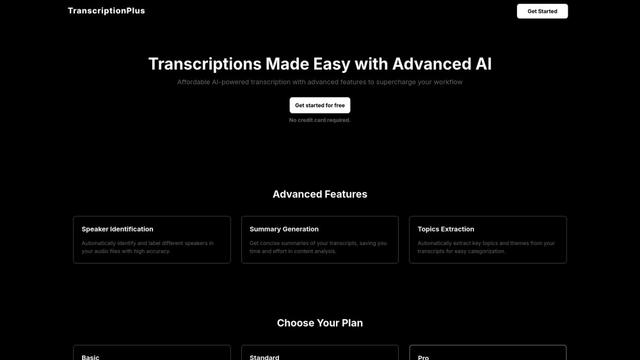
TranscriptionPlus is an AI-powered transcription service that offers accurate speech-to-text conversion with advanced features like speaker identification, summary generation, and multi-language support at affordable pricing tiers.
AudioScribe.io
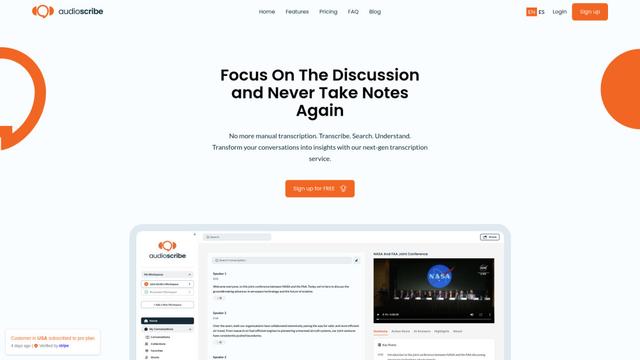
AudioScribe.io is a revolutionary AI-powered transcription service that converts audio and video content into accurate text while offering advanced features like automated meeting recording, full-text search, and multi-language support.
Popular AI Tools Like Ghost Pepper 🌶️
Whisper AI
Whisper is an open-source automatic speech recognition system from OpenAI that approaches human-level accuracy and robustness for transcribing and translating speech in multiple languages.

Youtube to transcript
Youtube to Transcript is a Chrome extension that allows users to easily convert YouTube videos into text transcripts with features like multi-language support, AI-powered summarization, and downloadable formats.
inFin
inFin is a lightweight, user-friendly AI-powered voice notes app that offers unlimited recording, real-time transcription, and translation between Chinese and English, with offline capabilities and local storage for enhanced privacy.
Orbie.
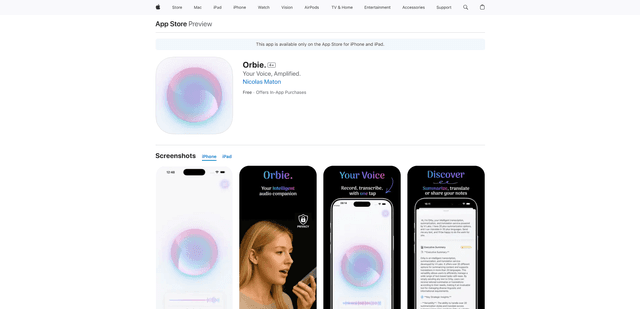
Orbie. is an intelligent audio companion app that transforms voice recordings into clear, shareable text with AI-powered transcription, summarization, and translation capabilities.