
Ticketdesk AI
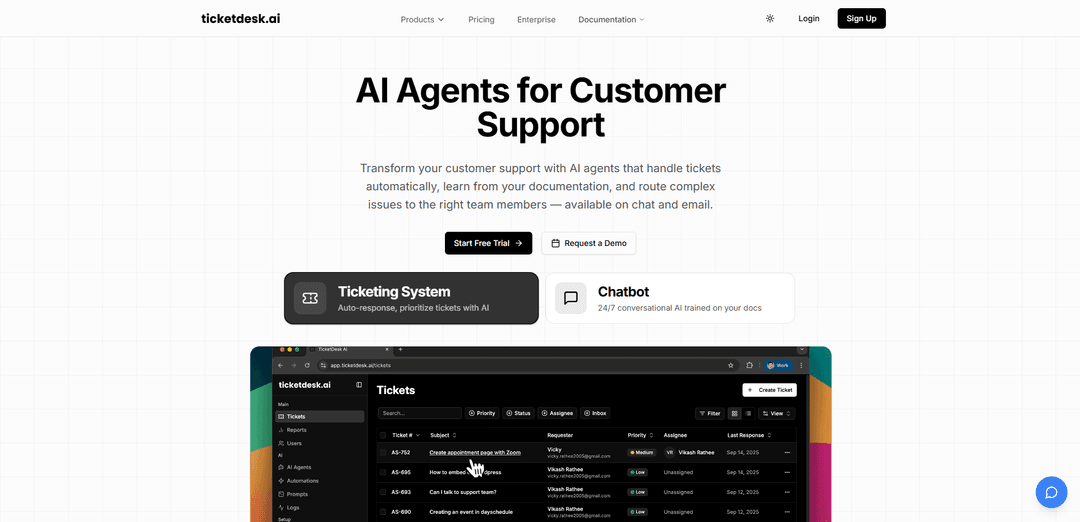
Ticketdesk AI is an AI-powered helpdesk that automates customer support by generating ticket replies, learning from your documentation, intelligently routing issues to the right teams, and escalating to humans when needed across email and chat.
https://ticketdesk.ai/?ref=producthunt
Product Information
Updated:Aug 8, 2026
What is Ticketdesk AI
Ticketdesk AI is a modern customer support platform built around AI agents that do more than act like a basic chatbot—they help manage the full ticket lifecycle. Designed for teams that want faster responses and less repetitive work, it can respond to tickets automatically, classify and tag conversations, and assign or escalate issues to the appropriate human agents. It supports support workflows across email and chat, and can be trained on your existing help docs, internal knowledge, and past support content to better match your policies and brand voice.
Key Features of Ticketdesk AI
Ticketdesk AI is an AI-powered help desk platform that automates customer support across email and chat by using AI agents trained on your documentation and past tickets. It can classify and route incoming requests, draft and send responses, and escalate to human agents when confidence is low or customers request a person. The product also provides analytics and operational insights (e.g., peak hours) to help teams improve response times, resolution rates, and overall support efficiency, with options like Bring Your Own Model (BYOM) and API-based automation for more advanced workflows.
AI Support Agent (auto-replies): Generates intelligent ticket responses by analyzing the request and searching your knowledge base, enabling 24/7 support and handling a large share of tickets without human handoff.
Knowledge-base training (smart learning): Trains on your help docs, internal documentation, and past tickets (and can match tone of voice) so answers improve over time and align with company policies.
Smart ticket routing & auto-triage: Automatically categorizes tickets (e.g., billing, bugs, feature requests) and assigns/escalates them to the right team, reducing reassignments and speeding up resolution.
Human escalation & safety controls: Routes to a default assignee when the AI is not confident or when the customer requests a human (e.g., via an explicit phrase), helping prevent frustrating AI-only loops.
Omnichannel support + API/MCP automation: Works across email, chat, and API integrations, with documentation for building automations and an MCP server approach to automate support workflows programmatically.
Analytics & operational insights: Provides performance metrics and insights (e.g., response time, resolution rate, peak hours) to optimize staffing and workflow design.
Use Cases of Ticketdesk AI
E-commerce customer service (order, returns, refunds): Automatically handles common questions like order status, return policies, and refund steps, escalating edge cases to human agents to maintain high CSAT.
SaaS technical support (how-to and troubleshooting): Trains on product docs/API docs to answer setup, configuration, and troubleshooting tickets, while routing true bug reports to engineering.
Billing & subscription support: Detects billing-related intent, routes to finance/support specialists, and drafts accurate replies for invoices, plan changes, and payment issues.
IT/helpdesk for internal teams: Automates repetitive internal requests (password resets, access requests, common tooling issues) and uses routing to send complex incidents to the correct resolver group.
Lean support teams needing 24/7 coverage: Provides always-on responses and reduces backlog by automating repetitive tickets, allowing small teams to scale support without a large headcount increase.
Pros
Automates a significant portion of tickets with AI agents (including drafting replies, tagging, and routing), improving speed and reducing workload.
Learns from your documentation/past tickets and supports escalation to humans, balancing automation with customer experience.
Works across email/chat and supports API-based automation (including BYOM/custom model integration) for flexible deployments.
Cons
Answer quality depends heavily on the completeness and quality of your knowledge base; weak documentation can lead to contextually wrong replies.
Pricing is not clearly public in the provided sources and may require a demo/free-trial flow to determine cost.
As with many AI systems, immediate or overly polished replies may feel "AI-like" unless tuned (e.g., delays, tone controls, escalation prompts).
How to Use Ticketdesk AI
1. Create your Ticketdesk AI account: Go to Ticketdesk AI and click “Start Free Trial” (or log in if you already have an account). This gives you access to the dashboard where you’ll configure agents, inboxes, and automations.
2. Connect your support channels (email/chat/API): Set up the channel(s) where you receive customer requests (commonly email and website chat). Ticketdesk AI can operate across email, chat, and API so tickets can be handled consistently.
3. Create an AI Support Agent: In the product, create a new AI agent for customer support. This agent will be responsible for understanding incoming tickets and drafting or sending responses.
4. Train the AI agent on your knowledge sources: Add your help content so the agent can answer accurately in your brand voice. Upload or connect sources such as FAQs, PDFs, user guides, API docs, website documentation, and (optionally) past tickets. Wait for indexing/processing to complete before going live.
5. Configure ticket routing (Smart Routing): Define how Ticketdesk AI should route different types of tickets to the right team (e.g., Billing → Finance, Technical Bug → Engineering, Feature Request → Product). This ensures complex or specialized issues reach the correct humans quickly.
6. Set up AI automation to respond to tickets: Open the Automations page from the sidebar and create a new automation. Configure when it runs (e.g., when a new ticket is received), set any delay, and define conditions (run on all tickets, only certain keywords, or only tickets from a specific inbox).
7. Add a custom prompt for email reply behavior (optional but recommended): In the automation, add a custom prompt that will be included in the main AI agent prompt for email responses. Example instruction: “Write a professional and helpful email response to this customer support ticket. At the end of your email, append the signature provided inside an XML <signature> element below (do not include the XML tags themselves). <signature> If my answer was not good enough, simply reply \"I prefer human support\". Best Regards, Ticketdesk.AI </signature>”
8. Configure human escalation (Default Assignee): Set a “Default Assignee” so tickets are assigned to a human agent when the user requests human support (e.g., replies “I prefer human support”) or when the AI confidence threshold is not met.
9. Use canned responses for instant auto-replies (optional): If you want immediate, consistent replies for certain inboxes, create canned response templates and select one for auto-reply. Ticketdesk AI will send it automatically and replace merge parameters with ticket data to personalize the message.
10. Embed the AI chatbot on your website (optional): If you want live chat support, embed the Ticketdesk AI chat widget on your website (typically via a small snippet of code). This lets the AI handle questions 24/7 and escalate when needed.
11. Integrate via MCP (optional, for AI assistants like Claude Desktop): Add the Ticketdesk MCP server configuration to your MCP settings: { "mcpServers": { "ticketdesk": { "url": "https://api.ticketdesk.ai/mcp?apikey=[YOUR_API_KEY]" } } }. Restart your client (e.g., Claude Desktop) and confirm Ticketdesk tools are loaded.
12. Monitor performance with analytics and iterate: Track metrics like response time, resolution rate, and customer satisfaction in real-time analytics. Use insights (e.g., peak hours) to adjust staffing, refine routing rules, improve training sources, and tune automation prompts for better outcomes.
Ticketdesk AI FAQs
Ticketdesk AI is a customer support platform with AI agents that handle support tickets automatically, learn from your documentation, and route complex issues to the right team members. It works across chat and email.
Ticketdesk AI Video
Popular Articles

Vosko AI: Localize and Dub Videos for Global Audiences
Oct 15, 2026

Atoms: A Multi-Agent AI Platform That Transforms Ideas into Launch-Ready Products
Oct 13, 2026

Nano Banana SBTI: What It Is, How It Works, and How to Use It in 2026
Apr 15, 2026

Atoms Review — The AI Product Builder Redefining Digital Creation in 2026
Apr 10, 2026
Latest AI Tools Similar to Ticketdesk AI
Heartbeat
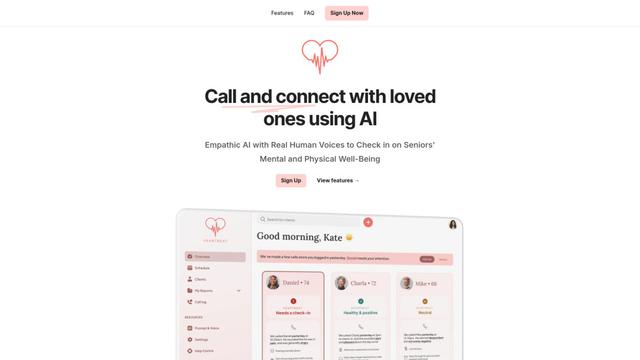
Heartbeat is a versatile platform that offers both an online community-building solution and an AI-powered wellness calling system for seniors and at-risk individuals, featuring customizable spaces, real-time communication, and health monitoring capabilities.
Resonoon
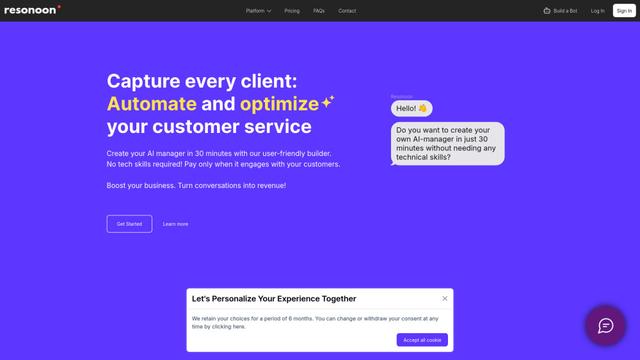
Resonoon is a no-code B2B SaaS platform that enables businesses to create AI-powered voice and chatbots in 30 minutes without technical skills, offering pay-per-conversation pricing.
WhatsBoost
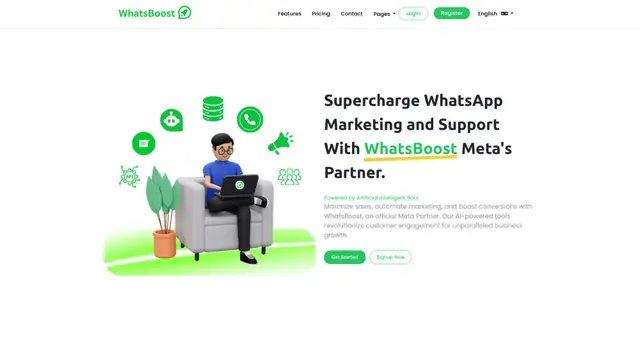
WhatsBoost is an AI-powered WhatsApp marketing platform and official Meta Partner that enables businesses to automate customer communications, manage campaigns, and integrate with multiple services through open APIs.
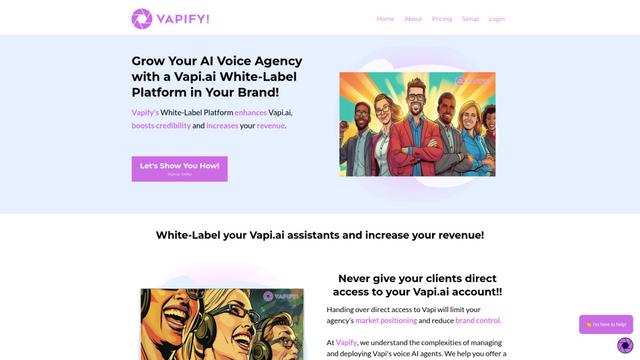
Vapify
Vapify is a white-label platform that enables agencies to offer Vapi.ai's voice AI solutions under their own brand while maintaining control over client relationships and maximizing revenue.
Popular AI Tools Like Ticketdesk AI
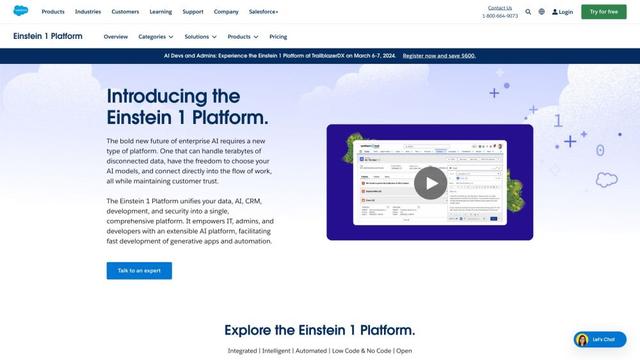
Salesforce Einstein
Salesforce Einstein is an integrated artificial intelligence platform that brings AI capabilities to Salesforce's CRM products, offering predictive analytics, natural language processing, and machine learning to enhance customer experiences and business processes.
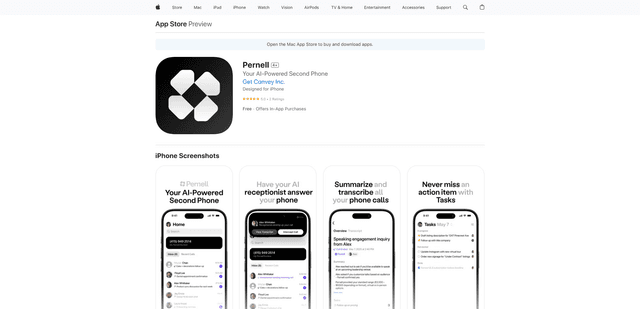
Pernell
Pernell is an AI-powered receptionist app that answers calls, provides summaries and transcripts, and manages follow-ups on your behalf.
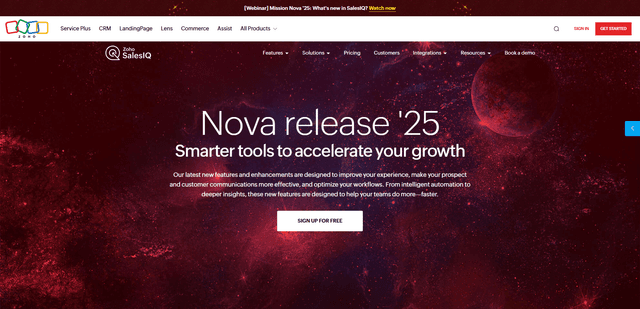
Zoho SalesIQ Nova '25
Zoho SalesIQ Nova '25 is a comprehensive update featuring 25+ new enhancements across AI-powered chatbots, GenAI tools, messaging channels, workflows, and integrations to help businesses accelerate customer engagement and sales growth.
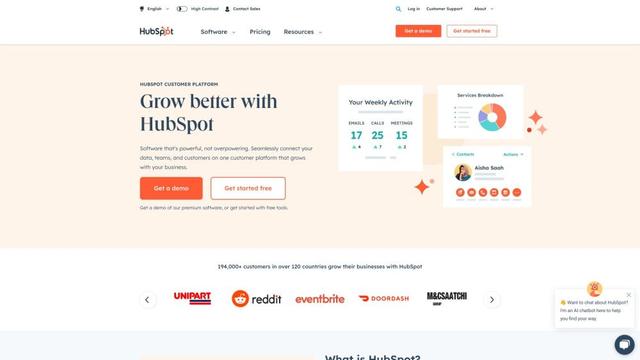
HubSpot
HubSpot is an all-in-one AI-powered customer platform that provides marketing, sales, service, operations, and website-building software to help businesses grow.