
Filect
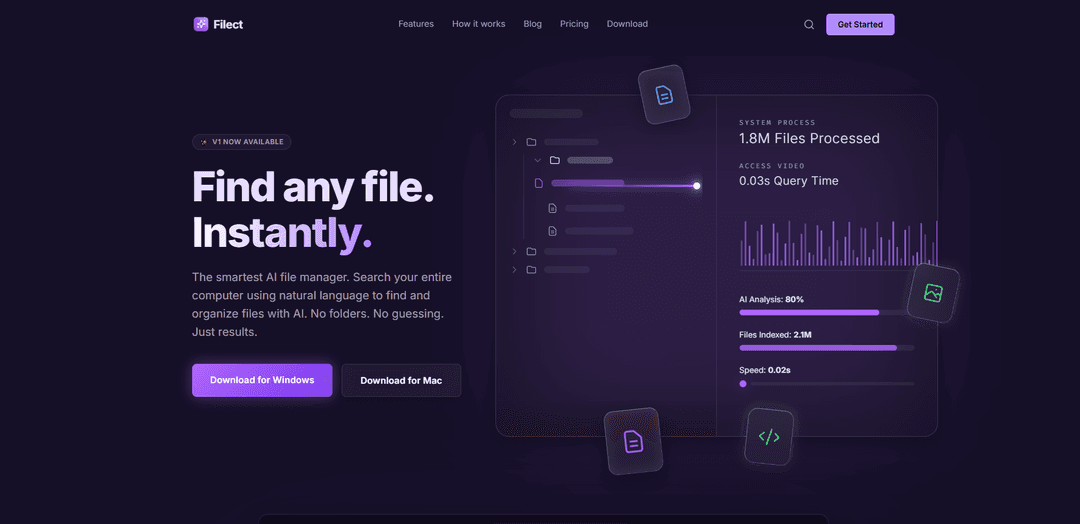
Filect is an AI-powered file manager that lets you search and organize your computer’s files using natural language, delivering instant results via a high-performance Rust backend with a minimal, keyboard-first interface.
https://filect.io/?ref=producthunt
Product Information
Updated:May 19, 2026
What is Filect
Filect is an AI file search and organization app designed to replace traditional folder-based browsing with a faster, more intuitive way to find what you need. Instead of relying on exact filenames or manually navigating directories, it indexes selected folders on your computer and enables you to search by describing a file’s content or intent (for example, “my 2022 tax return PDF”). Built for speed and focus, Filect aims to help users locate and open files immediately with a streamlined UI and broad file-type compatibility.
Key Features of Filect
Filect is an AI-powered file search and organization app for desktop (Windows now available, with macOS mentioned) that indexes selected folders and lets you find files instantly using natural-language queries based on a file’s content and context—not just filenames or folder paths. It analyzes documents with advanced AI models, delivers fast type-as-you-search results via a high-performance Rust backend, and offers a minimal, keyboard-first interface to open the right file immediately.
Natural-language file search: Search by describing what you remember (e.g., “my 2022 tax returns PDF”) instead of needing exact filenames or folder locations.
AI content understanding: Uses AI analysis to understand document semantics and intent, improving matches beyond simple keyword or metadata search.
Folder indexing control: You choose which directories to index, making your selected files searchable from one unified library view.
Lightning-fast results (Rust backend): Built on a high-performance Rust backend for responsive, instant results as you type.
Keyboard-first, minimal UI: Designed to be summoned via a shortcut and navigated without a mouse, keeping focus on quickly opening the needed file.
Broad file compatibility: Indexes and searches across common formats like PDFs, documents, code, images, and more.
Use Cases of Filect
Accounting & finance document retrieval: Quickly locate invoices, tax forms, receipts, and audit documents by describing content and year/month rather than hunting through nested folders.
Legal and compliance search: Find contracts, policy documents, and case-related files using contextual queries (e.g., “NDA with vendor from March”) across large matter folders.
Software engineering & IT operations: Search across code, configs, and project docs using intent-based queries (e.g., “React project I built for onboarding”) to reduce time lost navigating repos and archives.
Research & academia knowledge management: Locate papers, datasets, notes, and PDFs by topic or remembered phrasing, even when filenames are inconsistent.
Creative production (design/photo/video): Find assets by describing what’s in them (concept, subject, client) across mixed formats like images and documents without manual folder discipline.
Pros
Faster retrieval than traditional file explorers by searching via natural language and content context
Keyboard-first, minimal UI supports focused workflows and quick open
High-performance backend enables responsive, type-ahead search
Works across many file types (PDFs, docs, code, images, etc.)
Cons
Requires initial setup and indexing of folders before it becomes useful
AI analysis/indexing may introduce privacy considerations depending on how processing is implemented
Platform availability may be limited (Windows emphasized; macOS mentioned but not clearly confirmed as available)
How to Use Filect
1) Install Filect (Windows): Go to https://filect.io/ and download the lightweight Windows client. Run the installer to complete setup.
2) Launch Filect: Open Filect from your Start menu (or wherever it was installed) to access the main search interface.
3) Index the folders you want searchable: In Filect, choose the directories you want Filect to scan and index so they become searchable (e.g., Documents, Downloads, project folders).
4) Wait for indexing to complete: Let Filect analyze and index your selected folders. It’s designed to be fast and uses AI analysis to understand file contents and context.
5) Search using natural language: Type what you remember about the file (not necessarily the filename), such as: "Find my tax returns from 2022 in PDF format" or "Invoice from March" or "React project".
6) Review the ranked results: Look through the search results list. Filect surfaces likely matches based on content and semantics (not just filenames), and shows file locations/paths.
7) Open a file instantly: Select the desired result and press Enter to open it immediately.
8) Use keyboard-first navigation (optional): Operate Filect primarily with the keyboard for faster workflow—summon it via its shortcut (as provided by the app) and navigate results without using the mouse.
9) Expand or refine your index over time: Add more folders to the index if you want broader coverage (PDFs, Docs, code, images, and more across your drive) and re-run/continue indexing as needed.
Filect FAQs
Filect is an AI file search and organization app that lets you search your entire computer using natural language to find and organize files.
Filect Video
Popular Articles

Atoms: A Multi-Agent AI Platform That Transforms Ideas into Launch-Ready Products
May 22, 2026

Nano Banana SBTI: What It Is, How It Works, and How to Use It in 2026
Apr 15, 2026

Atoms Review — The AI Product Builder Redefining Digital Creation in 2026
Apr 10, 2026

Kilo Claw: How to Deploy and Use a True "Do‑It‑For‑You" AI Agent(2026 Update)
Apr 3, 2026
Latest AI Tools Similar to Filect
Sortio
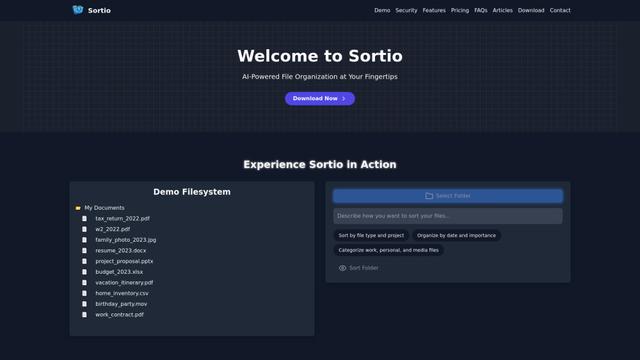
Sortio is an AI-powered desktop application that enables effortless file organization through natural language commands and intelligent sorting capabilities.
elDoc
elDoc is an all-in-one integrated automated platform that combines eSignatures, Document Workflow Automation, Secure File Management, and AI Document Processing capabilities to streamline document management and processing tasks.
RemoteSpace
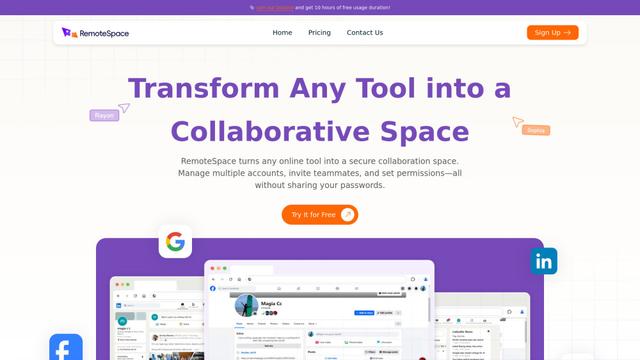
RemoteSpace is a secure collaboration platform that transforms any online tool into a shared workspace, allowing teams to manage multiple accounts, collaborate asynchronously, and maintain security without sharing passwords.
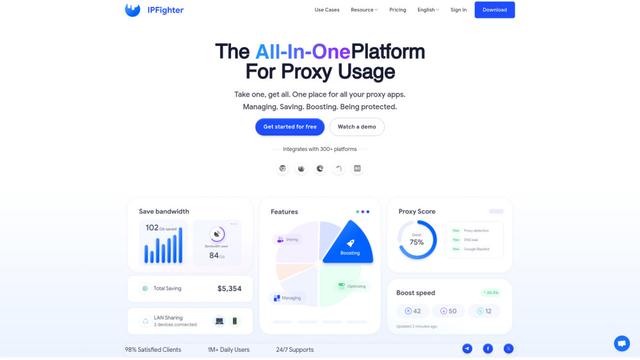
Proxy Booster
Proxy Booster is an all-in-one proxy management platform that helps users boost proxy speed, reduce proxy costs, and enhance security through AI-powered features like Smart-cache and custom proxy rules.
Popular AI Tools Like Filect

Claude Folder Upload
A Chrome extension that enables users to upload entire folders to Claude AI while intelligently preserving directory structures and file relationships, with smart filtering capabilities for irrelevant files.
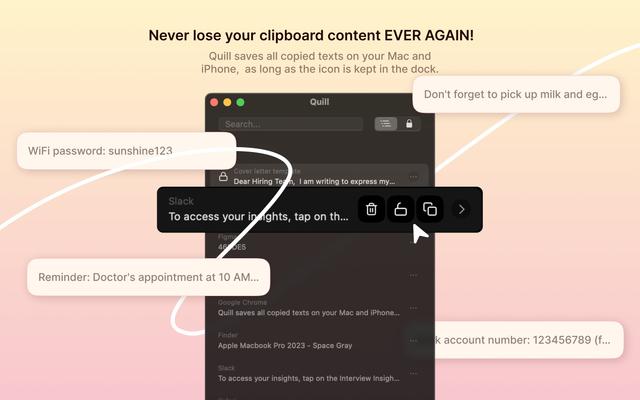
Quill
Quill is a comprehensive clipboard manager that automatically captures and organizes everything you copy across your Apple devices, featuring smart search, quick access, and seamless synchronization capabilities.
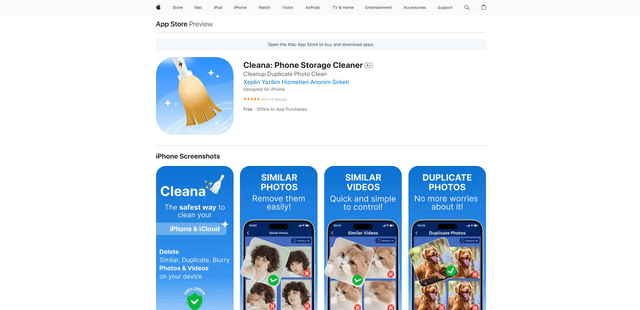
Cleana: iPhone Storage Cleaner
FreemiumAI Files Assistant
Cleana is an AI-powered iPhone storage cleaner that helps users efficiently identify and remove duplicate photos, similar videos, and unnecessary files while ensuring 100% offline data privacy.
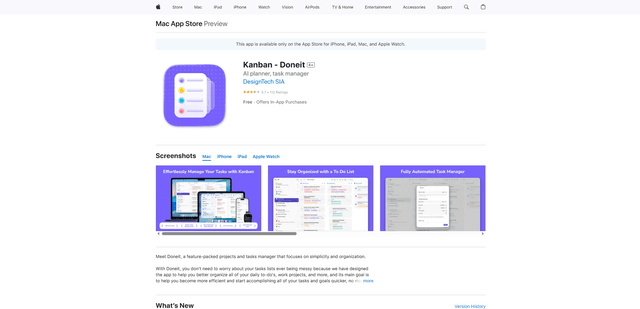
Doneit
Doneit is a feature-packed projects and tasks manager app that focuses on simplicity and organization, offering multiple views like list, grid, Kanban board and timeline to help users better organize all their daily to-do's and work projects.