
Atlasly
Atlasly is an AI-powered site analysis and feasibility tool that generates one-click site intelligence reports (planning constraints, flood risk, heritage, terrain, 3D context) and can plug into ChatGPT/Claude via MCP for in-chat UK site due diligence.
https://atlasly.app/?ref=producthunt

Product Information
Updated:May 18, 2026
What is Atlasly
Atlasly is a site intelligence platform built for architects, developers, and urban planners to automate early-stage due diligence and feasibility work. Instead of manually collecting fragmented information—such as planning rules, policy documents, planning history, flood risk, conservation and listed-building constraints, terrain and urban context—from dozens of portals and datasets, Atlasly compiles it into a single, structured view. It supports map-based constraint exploration, generates client-ready site digest reports, and is designed around real planning-policy retrieval and analysis for architecture workflows.
Key Features of Atlasly
Atlasly is an AI-powered site analysis and feasibility tool for architects, real-estate developers, and urban planners that automates early-stage due diligence. By typing an address, users can generate a site intelligence report that brings together planning history, policy mapping, environmental constraints (e.g., flood risk, conservation areas, listed buildings), and urban-context metrics like 15-minute-city walkability. It supports map-based constraint overlays, one-click PDF exports for client-ready reporting, collaboration features, and integrations/exports to common CAD/BIM and GIS workflows (e.g., Revit, AutoCAD, Rhino, ArcGIS/QGIS). Atlasly can also be used inside AI assistants via an MCP connector to return site insights directly in chat, and offers a policy library for searching planning and building regulations across regions (UK/EU/US).
One-click site intelligence by address: Enter any address to instantly generate a consolidated site appraisal, reducing manual research across many portals and datasets.
Constraint mapping overlays: Visualize key constraints (e.g., flood risk, listed buildings, conservation areas, terrain/ground conditions) layered on live maps to understand context quickly.
Planning & policy retrieval (Policy Library): Search and reference planning/building policy (e.g., NPPF, Building Regs, EPBD, London Plan) with document-aware retrieval aimed at planning intelligence.
15-minute city / liveability analysis: Produces walkability-style metrics and amenity overlays to support urban accessibility and liveability assessments.
Exports + toolchain integrations: Supports workflows with CAD/BIM/GIS tools (Revit, AutoCAD, SketchUp, Rhino, ArcGIS, QGIS) and offers multi-format exports (e.g., DXF/DWG/SKP/GLB/IFC/OBJ/KMZ).
Atlasly in-chat via MCP connector: Connect Atlasly to ChatGPT/Claude/other MCP clients to request site analysis in conversation (e.g., flood risk, planning history, walkability) without switching tools.
Use Cases of Atlasly
Architectural pre-design due diligence: Rapidly identify planning constraints and risks before concept design, improving early feasibility and reducing missed compliance issues.
Real-estate development feasibility studies: Accelerate site screening with one-click reports and constraint mapping to decide whether to pursue acquisition or proceed to deeper analysis.
Urban planning & regeneration analysis: Use 15-minute-city metrics and amenity overlays to evaluate accessibility outcomes and inform masterplanning or policy proposals.
Client-ready reporting and presentations: Generate one-click PDF exports (site digests) for stakeholder updates, planning discussions, and internal decision memos.
Design-team collaboration across projects: Share site briefs and project collections so teams can align on constraints, assumptions, and site context in real time.
AI-assisted planning research workflows: Embed Atlasly into ChatGPT/Claude to answer site questions in chat, supporting faster iteration during early-stage design and planning research.
Pros
Significantly reduces manual site research by consolidating planning, policy, and environmental constraints into a single workflow.
Map-based overlays plus exports/integrations support practical architecture and development toolchains.
MCP connector enables “site analysis inside chat,” reducing context switching and speeding up Q&A.
Cons
Geographic coverage appears UK-focused “today,” which may limit usefulness for teams needing consistent global coverage.
Some advanced capabilities (e.g., higher limits, CAD/BIM formats, API calls, collaboration seats) are gated behind paid tiers.
How to Use Atlasly
1) Get access / create an account: Go to https://atlasly.app and choose “Request early access” (if required) or “Get started free” to sign up and log in.
2) Start a new site analysis: From the app, begin a site analysis by entering a site address (e.g., a UK address). Atlasly generates a site intelligence view for that location.
3) Review constraints on the map: Use the live map to view key planning constraints layered in context (e.g., listed buildings, conservation areas, flood risk, and other constraints shown as overlays).
4) Check planning history and policy mapping: Open the planning-related sections (e.g., Planning History and Policy Mapping) to see relevant planning context and constraints for the selected site.
5) Use the Policy Library to research regulations: Search the Policy Library to explore planning and building policy topics (e.g., NPPF, Building Regulations, EPBD, London Plan) and use it to inform feasibility and compliance considerations.
6) Run a 15-Minute City analysis (walkability / amenities): Open the 15-Minute City capability/agent to analyze liveability metrics such as walk score and amenity access around the site using the map overlays and metrics.
7) Ask Atlas AI for site-specific answers: Use the built-in Atlas AI chatbot to ask questions about the site (e.g., constraints, policy implications, feasibility considerations). The tool is positioned to reason across zoning/policy, terrain, and environmental data.
8) Export a site digest report: Generate a one-click PDF export (“site digest report”) to produce a client-ready site appraisal summary.
9) Connect Atlasly to ChatGPT/Claude via MCP (optional): In your AI assistant’s settings, find “Connectors” or “Custom Tools,” add a custom connector, and paste: https://mcp.atlasly.app/mcp (no API key needed for public tools).
10) Run site analysis inside your chat (optional): After connecting MCP, ask your assistant something like “analyze [address]” to receive a site breakdown (e.g., flood risk, listed buildings, planning history, walkability) directly in the conversation.
11) Generate a cross section from a transect (optional): Use the Cross Section Generator: draw a line (transect) on the map; Atlasly reads street geometry/terrain and produces a Streetmix-style cross section based on live OSM geometry (e.g., carriageway widths, bridges/tunnels, pavements, terrain).
12) Export to CAD/BIM formats (Professional/Teams): If you’re on Professional/Teams, export outputs in CAD/BIM formats (listed as DXF, DWG, SKP, GLB, IFC, OBJ, KMZ) for use in tools like Revit, AutoCAD, SketchUp, Rhino, ArcGIS, QGIS.
13) Collaborate with your team (Teams plan): Use shared project collections and real-time collaboration features to share site briefs and coordinate across multiple seats (with optional SSO for Google Workspace).
Atlasly FAQs
Atlasly is an AI site analysis and feasibility tool for architects that automatically reads planning portals, policy documents, and environmental datasets to generate a complete site intelligence report from an address.
Atlasly Video
Popular Articles

Atoms: A Multi-Agent AI Platform That Transforms Ideas into Launch-Ready Products
May 22, 2026

Nano Banana SBTI: What It Is, How It Works, and How to Use It in 2026
Apr 15, 2026

Atoms Review — The AI Product Builder Redefining Digital Creation in 2026
Apr 10, 2026

Kilo Claw: How to Deploy and Use a True "Do‑It‑For‑You" AI Agent(2026 Update)
Apr 3, 2026
Latest AI Tools Similar to Atlasly
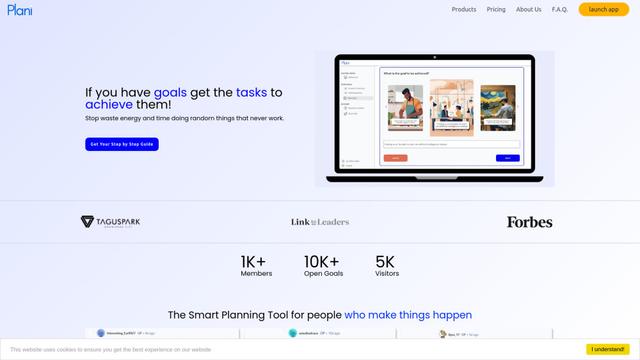
Plani.ai
Plani.ai is an AI-powered business planning tool that generates customized strategies, tasks, and actionable plans to help entrepreneurs, startups, and small businesses achieve their business goals.
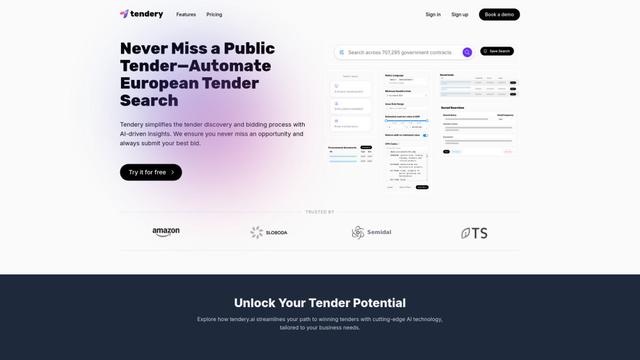
Tendery.ai
Tendery.ai is an AI-powered platform that transforms EU public procurement by providing automated tender discovery, intelligent matching, and enhanced proposal creation capabilities.

Devozy.ai
Devozy.ai is an AI-powered developer self-service platform that combines Agile project management, DevSecOps, multi-cloud infrastructure management, and IT service management into a unified solution for accelerating software delivery.
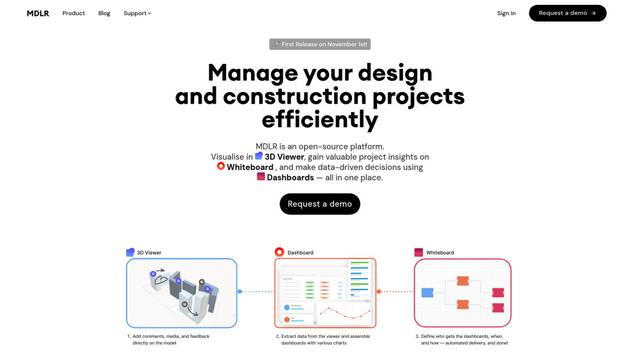
MDLR
MDLR is an open-source AI-powered platform that streamlines design and construction project management through integrated 3D viewing, real-time dashboards, and interactive whiteboards.
Popular AI Tools Like Atlasly
ChatGPT Work
ChatGPT Work is an agent mode inside ChatGPT that can run multi-step projects for hours, pull context from your connected apps and files, and produce finished outputs like docs, slides, sheets, and interactive Sites—while keeping you in control with approvals and enterprise governance.
Zoho Projects
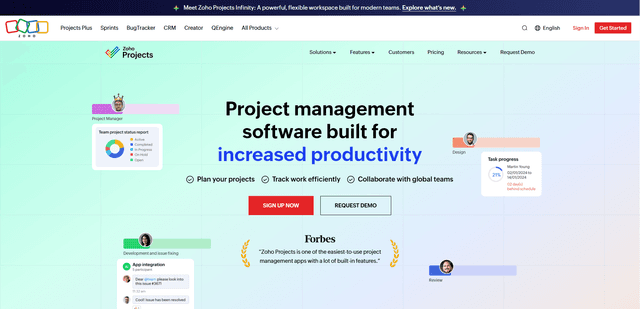
Zoho Projects is a cloud-based project management software that helps teams plan, track, and collaborate on projects with features like Gantt charts, task automation, time tracking, and comprehensive reporting tools.

Zoho Tables
Zoho Tables is a modern spreadsheet-database hybrid that helps teams organize data with relational links, build views and dashboards, collaborate in real time, and automate workflows with no-code and AI assistance.
Taskade
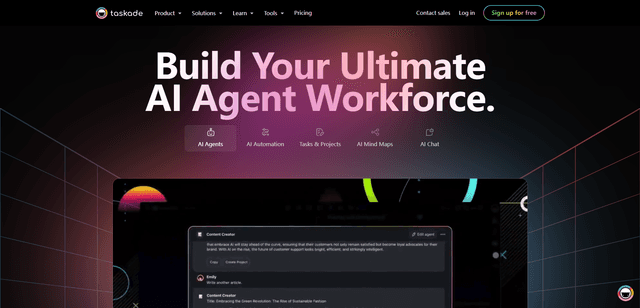
Taskade is an AI-powered productivity platform that combines task management, real-time collaboration, and AI automation in one unified workspace for teams and individuals.