![]()
Preface: Why AI Agents Are Exploding in 2026
If 2023–2024 were the years of "AI chatbots," 2026 is the year AI agents quietly start doing real work for you. Instead of just answering questions, they log into tools, move files, send messages, and run complex workflows while you focus on strategy. For founders, marketers, developers, and solo creators, this means the difference between "getting help with content" and "handing entire processes to autonomous agents."
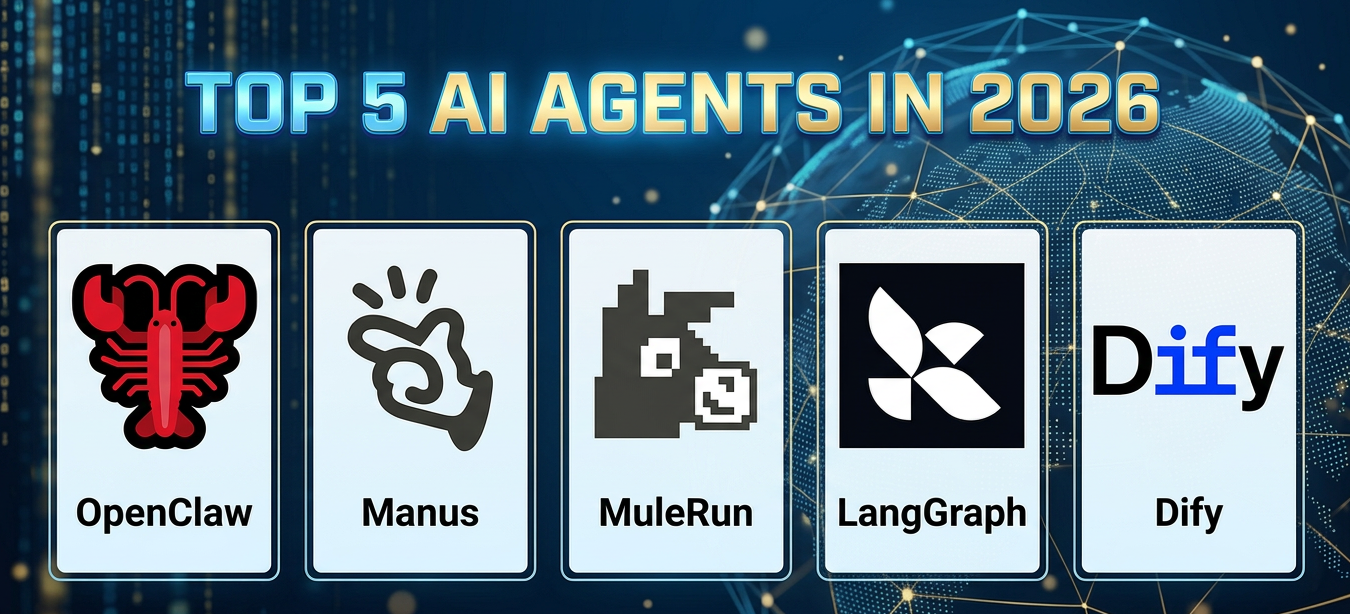
AIPURE, as one of the top AI tools directories, continuously tracks industry developments and has clearly observed users flocking to these new agentic tools. OpenClaw, Manus, MuleRun, LangGraph, and Dify consistently top search trends and community discussions.
But what exactly makes these tools different from the chatbots we know? Let's break down what AI agents actually are and why 2026 is their breakout moment...
What Are AI Agents (and Why 2026 Is Their Breakout Year)
AI agents are systems that perceive their environment, decide what to do, and then take actions toward a goal with limited human oversight. They don’t just generate text; they call APIs, click buttons, manage files, and coordinate tasks across multiple apps. In practice, that might look like an agent that monitors your inbox, drafts replies, updates your CRM, and schedules meetings—without you touching your mouse.
Several trends make 2026 a breakout year for agents: more powerful foundation models, better tooling for connecting models to "real‑world" actions, and growing business pressure to automate routine digital labor. From AIPURE’s vantage point, search interest and tool submissions around "AI agents," "agent frameworks," and "agent marketplaces" have accelerated sharply—especially for OpenClaw and its ecosystem. This is why choosing the right agent (or combination of agents) now can give you a durable advantage.
🦞OpenClaw: The Open‑Source Local Agent Everyone Is Talking About
OpenClaw is a free, open‑source AI agent that runs locally and connects large language models directly to your computer and tools. It can read and write files, execute shell commands, browse the web, send emails, and call APIs, turning natural‑language instructions into concrete multi‑step workflows. Instead of just explaining how to do something, OpenClaw can actually do it on your behalf on your machine.
Technically, OpenClaw acts as a layer between the model and your operating system using a “skills” plugin system. Skills define capabilities like browser automation, messaging app control, file operations, or external API calls. You can install many prebuilt skills and also write your own, which makes OpenClaw highly attractive to developers. Its rapid rise in popularity—reflected in community activity and adoption—comes from this combination of power, flexibility, and openness.
Key features of OpenClaw
- Local‑first, open‑source runtime you can run on personal laptops, dev machines, or internal servers.
- Rich skills ecosystem with integrations for browsers, email, messaging apps, file systems, and more.
- Ability to perform real actions such as reading email, sending messages, managing files, and automating complex workflows.
- Multi‑model compatibility so you can plug in different LLM providers instead of locking into a single vendor.
- Strong community momentum with rapidly growing stars, forks, and contributions.
OpenClaw: pros and cons
| Aspect | Advantages | Disadvantages |
|---|---|---|
| Privacy & control | Runs locally; you control data and environment; open‑source for full transparency. | Misconfigured permissions can expose too much of your system; requires careful setup and governance. |
| Power & flexibility | Deep access to system tools, APIs, and custom skills; ideal for advanced automation. | More complex to configure than simple cloud chatbots; not plug‑and‑play for everyone. |
| Cost | Core software is free; you mainly pay for model/API usage on your own terms. | You must manage infrastructure, updates, and API keys yourself. |
| Ease of use | Excellent for developers and technical teams; integrates well with dev workflows and chat platforms. | Non‑technical users can struggle with installation and configuration. |
| Ecosystem | Fast‑growing community, plugins, and open‑source contributions. | Less polished onboarding and UX than consumer‑oriented cloud agents. |
Who OpenClaw is best for (AIPURE view)
From AIPURE’s perspective, OpenClaw is perfect for developers, technical product teams, and security‑sensitive organizations that want maximum control and are comfortable operating local or self‑hosted infrastructure. It also fits companies in regulated sectors that need to keep data close while still embracing modern agentic workflows. If you want OpenClaw to be the “center of gravity” in your AI stack, you can pair it with cloud tools (like MuleRun or Dify) for distribution and orchestration.
AIPURE rating for OpenClaw (2026): 9.2 / 10
![]()
🌌Manus: Cloud‑Native Autonomous Agent for Everyday Users
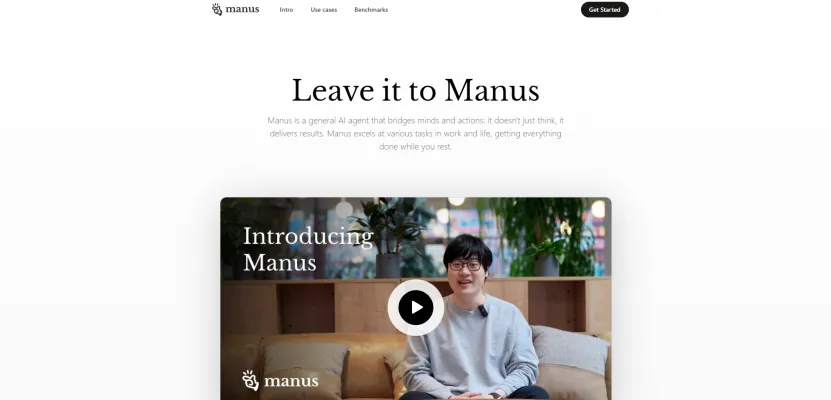
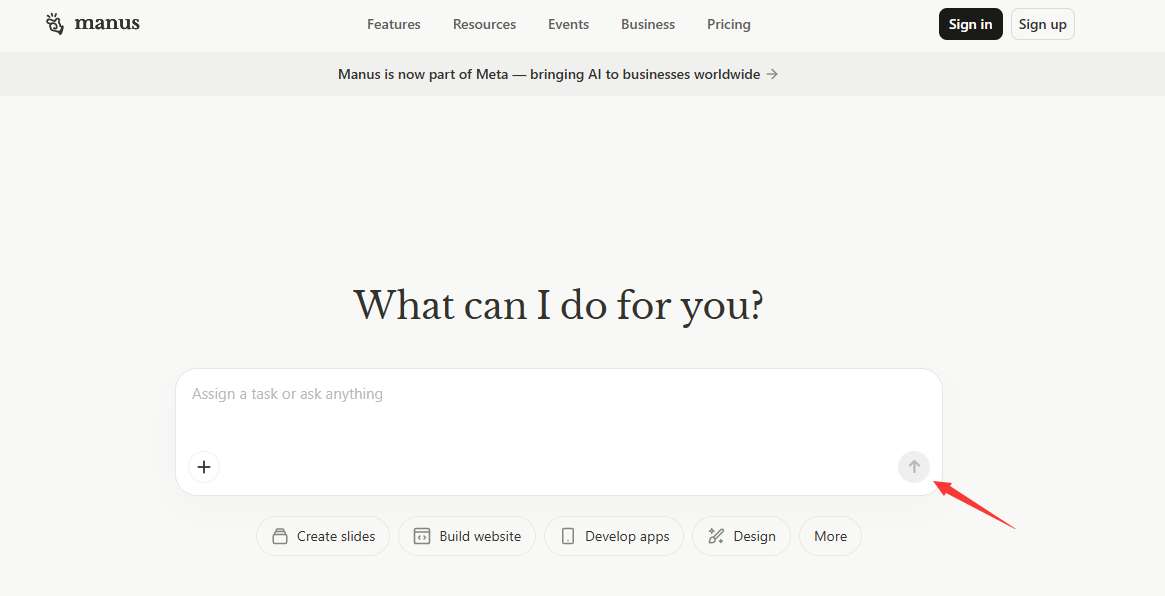
Manus AI is a cloud‑based autonomous agent originally launched by the team behind Monica.im and later acquired by a major tech company for a multi‑billion‑dollar sum. It runs fully in the cloud and is controlled through familiar chat interfaces like Telegram (and, increasingly, messaging platforms such as WhatsApp). The idea is simple: you give Manus high‑level goals, and it breaks them into subtasks, coordinates sub‑agents, and executes the plan.
Unlike OpenClaw’s local‑first approach, Manus lives entirely in a managed environment. You don’t install anything; you just connect via chat and start delegating. This cloud‑native model dramatically lowers friction for non‑technical users and mobile‑first professionals who cannot or do not want to manage local runtimes.
Key features of Manus
- Fully cloud‑native operation, accessible through chat apps with no local installation.
- Strong autonomous planning and execution, including multi‑step task decomposition and coordination.
- Mobile‑first UX, optimized for people who work primarily from phones and tablets.
- Backed by a large tech ecosystem, giving Manus substantial resources and potential integrations.
- Focused on low barrier to entry, making agentic automation accessible to a broad audience.
Manus: pros and cons
| Aspect | Advantages | Disadvantages |
|---|---|---|
| Accessibility | No install; chat‑based control; very approachable for non‑technical users. | Less control over low‑level runtime and environment compared to local agents. |
| Autonomy | Strong multi‑step planning and autonomous behavior for complex tasks. | Less transparent execution; harder to audit or debug for technical teams. |
| Cost model | Usage‑based pricing hides infrastructure complexity and enables quick start. | Cost per task can be hard to predict, especially for long or complex tasks. |
| Privacy & data | No need to expose your local machine; everything runs in a managed cloud. | Data flows through external servers; may raise compliance concerns for some organizations. |
| UX & target users | Excellent fit for founders, operators, and professionals who want “done‑for‑you” automation. | Less suited to organizations demanding full on‑prem control or deep custom integrations. |
Who Manus is best for (AIPURE view)
AIPURE sees Manus as the right choice for founders, operators, and general business users who want to delegate work without worrying about infrastructure. If your team lives in chat apps and mobile environments and you don’t have strict data residency requirements, Manus is a very approachable entry point into AI agents. For OpenClaw‑centric users, Manus can complement local agents with cloud‑based autonomy for tasks that don’t need local access.
AIPURE rating for Manus (2026): 8.8 / 10
![]()
🐴MuleRun: AI Agent Marketplace and Creator Economy Platform
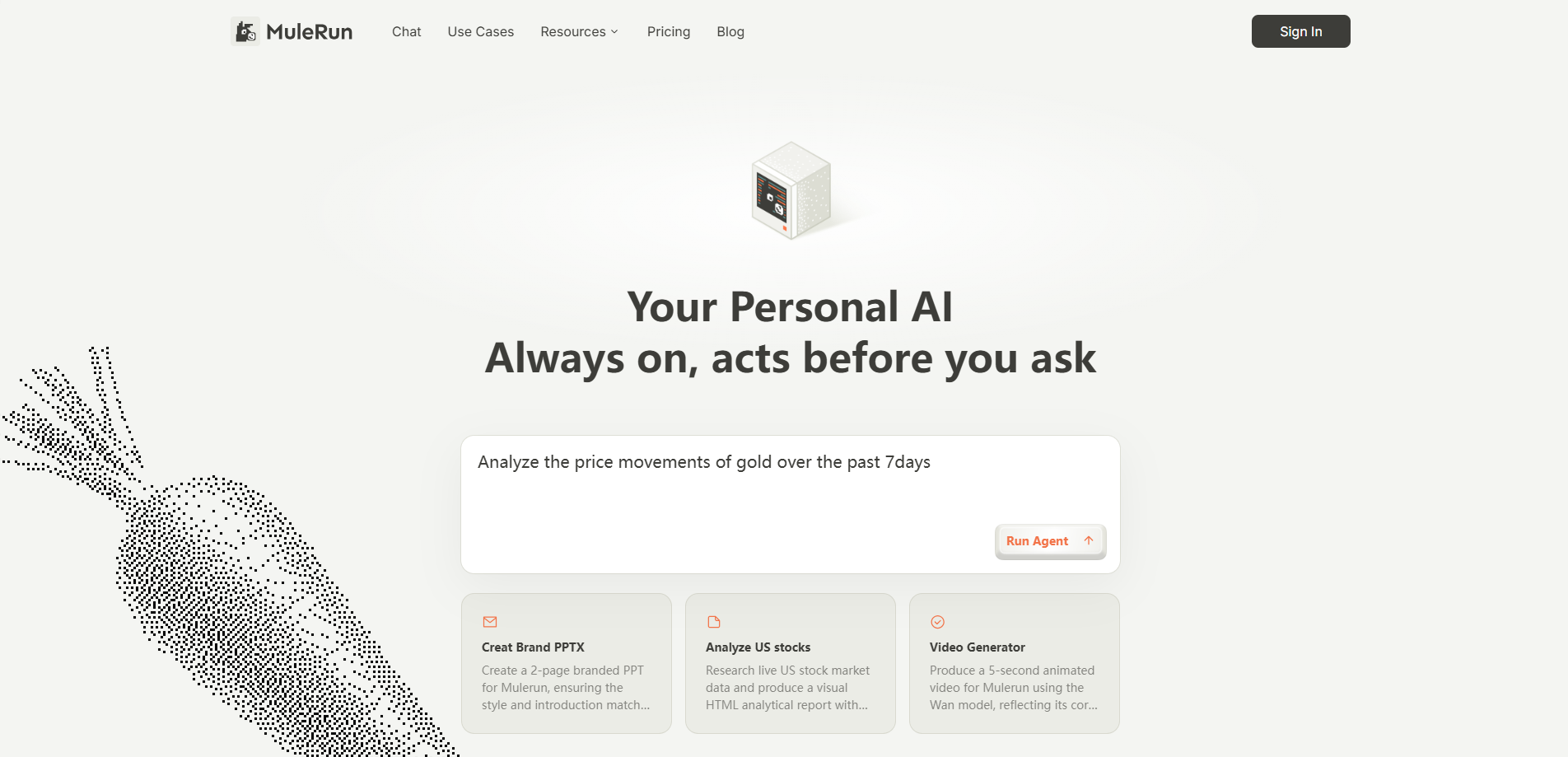
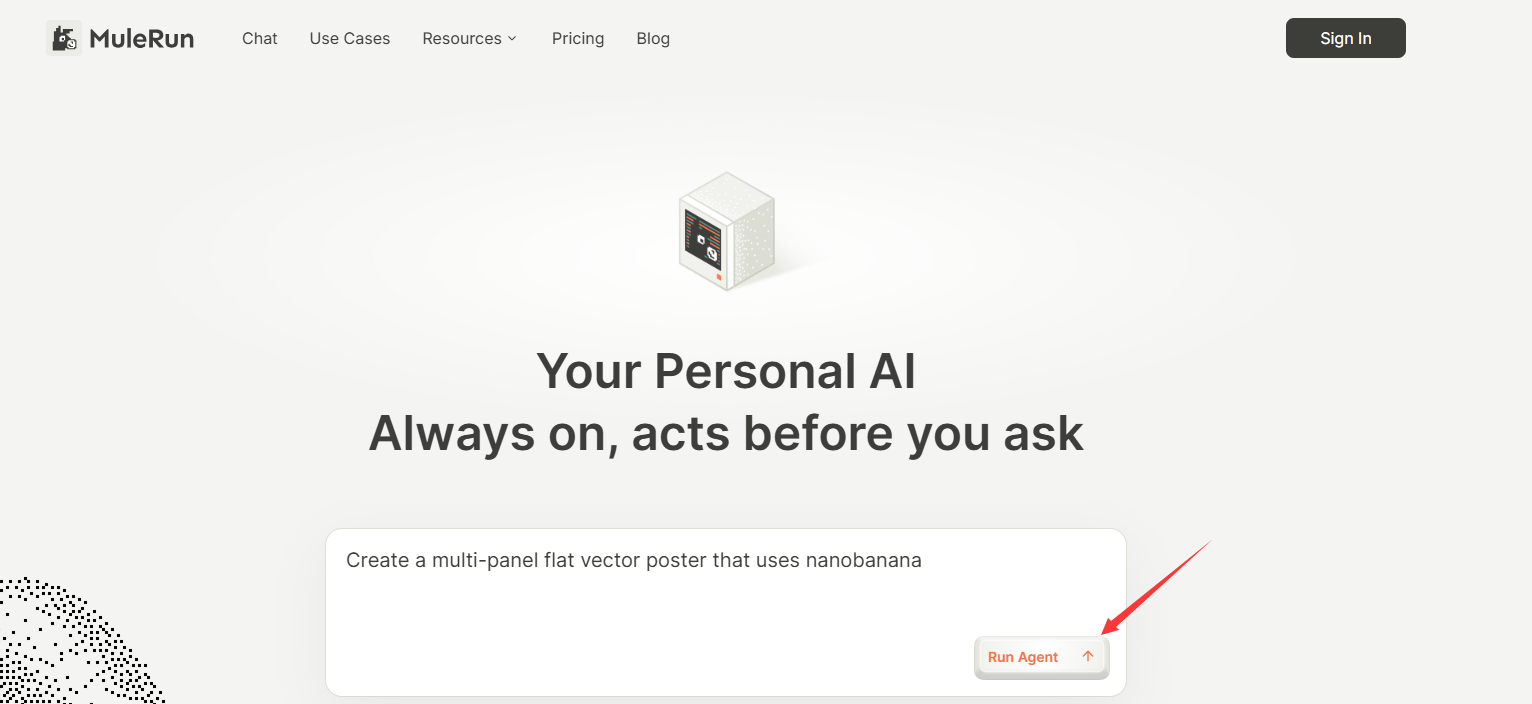
MuleRun is positioned as a full AI agent marketplace and digital labor platform. Instead of focusing only on the agent itself, MuleRun connects three sides: users who want tasks done, creators who build agents, and a platform that handles hosting, distribution, and monetization. It launched a Creator Studio that lets developers and advanced users build, configure, and commercialize agents in just a few steps.
At the same time, MuleRun’s AI Agent Marketplace already offers more than a hundred specialized agents across fields like e‑commerce, operations, content, and analytics. The vision is that you will “hire” agents for specific roles—like a store operations specialist or analytics assistant—the same way you’d hire freelancers, but with always‑on, AI‑driven digital labor.
Key features of MuleRun
- AI agent marketplace where you can discover, try, and buy specialized agents.
- Creator Studio for building and monetizing agents, including pricing and commercialization workflows.
- Multi‑platform deployment, including integrations with interfaces like Siri, Discord, and Telegram.
- Support for agents built with different frameworks (e.g., LangGraph‑style and other toolkits) via a unified onboarding pipeline.
- Agents share anonymized patterns to build “collective intelligence,” especially in domains like e‑commerce.
MuleRun: pros and cons
| Aspect | Advantages | Disadvantages |
|---|---|---|
| Ecosystem | Marketplace model makes it easy to find domain‑specific agents quickly. | Agent quality depends on creators; marketplace curation is still evolving. |
| Monetization | Clear path for creators to earn from their agents through revenue sharing. | Revenue‑share and pricing models may not be optimal for every creator. |
| Accessibility | Multi‑platform deployment and an upcoming natural‑language builder lower the barrier to agent creation. | Heavy reliance on the MuleRun platform; switching costs rise as you invest more. |
| Use cases | Excellent for digital labor and productized services, especially in e‑commerce and content. | Less suited for highly bespoke, internal workflows requiring tight control and on‑prem hosting. |
| Operations | Cloud‑native, 24/7 agents running continuously in the background. | Data residency and compliance limits for some enterprises. |
Who MuleRun is best for (AIPURE view)
For AIPURE users, MuleRun is ideal if you want to either buy ready‑made agents or monetize your own. Creators, indie hackers, and agencies can use MuleRun to turn high‑value agent workflows into products. Businesses that prefer to “hire” agents instead of building from scratch can treat MuleRun as a talent marketplace—except the talent is AI. For OpenClaw‑focused teams, MuleRun can become a distribution layer where some of your agent capabilities are packaged and sold.
AIPURE rating for MuleRun (2026): 8.6 / 10
![]()
🤖LangGraph: Developer‑Grade Agent Orchestration Framework
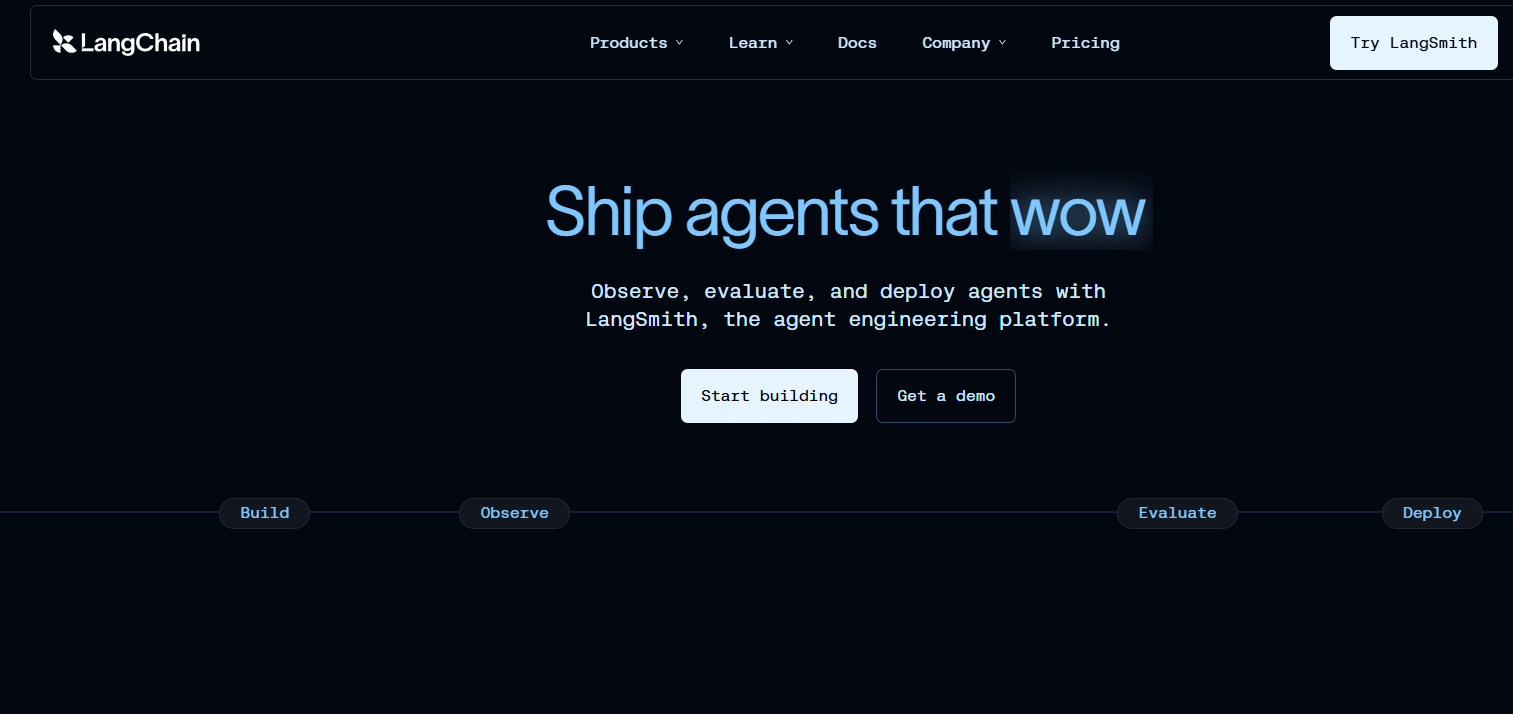
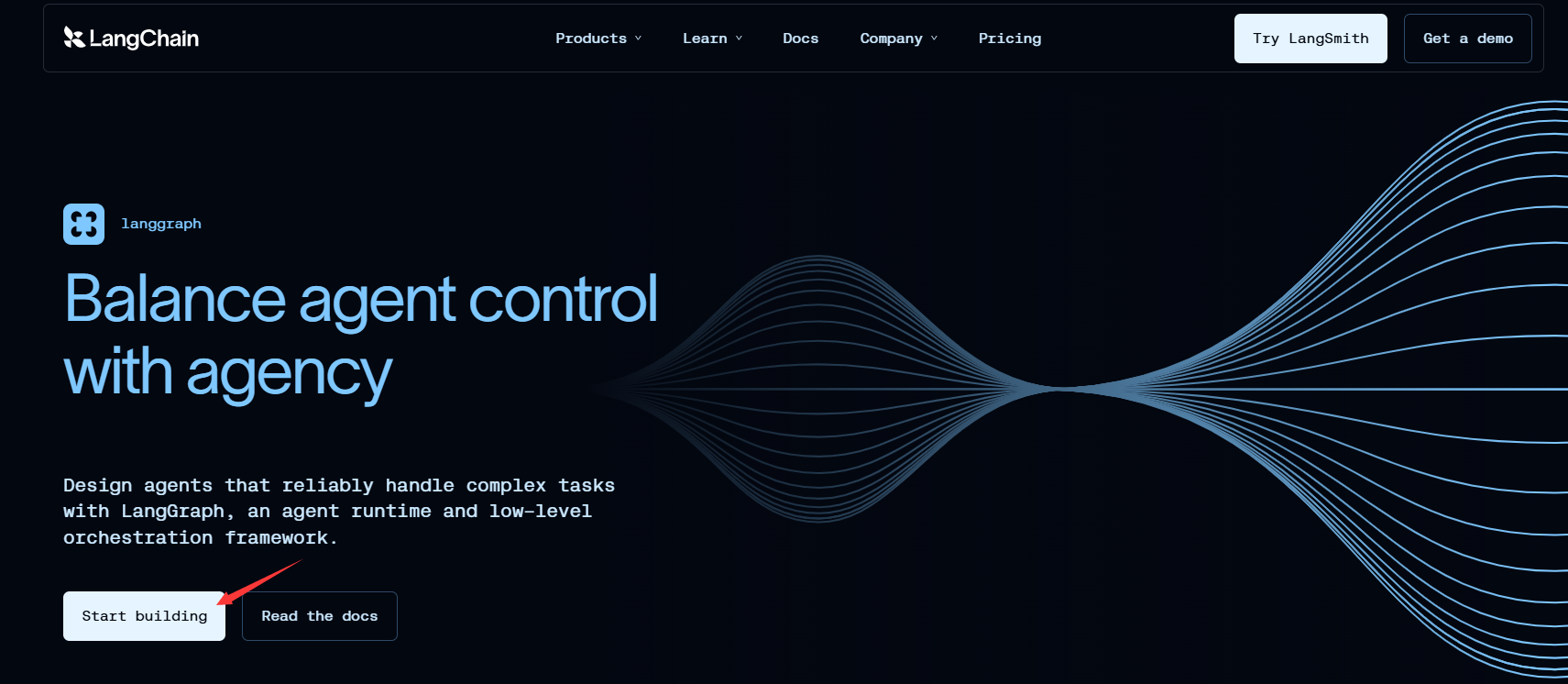
LangGraph is a framework designed for building controllable, stateful, multi‑agent systems—especially in production environments. While OpenClaw focuses on local execution and MuleRun on marketplaces, LangGraph is the orchestration layer many engineering teams use to connect multiple agents, manage state, and monitor behavior. Think of it as the “air traffic control” for complex agentic workflows.
LangGraph grew out of the broader LangChain ecosystem and has gained wide adoption among teams that need fine‑grained control and observability. You can design workflows as graphs of nodes, where each node may be an agent, a tool, or a decision step. That design makes it easier to debug, modify, and scale agent behavior over time.
Key features of LangGraph
- Graph‑based orchestration for building complex, multi‑step, multi‑agent workflows.
- Stateful agents that can maintain context across steps and sessions.
- Strong observability and monitoring tooling, useful for debugging and optimization.
- Integrates with many models and tools, fitting naturally into existing Python‑based stacks.
- Well‑documented, with an active community and enterprise‑oriented patterns.
LangGraph: pros and cons
| Aspect | Advantages | Disadvantages |
|---|---|---|
| Control | High degree of control over workflows, state, and agent interactions. | Requires engineering resources; not designed as a plug‑and‑play solution for end users. |
| Scalability | Suitable for production systems with complex, multi‑agent flows. | Complexity can be overkill for simple use cases. |
| Ecosystem | Mature documentation and community support; built on a popular stack. | Depends on broader LangChain ecosystem; may not fit teams invested in other stacks. |
| Flexibility | Can be combined with OpenClaw, APIs, and custom tools. | Requires careful design to avoid maintenance complexity. |
| Target users | Great match for engineering teams and technical product builders. | Not appropriate for non‑technical business users working alone. |
Who LangGraph is best for (AIPURE view)
AIPURE recommends LangGraph to engineering‑heavy teams that want to move beyond single‑agent experiments into robust, multi‑agent systems. If you already use OpenClaw locally, LangGraph can orchestrate a wider set of cloud and local agents, while OpenClaw handles powerful on‑device actions. Together, they form a strong foundation for advanced, OpenClaw‑centric workflows.
AIPURE rating for LangGraph (2026): 8.9 / 10
![]()
🔄Dify: No‑Code / Low‑Code Agent Studio for Teams
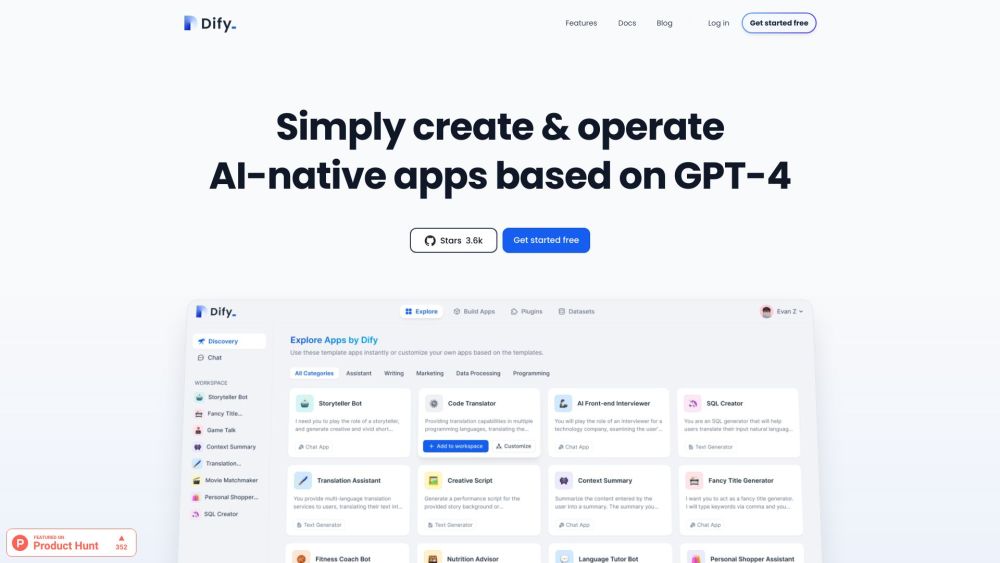
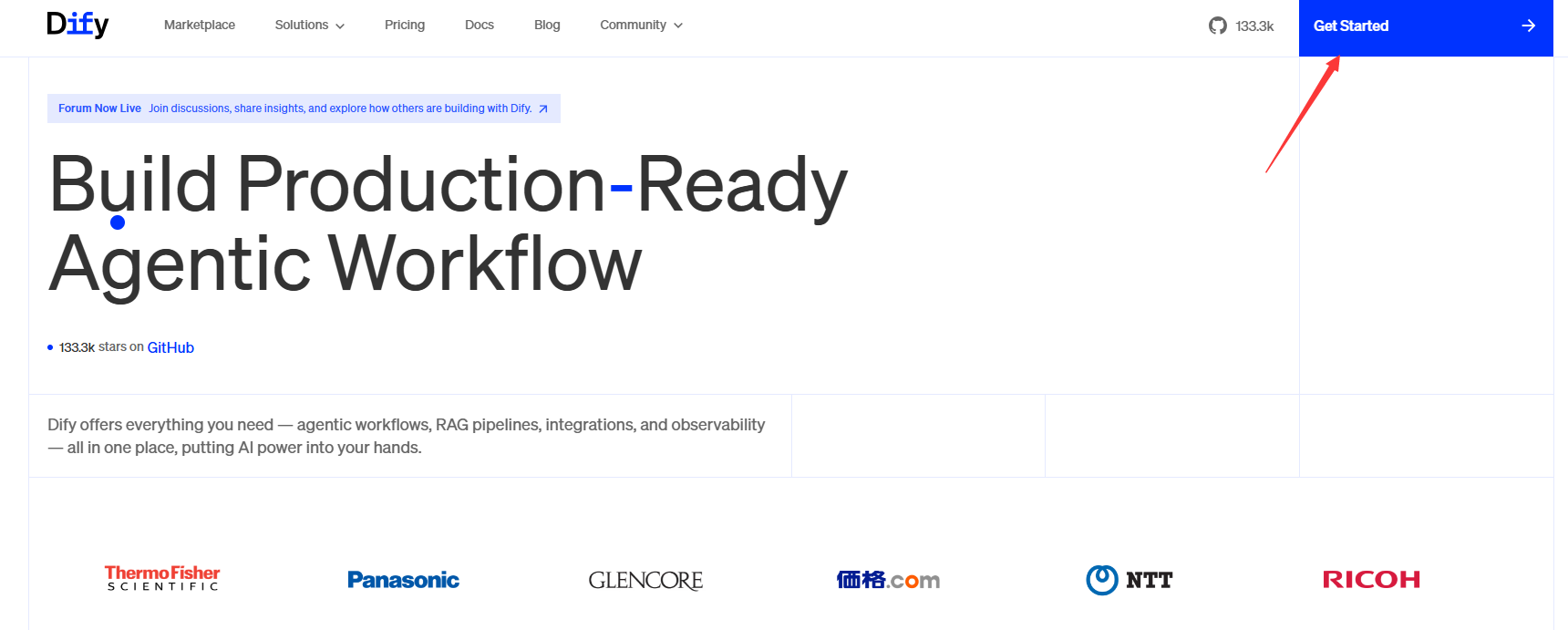
Dify is a no‑code/low‑code platform focused on making AI agents accessible to teams that don’t have deep engineering resources. Instead of writing complex orchestration code, you use a visual interface to design workflows, connect tools, and configure behavior. Under the hood, Dify supports many models and includes advanced patterns like Retrieval‑Augmented Generation and function calling.
Because it combines open‑source options with cloud‑hosted services, Dify appeals both to tinkerers and to organizations that want a managed platform. Product managers, operations teams, and even marketers can create powerful agents by wiring together data sources, models, and actions in a canvas‑style builder.
Key features of Dify
- Visual builder for constructing agents and workflows without heavy coding.
- Support for hundreds of models, plus built‑in RAG, function calling, and other advanced patterns.
- Both open‑source and hosted options, giving flexibility in how you deploy.
- Built‑in connections to data stores and tools, reducing integration work.
- Collaboration features so multiple team members can iterate on the same agent.
Dify: pros and cons
| Aspect | Advantages | Disadvantages |
|---|---|---|
| Accessibility | Visual interface lowers the barrier for non‑developers and mixed teams. | Some complex use cases still require code; not completely “no‑engineering.” |
| Flexibility | Supports many models and advanced patterns like RAG. | You are somewhat tied to Dify’s way of structuring workflows. |
| Deployment | Open‑source option plus hosted SaaS, giving you choice. | Hosted deployment may raise cost or compliance questions for some enterprises. |
| Collaboration | Good fit for cross‑functional teams experimenting with agents together. | Less suited as a pure developer framework compared with LangGraph. |
| Learning curve | Easier to learn than pure code frameworks; good documentation and examples. | Power users may eventually hit limits in highly bespoke scenarios. |
Who Dify is best for (AIPURE view)
AIPURE sees Dify as an excellent choice for startups, product teams, and operations groups that want to build custom agents without committing to a large engineering project. It’s especially powerful when combined with OpenClaw: Dify can define higher‑level workflows, while OpenClaw handles local, system‑level actions. For many organizations, this pairing delivers a strong balance between accessibility and control.
AIPURE rating for Dify (2026): 8.5 / 10
![]()
Top 5 AI Agents in 2026: Side‑by‑Side Comparison
| Agent | Type | Deployment model | Best for | Core strengths | Main limitations |
|---|---|---|---|---|---|
| OpenClaw | Local open‑source agent runtime | Self‑hosted on user machines or servers | Developers, technical teams, privacy‑sensitive orgs | Deep system access, rich skills ecosystem, open‑source and free to adopt. | Setup complexity; requires technical skills and careful permission design. |
| Manus | Cloud autonomous agent | Fully managed cloud, chat‑based control | Founders, operators, general business users | Very low friction; strong autonomous planning for multi‑step tasks. | Less transparent execution; data always flows through external infrastructure. |
| MuleRun | Agent marketplace + platform | Cloud marketplace with 24/7 agents | Creators, agencies, businesses "hiring" agents | Monetization for creators; easy discovery of domain‑specific agents. | Platform lock‑in; varying agent quality; not ideal for strict on‑prem requirements. |
| LangGraph | Agent orchestration framework | Self‑hosted or cloud as part of app stack | Engineering teams and technical product builders | Stateful, controllable multi‑agent workflows; strong observability. | Requires engineering effort; not a turnkey agent for end users. |
| Dify | No‑code/low‑code agent studio | Cloud‑hosted and open‑source options | Startups, product and ops teams, mixed‑skill groups | Visual builder; supports many models and advanced patterns like RAG. | Some advanced use cases still require code; tied to Dify’s workflow model. |
From AIPURE’s angle, the pattern is clear: OpenClaw anchors the local/open‑source side, Manus and MuleRun lead the managed‑cloud and marketplace side, and LangGraph plus Dify fill the orchestration and no‑code gaps. The best stack for most teams will combine at least two of these.
How to Find Similar AI Agents on AIPURE (Step‑by‑Step)
Because AIPURE focuses on AI tools discovery and education, you can use it to quickly find more agents similar to OpenClaw, Manus, MuleRun, LangGraph, and Dify.
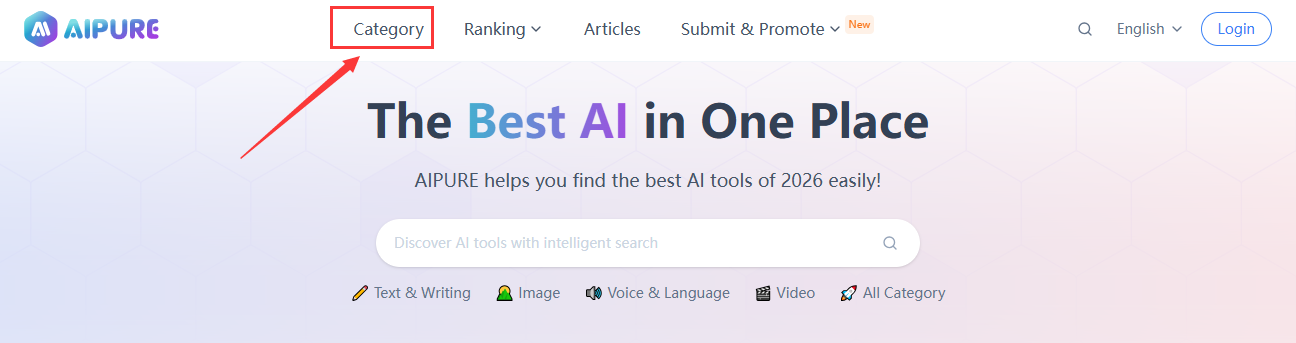
Step 1: Visit the AIPURE Category page
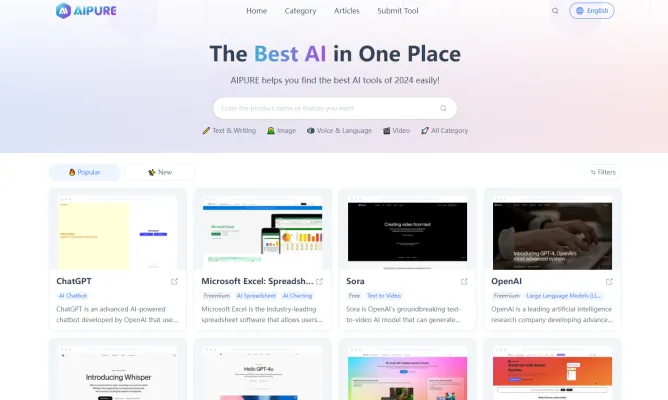
Go to the AIPURE Category page at https://aipure.ai/category ![]()
Here you’ll see all major AI tool categories curated by AIPURE, including multi‑purpose tools, automation tools, SEO tools, marketing tools, and more. This is your starting point for exploring the broader AI agent ecosystem in a structured way.
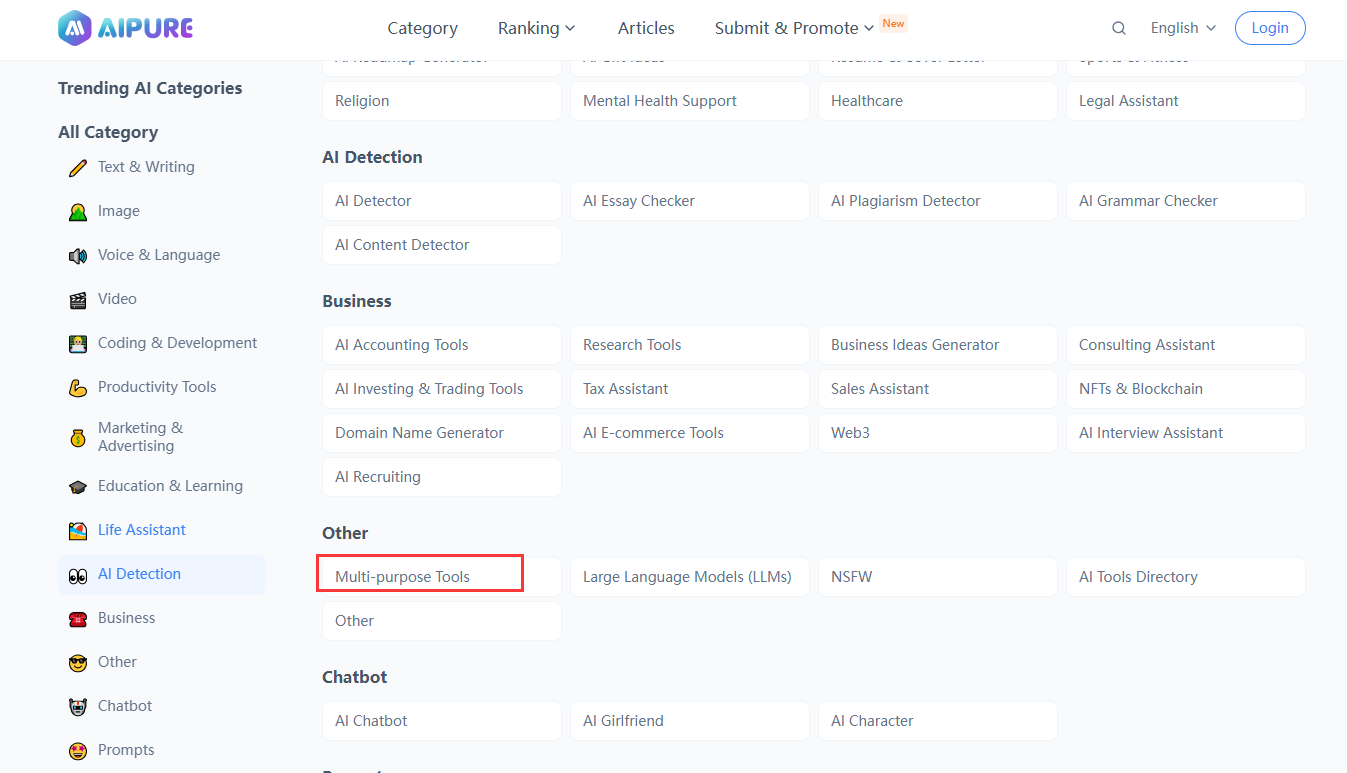
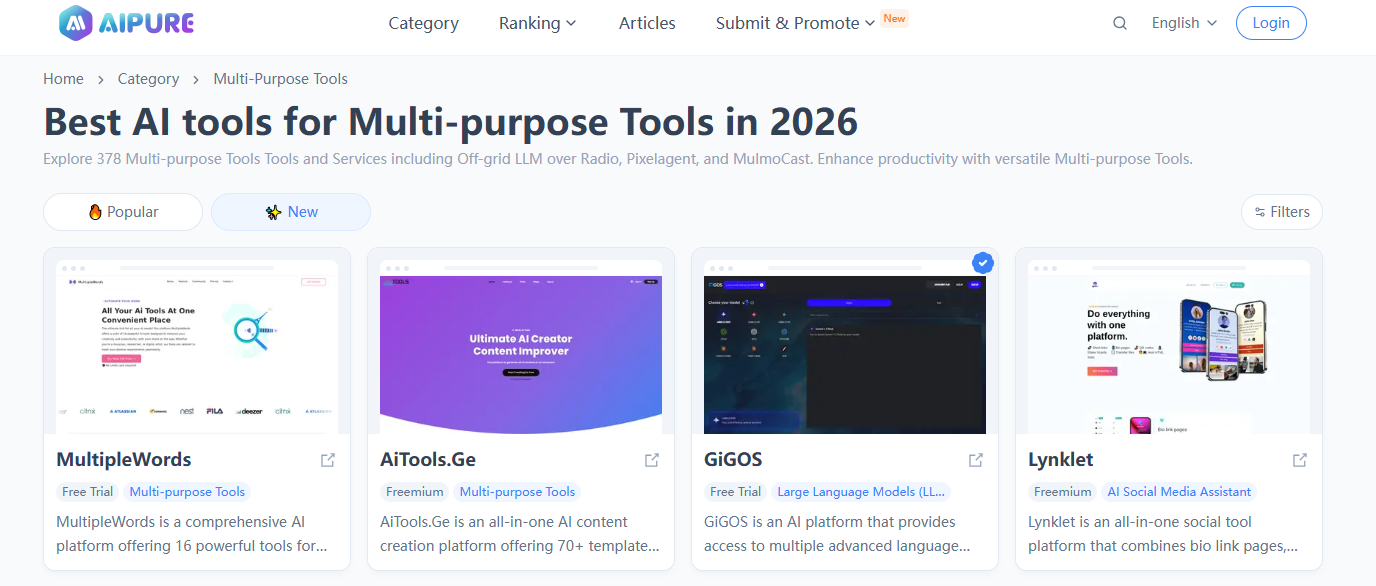
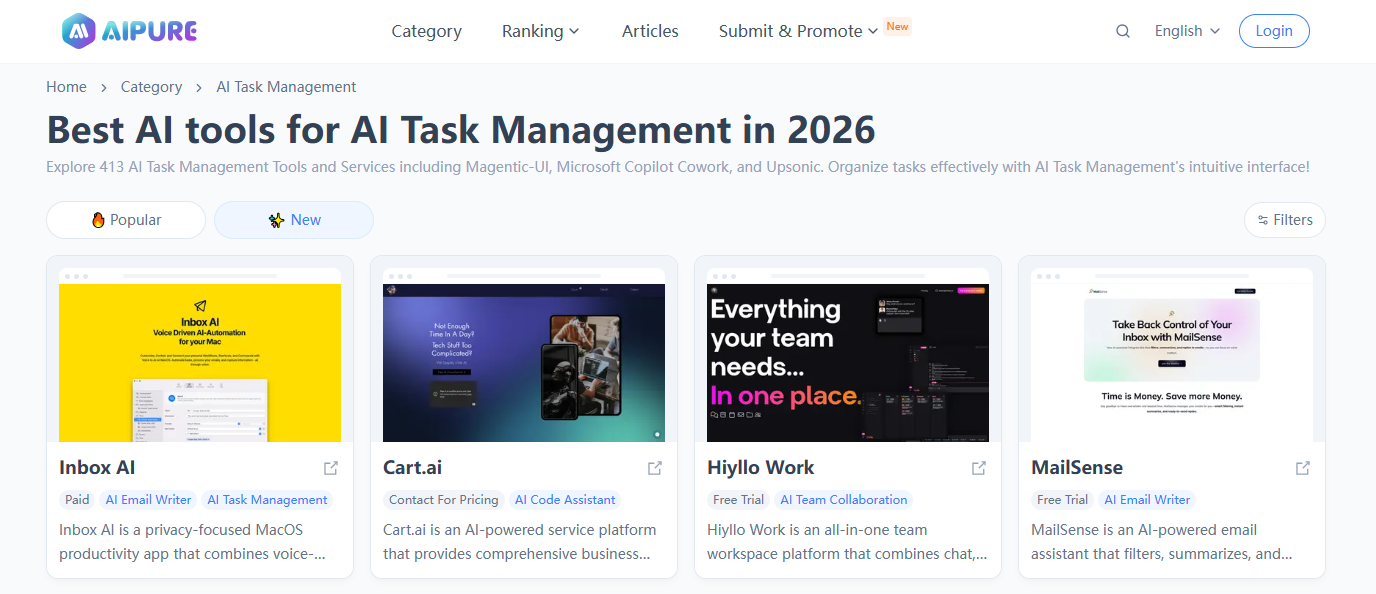
Step 2: Open categories like "Multi‑purpose Tools" and "AI Task Management"
Click categories that commonly include AI agents, such as:
![]()
![]()
![]()
These sections often feature tools that behave like agents or include agentic capabilities—covering everything from general‑purpose AI assistants to workflow‑driven task managers. By browsing these categories, you can quickly spot tools that resemble OpenClaw, Manus, MuleRun, LangGraph, or Dify in spirit or functionality.
Step 3: Open individual AI agent detail pages to evaluate fit
When you see an AI agent or multi‑purpose tool that looks interesting, click through to its detail page. Each detail page on AIPURE typically includes a description, feature list, possible pricing information, and external links. Review these details to check whether the tool:
- Matches your deployment needs (local vs cloud vs hybrid)
- Fits your skill level (developer‑focused vs no‑code)
- Supports your key use cases (automation, marketplaces, orchestration, etc.)
From there, you can bookmark your favorites, share them with your team, and build a shortlist of tools to combine with OpenClaw or to use as alternatives.
How to Choose the Right AI Agent for Your Use Case
From an AIPURE SEO and product‑selection standpoint, the “right” AI agent depends less on hype and more on how well the tool lines up with your constraints and goals.
Start with deployment, data, and compliance
- Choose OpenClaw if you want local control, open‑source flexibility, and strong privacy guarantees.
- Choose Manus if you prioritize ease of use and cloud‑based autonomy from chat interfaces.
- Choose MuleRun if you’re interested in hiring or selling agents within a marketplace model.
- Choose LangGraph if your engineering team needs fine‑grained control over complex, multi‑agent workflows.
- Choose Dify if your team needs a visual, collaborative way to design agents without heavy coding.
Align with your team’s skills and resources
Technical teams will usually get the most out of OpenClaw plus LangGraph, and can optionally package or distribute capabilities through MuleRun. Non‑technical or mixed teams often gravitate toward Manus or Dify, where a lot of infrastructure and orchestration complexity is abstracted away. In many cases, a hybrid approach—OpenClaw for local control, Dify for visual design, and MuleRun for distribution—delivers the best of all worlds.
Balance cost transparency and convenience
Local and open‑source tools like OpenClaw and LangGraph give you clearer visibility into costs because you mainly pay for compute and API calls. Fully managed platforms like Manus and MuleRun trade some cost transparency for convenience and speed of deployment. At AIPURE, we encourage users to start small, track agent performance and cost, and then gradually expand to more complex, multi‑agent architectures.
Final Thoughts: Stay Ahead of the Agent Wave with AIPURE
AI agents are no longer just a buzzword—they’re becoming the backbone of how digital work gets done. OpenClaw gives you powerful, local, open‑source control; Manus and MuleRun offer cloud‑based autonomy and marketplace‑driven digital labor; LangGraph and Dify let you orchestrate and design agents in ways that match your technical capabilities. Together, they outline what the “AI agent stack” of 2026 really looks like.
If you want to stay ahead of this wave, AIPURE is here to help. Explore categories like Multi‑purpose Tools and AI Task Management, dive into detailed tool pages, and use AIPURE’s guides to design an OpenClaw‑centric stack tailored to your needs. Visit AIPURE regularly to discover the latest AI agents, learn best practices, and get the most complete, up‑to‑date guidance on building with AI tools.