OpenClaw (aka Moltbot/Clawdbot)
OpenClaw (formerly Clawdbot/Moltbot) is a personal AI assistant that runs locally and connects to multiple messaging platforms while leveraging large language models to execute autonomous tasks across services.
https://github.com/moltbot/moltbot?utm_source=aipure
Product Information
Updated:Mar 10, 2026
What is OpenClaw (aka Moltbot/Clawdbot)
OpenClaw is a free and open-source autonomous artificial intelligence agent developed by Peter Steinberger. Originally launched as Clawdbot in November 2025, then briefly renamed to Moltbot before settling on OpenClaw in January 2026, it quickly became one of the fastest-growing open-source AI projects with over 200,000 GitHub stars. The project serves as an agentic interface for autonomous workflows, using messaging platforms like WhatsApp, Telegram, Discord, Slack and others as its main user interface while integrating with external large language models such as Claude, DeepSeek, or OpenAI's GPT models.
Key Features of OpenClaw (aka Moltbot/Clawdbot)
OpenClaw (formerly known as Clawdbot and Moltbot) is an open-source AI assistant that runs locally and integrates with multiple messaging platforms like WhatsApp, Telegram, Slack, Discord, and others. It acts as an agentic interface that can execute real-world tasks by connecting to external large language models while maintaining local control and privacy. The software can automate workflows, browse the web, manage files, schedule events, and interact with users through their preferred communication channels.
Multi-Channel Communication: Integrates with 15+ messaging platforms including WhatsApp, Telegram, Slack, Discord, Google Chat, Signal, and others, allowing users to interact with the assistant through their preferred channels
Local-First Architecture: Runs locally on user's hardware while connecting to external language models, providing better privacy and control over data and operations
Extensible Skills System: Supports a marketplace of skills that can be installed to extend functionality, with over 5,400 skills available for various automation tasks and integrations
Voice and Visual Interfaces: Includes voice wake words on macOS/iOS and continuous voice on Android, plus a live Canvas feature for visual workspace interactions
Use Cases of OpenClaw (aka Moltbot/Clawdbot)
Developer Workflow Automation: Automates code review, monitors deployments, and provides immediate notifications of critical issues through preferred messaging channels
Small Business Communication Management: Handles customer communications across multiple channels while maintaining personal oversight of important decisions
Personal Task Management: Automates personal tasks like calendar management, email organization, PDF summarization, and web research with user oversight
Document Processing: Extracts information from documents, generates spreadsheets, and manages file organization across various formats
Pros
Strong privacy focus with local-first architecture
Extensive platform support and integration options
Active community with rapid development and skill marketplace
Cons
Complex setup process for non-technical users
Security risks from broad permissions requirements
Potential stability issues due to rapid development and frequent name changes
How to Use OpenClaw (aka Moltbot/Clawdbot)
Install OpenClaw: Run 'npm install -g openclaw@latest' or 'pnpm add -g openclaw@latest' to install OpenClaw globally. Requires Node.js version 22 or higher.
Run Onboarding Wizard: Execute 'openclaw onboard --install-daemon' in your terminal. This wizard will guide you through setting up the gateway, workspace, channels, and skills. It also installs the Gateway daemon so it stays running.
Configure Model: Set up your preferred language model in ~/.openclaw/openclaw.json. Example minimal config: {"agent": {"model": "anthropic/claude-opus-4-6"}}. You'll need appropriate API keys for your chosen model.
Set Up Communication Channels: Configure your preferred messaging platforms (WhatsApp, Telegram, Slack, Discord etc.) by adding appropriate tokens and credentials in the config. Each platform has specific setup steps documented in the guides.
Start the Gateway: Run 'openclaw gateway --port 18789 --verbose' to start the OpenClaw gateway service which handles communication between channels.
Test Basic Communication: Try sending a test message using 'openclaw message send --to <number/channel> --message "Hello from OpenClaw"' to verify the setup is working.
Configure Security Settings: Review and set appropriate security policies, especially for DM access. Default is 'dmPolicy="pairing"' which requires approval codes for unknown senders.
Install Skills (Optional): Browse and install skills from ClawHub to extend functionality. Skills are stored in ~/.openclaw/workspace/skills/ and can add new capabilities to your assistant.
Set Up Voice/Canvas Features (Optional): If desired, configure additional features like Voice Wake, Talk Mode, or Canvas for visual interactions. These require platform-specific setup steps.
Monitor and Maintain: Use 'openclaw doctor' to check for issues and run health checks. Keep the system updated with 'openclaw update' and monitor logs for any problems.
OpenClaw (aka Moltbot/Clawdbot) FAQs
OpenClaw is a free and open-source personal AI assistant developed by Peter Steinberger that runs locally on your devices. It integrates with multiple messaging platforms (WhatsApp, Telegram, Slack, Discord, Google Chat, Signal, etc.) and can be controlled through these channels. It uses external large language models like Claude, DeepSeek, or OpenAI's GPT models for its functionality.
Related Articles
Popular Articles

Vosko AI: Localize and Dub Videos for Global Audiences
Oct 15, 2026

Atoms: A Multi-Agent AI Platform That Transforms Ideas into Launch-Ready Products
Oct 13, 2026

Nano Banana SBTI: What It Is, How It Works, and How to Use It in 2026
Apr 15, 2026

Atoms Review — The AI Product Builder Redefining Digital Creation in 2026
Apr 10, 2026
Latest AI Tools Similar to OpenClaw (aka Moltbot/Clawdbot)

MultipleWords
MultipleWords is a comprehensive AI platform offering 16 powerful tools for content creation and manipulation across audio, video, and image editing with cross-platform accessibility.
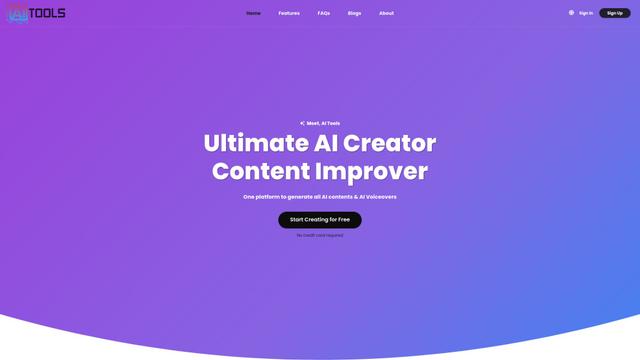
AiTools.Ge
FreemiumMulti-purpose Tools
AiTools.Ge is an all-in-one AI content creation platform offering 70+ templates for generating text, images, voiceovers, code and more across multiple languages.
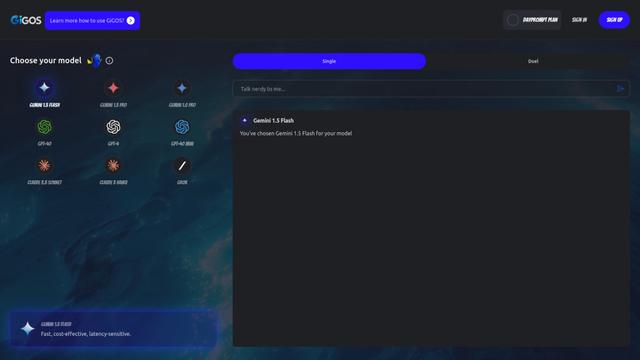
GiGOS
GiGOS is an AI platform that provides access to multiple advanced language models like Gemini, GPT-4, Claude, and Grok with an intuitive interface for users to interact with and compare different AI models.
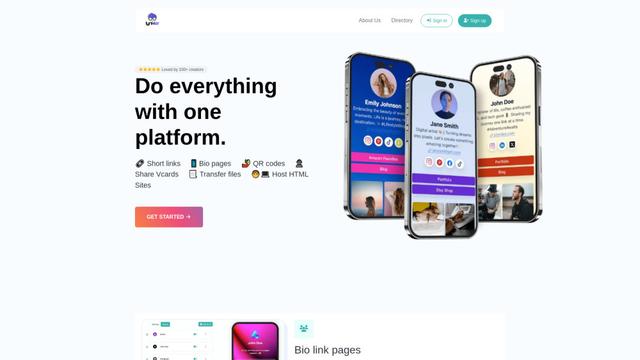
Lynklet
Lynklet is an all-in-one social tool platform that combines bio link pages, URL shortening, QR code generation, digital business cards, and file hosting capabilities in one comprehensive solution.
Popular AI Tools Like OpenClaw (aka Moltbot/Clawdbot)

Off-grid LLM over Radio
A platform that integrates Large Language Models (LLMs) with Meshtastic mesh communication networks to enable off-grid AI interactions and automated task execution through radio communication.
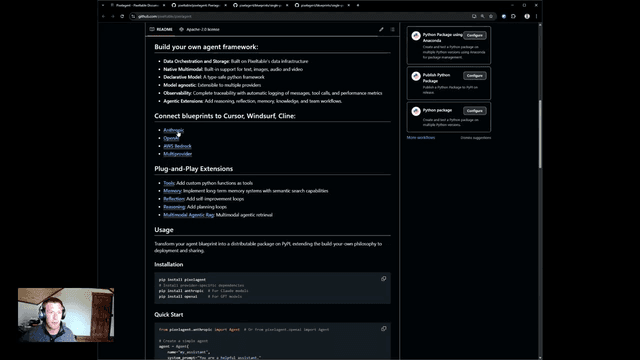
Pixelagent
Pixelagent is a declarative Python framework for building custom AI agents that unifies LLM capabilities, storage, and orchestration with build-your-own functionality for memory, tool-calling, and multimodal data handling.

MulmoCast
MulmoCast is an AI-native multi-modal presentation tool that automatically generates videos, podcasts, slides, PDFs, and manga-style content from a single script using various AI technologies.
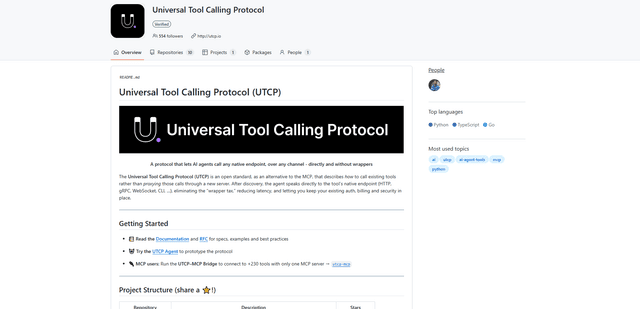
UTCP
UTCP (Universal Tool Calling Protocol) is an open standard protocol that enables AI agents to directly call any native API endpoint across different communication protocols without requiring middleware or wrapper servers.