
Agent Browser
Agent Browser is a token-efficient browser automation tool that enables AI agents to control real browsers through natural language commands, offering features like navigation, interaction, and ASCII wireframe visualization for web automation tasks.
https://github.com/agent-browser-io/browser?ref=producthunt
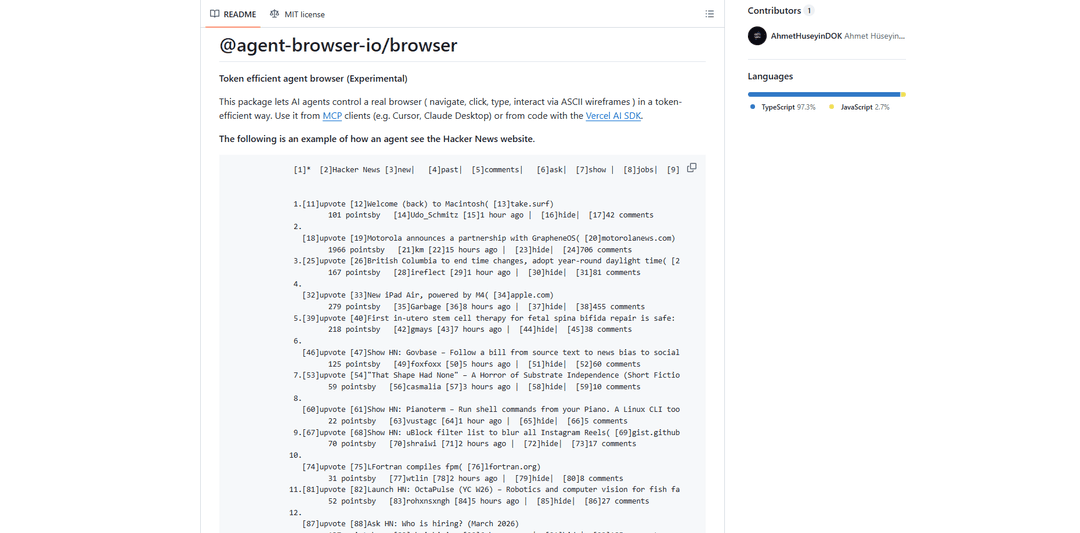
Product Information
Updated:Mar 15, 2026
What is Agent Browser
Agent Browser is an open-source package that bridges the gap between AI agents and web browsers, allowing automated control of browser activities through simple commands. It supports multiple interfaces including MCP (Model Context Protocol), Vercel AI SDK, and a CLI, making it versatile for different use cases. The tool is designed to make websites accessible for AI agents while maintaining efficiency in token usage, which is crucial for AI-driven automation tasks. It can be integrated with various AI platforms such as Cursor, Claude Desktop, and other MCP-compatible clients.
Key Features of Agent Browser
Agent Browser is an open-source browser automation tool that allows AI agents to control real browsers through natural language commands and token-efficient ASCII wireframes. It supports multiple interfaces including MCP (Model Context Protocol), Vercel AI SDK, and CLI, enabling AI agents to perform web navigation, interaction, and automation tasks while maintaining privacy and security through local execution.
Token-Efficient Browser Control: Uses ASCII wireframes to represent web pages and provides reference-based interaction (@e1, @e2) for efficient communication between AI and browser
Multi-Platform Integration: Supports multiple integration methods including MCP for AI assistants, Vercel AI SDK for developers, and CLI for manual testing
Comprehensive Browser Actions: Provides a wide range of browser automation capabilities including navigation, clicking, typing, scrolling, screenshots, and form filling
Privacy-First Architecture: Runs locally on user's machine with option to use existing Chrome profiles and local LLM models through Ollama
Use Cases of Agent Browser
Web Testing Automation: Automate website testing processes by having AI agents navigate through pages, fill forms, and verify functionality
Content Research & Extraction: Enable AI agents to perform deep research by automatically navigating websites, extracting content, and saving information in structured formats
Form Automation: Automate repetitive form filling tasks across different websites while maintaining security of sensitive information
E-commerce Automation: Automate product searches, price comparisons, and order processes across various e-commerce platforms
Pros
Privacy-focused with local execution and encrypted credential storage
Flexible integration options for different use cases
Token-efficient communication through ASCII wireframes
Cons
Requires local setup and dependencies
Limited to supported browsers and platforms
May be less reliable when running in visual mode
How to Use Agent Browser
Install Agent Browser: Run 'npm install @agent-browser-io/browser' to install the package. For first time use, also run 'npx agent-browser install' to download Chromium.
Basic Usage - Core Workflow: 1. Navigate to page: 'agent-browser open <url>' 2. Get interactive elements: 'agent-browser snapshot -i' (returns elements with refs @e1, @e2 etc) 3. Interact using refs: 'agent-browser click @e1' or 'agent-browser fill @e2 "text"' 4. Re-snapshot after page changes
Set Up Session Management (Optional): Use --session-name flag to save/restore browser state: 'agent-browser --session-name twitter open twitter.com'. Session data is stored in ~/.agent-browser/sessions/. Can also set via AGENT_BROWSER_SESSION_NAME environment variable.
Configure MCP for AI Assistants: 1. Open Cursor settings → MCP (or edit ~/.cursor/mcp.json) 2. Add config: {"mcpServers": {"agent-browser": {"command": "npx", "args": ["-y", "@agent-browser-io/browser", "mcp"]}}} 3. Restart Cursor/reload MCP
Use with Vercel AI SDK: 1. Import tools: 'import { createBrowserTools, AgentBrowser, PlaywrightBrowserBackend } from '@agent-browser-io/browser' 2. Create browser instance 3. Create tools with createBrowserTools(browser) 4. Use tools with generateText() function
Enable Content Security (Optional): Use --content-boundaries flag to wrap page output in delimiters, helping LLMs distinguish between tool output and untrusted content
Handle Authentication (Optional): Save credentials: 'echo "pass" | agent-browser auth save github --url https://github.com/login --username user --password-stdin' then use 'agent-browser auth login github' to login
Agent Browser FAQs
Agent Browser is a package that allows AI agents to control a real browser in a token-efficient way. It enables navigation, clicking, typing, and interaction via ASCII wireframes, and can be used through MCP clients or with the Vercel AI SDK.
Agent Browser Video
Popular Articles

Vosko AI: Localize and Dub Videos for Global Audiences
Oct 15, 2026

Atoms: A Multi-Agent AI Platform That Transforms Ideas into Launch-Ready Products
Oct 13, 2026

Nano Banana SBTI: What It Is, How It Works, and How to Use It in 2026
Apr 15, 2026

Atoms Review — The AI Product Builder Redefining Digital Creation in 2026
Apr 10, 2026
Latest AI Tools Similar to Agent Browser

Cursor Search
Cursor Search is an AI-powered browser extension that provides instant access to world knowledge and information retrieval directly from your cursor.
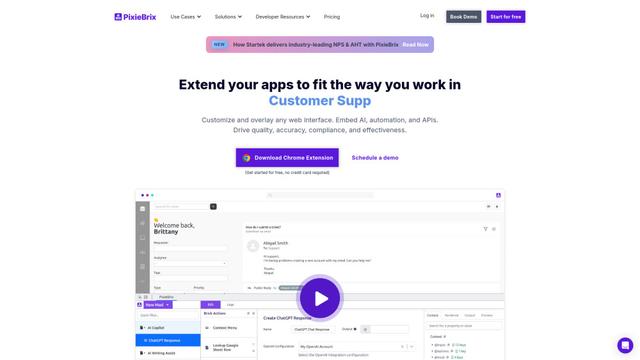
PixieBrix
PixieBrix is a low-code browser extension platform that allows users to customize, automate, and enhance web applications with AI, integrations, and collaboration features.
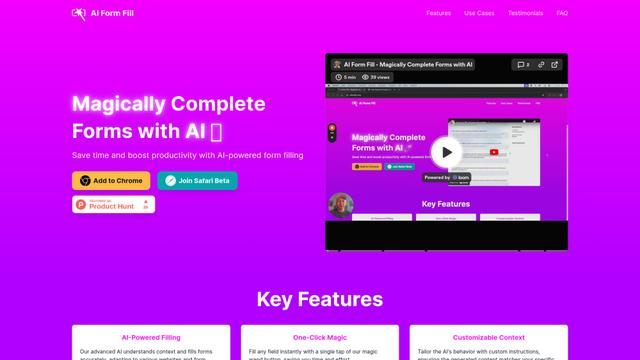
AI Form Fill
AI Form Fill is an AI-powered browser extension that automatically completes online forms with a single click, saving time and boosting productivity.
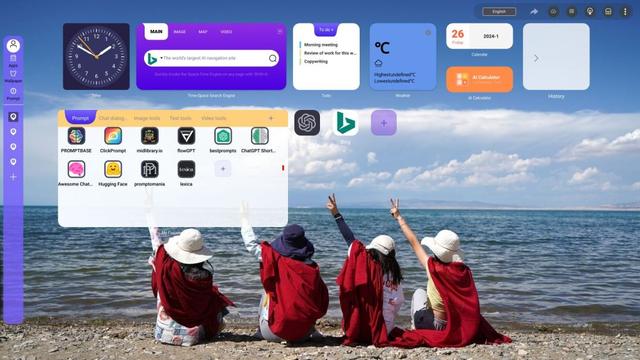
Duang AI Tab
Duang AI Tab is a popular browser extension that beautifies your homepage, improves productivity, and provides one-click access to AI tools anywhere.
Popular AI Tools Like Agent Browser
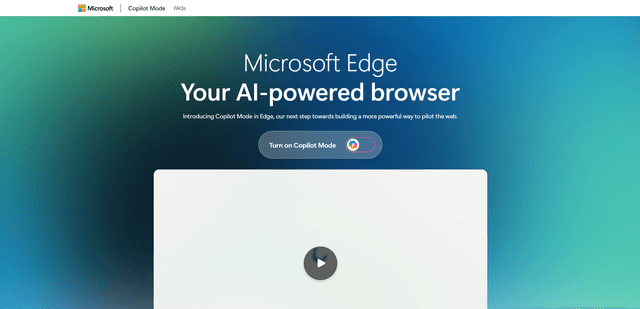
Edge Copilot Mode
Edge Copilot Mode is Microsoft's experimental AI-powered browser feature that combines search, chat, and web navigation into a single interface, enabling users to browse smarter with AI assistance while maintaining privacy and control.

BrowserAI
BrowserAI is an open-source library that enables running local Large Language Models (LLMs) directly in web browsers with WebGPU acceleration, offering privacy-focused AI capabilities without requiring server infrastructure.

iBrowsy
iBrowsy is a modern, AI-powered web browser for macOS that combines intelligent features, privacy-first design, and seamless user experience with built-in GPT-4 assistance.
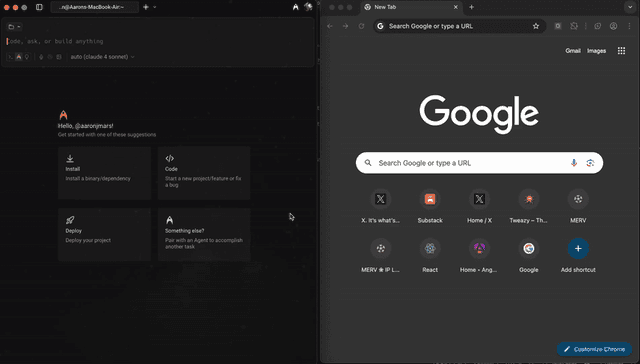
OpenDia
OpenDia is an open-source browser automation tool that enables AI models to control your browser seamlessly while leveraging your existing digital assets like logged-in accounts, cookies, and browsing history.