
WebMCP
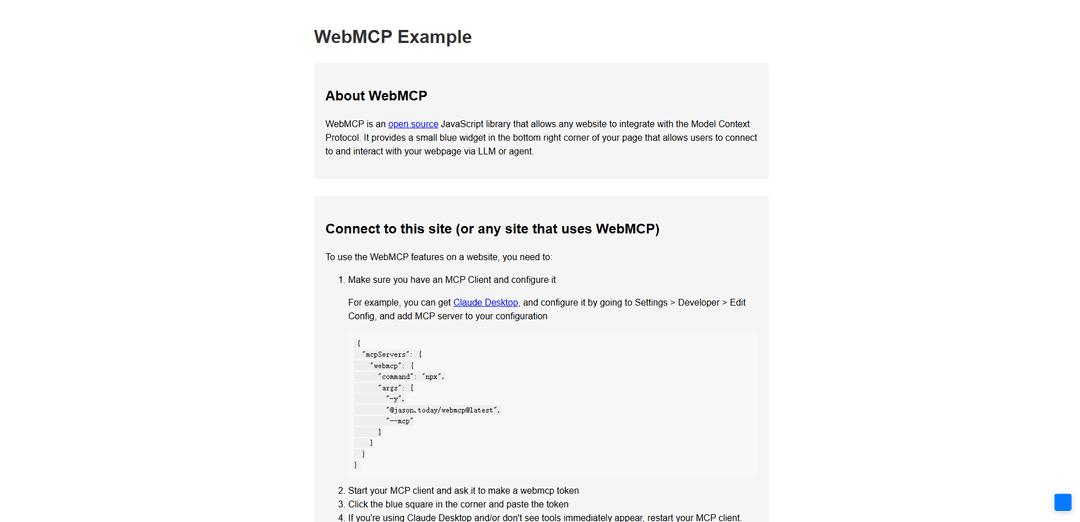
WebMCP is a proposed web standard that enables websites to expose structured tools directly to in-browser AI agents through JavaScript functions, allowing for more efficient and reliable AI interactions with web applications.
https://webmcp.dev/?ref=producthunt
Product Information
Updated:Mar 8, 2026
What is WebMCP
WebMCP (Web Model Context Protocol) is an open-source JavaScript library and web standard being incubated by the W3C Web Machine Learning Community Group, developed jointly by engineers from Google and Microsoft. It serves as a bridge between websites and AI agents by providing a standardized way for web developers to define and expose their site's functionality as 'tools' that can be directly accessed by AI agents, browser assistants, and assistive technologies, without requiring backend server implementation.
Key Features of WebMCP
WebMCP (Web Model Context Protocol) is a proposed W3C web standard that enables websites to expose structured tools directly to in-browser AI agents through the navigator.modelContext API. It allows developers to define website functionalities as JavaScript functions with natural language descriptions and structured schemas, eliminating the need for screen scraping and improving the efficiency and reliability of AI-web interactions.
Structured Tool Registration: Allows developers to register website functionalities as tools with clear descriptions and JSON schemas that AI agents can directly call
Browser-Native Integration: Runs entirely in the browser tab, sharing the user's session and security context without requiring separate backend infrastructure
Declarative & Imperative APIs: Provides both HTML-based declarative and JavaScript-based imperative approaches for implementing AI-accessible tools
Built-in Development Tools: Includes DevTools integration and a Model Context Tool Inspector for debugging and testing tool implementations
Use Cases of WebMCP
E-commerce Integration: Enable AI agents to directly interact with shopping carts, product searches, and checkout processes through structured tools
Content Management: Allow AI agents to efficiently access and manage blog posts, articles, and other content through direct API calls instead of parsing HTML
Form Automation: Streamline form filling and data submission processes by providing AI agents with structured access to form fields and validation rules
Search Enhancement: Improve search functionality by allowing AI agents to directly query and filter content using structured parameters
Pros
Reduces computational overhead by ~67% compared to traditional screen scraping methods
Improves task accuracy to around 98% through structured interactions
Requires no backend infrastructure changes, working entirely in the browser
Provides standardized way for websites to interact with AI agents
Cons
Currently limited to Chrome browser with experimental features enabled
Faces adoption challenges due to chicken-and-egg problem between websites and agents
Still in early stages of development with potential API changes
Requires additional development effort to implement and maintain tool definitions
How to Use WebMCP
Enable WebMCP in Chrome: Go to chrome://flags, search for 'WebMCP for testing', enable it, and relaunch Chrome. This is required as WebMCP is currently in development trial.
Include WebMCP Script: Add the WebMCP script to your webpage by including <script src='webmcp.js'></script> in your HTML
Initialize WebMCP: Create a new WebMCP instance with custom options like: const mcp = new WebMCP({ color: '#4CAF50', position: 'top-right', size: '40px', padding: '15px' });
Register Tools: Register tools that AI agents can use by calling mcp.registerTool() with name, description, input schema, and execution function. Tools should be registered immediately after loading the script.
Register Prompts: Set up predefined templates for LLM interactions using mcp.registerPrompt() with name, description, parameters, and template function
Register Resources: Expose data and content for LLM context using mcp.registerResource() with name, description, URI configuration, and content retrieval function
Connect MCP Client: Start your MCP client (like Claude) and connect it to your webpage by clicking the blue widget in the corner and pasting the WebMCP token
Test Integration: Verify the setup by having your AI agent interact with the registered tools, prompts and resources on your webpage
WebMCP FAQs
WebMCP is an open source JavaScript library and web standard that allows websites to integrate with the Model Context Protocol. It enables web applications to expose their functionality as 'tools' - JavaScript functions with natural language descriptions and structured schemas that can be invoked by AI agents and assistive technologies.
Popular Articles

Atoms: A Multi-Agent AI Platform That Transforms Ideas into Launch-Ready Products
May 22, 2026

Nano Banana SBTI: What It Is, How It Works, and How to Use It in 2026
Apr 15, 2026

Atoms Review — The AI Product Builder Redefining Digital Creation in 2026
Apr 10, 2026

Kilo Claw: How to Deploy and Use a True "Do‑It‑For‑You" AI Agent(2026 Update)
Apr 3, 2026
Latest AI Tools Similar to WebMCP

Jorpex
Jorpex is a comprehensive tender notification platform that aggregates and delivers instant tender alerts from across European countries directly to Slack, helping businesses never miss opportunities.
Leadsmrt
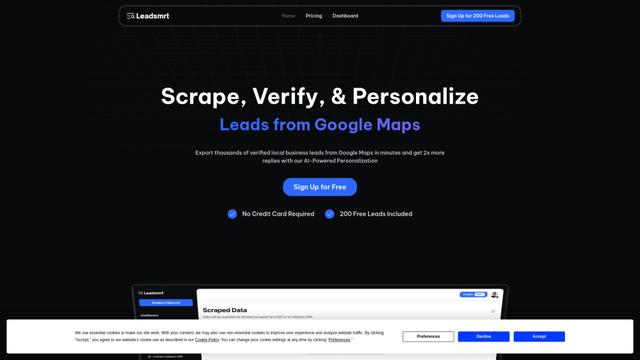
Leadsmrt is a lead generation tool that helps businesses scrape, verify and personalize targeted business leads from Google Maps with AI-powered personalization capabilities.
Omnial AI
Omnial AI is a data intelligence platform that leverages AI agents to transform web prompts into structured, actionable data insights backed by Afore Capital.
SERPrecon
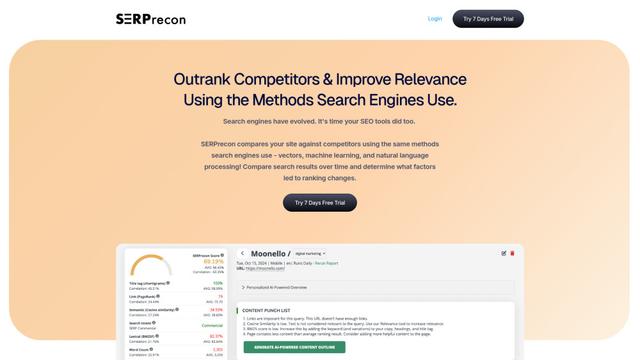
SERPrecon is an advanced SEO tool that leverages vectors, machine learning, and natural language processing to help users analyze and outrank competitors by using the same methods as modern search engines.
Popular AI Tools Like WebMCP

Magentic-UI
Magentic-UI is an open-source, human-centered web agent prototype by Microsoft Research that enables collaborative planning and execution of complex web-based tasks through transparent interaction between humans and AI agents.
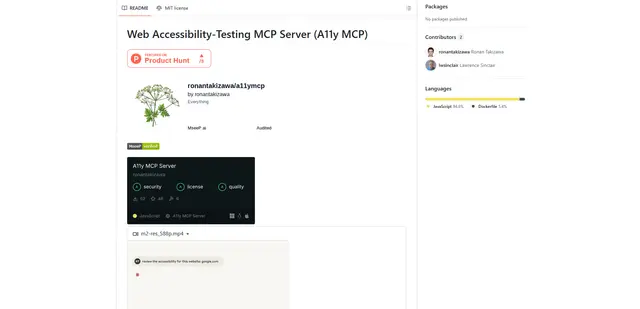
Web Accessibility Testing MCP
A11y MCP is a Model Context Protocol server that enables AI language models to perform automated web accessibility testing by integrating with Deque's Axe-core API and Puppeteer to analyze web content for WCAG compliance.

Open Browser Use
Open Browser Use is an open-source, agent-runtime-neutral browser automation layer that pairs a Chrome extension with a CLI/SDK/MCP to enable DOM-aware, CDP-powered tab control, navigation, and actions across different AI agent tools.
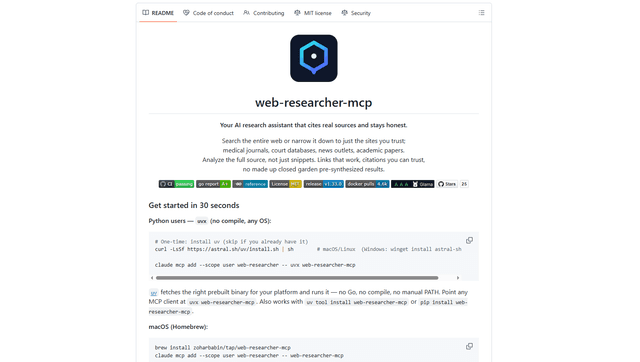
Web Researcher MCP
Web Researcher MCP is a local, production-grade MCP server that lets AI assistants search the web (optionally restricted to trusted “search lenses”), read full sources (including JS-rendered pages, PDFs, and YouTube transcripts), and return verifiable citations with multi-provider failover. [Source: https://github.com/zoharbabin/web-researcher-mcp?ref=producthunt]