Web Accessibility Testing MCP
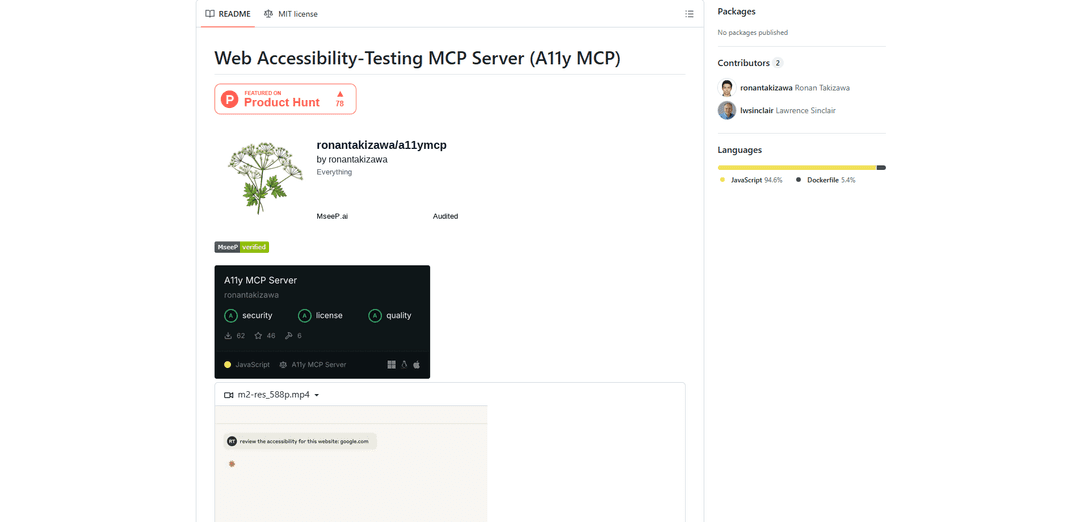
A11y MCP è un server Model Context Protocol che consente ai modelli linguistici AI di eseguire test di accessibilità web automatizzati integrandosi con l'API Axe-core di Deque e Puppeteer per analizzare il contenuto web per la conformità WCAG.
https://github.com/ronantakizawa/a11ymcp?ref=producthunt&utm_source=aipure
Informazioni sul Prodotto
Aggiornato:Jan 15, 2026
Cos'è Web Accessibility Testing MCP
Web Accessibility Testing MCP (A11y MCP) è uno strumento open-source che colma il divario tra i modelli linguistici AI e le capacità di test di accessibilità web. Costruito come server Model Context Protocol (MCP), fornisce agli assistenti AI l'accesso diretto alle API e agli strumenti di test di accessibilità professionali. Il server sfrutta l'API Axe-core di Deque e Puppeteer per eseguire audit di accessibilità completi su pagine web e contenuti HTML, garantendo la conformità agli standard delle Web Content Accessibility Guidelines (WCAG) 2.0, 2.1 e 2.2.
Caratteristiche principali di Web Accessibility Testing MCP
Web Accessibility Testing MCP (A11y MCP) è un server Model Context Protocol che consente ai modelli di linguaggio AI di eseguire test di accessibilità automatizzati su siti web e contenuti HTML. Si integra con l'API Axe-core di Deque e Puppeteer per analizzare i contenuti web per la conformità WCAG, controllare i rapporti di contrasto dei colori, convalidare gli attributi ARIA e identificare i problemi di accessibilità, fornendo al contempo report dettagliati e indicazioni per la correzione.
Test WCAG completi: Verifica i contenuti rispetto a più standard WCAG (2.0, 2.1, 2.2) e fornisce report dettagliati sulle violazioni con raccomandazioni specifiche per la correzione
Opzioni di test flessibili: Supporta il test sia di URL pubblici che di frammenti HTML grezzi, consentendo agli sviluppatori di verificare l'accessibilità in qualsiasi fase dello sviluppo
Analisi avanzata del colore: Esegue un'analisi dettagliata del contrasto dei colori tra gli elementi di primo piano e di sfondo, considerando le dimensioni e il peso del carattere per la conformità WCAG
Validazione ARIA: Convalida la corretta implementazione degli attributi e dei ruoli ARIA per garantire la compatibilità con lo screen reader
Casi d'uso di Web Accessibility Testing MCP
Integrazione nello sviluppo: Gli sviluppatori possono integrare i test di accessibilità direttamente nel loro flusso di lavoro IDE per individuare i problemi nelle prime fasi del processo di sviluppo
Audit di conformità: Le organizzazioni possono eseguire audit di accessibilità automatizzati dei loro siti web per garantire la conformità agli standard e alle normative sull'accessibilità
Gestione dei contenuti: I creatori di contenuti possono verificare che i loro contenuti HTML soddisfino i requisiti di accessibilità prima della pubblicazione
Strumento educativo: Insegnare ai team e agli studenti l'accessibilità web fornendo un feedback immediato sui problemi di accessibilità e su come risolverli
Vantaggi
Integrazione perfetta con i modelli di linguaggio AI tramite protocollo MCP
Fornisce feedback dettagliati e fruibili con passaggi specifici per la correzione
Supporta più scenari di test (URL, frammenti HTML) e standard
Svantaggi
Richiede installazione e configurazione locale
Non è uno strumento ufficiale di Deque Labs
Limitato all'analisi statica senza test di interazione con l'utente
Come usare Web Accessibility Testing MCP
Installa e configura le impostazioni MCP: Modifica il file delle impostazioni MCP in base al tuo sistema operativo: Per macOS: '~/Library/Application Support/Claude/claude_desktop_config.json', Per Windows: '%APPDATA%\\Claude\\settings\\claude_mcp_settings.json', Per Linux: '~/.config/Claude/settings/claude_mcp_settings.json'
Aggiungi la configurazione del server: Aggiungi la seguente configurazione al tuo file delle impostazioni MCP: { \"mcpServers\": { \"a11y-accessibility\": { \"command\": \"npx\", \"args\": [ \"-y\", \"a11y-mcp-server\" ] } } }
Testa l'accessibilità dell'URL: Usa lo strumento test_accessibility fornendo un parametro URL: { \"url\": \"https://example.com\", \"tags\": [\"wcag2aa\"] }
Testa la stringa HTML: Usa lo strumento test_html_string per testare il contenuto HTML grezzo: { \"html\": \"<div><img src='image.jpg'></div>\", \"tags\": [\"wcag2aa\"] }
Verifica il contrasto dei colori: Usa lo strumento check_color_contrast per verificare i requisiti di contrasto WCAG: { \"foreground\": \"#777777\", \"background\": \"#EEEEEE\", \"fontSize\": 16, \"isBold\": false }
Valida gli attributi ARIA: Testa l'utilizzo degli attributi ARIA con il contenuto HTML: { \"html\": \"<div role='button' aria-pressed='false'>Click me</div>\" }
Verifica il blocco dell'orientamento: Verifica i problemi di blocco dell'orientamento nel contenuto HTML: { \"html\": \"<html><head><meta name='viewport' content='width=device-width, orientation=portrait'></head><body>Content</body></html>\" }
Rivedi i risultati dei test: Analizza la risposta JSON che include violazioni, passaggi, test incompleti e informazioni dettagliate su eventuali problemi di accessibilità riscontrati
FAQ di Web Accessibility Testing MCP
A11y MCP è un server Model Context Protocol (MCP) che consente agli LLM (Large Language Models) di eseguire test di accessibilità web. Utilizza l'API Deque Axe-core e Puppeteer per analizzare i contenuti web per la conformità WCAG e identificare i problemi di accessibilità.
Video di Web Accessibility Testing MCP
Articoli Popolari

Vosko AI: Localizza e doppia video per un pubblico globale
Oct 15, 2026

Atoms: Una Piattaforma AI Multi-Agente Che Trasforma le Idee in Prodotti Pronti al Lancio
May 22, 2026

Nano Banana SBTI: Cos'è, come funziona e come usarlo nel 2026
Apr 15, 2026

Recensione di Atoms — Il builder di prodotti AI che ridefinisce la creazione digitale nel 2026
Apr 10, 2026
Ultimi Strumenti AI Simili a Web Accessibility Testing MCP
ExoTest
ExoTest è una piattaforma di testing di prodotto guidata dall'IA che collega le startup con tester esperti nella loro nicchia specifica per fornire feedback completi e approfondimenti attuabili prima del lancio del prodotto.
AI Dev Assess
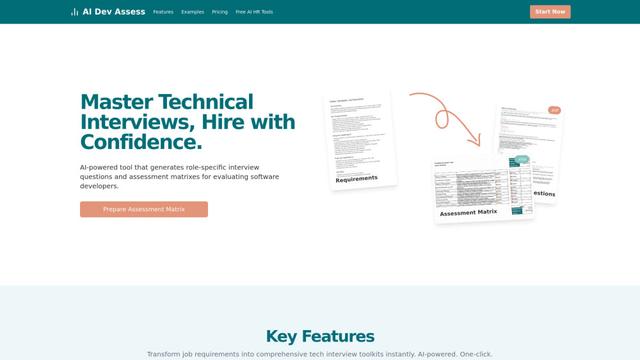
AI Dev Assess è uno strumento alimentato dall'AI che genera automaticamente domande di colloquio specifiche per il ruolo e matrici di valutazione per aiutare i professionisti delle risorse umane e i colloqui tecnici a valutare i candidati sviluppatori software in modo efficiente.
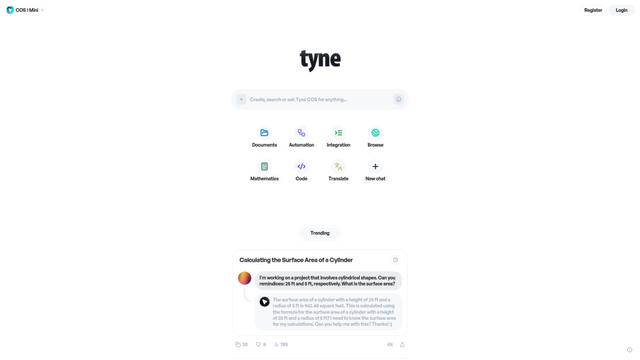
Tyne
Tyne è un'azienda professionale di software e consulenza alimentata da AI che aiuta le aziende a semplificare le loro esigenze quotidiane attraverso l'analisi dei dati, i sistemi di miglioramento del rendimento e le soluzioni AI.
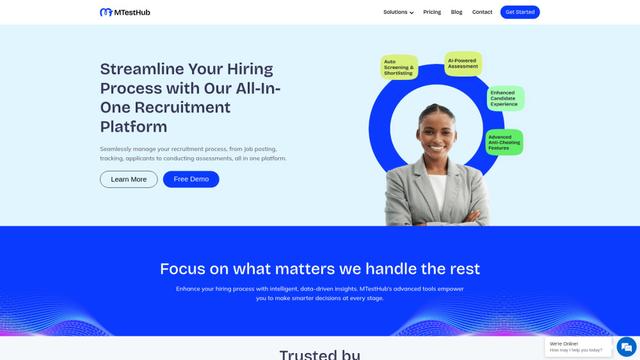
MTestHub
MTestHub è una piattaforma di reclutamento e valutazione supportata dall'IA che semplifica i processi di assunzione con screening automatizzati, valutazioni delle competenze e avanzate misure anti-frode.
Strumenti AI Popolari Come Web Accessibility Testing MCP
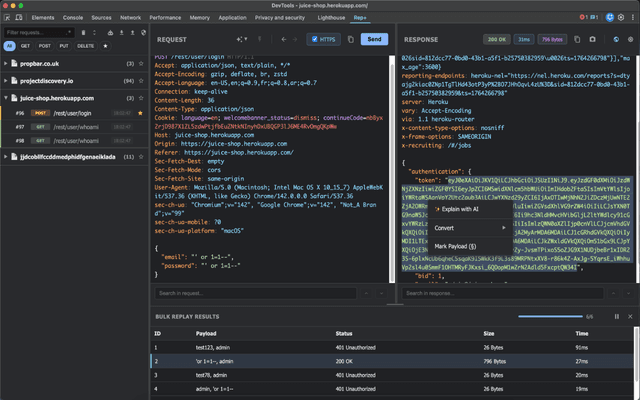
rep+
rep+ è una potente estensione di Chrome DevTools che porta la funzionalità Burp Suite Repeater direttamente nel tuo browser, consentendo test di richieste HTTP, analisi della sicurezza e suggerimenti di attacco basati sull'IA senza configurazione proxy.
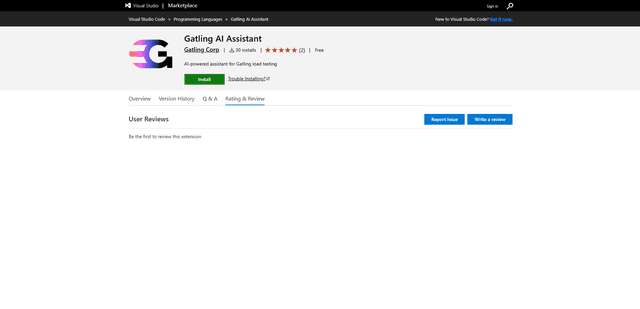
Gatling AI Assistant for VS Code
Gatling AI Assistant è un'estensione basata sull'intelligenza artificiale per Visual Studio Code che aiuta gli sviluppatori a creare e gestire scenari di load testing utilizzando il framework di load testing di Gatling.
KaneAI
KaneAI è il primo agente di testing software potenziato dall'IA end-to-end al mondo che consente agli utenti di creare, debug e sviluppare test utilizzando il linguaggio naturale.
LambdaTest
LambdaTest è una piattaforma di orchestrazione ed esecuzione di test AI-Native che consente test sia manuali che automatizzati su oltre 3000 ambienti browser, rendendola una scelta eccellente per i test software nel cloud.