TinyHumans
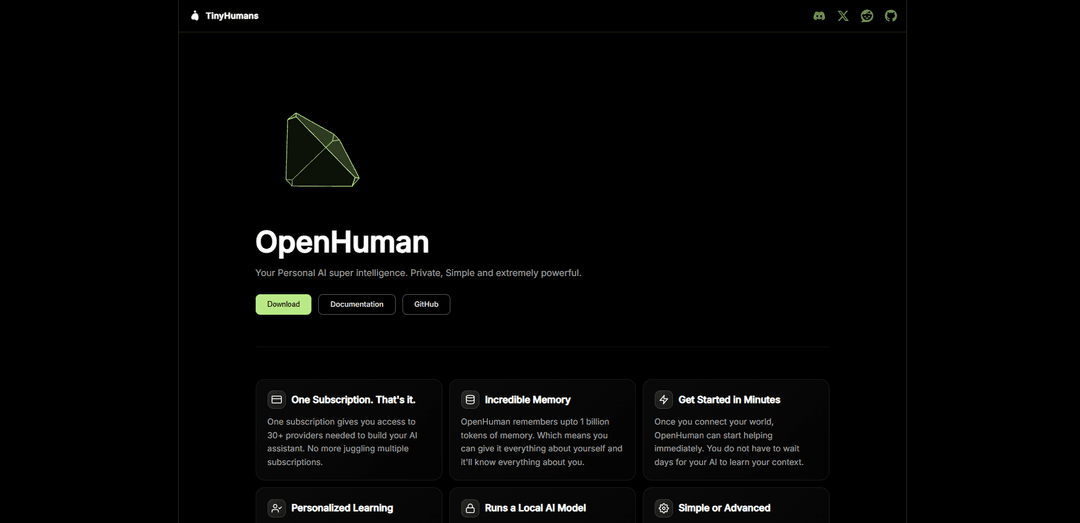
TinyHumans is an AI lab building OpenHuman, a private, UI-first, open-source desktop AI assistant with deep app integrations, optional local AI, and massive persistent memory (up to 1B tokens) that can proactively use your context to help you get work done.
https://tinyhumans.ai/openhuman?utm_source=aipure
Product Information
Updated:May 15, 2026
What is TinyHumans
OpenHuman is an open source personal AI agent built to make super intelligent AI simple, private, and usable by anyone. It remembers everything — your workflows, preferences, decisions, and history — across every session, file, and app. Unlike every other AI tool that resets after each session, OpenHuman builds a compounding model of how you think and work, getting smarter the longer you use it. No terminal, no API keys, no setup. Just plain English and 5 minutes to onboard. Local-first privacy, 100+ integrations, single subscription.
Key Features of TinyHumans
TinyHumans builds practical AI products for personal intelligence, memory, and automation, centered around OpenHuman—a private, desktop-first AI assistant that connects to many services, continuously syncs your data, and builds a readable local-first “Memory Tree” (Markdown vault + summaries/embeddings) so the agent can understand your context and take actions. It supports voice and screen-aware workflows, offers optional local AI (via Ollama) for privacy-sensitive background tasks like summarization and embeddings, and reduces vendor sprawl by routing across many model/providers under a single subscription and an open-source (GPLv3) core.
Local-first Memory Tree: Ingests data from connected tools and canonicalizes it into a readable Markdown vault plus hierarchical summaries, enabling persistent, inspectable memory rather than opaque “bullet point” storage.
Broad integrations & auto-sync: Connects to 100+ services and auto-fetches updates on a recurring schedule (e.g., ~every 20 minutes) so the assistant stays up to date without manual prompting.
Optional on-device AI (Ollama): Runs select workloads locally—such as embeddings, summarization, and background loops—so sensitive steps can stay off the cloud when you opt in.
Desktop-native assistant experience: Built as a native desktop app (Rust + Tauri) with deep OS-level capabilities like voice (STT/TTS), screen intelligence, and workflow-aware interactions beyond a browser chatbot.
Provider/model routing under one subscription: Aims to reduce “subscription sprawl” by providing access to many model/providers through one plan and automatically choosing models suited to different task types.
Skills & automation sandbox: Supports sandboxed “skills” modules that can fetch data, transform it, run on schedules, and respond to events with enforced resource limits.
Use Cases of TinyHumans
Executive assistant for knowledge work: Continuously syncs email, docs, notes, and calendars to answer context-rich questions, draft replies, and surface relevant history from your personal memory vault.
Sales & customer success enablement: Aggregates CRM/email/meeting context to prepare account briefs, summarize threads, and suggest follow-ups using persistent memory of customer interactions.
Research & content production: Ingests articles, notes, and documents into a structured memory tree to generate summaries, outlines, and citations while keeping a readable source-of-truth vault.
Operations & internal automation: Uses scheduled skills and tool connections to monitor updates, compile status reports, and trigger routine actions across business tools.
Personal life admin & planning: Connects messaging, email, and notes to help track commitments, remind you of prior decisions, and keep a long-lived personal context for planning.
Pros
Local-first, readable memory (Markdown vault) improves transparency and trust versus black-box memory systems.
Optional local AI paths can keep sensitive processing on-device for privacy-conscious users.
Deep desktop integration (voice/screen/OS context) enables workflows beyond typical web chat apps.
Broad integrations and auto-sync reduce manual context loading and keep the assistant current.
Cons
Early beta/active development may mean rough edges, instability, and changing behaviors.
Some capabilities (e.g., chat/vision/voice cloud routing) can still depend on backend services, which may not suit all privacy or offline requirements.
GPLv3 licensing can be restrictive for some commercial embedding/redistribution scenarios.
Wide integrations and permissions increase setup/credential complexity and require careful security hygiene.
How to Use TinyHumans
1) Install OpenHuman (TinyHumans): Download the desktop app from https://tinyhumans.ai/openhuman (DMG/EXE), or install via terminal:
- macOS/Linux x64: curl -fsSL https://raw.githubusercontent.com/tinyhumansai/openhuman/main/scripts/install.sh | bash
- Windows (PowerShell): irm https://raw.githubusercontent.com/tinyhumansai/openhuman/main/scripts/install.ps1 | iex
2) Launch the app and complete onboarding: Open the OpenHuman desktop app and follow the in-app onboarding flow (sign in, then choose how AI runs). This sets up your workspace and initial configuration so you can start using the assistant immediately.
3) Connect your accounts (“connect your world”): In the app, open the Integrations/Connections area and click Connect for services you use (e.g., Gmail, Notion, etc.). A browser window will open for OAuth; sign in and approve access. After connecting, the integration becomes active.
4) Let Auto-fetch build your Memory Tree: Once connections are active, OpenHuman automatically pulls fresh data from each active connection about every 20 minutes and folds it into your Memory Tree, so the agent has up-to-date context without manual prompting.
5) Run your first request against your Memory Tree: Ask OpenHuman a question or give it a task that depends on your connected context (email, notes, etc.). The assistant will use the Memory Tree to answer with your personal, current information.
6) Enable Local AI (optional, privacy-focused): In the desktop app, go to Settings → AI & Skills → Local AI. Choose a preset such as “embeddings only”, “memory + reflection”, or “everything local”. OpenHuman uses Ollama (via its OpenAI-compatible /v1 endpoint) for on-device workloads like embeddings, summary-tree building, and background loops when enabled and reachable.
7) Use voice features (optional): Use the native voice capabilities (push-to-talk dictation and TTS replies) to talk to OpenHuman instead of typing, if available/enabled in your build.
8) Verify and manage your memory (local-first vault): OpenHuman’s memory is designed to be readable: the same chunks it reasons over are written as plain Markdown files into a vault inside your workspace. Use this to inspect, audit, and understand what the assistant has stored.
9) Advanced: Run the core headlessly (optional deployment): If you want to host openhuman-core in the cloud (e.g., VPS/Docker), use the project’s documented deploy paths (Docker Compose/App Platform). The core exposes endpoints like GET /health (liveness), POST /rpc (bearer-protected JSON-RPC), and streaming channels (e.g., GET /events, GET /ws/dictation). Configure environment variables like BACKEND_URL (defaults to https://api.tinyhumans.ai) and OPENHUMAN_APP_ENV as needed.
10) Advanced: Contribute or develop locally (optional): If you’re working on the codebase, use the repo workflows:
- Web-only UI: pnpm dev
- Desktop shell: pnpm --filter openhuman-app dev:app
- Checks before PR: pnpm typecheck, pnpm format:check, cargo check -p openhuman --lib
TinyHumans FAQs
TinyHumans is the company behind OpenHuman, a personal AI assistant product focused on being private, simple, and powerful.
Popular Articles

Vosko AI: Localize and Dub Videos for Global Audiences
Oct 15, 2026

Atoms: A Multi-Agent AI Platform That Transforms Ideas into Launch-Ready Products
Oct 13, 2026

Nano Banana SBTI: What It Is, How It Works, and How to Use It in 2026
Apr 15, 2026

Atoms Review — The AI Product Builder Redefining Digital Creation in 2026
Apr 10, 2026
Latest AI Tools Similar to TinyHumans

MultipleWords
MultipleWords is a comprehensive AI platform offering 16 powerful tools for content creation and manipulation across audio, video, and image editing with cross-platform accessibility.

Athena AI
Athena AI is a versatile AI-powered platform offering personalized study assistance, business solutions, and life coaching through features like document analysis, quiz generation, flashcards, and interactive chat capabilities.
Taidai.io
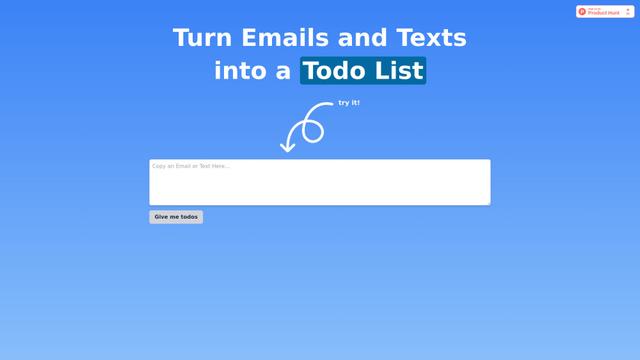
Taidai.io is an AI-powered tool that automatically converts notes, emails, and text content into actionable todo lists.
Repliio
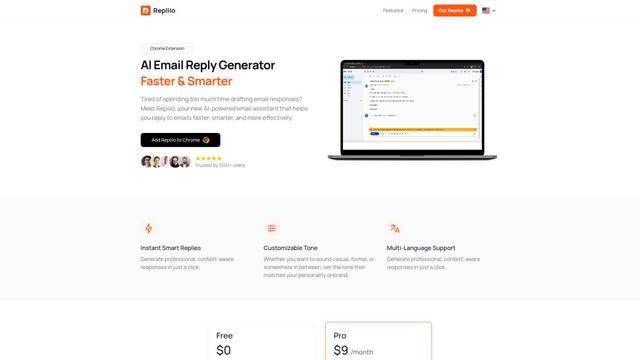
Repliio is an AI-powered email assistant Chrome extension that helps users generate professional, context-aware email responses quickly with customizable tones and multi-language support.
Popular AI Tools Like TinyHumans

Microsoft Excel: Spreadsheets
Microsoft Excel is the industry-leading spreadsheet software that allows users to organize, analyze, and visualize data through powerful features like formulas, charts, and AI-powered insights.

Standboy
Standboy is a VS Code/Cursor extension that auto-expands a Game Boy (GB/GBC/GBA) emulator in the sidebar during AI agent activity, then auto-hides and pauses—resuming mid-frame next time—while keeping a persistent ROM library, saves, and cover art.
Omniaxe
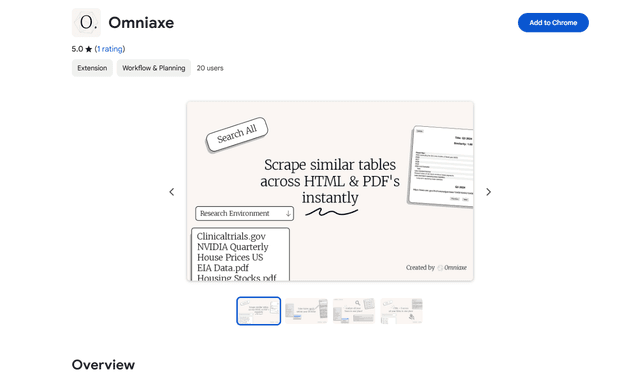
Omniaxe is an all-in-one Chrome extension research tool that combines seamless data extraction, AI-powered analysis, and centralized note-taking capabilities designed specifically for analysts, researchers and students.

Finesse by Skippr AI
Finesse by Skippr AI is a browser extension that provides instant, expert-level product feedback and critiques across design, content strategy, accessibility, and product direction through specialized AI reviewers.