
Typeahead
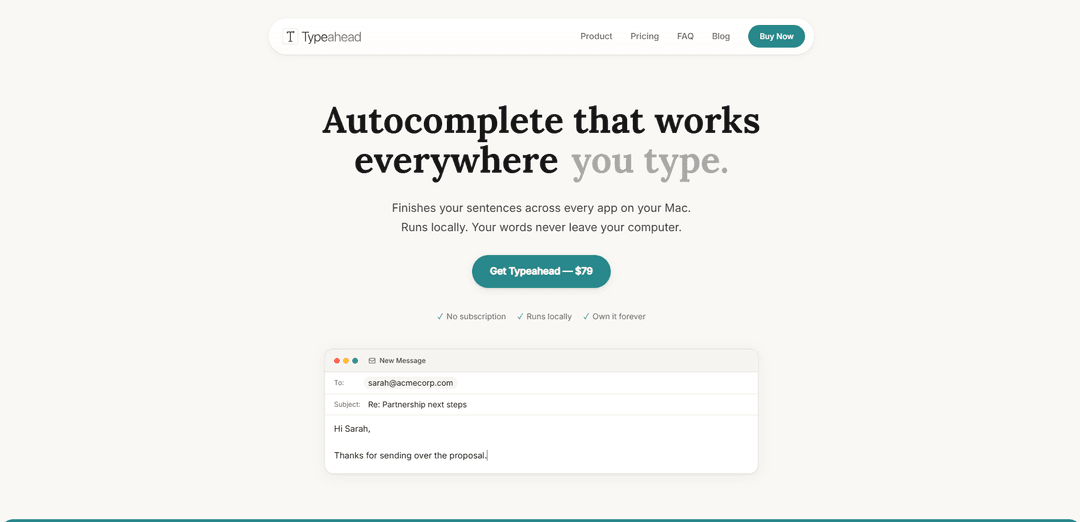
Typeahead is a native macOS app that provides lightning-fast, inline AI autocomplete in any text field, running fully locally for offline use with no accounts, no telemetry, and one-time pricing.
https://typeahead.ai/?ref=producthunt
Product Information
Updated:Jun 8, 2026
What is Typeahead
Typeahead is an AI autocomplete tool for Mac designed to help you write faster without leaving the app you’re already in. Instead of opening a separate chat assistant, it suggests words and full sentences directly at your cursor across email, docs, Slack, browsers, notes, and virtually any place you can type. It’s built for macOS, optimized for performance, and positioned as “private by design,” with all text processing happening on-device. Typeahead is sold as a one-time purchase (not a subscription) and includes a simple workflow—suggestions appear as you type and you press Tab to accept them.
Key Features of Typeahead
Typeahead is a native macOS app that provides inline AI autocomplete across virtually any text field on your Mac. It generates sentence completions locally (works offline) so your writing never leaves your device, and it’s designed to be fast and unobtrusive—suggestions appear at the cursor and you press Tab to accept. Typeahead aims to preserve your personal voice by adapting to how you write over time, and it’s sold as a one-time purchase with no subscription, accounts, or telemetry.
Inline autocomplete everywhere: Shows word/sentence completions directly at the cursor in any app with a text field (native apps, browsers, and many Electron apps), so you stay in flow instead of switching to a separate AI chat tool.
Local, offline AI processing: Runs local AI models on your Mac so text isn’t sent to servers; works offline (e.g., on a plane) and keeps drafts, notes, and sensitive writing on-device.
Tab-to-accept workflow: Simple interaction model: suggestions appear as you type and you press Tab to accept, minimizing friction and keeping typing speed high.
Learns your voice: Adapts to your writing style after a few days, aiming to produce completions that sound like you rather than generic AI phrasing.
Lightning-fast performance: Optimized for macOS (including Apple Silicon) and GPU-accelerated to reduce lag so suggestions feel instant.
No accounts, no telemetry, one-time purchase: Designed as “software you own”: no subscription, no account required, and no telemetry; includes all models and free updates for life (per the site).
Use Cases of Typeahead
High-volume email and sales outreach: Speeds up repetitive emailing (follow-ups, intros, partnership next steps) by completing common phrases and sentences directly inside Mail, Gmail, or CRM text fields.
Developer communication and documentation: Helps engineers write faster outside the IDE—Slack messages, PR descriptions, issue updates, and internal docs—where code copilots don’t help as much.
Writing and publishing workflows: Supports writers drafting in tools like Google Docs, Notion, Obsidian, or Substack by accelerating sentence-level output while maintaining their voice.
Customer support and operations: Reduces time spent on templated responses and internal notes in chat tools and ticketing web apps by autocompleting common explanations and next steps.
Privacy-sensitive professional writing (e.g., legal/research): Enables drafting and note-taking where confidentiality matters because text processing stays on-device (useful for unpublished drafts, research notes, and sensitive client communications).
Pros
Strong privacy posture: local processing, no cloud text processing, and no telemetry (per product claims).
Works across many apps via macOS Accessibility API, making it broadly useful beyond a single editor.
Fast, low-friction UX (inline suggestions + Tab to accept) that’s designed to preserve flow.
One-time pricing with no subscription, plus offline capability.
Cons
Mac-only and requires macOS 14+; not available for Windows/Linux.
Hardware/storage requirements (e.g., at least 8 GB RAM and ~3 GB disk for models) may be limiting on older machines.
License activation requires network checks at least occasionally (works offline between checks).
Autocomplete may be less controllable than chat-based tools for complex rewrites or structured generation.
How to Use Typeahead
1) Purchase and download Typeahead: Buy Typeahead (one-time purchase) and download the macOS app from the official site.
2) Install and open the app: Install Typeahead like any other Mac app, then launch it to begin onboarding.
3) Activate your license: During onboarding, enter/activate your license key to unlock the app.
4) Grant Accessibility permission: When prompted, open macOS System Settings and enable Accessibility for Typeahead. This permission lets Typeahead read the text field you’re typing in and insert inline suggestions.
5) Return to Typeahead to continue onboarding: Switch back to the Typeahead app—onboarding should detect the permission automatically and proceed.
6) Download a local AI model: Choose one of the included local AI models and download it (Typeahead runs suggestions locally on your Mac). You can switch models later if you change your mind.
7) Start typing in any app: Open any app with a text field (native apps, Electron apps, or browsers) and begin typing. After a brief pause, Typeahead shows an inline “ghost text” suggestion.
8) Accept or ignore suggestions: Press Tab to accept the suggestion. Keep typing to ignore it.
9) Use keyboard shortcuts as needed: Review the onboarding keyboard shortcuts so you can control suggestions quickly while writing.
10) Keep using it so it adapts to your writing: Use Typeahead regularly; it adapts to your writing style over time so suggestions sound more like you.
Typeahead FAQs
Typeahead is a native macOS app that provides AI autocomplete across virtually any app you type in. Suggestions appear inline as you type, and you press Tab to accept.
Typeahead Video
Popular Articles

Vosko AI: Localize and Dub Videos for Global Audiences
Oct 15, 2026

Atoms: A Multi-Agent AI Platform That Transforms Ideas into Launch-Ready Products
Oct 13, 2026

Nano Banana SBTI: What It Is, How It Works, and How to Use It in 2026
Apr 15, 2026

Atoms Review — The AI Product Builder Redefining Digital Creation in 2026
Apr 10, 2026
Latest AI Tools Similar to Typeahead

Callaia
Callaia is an AI-powered script analysis tool that provides comprehensive script coverage, including logline, synopsis, character summaries, and actionable recommendations in under a minute for $79 per script.

Scribly AI
Scribly AI is an AI-powered content creation platform that helps users generate high-quality articles, blogs, emails, and various types of content in minutes while maintaining SEO optimization and brand voice consistency.

VocalScribe
VocalScribe is an AI-powered platform that transforms voice recordings into polished blog posts and other content formats with smart transcription and enhancement capabilities.
Writers-Copilot
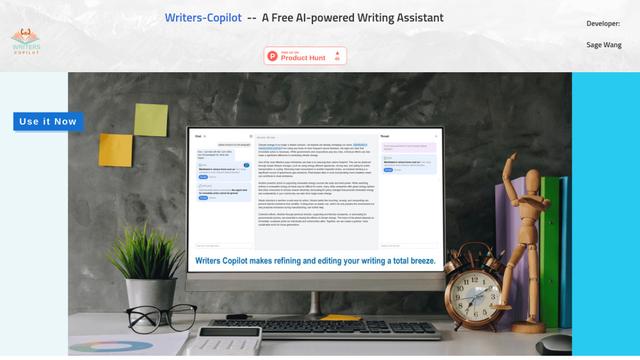
Writers-Copilot is a free AI-powered writing assistant that provides intelligent editing suggestions, real-time feedback, and content improvement capabilities to enhance writing quality and efficiency.
Popular AI Tools Like Typeahead
Compose for macOS
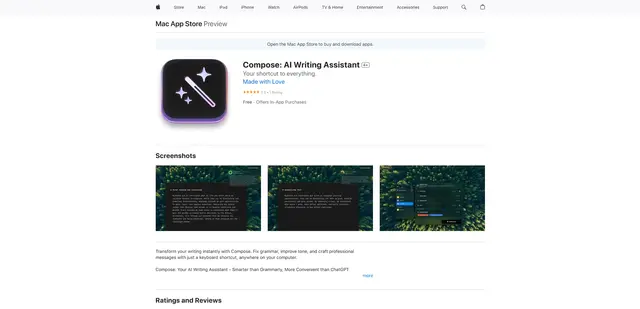
Compose for macOS is an AI-powered writing assistant that works system-wide, allowing users to transform and enhance their writing with just a keyboard shortcut across any application.
QuillBot
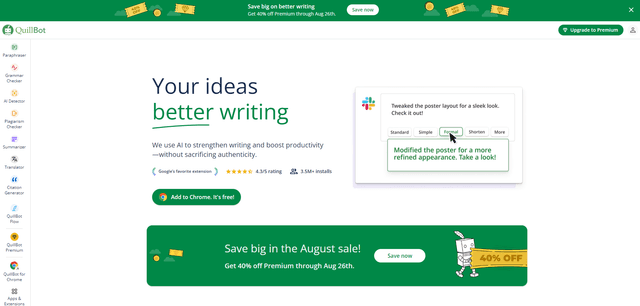
QuillBot is an AI-powered writing assistant that offers paraphrasing, grammar checking, and other tools to help users improve their writing quality and efficiency.

Doubao 1.6
Doubao 1.6 is an advanced multimodal AI model from ByteDance featuring enhanced reasoning capabilities, tool calling support, and adaptive thinking that balances performance with reasoning ability.
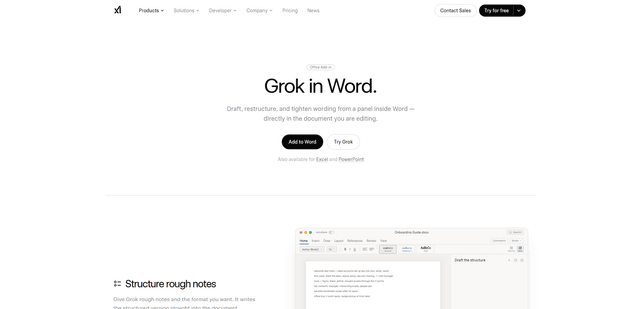
Grok by SpaceXAI for Word
Grok by SpaceXAI for Word is a free Microsoft 365 add-in that docks an AI side panel inside Word to draft, restructure, and apply undoable in-document edits while helping keep long documents stylistically consistent.