
Grok by SpaceXAI for Word
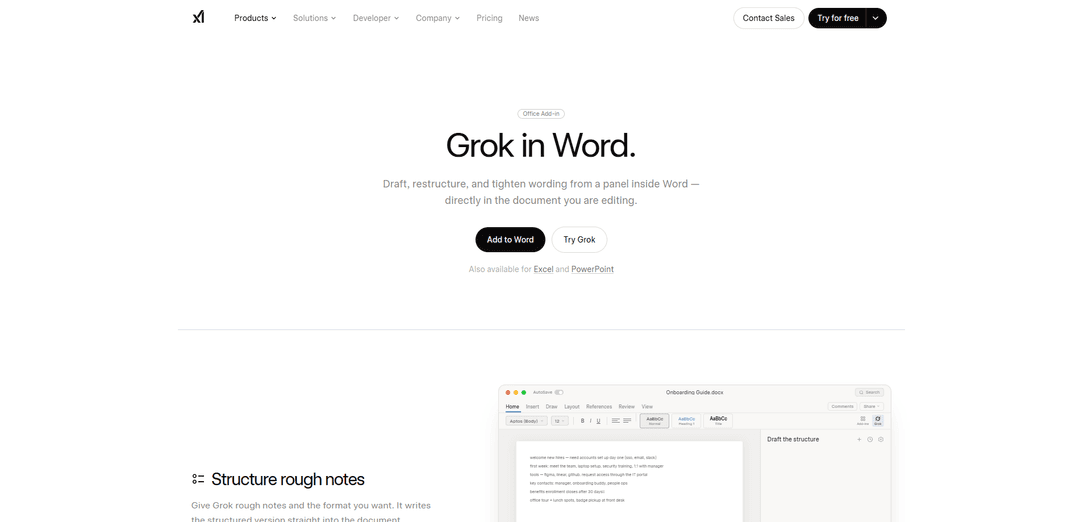
Grok by SpaceXAI for Word is a free Microsoft 365 add-in that docks an AI side panel inside Word to draft, restructure, and apply undoable in-document edits while helping keep long documents stylistically consistent.
https://x.ai/grok/word?ref=producthunt
Product Information
Updated:Oct 9, 2026
Grok by SpaceXAI for Word Monthly Traffic Trends
The 47.0% moderate growth to 22.4M visits is primarily driven by Grok's deep integration into the X platform, notably by fully powering the recommendation algorithm and launching the highly discussed AI image editing feature. Additionally, the release of Grok Imagine Version 0.9 for accelerated multimodal generation and the high-profile merger with SpaceX significantly amplified user engagement and market visibility.
What is Grok by SpaceXAI for Word
Grok by SpaceXAI for Word is an official Microsoft Word add-in that brings the Grok AI agent directly into your document via a docked side panel. Instead of copying text into a separate chat app, you can use Grok alongside your writing to turn rough notes into structured sections, tighten wording, and normalize formatting and tone across a file. It’s available through the Microsoft Marketplace and appears on the Word ribbon (Home tab) after installation, where you sign in once and can invoke it whenever you need help drafting or editing.
Key Features of Grok by SpaceXAI for Word
Grok by SpaceXAI for Word is a Microsoft 365 add-in that docks a Grok side panel inside Microsoft Word, letting you draft from rough notes, restructure and tighten wording, and apply in-place edits directly to the document you’re working on. It focuses on keeping documents consistent (e.g., normalizing headings and aligning terminology) while making changes as visible, reversible revisions. The add-in can read and modify document content and may send data over the internet when used, and it’s available via the Microsoft Marketplace with deployment options for admins.
In-Word side panel agent: Runs as a docked panel inside Word (not a separate app/tab), so you can work alongside the document you’re editing from the Home tab after signing in.
Turn rough notes into structured docs: Converts unstructured bullets into a properly formatted Word document using real headings and lists, and supports iterating in the same thread while keeping everything editable.
Reversible, in-place editing: Fixes grammar, tightens phrasing, and simplifies language directly in the document, with before/after visibility and changes applied as tracked revisions you can accept or undo.
Document-wide consistency normalization: Helps bring long or multi-author documents back into alignment by normalizing heading case/styles and aligning terms in one pass, with changes reported back.
Marketplace install + admin deployment: Available from Microsoft Marketplace with one-click install; IT admins can deploy it organization-wide for standardized access.
Connected workflow capabilities: Designed to bring external research into Word and supports sending data over the internet during use (important for governance, privacy, and compliance reviews).
Use Cases of Grok by SpaceXAI for Word
HR onboarding and internal handbooks: Transform onboarding notes into a structured guide, standardize policy handbook headings/terminology, and keep employee documentation consistent across revisions.
Legal and compliance document cleanup: Tighten wording, normalize formatting, and apply controlled tracked changes to contracts, policies, and SOPs so reviewers can audit and accept edits safely.
Product and project documentation: Restructure launch plans, PRDs, and meeting notes into clean sections with consistent headings, and keep multi-stakeholder documents aligned as they evolve.
Academic and research writing: Draft and refine papers inside Word while incorporating web research into the document (where enabled) to speed up literature summaries and revisions.
Sales, marketing, and client deliverables: Quickly rewrite proposals, briefs, and reports for clarity and tone consistency, applying changes as tracked revisions to preserve review workflows.
Pros
Native Word integration: Works directly in the document via a side panel, reducing copy/paste and context switching.
Auditable edits: Changes appear as visible revisions with before/after, making it easier to review, accept, or undo.
Strong formatting + consistency focus: Useful for normalizing headings/styles and aligning terminology across long documents.
Cons
Data handling considerations: The add-in can read and change documents and may send data over the internet, which can raise privacy/compliance concerns for sensitive files.
Requires sign-in and add-in availability: Depends on Microsoft 365 add-in support and organizational policies/admin controls for deployment.
How to Use Grok by SpaceXAI for Word
1. Install the add-in from Microsoft Marketplace: In Microsoft Word, go to the Microsoft 365 add-in store/Marketplace and search for “Grok by SpaceXAI for Word” (also shown as “Grok for Word”). Click “Add” (or “Add to Word”) to install it. Admins can also deploy it organization-wide.
2. Open Grok from the Word ribbon: Open (or create) a Word document. On the Word ribbon, find Grok on the Home tab (it appears as an add-in button). Click it to open the Grok side panel.
3. Sign in once to connect your Grok account: In the Grok panel, sign in when prompted. After you sign in once, Grok remains available from the ribbon for future documents.
4. Select the text (or section) you want Grok to work on: Highlight the content in your document you want help with (or place your cursor in the relevant area). Grok “reads what you point it at,” so selecting the right scope helps it apply changes to the intended part of the file.
5. Draft structured content directly into the document: Paste rough notes into the document (or select existing notes), then ask Grok to convert them into a structured format (e.g., “Turn these notes into an onboarding guide with headings and bullet lists”). Grok writes the result directly into the Word document using real Word headings and lists, and you can iterate in the same thread.
6. Apply in-place edits you can review and undo: Ask Grok to fix grammar, tighten wording, or simplify language. Grok applies edits in place (not as a separate copy), and changes can appear as visible revisions with before/after context so you can keep, reject, or undo edits.
7. Normalize formatting and style across the document: Use Grok to standardize headings, casing, and terminology across the file (e.g., “Normalize headings,” “Align terms,” or “Clean up formatting”). Grok updates the document and reports changes back so the document stays consistent.
8. Keep working beside your document: Continue prompting Grok in the side panel while you edit. Because Grok is docked next to your document, you can refine drafts, restructure sections, and re-run formatting passes without leaving Word.
Grok by SpaceXAI for Word FAQs
Grok for Word is a Microsoft 365 add-in that opens as a docked panel inside Microsoft Word, letting you draft, restructure, and tighten wording directly in the document you’re editing.
Grok by SpaceXAI for Word Video
Popular Articles

Vosko AI: Localize and Dub Videos for Global Audiences
Oct 15, 2026

Atoms: A Multi-Agent AI Platform That Transforms Ideas into Launch-Ready Products
Oct 13, 2026

Nano Banana SBTI: What It Is, How It Works, and How to Use It in 2026
Apr 15, 2026

Atoms Review — The AI Product Builder Redefining Digital Creation in 2026
Apr 10, 2026
Analytics of Grok by SpaceXAI for Word Website
Grok by SpaceXAI for Word Traffic & Rankings
22.4M
Monthly Visits
#2580
Global Rank
#13
Category Rank
Traffic Trends: Nov 2024-Oct 2025
Grok by SpaceXAI for Word User Insights
00:02:55
Avg. Visit Duration
2.97
Pages Per Visit
27.98%
User Bounce Rate
Top Regions of Grok by SpaceXAI for Word
US: 26.62%
KR: 9.73%
IN: 4.62%
JP: 3.15%
HK: 2.99%
Others: 52.89%
Latest AI Tools Similar to Grok by SpaceXAI for Word
AI Summarizer
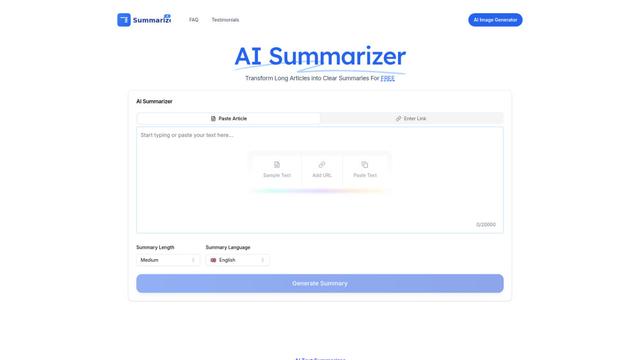
AI Summarizer is a free online tool that uses advanced AI algorithms to instantly summarize any text, article, or document while maintaining context and key information across multiple languages.
Aidocmaker.com
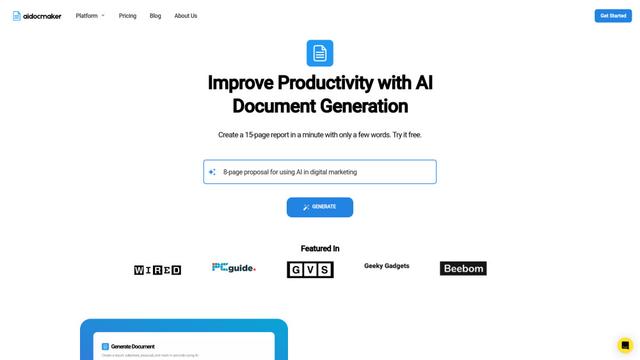
Aidocmaker.com is an AI-powered document creation platform that allows users to effortlessly generate professional documents, presentations, spreadsheets, and voiceovers in minutes.
AiAssistWorks - AI for Sheets
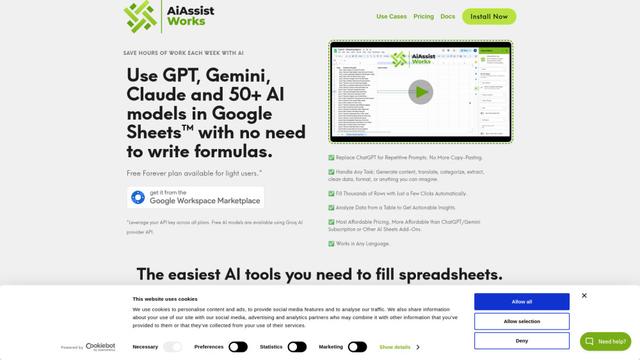
AiAssistWorks is an AI-powered Google Sheets add-on that allows users to leverage 50+ AI models like GPT, Claude, and Gemini to automate tasks without writing complex formulas.
DocAI
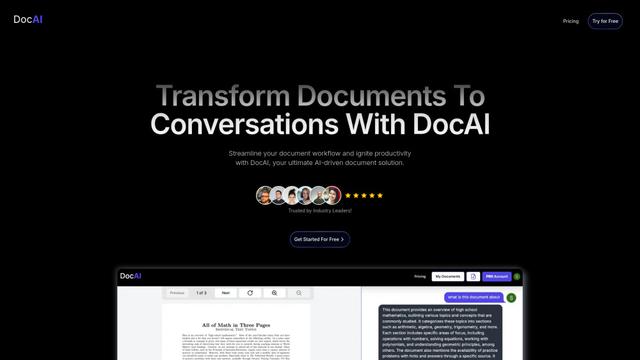
DocAI is an AI-powered document processing platform that transforms static documents into interactive conversations, enabling users to extract insights, analyze content, and streamline workflows.
Popular AI Tools Like Grok by SpaceXAI for Word
Aidocmaker.com
Aidocmaker.com is an AI-powered document creation platform that allows users to effortlessly generate professional documents, presentations, spreadsheets, and voiceovers in minutes.

Macro PDF Editor
Macro PDF Editor is a fully-featured AI-powered document workspace that enables users to edit, interact with, and manage PDFs and Word documents with features like AI chat, cross-reference previews, and tabbed navigation.
AI Summarizer
AI Summarizer is a free online tool that uses advanced AI algorithms to instantly summarize any text, article, or document while maintaining context and key information across multiple languages.

Lex
Lex is a word processor that leverages artificial intelligence to enhance writing efficiency and quality.