TinyFish
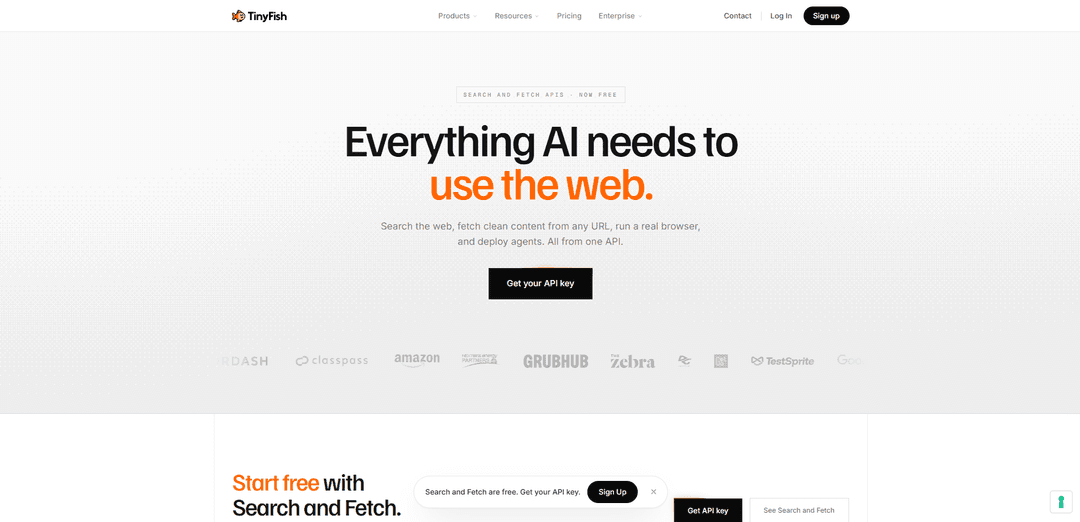
TinyFish is an enterprise web infrastructure platform that gives AI agents live-web capabilities—Search, Fetch, Browser sessions, and multi-step Agents—so they can navigate dynamic sites, authenticate, bypass anti-bot hurdles, and return clean structured outputs at scale from a single API key.
https://www.tinyfish.ai/?utm_source=aipure
Product Information
Updated:Aug 18, 2026
What is TinyFish
TinyFish is a unified web operations platform built for AI agents and AI applications. It enables developers to search the live web, extract clean structured content, browse dynamic websites, and automate authenticated workflows through a single platform. By providing reliable access to current web data and web interactions, TinyFish helps AI systems deliver more accurate answers, reduce operational complexity, and scale production workloads.
Key Features of TinyFish
TinyFish is an enterprise-grade web infrastructure platform for AI agents that provides live web access through four unified APIs—Search, Fetch, Browser, and Agent—under a single API key and shared Wallet. It is designed to run real browser sessions at scale (including authenticated and bot-protected sites), convert pages into clean, token-efficient content, and execute multi-step web workflows (navigation, form-filling, extraction) with structured outputs and observability. TinyFish emphasizes production reliability, stealth browser capabilities, and easy integration via direct API, SDKs, CLI, and MCP for agent frameworks.
Four-in-one Web API suite: Provides Search, Fetch, Browser, and Agent APIs in one platform so teams don’t need to stitch together separate vendors for search, rendering, automation, and extraction.
Live, structured Search results: Browser-rendered search designed for freshness (not cached), returning structured JSON suitable for monitoring fast-changing sources like pricing, earnings, and news.
Fetch to clean, token-efficient content: Renders pages in a real browser and returns cleaned Markdown/HTML/JSON, stripping boilerplate (scripts, nav, ads) to reduce context bloat and improve downstream parsing.
Stealth Browser sessions for gated/dynamic sites: Cloud browser sessions built to handle dynamic rendering and reach authenticated or bot-protected pages with features like persistent state and anti-detection modes.
Autonomous multi-step Web Agent: Completes workflows like navigating, logging in, filling forms, and extracting structured results; positioned for production accuracy and repeatable automation.
Developer + agent-stack integrations (MCP/SDK/CLI): MCP-native endpoint plus SDKs and CLI enable quick integration with tools like Claude/Cursor and automation stacks, minimizing custom routing/orchestration code.
Use Cases of TinyFish
Competitive price and menu monitoring (Retail/QSR/Travel): Continuously checks competitor sites for price changes, availability, and promotions using live Search/Fetch and Browser/Agent for dynamic or protected pages.
Insurance quoting automation (Insurtech/Fintech): Logs into carrier portals, fills quote forms, and extracts premiums/coverage into structured outputs for comparison, renewal flagging, and downstream underwriting workflows.
Real-time inventory and availability tracking (Hospitality/Marketplaces): Monitors hotel or marketplace inventory across many sites where data is dynamic or behind complex UIs, producing up-to-date structured feeds for operations.
Regulatory/filings and risk monitoring (Finance/Compliance): Tracks regulatory updates and filings with fresh web discovery and extraction pipelines, escalating material changes with near real-time web verification.
Social listening intelligence (Consumer/Delivery apps): Collects and structures sentiment signals from web sources that are hard to index or change frequently, powering analytics dashboards and alerting.
Autonomous QA and web workflow testing (Software/DevTools): Runs repeatable browser-based test flows across evolving UIs using agent-driven interaction and extraction, supporting automated validation in CI-like loops.
Pros
Unified platform (Search + Fetch + Browser + Agent) under one API key/Wallet reduces vendor sprawl and integration overhead.
Designed for live web interaction (rendering, authentication, dynamic pages) rather than static scraping, enabling fresher, more actionable data.
Stealth and anti-bot capabilities improve access to protected sites that block conventional automation.
Multiple integration paths (MCP, SDKs, CLI) make it easier to plug into modern agent frameworks and workflows.
Cons
Browser/Agent capabilities are usage-metered and can become costly at high volumes compared to simple scraping for easy sites.
Anti-bot access is not guaranteed on every site; protected targets may still fail or require tuning and operational oversight.
Primarily developer/enterprise oriented, which may be heavier than needed for simple one-off consumer tasks.
How to Use TinyFish
1) Create a TinyFish account and get an API key: Go to https://agent.tinyfish.ai/sign-up (no credit card required) and generate your TinyFish API key. This single key works across Search, Fetch, Agent, and Browser.
2) Store your API key as an environment variable: Set TINYFISH_API_KEY in your shell or deployment environment so your code/agent tools can authenticate to TinyFish (e.g., export TINYFISH_API_KEY="..." on macOS/Linux).
3) Choose the right TinyFish product for your task: Use Search to discover ranked URLs from the live web; use Fetch to turn known URLs into clean, token-efficient content (markdown/JSON/HTML); use Agent when you want TinyFish to execute multi-step browser actions from a natural-language goal (click, fill forms, extract); use Browser when you need an interactive/persistent cloud browser session for authenticated or bot-protected sites.
4) Start with Search (free) to find relevant pages: Call the Search API to get fresh, structured JSON results (title/url/snippet). Typical flow: search a query, take the top results’ URLs, then pass those URLs to Fetch for clean content.
5) Use Fetch (free) to read pages as clean content: Call the Fetch API with a URL to render it in a real browser and return clean markdown (or JSON/HTML). Fetch is designed to strip boilerplate (nav, ads, scripts) to reduce context-window pollution in downstream LLM prompts.
6) Use Agent for multi-step web automation from natural language: When you need workflows like “log in, navigate, fill a form, submit, extract results,” call the Agent API with your goal. TinyFish decides the browser actions and returns structured outputs. Agent usage is metered by steps (credits).
7) Use Browser for authenticated/anti-bot web access: If a site is behind login walls or heavy bot protection, use the Browser API to launch a stealth cloud browser session with persistent state. Browser usage is metered by session time (minutes).
8) Connect TinyFish to an MCP-compatible AI assistant (Claude/Cursor/etc.): Add TinyFish as an MCP server so your assistant can call Search/Fetch/Agent/Browser directly. Use the MCP config block: {"mcpServers":{"tinyfish":{"url":"https://agent.tinyfish.ai/mcp"}}} and restart your client so it loads the MCP server.
9) (Optional) Install the TinyFish MCP package via npx for supported clients: For some setups, install the MCP integration using the documented npx command (example shown in sources): npx -y install-mcp@latest https://docs.tinyfish.ai/mcp --client cursor. Then restart the client to activate the tools.
10) (Optional) Use the REST API directly from your code (Python example pattern): Implement thin wrappers around the endpoints using your TINYFISH_API_KEY. Example pattern from sources: GET https://api.tinyfish.io/v1/search?q=... with Authorization: Bearer <key>, and POST https://api.tinyfish.io/v1/fetch with JSON {"url":"https://..."}. Use Search to get URLs, then Fetch each URL to build context for your LLM/agent.
11) Follow a production-ready pipeline pattern (Search → Fetch → Agent/Browser as needed): A common robust workflow is: (a) Search to discover candidate pages, (b) Fetch to extract clean content for RAG/verification, (c) escalate to Browser or Agent only when interaction, authentication, or anti-bot hurdles require it.
12) Understand pricing and rate limits before scaling: Per sources: Search and Fetch are free and do not draw from Wallet; Agent and Browser consume credits (Agent per step; Browser per minute). Free tier rate limits mentioned include ~30 queries/min for Search and ~150 URLs/min for Fetch; upgrade via https://www.tinyfish.ai/pricing if you need higher limits.
TinyFish FAQs
TinyFish provides web infrastructure for AI agents, offering Search, Fetch, Browser, and Agent capabilities through one API key and one Wallet.
Official Posts
Loading...TinyFish Video
Popular Articles

Proferex: A Cloud-Based Ad Tracking and Campaign Optimization Platform
Nov 4, 2026

How to Create Viral Talking Baby Podcast Videos with AI: Step-by-Step Guide
Nov 2, 2026

Vosko AI: Localize and Dub Videos for Global Audiences
Oct 15, 2026

Atoms: A Multi-Agent AI Platform That Transforms Ideas into Launch-Ready Products
Oct 13, 2026
Latest AI Tools Similar to TinyFish
Jorpex
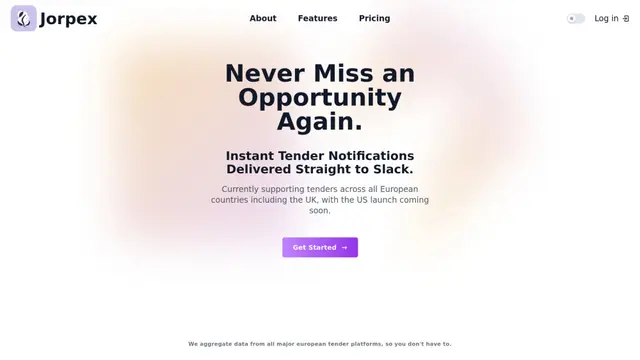
Jorpex is a comprehensive tender notification platform that aggregates and delivers instant tender alerts from across European countries directly to Slack, helping businesses never miss opportunities.
Leadsmrt
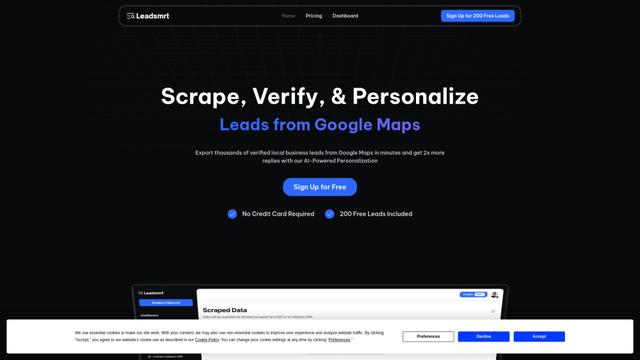
Leadsmrt is a lead generation tool that helps businesses scrape, verify and personalize targeted business leads from Google Maps with AI-powered personalization capabilities.
Omnial AI
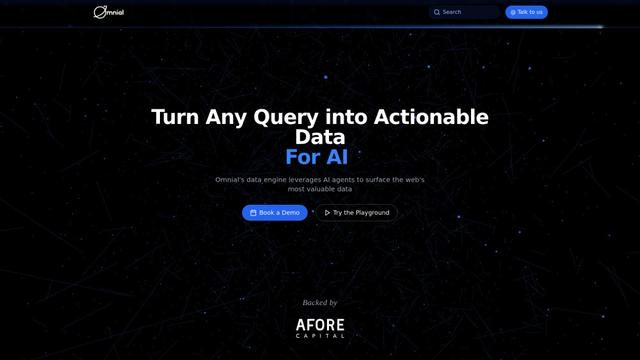
Omnial AI is a data intelligence platform that leverages AI agents to transform web prompts into structured, actionable data insights backed by Afore Capital.
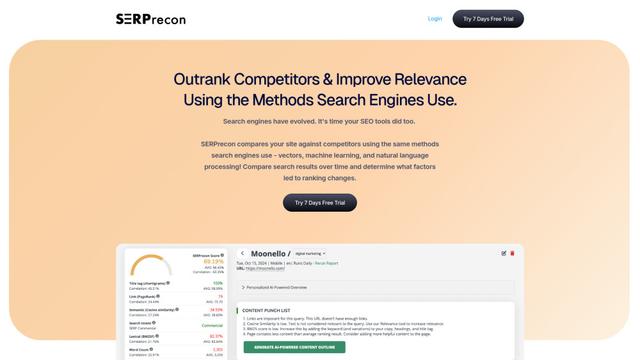
SERPrecon
SERPrecon is an advanced SEO tool that leverages vectors, machine learning, and natural language processing to help users analyze and outrank competitors by using the same methods as modern search engines.
Popular AI Tools Like TinyFish
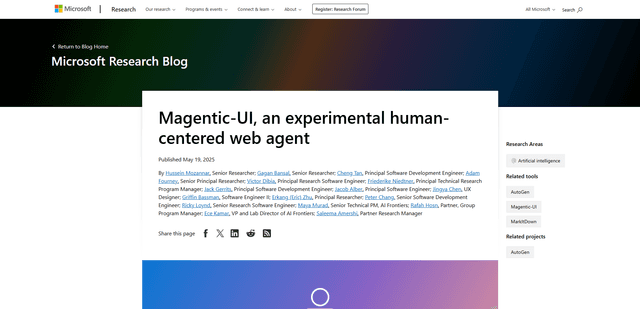
Magentic-UI
Magentic-UI is an open-source, human-centered web agent prototype by Microsoft Research that enables collaborative planning and execution of complex web-based tasks through transparent interaction between humans and AI agents.
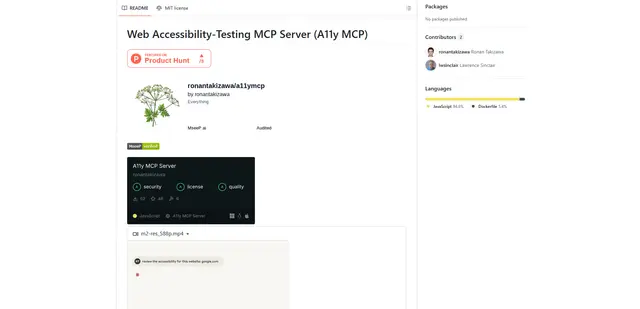
Web Accessibility Testing MCP
A11y MCP is a Model Context Protocol server that enables AI language models to perform automated web accessibility testing by integrating with Deque's Axe-core API and Puppeteer to analyze web content for WCAG compliance.
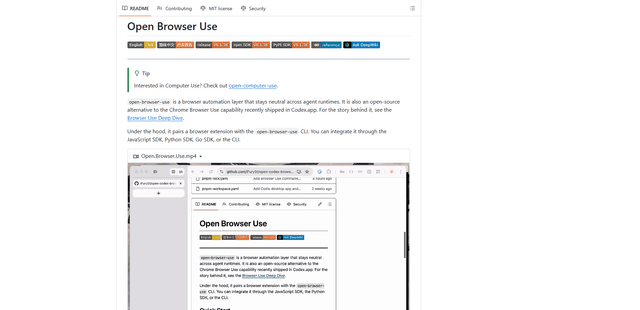
Open Browser Use
Open Browser Use is an open-source, agent-runtime-neutral browser automation layer that pairs a Chrome extension with a CLI/SDK/MCP to enable DOM-aware, CDP-powered tab control, navigation, and actions across different AI agent tools.
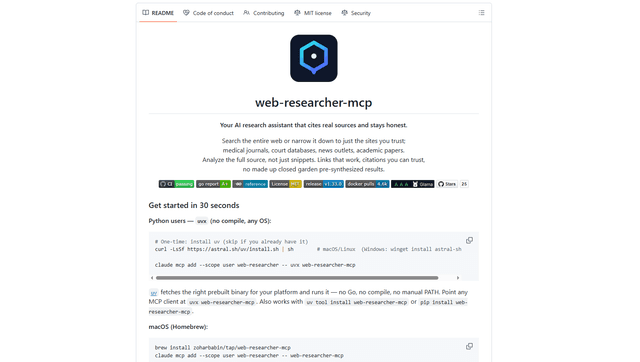
Web Researcher MCP
Web Researcher MCP is a local, production-grade MCP server that lets AI assistants search the web (optionally restricted to trusted “search lenses”), read full sources (including JS-rendered pages, PDFs, and YouTube transcripts), and return verifiable citations with multi-provider failover. [Source: https://github.com/zoharbabin/web-researcher-mcp?ref=producthunt]