
Tabstack
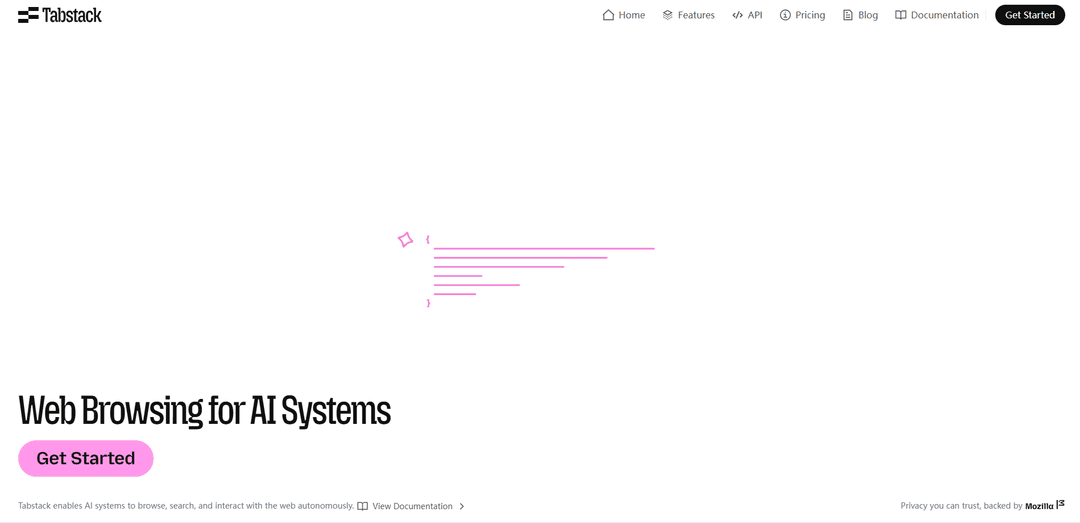
Tabstack is a Mozilla-backed web execution API for AI agents that reliably renders and interacts with websites (click/scroll/submit), extracts clean structured data (markdown/JSON/custom schemas), and emphasizes privacy, transparency, and publisher control.
https://tabstack.ai/?ref=producthunt
Product Information
Updated:Jun 1, 2026
What is Tabstack
Tabstack is the “web layer” for AI systems: a developer API that lets agents browse, search, and take actions on the open web without teams having to build and operate brittle headless-browser infrastructure. It’s designed to turn messy web pages—including JavaScript-heavy SPAs—into clean, machine-ready outputs such as markdown, JSON, or schema-shaped data, and it also supports higher-level capabilities like automations and research-style workflows. Backed by Mozilla, Tabstack positions itself around responsible web automation with strong privacy principles and clear identification to websites.
Key Features of Tabstack
Tabstack is a Mozilla-backed web execution and data transformation API built for AI agents that need reliable, production-ready access to the web. It can render modern JavaScript-heavy pages, extract content into machine-friendly formats (markdown/JSON/custom schemas), and run browser-like automations (click, scroll, search, submit forms) to complete multi-step tasks. Tabstack emphasizes privacy and publisher respect through data minimization and ephemeral handling, clear request identification via a dedicated User-Agent, robots.txt opt-out support, and a commitment to not train on customer data.
Four core endpoints (Extract, Generate, Automate, Research): A simple API surface that covers structured extraction, content transformation, interactive web automation, and autonomous research with verification and citations.
Browser-grade automation: Performs human-like interactions—clicking, scrolling, searching, and submitting forms—while handling headless browser orchestration and adaptive page interaction.
Structured data extraction with schemas: Converts URLs into markdown, JSON, or validated outputs against a custom schema, designed to reduce brittle scraping and HTML noise.
Research with inline citations: Runs discovery and cross-referencing loops to produce higher-fidelity answers, backing claims with specific source citations to support auditability.
Adaptive performance controls: Supports lightweight fetching with escalation to full rendering when needed (via an effort-style control), enabling faster, more reliable pipelines on diverse sites.
Privacy, transparency, and publisher control: Uses a dedicated Mozilla Tabstack User-Agent, honors robots.txt directives aimed at Tabstack, minimizes retained data (ephemeral by default), and does not train models on customer data.
Use Cases of Tabstack
E-commerce price and inventory monitoring: Extract structured product data (price, availability, variants) from dynamic storefronts and feed it into analytics, alerts, or repricing workflows.
Competitive and market intelligence: Automate collection of competitor announcements, feature pages, and pricing; summarize changes and produce sourced briefs with citations for decision-makers.
Customer support and ops automation: Navigate web portals to gather account/order status, submit requests, or generate customer-ready updates and documents from extracted page data.
Sales and lead research: Discover and extract company/contact signals from websites and public sources, then generate tailored outreach messages grounded in retrieved content.
Compliance and policy tracking: Continuously monitor terms, policy pages, or regulatory updates; extract key clauses into structured fields and produce auditable, cited reports.
Data pipelines for AI/analytics: Turn heterogeneous web pages into clean, validated JSON for downstream BI, search indexing, or agent memory—without maintaining scraping infrastructure.
Pros
Production-oriented web layer that abstracts away headless browser orchestration and brittle scraping.
Strong trust posture (dedicated User-Agent, robots.txt opt-out, data minimization/ephemeral handling, no training on customer data).
Supports both structured extraction and interactive automation, enabling end-to-end agent workflows.
Research outputs emphasize verifiability via inline citations.
Cons
Credit-based pricing can become costly for heavy automation/research workloads compared to lightweight scraping approaches.
Publisher controls (robots.txt opt-out) may limit coverage on sites that restrict automated access.
Some advanced flows (e.g., 2FA-protected interactions) can be challenging for any automation system and may require additional handling.
How to Use Tabstack
1) Create an account and get an API key: Sign up at https://console.tabstack.ai/signup and create an API key. Store it as an environment variable (recommended) so you don’t hard-code secrets, e.g. export TABSTACK_API_KEY=... (some docs/examples may refer to TABS_API_KEY).
2) Make your first request: extract a page as Markdown: Send a POST request to the Markdown extraction endpoint to verify your setup. Example (curl): POST https://api.tabstack.ai/v1/extract/markdown with headers Authorization: Bearer $TABSTACK_API_KEY and Content-Type: application/json, body {"url":"https://example.com"}. The response returns the URL and extracted markdown content.
3) Extract structured data with /v1/extract/json (schema-guided): Use the JSON extraction endpoint when you want structured fields from a page. Provide a JSON Schema in the request body under json_schema to guide extraction. Best practice: start with a minimal schema, test, then add fields; include description fields in schema properties to clarify what the extractor should find.
4) Generate new structured outputs with /v1/generate/json (schema-constrained): Use POST https://api.tabstack.ai/v1/generate/json when you need the API to create new structured content (summaries, categorizations, transformations) rather than only extracting what already exists. Provide a valid JSON Schema describing the exact output shape; the model will adhere strictly to it. Authenticate with Authorization: Bearer $TABSTACK_API_KEY.
5) Automate browser-like interactions with /automate (click/scroll/fill/submit): Use the Automate endpoint to run AI-powered browser automation from natural-language instructions (e.g., navigate, click, scroll, fill forms, submit). This endpoint streams progress/results via Server-Sent Events (SSE) using text/event-stream, so your client should handle streaming updates.
6) Run autonomous web research with /research (discover + extract + verify): Use the Research endpoint to deploy an autonomous agent that explores the web and returns higher-fidelity, structured results (often with citations) instead of raw HTML. Choose modes based on cost/latency (e.g., fast vs balanced where available on your plan).
7) Use an SDK (Python or TypeScript) for easier integration: Install and use the official SDKs to avoid manual HTTP plumbing. In Python, use Tabstack() as a context manager to ensure the HTTP client closes cleanly; use AsyncTabstack for async workflows. Ensure Python 3.9+.
8) Handle reliability and errors in production: Implement retries/timeouts and catch connection failures (e.g., tabstack.APIConnectionError in Python) for network issues. Build adaptive pipelines: start with lightweight extraction and escalate to heavier rendering/automation only when needed.
9) Follow privacy, transparency, and access-control expectations: Tabstack identifies requests with a dedicated Mozilla Tabstack User-Agent and honors robots.txt directives addressed to that user agent. Retrieved content is treated as ephemeral and is not used for model training. Avoid sending passwords/2FA secrets unless you explicitly trust the service.
10) Monitor usage and costs with the credit model: Tabstack is credit-based (examples from the site: markdown extraction ~10 credits/action; JSON extraction ~50 credits/action; automate ~100 credits/action; research varies by mode). Choose a plan (Individual/Team/Pro) and design workflows to minimize unnecessary actions.
Tabstack FAQs
Tabstack is a Mozilla-backed web automation and browsing API for AI systems—the “web execution layer for AI.” It lets agents browse and interact with websites (click, scroll, search, submit forms) and turn web pages into clean outputs like Markdown, JSON, or a custom schema.
Tabstack Video
Popular Articles

Atoms: A Multi-Agent AI Platform That Transforms Ideas into Launch-Ready Products
May 22, 2026

Nano Banana SBTI: What It Is, How It Works, and How to Use It in 2026
Apr 15, 2026

Atoms Review — The AI Product Builder Redefining Digital Creation in 2026
Apr 10, 2026

Kilo Claw: How to Deploy and Use a True "Do‑It‑For‑You" AI Agent(2026 Update)
Apr 3, 2026
Latest AI Tools Similar to Tabstack
Jorpex
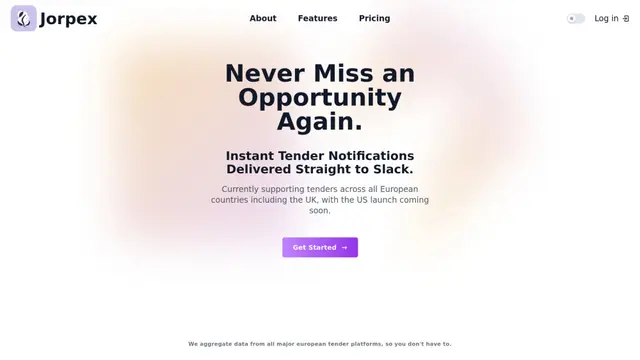
Jorpex is a comprehensive tender notification platform that aggregates and delivers instant tender alerts from across European countries directly to Slack, helping businesses never miss opportunities.
Leadsmrt
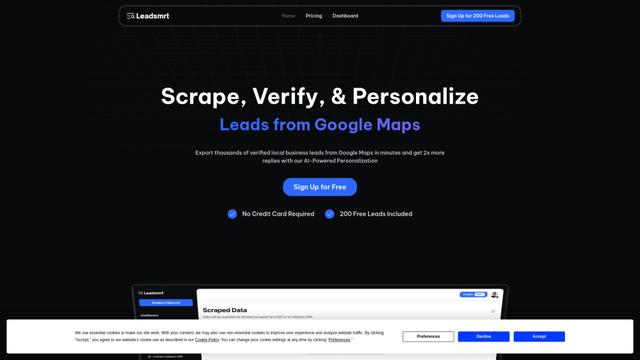
Leadsmrt is a lead generation tool that helps businesses scrape, verify and personalize targeted business leads from Google Maps with AI-powered personalization capabilities.
Omnial AI
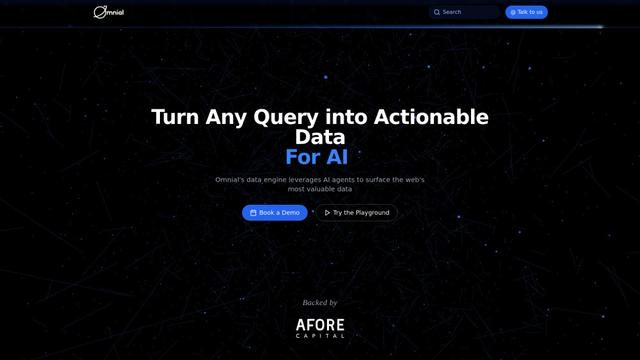
Omnial AI is a data intelligence platform that leverages AI agents to transform web prompts into structured, actionable data insights backed by Afore Capital.
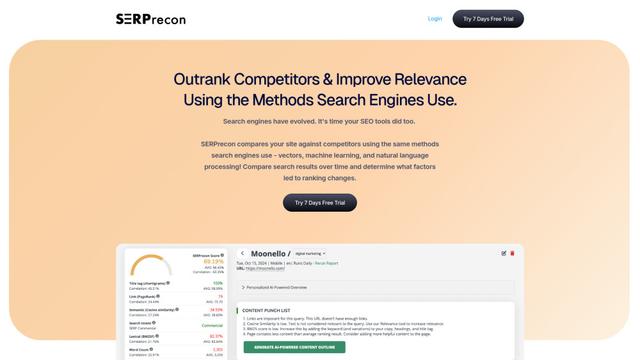
SERPrecon
SERPrecon is an advanced SEO tool that leverages vectors, machine learning, and natural language processing to help users analyze and outrank competitors by using the same methods as modern search engines.
Popular AI Tools Like Tabstack

Magentic-UI
Magentic-UI is an open-source, human-centered web agent prototype by Microsoft Research that enables collaborative planning and execution of complex web-based tasks through transparent interaction between humans and AI agents.
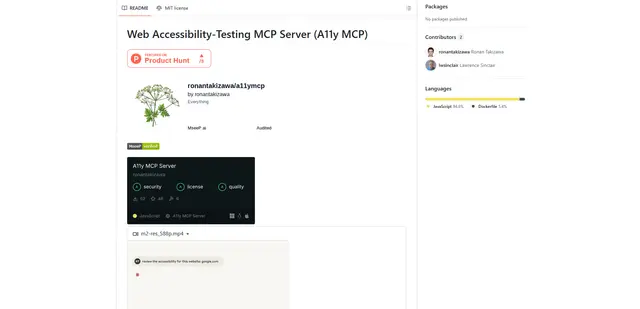
Web Accessibility Testing MCP
A11y MCP is a Model Context Protocol server that enables AI language models to perform automated web accessibility testing by integrating with Deque's Axe-core API and Puppeteer to analyze web content for WCAG compliance.

Open Browser Use
Open Browser Use is an open-source, agent-runtime-neutral browser automation layer that pairs a Chrome extension with a CLI/SDK/MCP to enable DOM-aware, CDP-powered tab control, navigation, and actions across different AI agent tools.
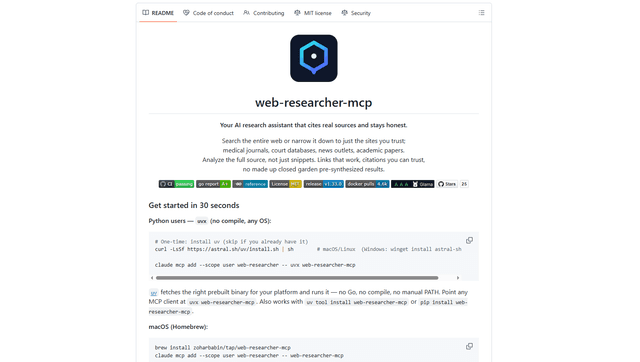
Web Researcher MCP
Web Researcher MCP is a local, production-grade MCP server that lets AI assistants search the web (optionally restricted to trusted “search lenses”), read full sources (including JS-rendered pages, PDFs, and YouTube transcripts), and return verifiable citations with multi-provider failover. [Source: https://github.com/zoharbabin/web-researcher-mcp?ref=producthunt]