
Supafax
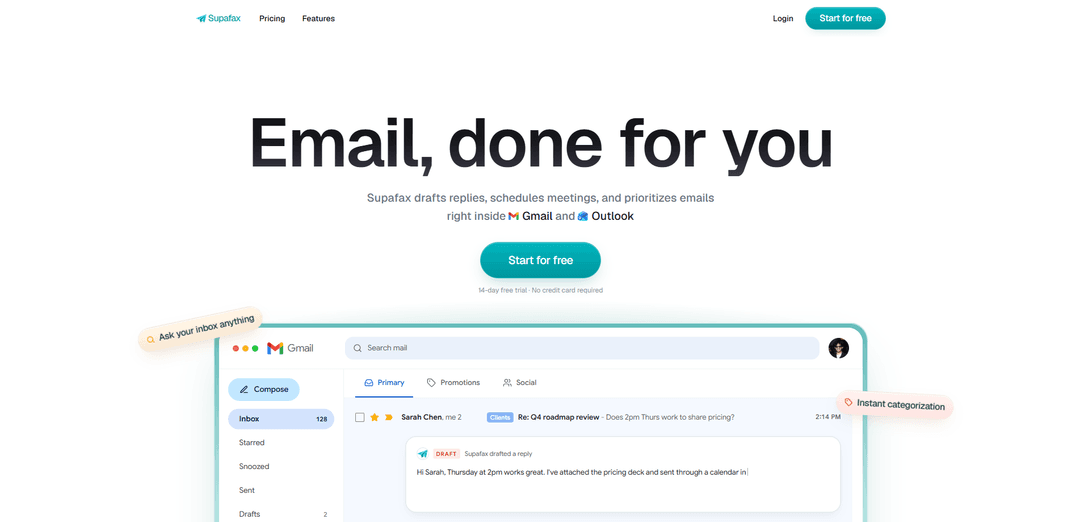
Supafax is an AI assistant that works inside Gmail and Outlook to draft replies in your voice, schedule meetings, prioritize and label emails, answer questions about your inbox, and automate ongoing email routines with plain-English rules.
https://supafax.com/?ref=producthunt
Product Information
Updated:Jul 8, 2026
What is Supafax
Supafax is an AI agent for email and calendar that “lives” directly in your inbox, helping individuals and teams handle email faster with less manual sorting and back-and-forth. It focuses on core productivity tasks—writing responses, organizing messages, and coordinating meetings—without requiring a new app or complex setup. Users connect their Gmail or Outlook once, then use Supafax to manage day-to-day inbox work through simple requests, including custom rules and recurring digests or recaps.
Key Features of Supafax
Supafax is an AI agent that works inside Gmail and Outlook to reduce time spent on email by drafting replies in your personal tone, scheduling meetings end-to-end, prioritizing and organizing the inbox, and automating recurring workflows. You can create rules and routines in plain English (no settings pages or code), ask your inbox questions to find next steps or documents and summarize unread threads/newsletters, and manage or adjust automations simply by replying—aimed at turning hours of daily email into minutes with minimal setup.
Reply drafting in your voice: Learns your tone from past emails and generates draft responses that sound like you, ready for review and sending.
Automated meeting scheduling: Handles the back-and-forth by being CC’d on threads—finds times, confirms details, and sends calendar invites.
Inbox prioritization and organization: Prioritizes emails based on sender, content, or custom rules and can organize messages with labels to keep the inbox manageable.
Plain-English automation rules: Create new inbox rules by describing what you want in natural language; Supafax confirms the rule and activates it immediately, running continuously until edited or removed.
Ask-your-inbox Q&A and summarization: Email yourself questions like “what are the next steps?” or “where is that doc?” and get answers; can also summarize unread newsletters or threads.
Scheduled routines (digests, recaps, reminders): Creates recurring email routines such as morning briefs or weekly recaps, delivered on a cadence you specify; pause/change/cancel by emailing yourself.
Use Cases of Supafax
Sales and customer success follow-ups: Drafts consistent replies to prospects/customers, prioritizes urgent accounts, and automates follow-up rules to prevent leads or renewals from slipping.
Recruiting and HR coordination: Schedules interviews by handling availability checks and calendar invites, and drafts candidate communications while keeping threads organized.
Executive assistant workflow for leaders: Triages and prioritizes inbound email, drafts responses in the exec’s tone, and runs daily/weekly digests to reduce inbox overload.
Professional services (legal, consulting, agencies): Summarizes long client threads, surfaces next steps and requested documents, and automates routing/labeling of client communications.
Operations and internal IT request handling: Uses rules to categorize and prioritize internal requests, send standard responses, and produce periodic recaps of open items.
Pros
Works directly inside Gmail and Outlook (no separate app), with minimal setup.
Natural-language rules and routines make automation accessible without technical configuration.
Time-saving bundle: drafting, scheduling, prioritization, and inbox Q&A/summaries in one tool.
14-day free trial with no credit card required (lower friction to evaluate).
Cons
Requires access to email content and history to learn tone and operate, which may be a concern for privacy-sensitive users/orgs.
Best results may depend on having sufficient past emails for tone learning and clear patterns for automation.
Automation behavior may need occasional oversight/adjustments to avoid mis-prioritization or incorrect handling of edge cases.
How to Use Supafax
1) Start the Supafax free trial: Go to https://supafax.com/ and click “Start free trial” (or sign up at https://app.supafax.com/signup). The site indicates a 14-day free trial with no credit card required.
2) Connect your email account: Connect Supafax to the inbox you want it to manage. Supafax is designed to work directly inside Gmail and Outlook (no separate app workflow).
3) Get reply drafts written in your voice: After connecting, Supafax learns your tone from past emails and drafts replies that sound like you. Review the draft in your inbox and send it when ready.
4) Use Supafax to schedule meetings via CC: When an email thread needs scheduling, CC Supafax on the thread. Supafax handles the back-and-forth to find times, confirm details, and send calendar invites.
5) Create an automation rule in plain English: Set a new rule by describing what you want in plain English (no triggers, settings pages, or code). Supafax will read your request, confirm the rule back to you, and then activate it.
6) Let the rule run continuously (edit anytime): Once activated, Supafax applies the rule to every matching email going forward. You can edit or remove the rule at any time by replying.
7) Set up recurring inbox routines (digests/recaps/reminders): Ask for routines like a morning brief, a Friday recap, or reminders on a cadence. Describe the routine you want and when you want it delivered; Supafax will handle it automatically and deliver it on time.
8) Pause, change, or cancel routines by email: If you want to stop or adjust a routine, do so by emailing yourself (as described on the site).
9) Use “Ask your inbox anything” (Professional plan feature): If you’re on the Professional plan, use the “Ask your inbox anything” capability to query your inbox directly (as listed in plan features).
10) Choose a plan after the trial (if desired): After the trial, select a plan based on your needs: Professional is listed at $35 per user/month (with features like drafting replies, labeling/organizing, meeting scheduling, custom automation rules, and priority support). Enterprise offers custom pricing with options like dedicated account management, custom integrations, and SSO/SCIM.
Supafax FAQs
Supafax is an email assistant that works inside Gmail and Outlook to draft replies, schedule meetings, prioritize emails, and automate inbox workflows.
Supafax Video
Popular Articles

Atoms: A Multi-Agent AI Platform That Transforms Ideas into Launch-Ready Products
May 22, 2026

Nano Banana SBTI: What It Is, How It Works, and How to Use It in 2026
Apr 15, 2026

Atoms Review — The AI Product Builder Redefining Digital Creation in 2026
Apr 10, 2026

Kilo Claw: How to Deploy and Use a True "Do‑It‑For‑You" AI Agent(2026 Update)
Apr 3, 2026
Latest AI Tools Similar to Supafax

10xBeast
10xBeast is an AI-powered sales platform that helps businesses automate and personalize cold email outreach to convert leads into customers in just a few clicks.

Inbox AI
Inbox AI is a privacy-focused MacOS productivity app that combines voice-driven AI automation with email management capabilities, allowing users to create custom workflows and commands while offering both cloud-based and on-device AI options.

MailSense
MailSense is an AI-powered email assistant that filters, summarizes, and generates replies to emails through a Telegram bot interface to help users manage their inbox more efficiently.
Voltmailer
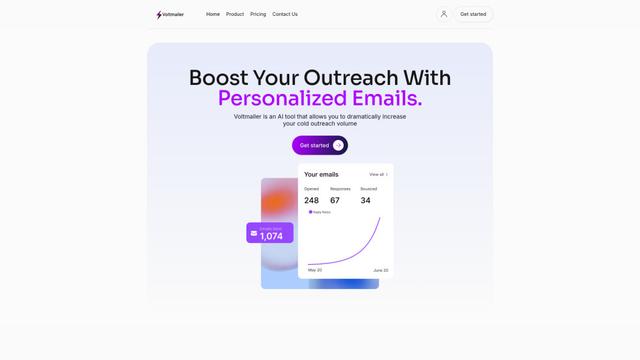
Voltmailer is an AI-powered email automation tool that helps businesses scale their cold outreach by generating personalized emails through website data scraping and automated personalization.
Popular AI Tools Like Supafax
Mailmeteor AI for Gmail
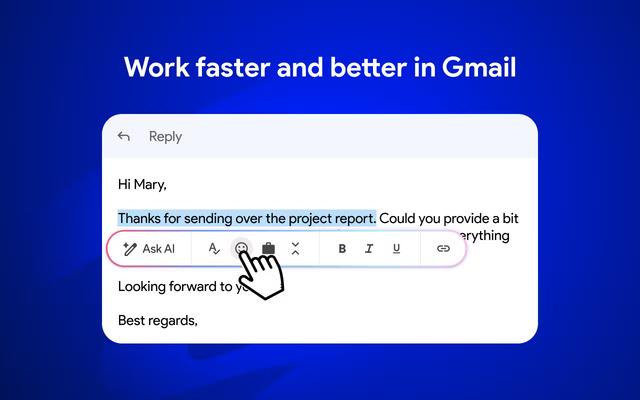
Mailmeteor is a powerful Gmail extension that combines AI email writing, mail merge, automated follow-ups, and email export capabilities to enhance productivity and email management within Gmail.
MailSnitch
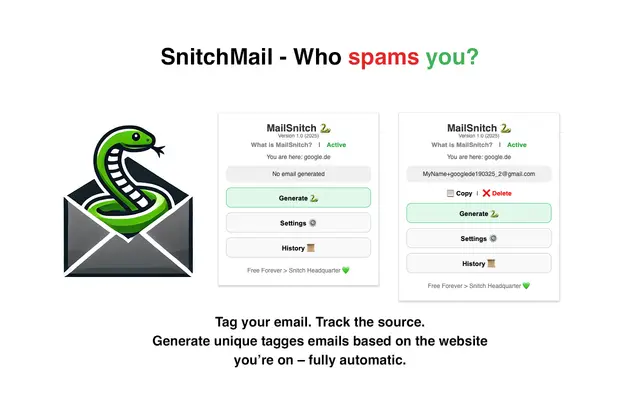
MailSnitch is a free email tracking and anti-spam Chrome extension that helps users identify spam sources through automated email tagging and tracking system.
MailMood - AI Email Rewriter
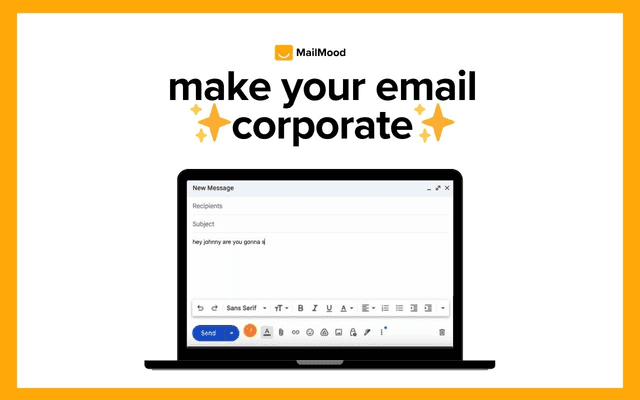
MailMood is a Chrome extension that instantly transforms Gmail messages into professional, clean, and confident business language with three different tone options - corporate, casual, or assertive - all with just one click.
Apparent for Gmail
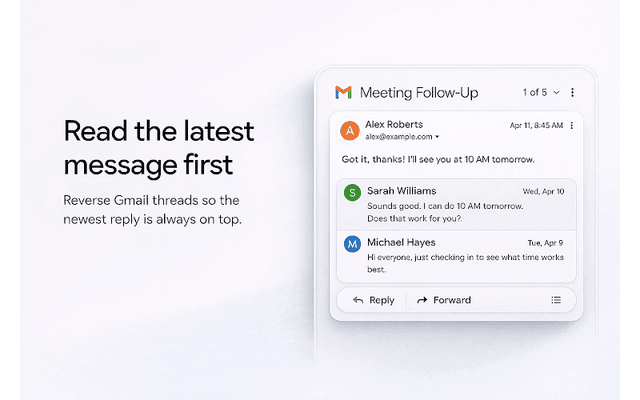
Apparent for Gmail is a Chrome extension that enhances Gmail's readability and usability by reorganizing conversations, simplifying layouts, and streamlining workflows while maintaining privacy and security.