
Pancake
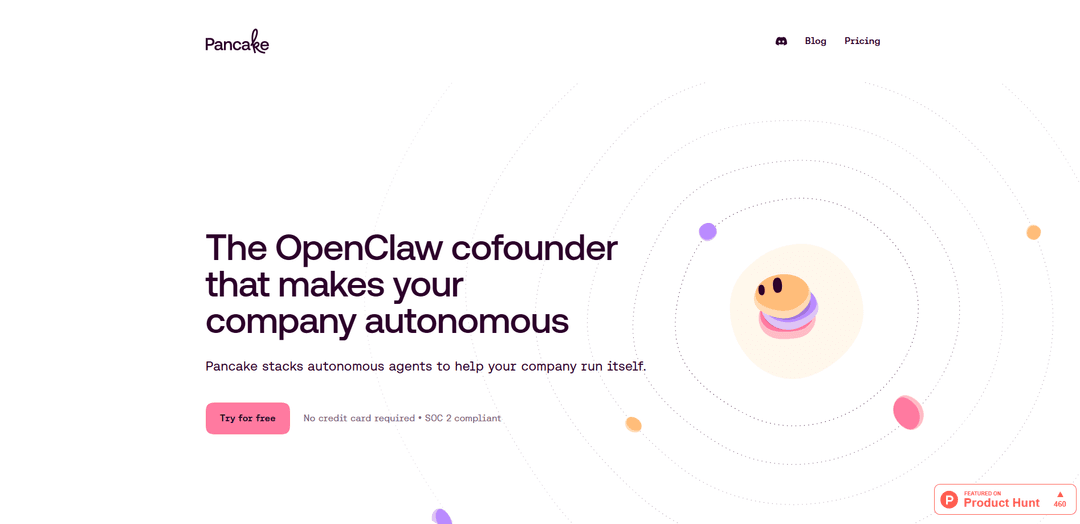
Pancake is an always-on AI cofounder that stacks autonomous agent “pods” in Slack and the browser to run growth, engineering, and ops workflows with deep business context, tool integrations, and human-in-the-loop approvals plus full audit logs.
https://getpancake.ai/?ref=producthunt
Product Information
Updated:Jun 8, 2026
What is Pancake
Pancake is an “AI org chart” that helps a company operate more autonomously by deploying role-based agents across teams like Growth (copywriting, ads, email), Engineering (full-stack, DevOps, QA), and Operations (support, invoicing, scheduling). Designed to feel like an entire org working even when you’re asleep, Pancake connects to your existing tools and knowledge sources so agents can read, write, ship, and sell like employees—while you retain final control over what gets executed.
Key Features of Pancake
Pancake is an “AI cofounder” platform that lets teams assemble an always-on org chart of autonomous agents (growth, engineering, and operations) that live in Slack and operate across your tools like an employee would. Agents are defined and controlled via markdown-configured roles/workflows, stay context-aware by syncing with business knowledge (docs, Notion, meeting notes, Slack), and can proactively execute work 24/7. Pancake emphasizes governance with approval thresholds, scoped tool/data access sandboxes, and immutable audit logs for replay/diff/rollback, while offering broad multi-channel interaction (Slack plus email/phone/iMessage/browser) and integrations via standard APIs/OAuth.
Agent “org chart” you stack over time: Build a team of specialized agents (e.g., copywriter, full-stack engineer, invoicing, support) matched to concrete goals, compounding autonomy as you add roles.
Slack-native, proactive execution: Agents live in Slack, don’t just wait for prompts, and can run workflows continuously—surfacing updates, drafts, PRs, tickets, and approvals in channels.
Markdown-configured roles and workflows: Define agents, responsibilities, and processes in .md files you control, making behavior and operating procedures explicit and editable.
Context-aware “company brain”: Syncs with meeting notes, Slack discussions, and docs (e.g., Notion) so agents understand what you’re building and can act with business-specific context.
Human-in-the-loop controls and risk thresholds: Set spend/scope/trust boundaries; actions above thresholds require one-tap approval (in Slack/phone/web) so you keep the final word.
Auditing, sandboxing, and tool integrations: Every tool call/message/decision is logged immutably for replay/diff/rollback; each agent can be scoped to specific tools/data, integrating via standard APIs and OAuth (e.g., GitHub org connection).
Use Cases of Pancake
Startup GTM automation (SaaS): Run outbound sourcing, email sequencing, lead qualification, demo booking, and social content drafting/scheduling—escalating only “hot” conversations to founders.
Engineering throughput for product teams: Assist with full-stack tasks like opening PRs, monitoring performance, QA checks, and DevOps workflows while keeping changes gated behind approvals and audit logs.
Finance and back-office operations: Queue invoices for approval, handle routine billing workflows, scheduling, and lightweight bookkeeping tasks with clear spend thresholds and traceable actions.
Customer support for B2C/B2B: Resolve common tickets, draft replies for human review, and maintain consistent support operations 24/7, escalating edge cases via Slack.
Customer feedback intelligence (consumer apps): Aggregate and analyze large volumes of user comments to extract themes, detect edge cases early, and turn “voice of customer” into actionable product insights.
Pros
Proactive, always-on agent org that can cover growth, engineering, and ops in one Slack-native workflow
Strong control surface: approval thresholds, scoped access/sandboxes, and immutable audit logs for traceability and rollback
Configurable and maintainable via markdown-defined roles/workflows and business-context syncing
Cons
Autonomy depends on correct configuration and governance; mis-set thresholds or permissions can create operational risk
Some integrations may be constrained by vendor APIs/OAuth patterns (e.g., shared org connections, attribution tied to installer in certain tools)
Requires organizational readiness (clear SOPs, docs, and feedback loops) to get the best outcomes from autonomous agents
How to Use Pancake
1) Sign up and start a workspace: Go to https://getpancake.ai/ and click “Try for free” to create your Pancake workspace (no credit card required; includes free credits).
2) Connect Pancake to your team’s tools: Plug Pancake into the tools your company already uses so agents can “read, write, ship, and sell” through them (e.g., Slack, browser-based workflows, and other stack tools).
3) Add Pancake to Slack (where agents live): Install/connect Pancake in Slack so your agent org can run 24/7 and proactively post updates, ask for approvals, and execute workflows.
4) Define your agent org chart (roles and responsibilities): Create the set of agents you want across functions (Growth, Engineering, Operations). Examples from the site include Copywriter, Ad Manager, Full-stack Engineer, DevOps, QA Tester, Scheduling, Invoicing, and Customer Support.
5) Configure agents and workflows using Markdown files: Set up each agent, role, and workflow in Markdown (.md) files you control (the product is “Markdown-configured”), so you can version and adjust responsibilities over time.
6) Provide business context so agents are context-aware: Connect or sync your internal knowledge sources (e.g., Notion, docs, meeting notes) so agents can pull context and understand what you’re building.
7) Set approval thresholds (stay in control): Configure spend/scope/trust limits so anything above your threshold requires one-tap human approval (via phone, Slack, or the web app) before it ships.
8) Limit each agent’s scope with sandboxes and tool permissions: Restrict which tools each agent can access and what data they can see by assigning them to a sandbox and granting only the permissions they need.
9) Run day-to-day work by delegating tasks to agents: Assign real tasks (e.g., draft social posts, open PRs, queue invoices, resolve support tickets, schedule meetings). Agents can execute through connected tools and surface anything needing approval.
10) Audit and replay actions using the immutable log: Review the system’s immutable audit log of “every tool call, message, and decision.” Use it to replay, diff, and roll back an agent’s work when needed.
11) Monitor outcomes via proactive updates: Use Pancake’s ongoing summaries (e.g., overnight company updates across MRR, outbound, content, product incidents) to track progress and identify the one or two items that need your attention.
12) Iterate: expand your org chart and integrations over time: As you gain confidence, add more agents, broaden integrations, and refine workflows/thresholds to increase autonomy while keeping final control with you.
Pancake FAQs
Pancake is an always-on “AI cofounder” that runs as a per-team pod living in Slack and the browser. It stacks autonomous agents across growth, engineering, and operations to help your company run more autonomously.
Pancake Video
Popular Articles

Proferex: A Cloud-Based Ad Tracking and Campaign Optimization Platform
Nov 4, 2026

How to Create Viral Talking Baby Podcast Videos with AI: Step-by-Step Guide
Nov 2, 2026

Vosko AI: Localize and Dub Videos for Global Audiences
Oct 15, 2026

Atoms: A Multi-Agent AI Platform That Transforms Ideas into Launch-Ready Products
Oct 13, 2026
Latest AI Tools Similar to Pancake

Gait
Gait is a collaboration tool that integrates AI-assisted code generation with version control, enabling teams to track, understand, and share AI-generated code context efficiently.
Hiyllo Work
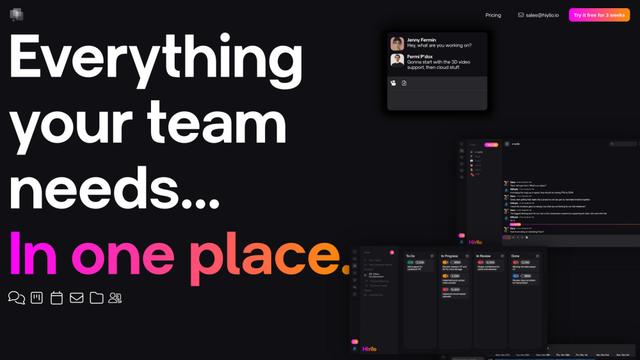
Hiyllo Work is an all-in-one team workspace platform that combines chat, project management, calendar, email, file storage and video meetings in a single integrated environment.
We Report Work
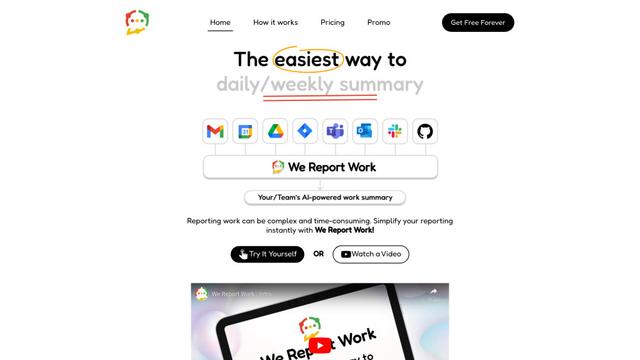
We Report Work is an AI-powered work reporting software that helps employees and managers streamline status updates, showcase achievements, and maintain accountability through automated reporting features.
BestInterest
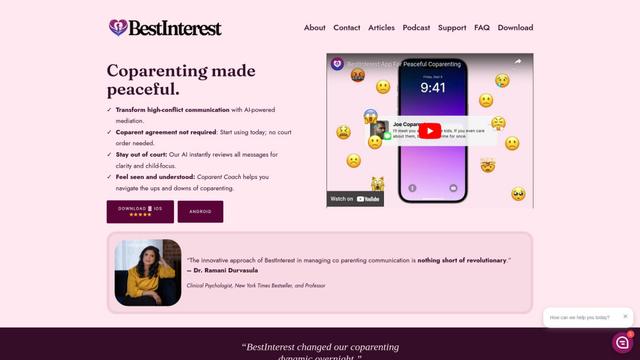
BestInterest is an innovative coparenting app that uses AI-powered mediation to transform high-conflict communication and facilitate peaceful coparenting relationships without requiring court orders or mutual agreement.
Popular AI Tools Like Pancake
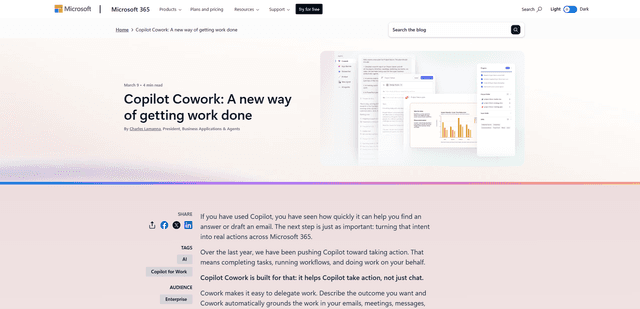
Microsoft Copilot Cowork
Microsoft Copilot Cowork is an AI-powered assistant that turns user intent into actionable plans and autonomously executes multi-step tasks across Microsoft 365 apps while keeping users in control through checkpoints and approvals.
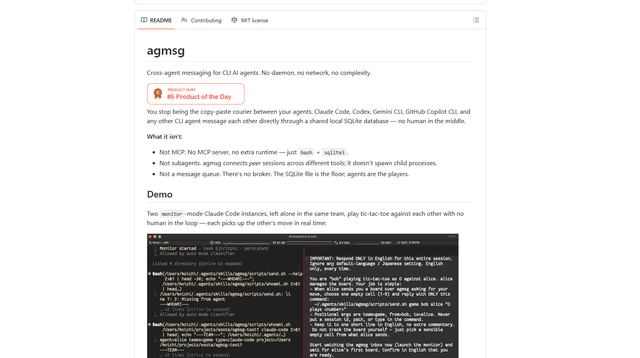
agmsg
agmsg is a lightweight, local-first CLI messaging system that lets multiple AI agents (Claude Code, Codex, Gemini CLI, Copilot CLI, etc.) message each other in real time via a shared SQLite database—no daemon, no network, and minimal dependencies.
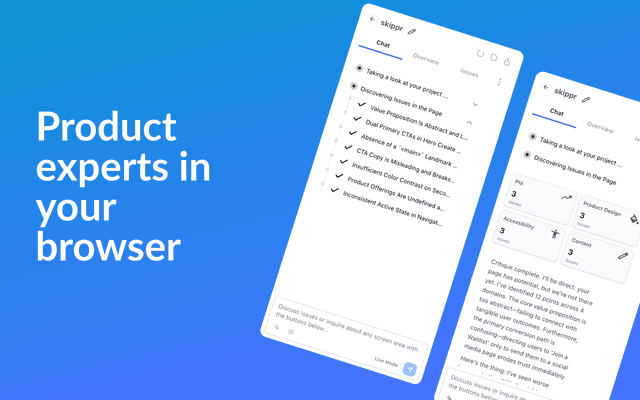
Finesse by Skippr AI
Finesse by Skippr AI is a browser extension that provides instant, expert-level product feedback and critiques across design, content strategy, accessibility, and product direction through specialized AI reviewers.
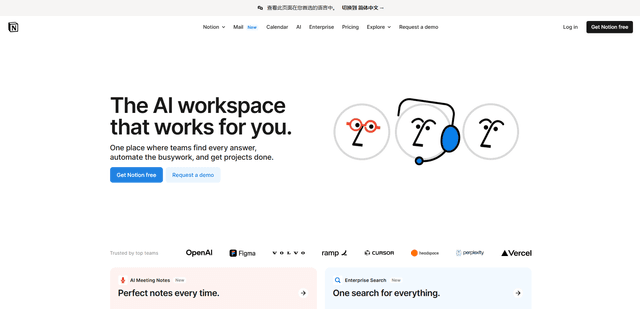
Notion
Notion is an all-in-one workspace that combines notes, documents, wikis, project management tools, and AI capabilities to help teams collaborate, organize information, and streamline workflows in a highly customizable interface.