
Manifest
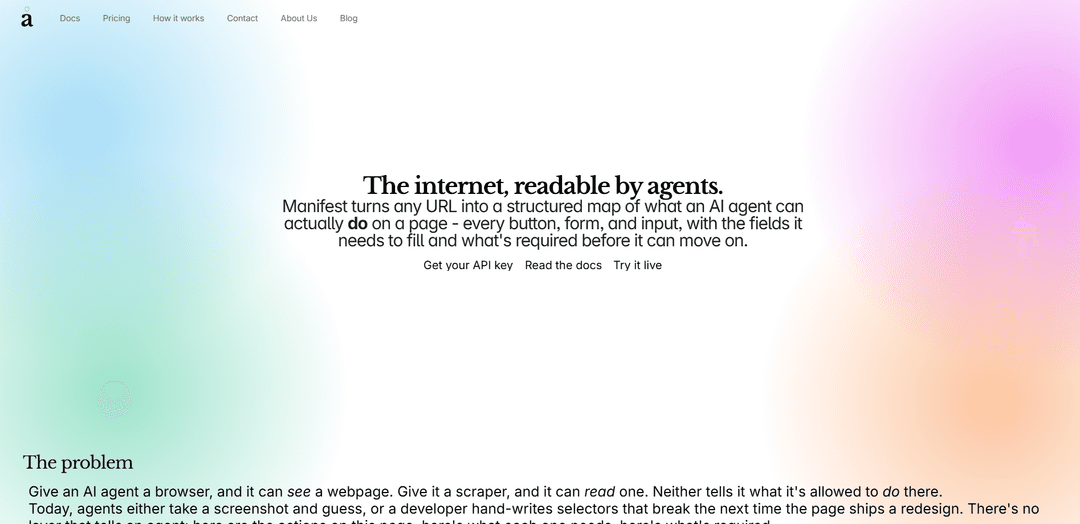
O Manifest transforma qualquer URL em um mapa JSON estruturado de elementos de interface de usuário acionáveis – botões, formulários e entradas – para que os agentes de IA possam clicar, preencher e enviar de forma confiável sem seletores frágeis ou capturas de tela.
https://omfang.io/?ref=producthunt&utm_source=aipure
Informações do Produto
Atualizado:Aug 8, 2026
O que é Manifest
Manifest (por omfang) é uma API de "camada de ação" para agentes de IA que converte uma página da web em uma representação limpa e legível por agentes do que pode ser feito nessa página. Em vez de apenas mostrar a um agente como uma página se parece (ferramentas de navegador) ou o que ela diz (scrapers/extratores de conteúdo), o Manifest identifica os controles interativos – como entradas, botões e links de navegação – e os descreve com o contexto que um agente precisa para agir corretamente, incluindo o que é necessário antes que ele possa prosseguir.
Principais Recursos do Manifest
Manifest é uma API que transforma qualquer URL de página da web em um "mapa de ação" JSON estruturado que um agente de IA pode analisar e executar de forma confiável. Ele analisa a árvore de acessibilidade da página (como um leitor de tela) e a verifica com o DOM subjacente para capturar elementos de UI acionáveis – botões, formulários, entradas – e os detalhes que os agentes precisam para ter sucesso (campos obrigatórios, tipos de entrada, espaços reservados, estados desabilitados), evitando seletores CSS frágeis e adivinhação por captura de tela, enquanto permanece resiliente a redesenhos de UI.
URL → manifesto de ação JSON: Uma chamada de API converte uma página da web em uma lista limpa e estruturada de ações (clicar/preencher/enviar) mais links de navegação, tornando as páginas programaticamente operáveis para agentes.
Compreensão orientada pela árvore de acessibilidade: Lê a árvore de acessibilidade da mesma forma que a tecnologia assistiva, produzindo descrições estáveis e semânticas de elementos interativos em vez de heurísticas visuais ou baseadas em seletores frágeis.
Referência cruzada do DOM para detalhes ausentes: Aumenta os dados de acessibilidade com especificidades derivadas do DOM, como campos obrigatórios, tipos de entrada, espaços reservados e estados desabilitados – críticos para preencher formulários corretamente.
Saída razoável para o agente (não HTML bruto): Retorna ações com rótulos, tipos, descrições e sinalizadores de requisitos para que os agentes possam planejar as etapas (por exemplo, o que deve ser preenchido antes de enviar) sem análise personalizada.
Resiliente a redesenhos de UI: Evita seletores mantidos manualmente e caminhos CSS frágeis que quebram quando as páginas mudam, melhorando a confiabilidade a longo prazo para a automação.
Cache para velocidade e custo previsível: As respostas em cache são rápidas e destinam-se a reduzir custos repetidos para agentes que revisitam as mesmas URLs com frequência.
Casos de Uso do Manifest
Automação de tarefas web por agente de IA: Permite que os agentes concluam de forma confiável tarefas de sites em várias etapas (preencher formulários, clicar em botões, enviar fluxos) usando uma camada de ação estruturada em vez de capturas de tela ou seletores frágeis.
Fluxos de trabalho de suporte ao cliente e autoatendimento: Capacita agentes/bots de suporte que podem navegar em portais de contas, enviar solicitações e guiar usuários por formulários da web, entendendo quais ações estão disponíveis e são necessárias.
Automação de vendas e captura de leads: Automatiza operações de divulgação, como envio de formulários de contato, solicitação de demonstrações ou preenchimento de formulários de integração de parceiros, enquanto lida corretamente com campos obrigatórios e tipos de entrada.
QA e teste de regressão para aplicativos web: Gera um inventário estável de elementos interativos para automação de testes que é menos sensível a refatorações de UI, melhorando a manutenibilidade dos testes de ponta a ponta.
Modernização de RPA para empresas: Substitui scripts de RPA com muitos seletores por uma camada de manifesto de ação semântica para reduzir quebras em ferramentas internas e sistemas web de terceiros.
Automação com foco em acessibilidade: Aproveita a árvore de acessibilidade para impulsionar automações que se alinham com a semântica acessível, ajudando a garantir que os agentes interajam com as páginas de forma robusta, semelhante a um leitor de tela.
Vantagens
Mais robusto do que seletores escritos à mão, contando com a semântica de acessibilidade e a validação do DOM.
Saída JSON estruturada amigável ao agente que lista explicitamente as ações e requisitos disponíveis.
Evita a adivinhação baseada em captura de tela, permitindo fluxos de automação mais determinísticos.
O cache pode melhorar o desempenho e tornar as interações repetidas mais previsíveis em termos de custo.
Desvantagens
A eficácia pode depender da qualidade da árvore de acessibilidade e da estrutura do DOM de um site (páginas mal rotuladas podem gerar manifestos menos úteis).
Descreve principalmente o que pode ser feito em uma página; a execução de ações ainda requer um tempo de execução de agente/ferramenta de navegador.
UIs dinâmicas ou altamente roteirizadas podem exigir tratamento adicional além da descoberta estática de elementos.
Como Usar o Manifest
1) Obtenha acesso ao Manifest: Vá para https://omfang.io/ e clique em "Get your API key" (ou visite https://app.manifest.omfang.io/login) para fazer login e obter uma chave de API para a API do Manifest.
2) Decida qual página (URL) você deseja mapear em ações: Escolha o URL exato em que seu agente precisa operar (por exemplo, uma página de login, página de checkout, formulário de contato). O Manifest funciona visitando um URL e produzindo um mapa de ações estruturado para essa página.
3) Chame o endpoint do Manifest para gerar um manifesto de ação: Envie uma solicitação para o endpoint da API do Manifest mostrado na documentação: POST /manifest com um corpo JSON como { "url": "https://example.com" }. Isso aciona o Manifest para visitar a página, ler a árvore de acessibilidade, fazer referência cruzada ao DOM e retornar um manifesto JSON estruturado das ações disponíveis.
4) Leia o resumo da página retornado (current_page_state): No JSON de resposta, use o campo "current_page_state" para entender em qual página você está (por exemplo, "Página de contato com um formulário de mensagem"). Isso ajuda um agente a confirmar o contexto antes de realizar ações.
5) Enumere as ações disponíveis (botões, formulários, entradas): Inspecione o array "actions" na resposta. Cada ação inclui campos como id, label, type, description e required. Este é o resultado principal: uma lista estruturada do que um agente pode clicar, preencher ou enviar.
6) Identifique os campos e restrições obrigatórios antes de agir: Use os metadados de cada ação (por exemplo, "required": true/false) para determinar o que deve ser preenchido antes do envio. O Manifest foi projetado para incluir detalhes que as árvores de acessibilidade geralmente perdem, como campos obrigatórios, tipos de entrada, espaços reservados e estados desabilitados.
7) Use links de navegação para mover entre as páginas quando necessário: Inspecione o array "navigation" (por exemplo, { "label": "Home", "url": "/" }) para encontrar alvos de navegação estáveis. Use esses URLs para guiar o agente para a próxima página e, em seguida, execute novamente POST /manifest no novo URL para obter o mapa de ações da próxima página.
8) Iterar: execute novamente o Manifest após cada mudança de página: Sempre que o agente navegar para uma página diferente ou o estado da interface do usuário mudar, chame POST /manifest novamente para o URL atual. Isso mantém o mapa de ações do agente alinhado com o estado da página ao vivo, sem depender de seletores ou capturas de tela frágeis.
9) Experimente ao vivo antes de integrar: Use a demonstração ao vivo em https://demo.manifest.omfang.io/demo para ver o conceito de ponta a ponta: URL de entrada → manifesto de ação JSON estruturado de saída.
10) Gerencie o uso e o custo com cache e um plano: Escolha um plano em https://omfang.io/#pricing com base no volume de chamadas esperado (Gratuito/Iniciante/Profissional/Empresarial). Observe que as respostas em cache são descritas como rápidas e geralmente não contam para os limites de taxa da mesma forma que as solicitações frias, o que ajuda a manter os fluxos de trabalho repetidos do agente previsíveis.
Perguntas Frequentes do Manifest
Manifest é uma API de "camada de ação" que transforma qualquer URL em um mapa JSON estruturado do que um agente de IA pode fazer em uma página da web – botões, formulários e entradas – além do que é necessário antes que um agente possa prosseguir.
Vídeo do Manifest
Artigos Populares

Vosko AI: Localize e Duble Vídeos para Públicos Globais
Oct 15, 2026

Atoms: Uma Plataforma de IA Multiagente Que Transforma Ideias em Produtos Prontos para Lançamento
May 22, 2026

Nano Banana SBTI: O Que É, Como Funciona e Como Usá-lo em 2026
Apr 15, 2026

Análise do Atoms — O Construtor de Produtos de IA Redefinindo a Criação Digital em 2026
Apr 10, 2026
Ferramentas de IA Mais Recentes Semelhantes a Manifest
Jorpex
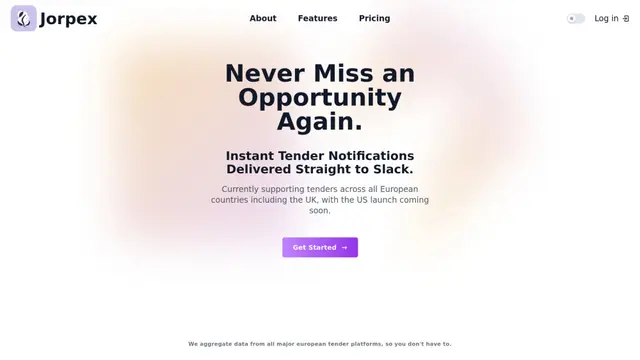
Jorpex é uma plataforma abrangente de notificação de licitações que agrega e entrega alertas instantâneos de licitações de países europeus diretamente ao Slack, ajudando as empresas a nunca perderem oportunidades.
Leadsmrt
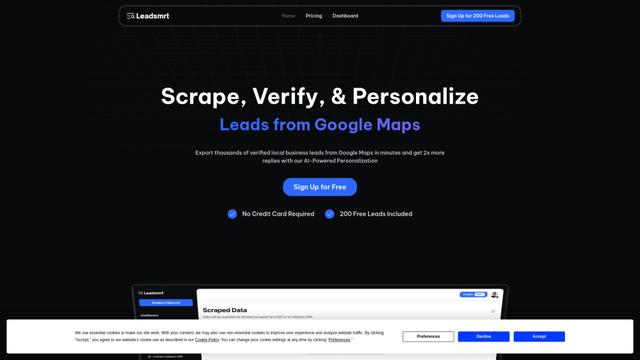
Leadsmrt é uma ferramenta de geração de leads que ajuda as empresas a fazer scraping, verificar e personalizar leads de negócios direcionados do Google Maps com capacidades de personalização impulsionadas por IA.
Omnial AI
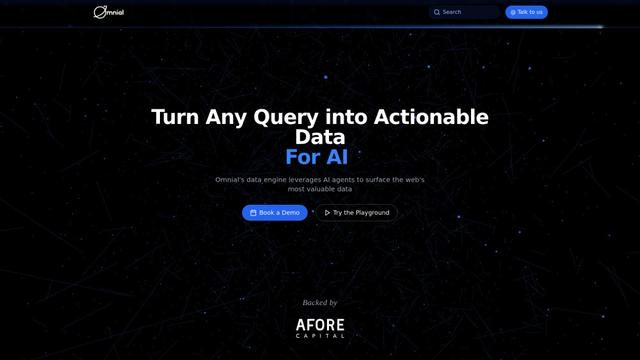
Omnial AI é uma plataforma de inteligência de dados que aproveita agentes de IA para transformar prompts da web em percepções de dados estruturados e acionáveis, apoiadas pela Afore Capital.
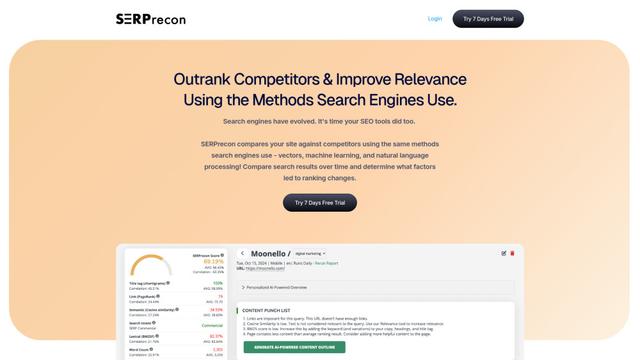
SERPrecon
O SERPrecon é uma ferramenta avançada de SEO que utiliza vetores, aprendizado de máquina e processamento de linguagem natural para ajudar os usuários a analisar e superar concorrentes usando os mesmos métodos que os motores de busca modernos.
Ferramentas de IA Populares Como Manifest
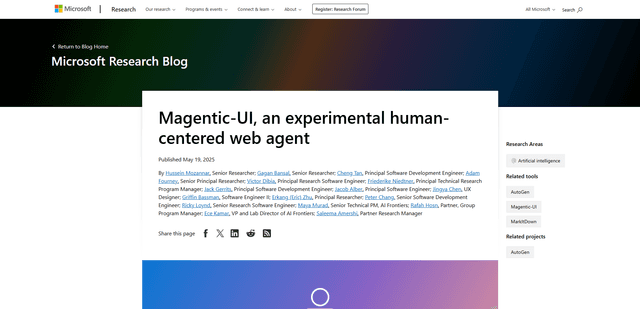
Magentic-UI
Magentic-UI é um protótipo de agente web de código aberto e centrado no ser humano da Microsoft Research que permite o planejamento e a execução colaborativos de tarefas complexas baseadas na web através da interação transparente entre humanos e agentes de IA.
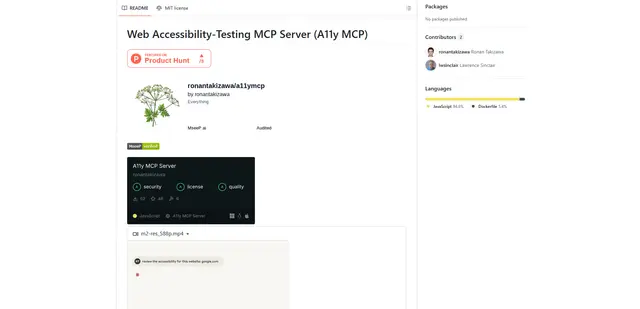
Web Accessibility Testing MCP
O A11y MCP é um servidor Model Context Protocol que permite que modelos de linguagem de IA realizem testes automatizados de acessibilidade da web, integrando-se com a API Axe-core da Deque e o Puppeteer para analisar o conteúdo da web em busca de conformidade com WCAG.
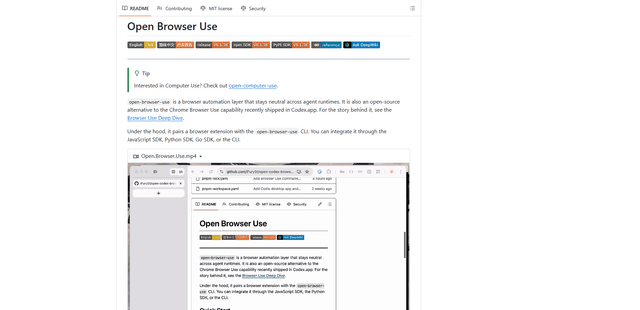
Open Browser Use
Open Browser Use é uma camada de automação de navegador de código aberto e neutra em relação ao tempo de execução do agente que combina uma extensão do Chrome com um CLI/SDK/MCP para permitir controle de guias, navegação e ações cientes do DOM e alimentadas por CDP em diferentes ferramentas de agente de IA.
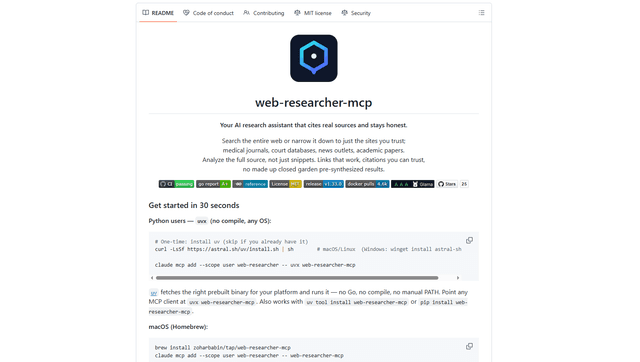
Web Researcher MCP
Web Researcher MCP é um servidor MCP local e de nível de produção que permite que assistentes de IA pesquisem na web (opcionalmente restrito a “lentes de pesquisa” confiáveis), leiam fontes completas (incluindo páginas renderizadas em JS, PDFs e transcrições do YouTube) e retornem citações verificáveis com failover multiprovedor. [Fonte: https://github.com/zoharbabin/web-researcher-mcp?ref=producthunt]