Lyro
Lyro is an AI customer experience agent by Tidio that integrates with your existing helpdesk to automate support and sales conversations with brand-aligned, trustworthy answers and action-taking workflows in 45+ languages.
https://www.getlyro.ai/?utm_source=aipure

Product Information
Updated:Jun 29, 2026
What is Lyro
Lyro (by Tidio) is an AI customer service suite designed to optimize help desk operations without sacrificing customer trust. Built to deliver human-like, personalized support, it helps businesses automate high-volume, repetitive customer inquiries while staying “on script” and “on brand.” Lyro is positioned as a quick-to-implement solution—often operational within hours—connecting to your current tech stack and support tools rather than requiring a risky migration or heavy implementation.
Key Features of Lyro
Lyro by Tidio is an AI Customer Experience Agent that automates customer support and sales conversations across channels using your existing business content (FAQs, help articles, website pages) with no-code setup. It delivers human-like, brand-aligned answers in 45+ languages, can ask clarifying questions, and escalates seamlessly to human agents when issues are complex. Beyond Q&A, Lyro can integrate with helpdesks and ecommerce platforms, take actions via integrations/APIs (e.g., order updates, refunds, bookings), and improve over time with guidance, coaching, and analytics—supported by enterprise-focused onboarding options and compliance credentials (e.g., SOC 2 Type 2, GDPR, CCPA/CPRA, EU-US DPF).
No-code learning from your content: Automatically learns from existing FAQs, support articles, and website content to answer customer questions without building rigid chatbot flows or writing code.
Brand-aligned, human-like conversations: Understands context in multi-turn chats, adapts tone (friendly/neutral/formal), stays on-brand with provided guidance, and aims to avoid hallucinations by relying on your content.
Omnichannel support automation: Handles common questions across channels such as chat, email, and social media, providing 24/7 instant responses and consistent experiences.
Seamless human handoff & escalation: When a request is too complex or uncertain, Lyro transfers the conversation to a human agent with context to maintain service quality.
Actions & deep integrations: Connects to helpdesks (e.g., Zendesk, Intercom, Gorgias, Salesforce) and can trigger workflows or fetch live data via integrations/OpenAPI to perform tasks like order status checks, refunds, subscription changes, and bookings.
Ecommerce product knowledge & recommendations: For online stores, can access product catalogs (e.g., Shopify/WooCommerce integrations or via API) to guide shoppers and provide personalized product recommendations.
Use Cases of Lyro
Ecommerce customer support & shopping assistant: Automate order status, shipping, returns/refunds, and product questions; recommend products during chats to increase conversion and average order value.
SaaS technical support triage: Resolve repetitive “how-to” and troubleshooting questions from docs/knowledge base, collect diagnostic details, and escalate complex tickets to engineers with full context.
Financial services customer service: Handle high-volume FAQs (account access, policy explanations, basic onboarding steps) while escalating sensitive or complex cases to human agents to preserve trust.
Home services scheduling & inquiries: Answer service questions, qualify leads, and book appointments/calls automatically; route urgent or unusual issues to human teams.
Enterprise helpdesk augmentation: Integrate with an existing helpdesk stack to deflect routine tickets, standardize responses across teams, and use analytics to identify knowledge gaps and improve resolution rates.
Pros
Fast, low-lift deployment: learns from existing content with no-code setup and can be operational quickly.
Quality and safety controls: brand guidance, on-script behavior, and seamless human handoff reduce risk versus bot-only setups.
Broad applicability: supports 45+ languages, omnichannel use, and integrations with major helpdesks and ecommerce platforms.
Cons
Knowledge quality dependency: performance relies heavily on the completeness and accuracy of your FAQs/help content and ongoing maintenance.
Monitoring/optimization overhead: requires analytics review and continuous coaching to maintain high resolution rates as products and policies change.
Ecosystem/integration constraints: some advanced capabilities (e.g., product recommendations or renaming) may depend on specific integrations or higher-tier plans.
How to Use Lyro
1) Start a Lyro account (free trial): Go to https://www.getlyro.ai/ and click “Start for free” to create a Tidio account and enable Lyro. Lyro can be tested for up to 50 conversations for free; beyond that you’ll need a paid Lyro AI Agent package with a monthly limit.
2) Choose where Lyro will work (your channels): Decide which customer touchpoints you want Lyro to handle (e.g., your website chat and other supported channels). Lyro can be brought into conversations from your site, email, and social channels to provide quick, consistent responses.
3) Connect Lyro to your existing help desk / CRM (no migration): Use Lyro Connect to link Lyro directly to your current CRM or support platform so you don’t need to migrate tools. This keeps your workflow intact and allows Lyro to operate inside your existing inbox/help desk.
4) Add your business knowledge (teach Lyro your content): Provide Lyro with the support content it should rely on (e.g., your FAQs and website/support materials). Lyro is designed to work only with the content and guidance you provide so it stays on-brand and avoids making things up.
5) Shape the agent’s behavior with clear instructions: Define tone, personality, preferred responses, and handoff rules. You decide how Lyro communicates so replies remain consistent with your brand voice.
6) Configure escalation and ticketing for uncertain/complex cases: Set rules for when Lyro should hand off to a human. When Lyro is unsure, it can create a ticket for your team to follow up, ensuring customers still get help without delays.
7) Enable actions and workflows (from simple to advanced): Set up the tasks you want Lyro to automate—such as refunds, order updates, subscription changes, and call bookings. Start with simpler actions first; for deeper workflows, use custom API setups to let Lyro take real action in your internal systems.
8) (Optional) Connect your product catalog for shopping assistance: If you’re in ecommerce, connect your product catalog so Lyro can suggest relevant items in chat (e.g., complementary products, replacements) and guide shoppers with personalized recommendations.
9) Validate context handling and conversation continuity: Test real customer scenarios. Lyro can use recent conversation context (it can see up to three hours into the past for the most recent history, including prior visitor interactions with live agents and flows) to respond more accurately.
10) Launch and monitor performance: Turn Lyro on for live conversations and track outcomes (e.g., resolution/self-service rate and customer satisfaction). Review where Lyro gets stuck and refine your knowledge sources and guidance to improve results over time.
11) Manage usage limits and plan renewals: If you’re on a paid plan, note that your conversation quota refreshes monthly on the day Lyro was activated for your account (e.g., activated on June 14 → refreshes on the 14th each month).
12) (Optional) Use Professional Services for expert-led implementation: If you want faster setup and tailored integrations/workflows, contact Lyro’s experts for white-glove onboarding, training, and custom integration support (including deeper help desk/CRM setups).
Lyro FAQs
Lyro is Tidio’s AI customer experience agent (AI chatbot) designed to automate customer support conversations in a human-like way using natural language processing, rather than following rigid, script-based chatbot flows.
Popular Articles

Atoms: A Multi-Agent AI Platform That Transforms Ideas into Launch-Ready Products
May 22, 2026

Nano Banana SBTI: What It Is, How It Works, and How to Use It in 2026
Apr 15, 2026

Atoms Review — The AI Product Builder Redefining Digital Creation in 2026
Apr 10, 2026

Kilo Claw: How to Deploy and Use a True "Do‑It‑For‑You" AI Agent(2026 Update)
Apr 3, 2026
Latest AI Tools Similar to Lyro
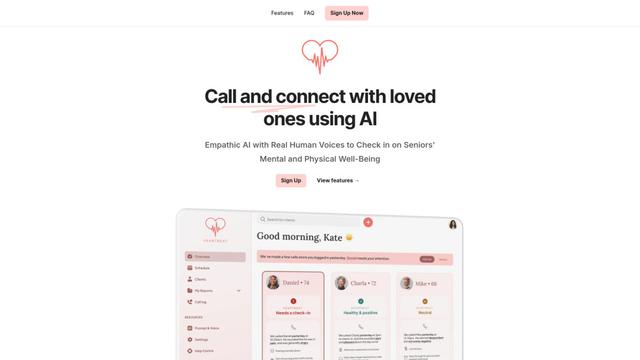
Heartbeat
Heartbeat is a versatile platform that offers both an online community-building solution and an AI-powered wellness calling system for seniors and at-risk individuals, featuring customizable spaces, real-time communication, and health monitoring capabilities.
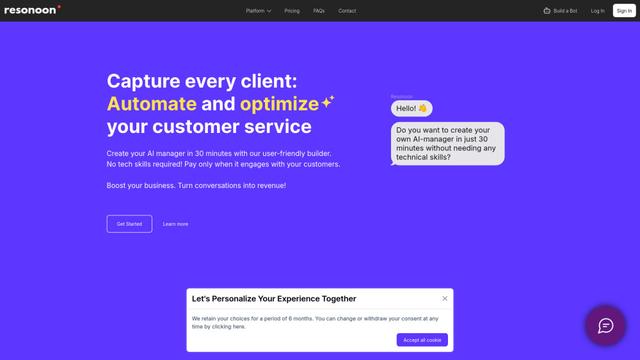
Resonoon
Resonoon is a no-code B2B SaaS platform that enables businesses to create AI-powered voice and chatbots in 30 minutes without technical skills, offering pay-per-conversation pricing.
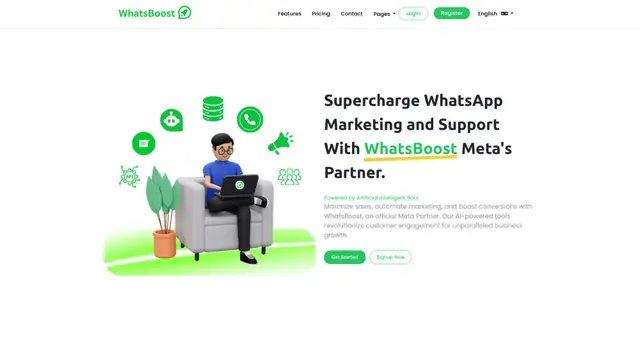
WhatsBoost
WhatsBoost is an AI-powered WhatsApp marketing platform and official Meta Partner that enables businesses to automate customer communications, manage campaigns, and integrate with multiple services through open APIs.

Vapify
Vapify is a white-label platform that enables agencies to offer Vapi.ai's voice AI solutions under their own brand while maintaining control over client relationships and maximizing revenue.
Popular AI Tools Like Lyro
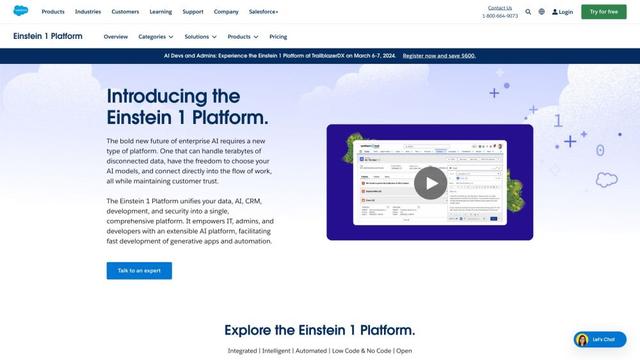
Salesforce Einstein
Salesforce Einstein is an integrated artificial intelligence platform that brings AI capabilities to Salesforce's CRM products, offering predictive analytics, natural language processing, and machine learning to enhance customer experiences and business processes.
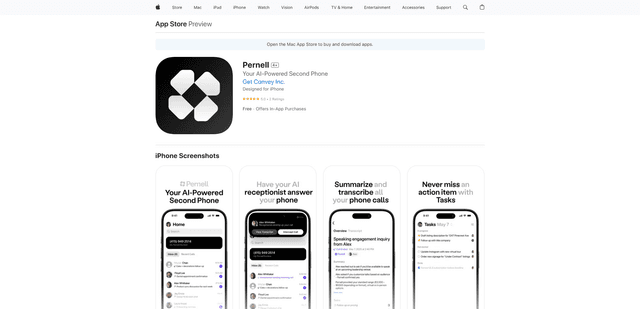
Pernell
Pernell is an AI-powered receptionist app that answers calls, provides summaries and transcripts, and manages follow-ups on your behalf.
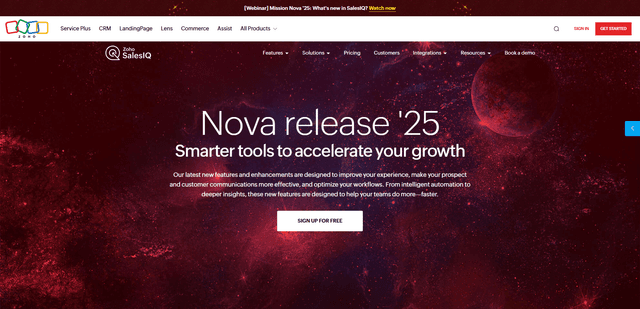
Zoho SalesIQ Nova '25
Zoho SalesIQ Nova '25 is a comprehensive update featuring 25+ new enhancements across AI-powered chatbots, GenAI tools, messaging channels, workflows, and integrations to help businesses accelerate customer engagement and sales growth.

HubSpot
HubSpot is an all-in-one AI-powered customer platform that provides marketing, sales, service, operations, and website-building software to help businesses grow.