
Granite
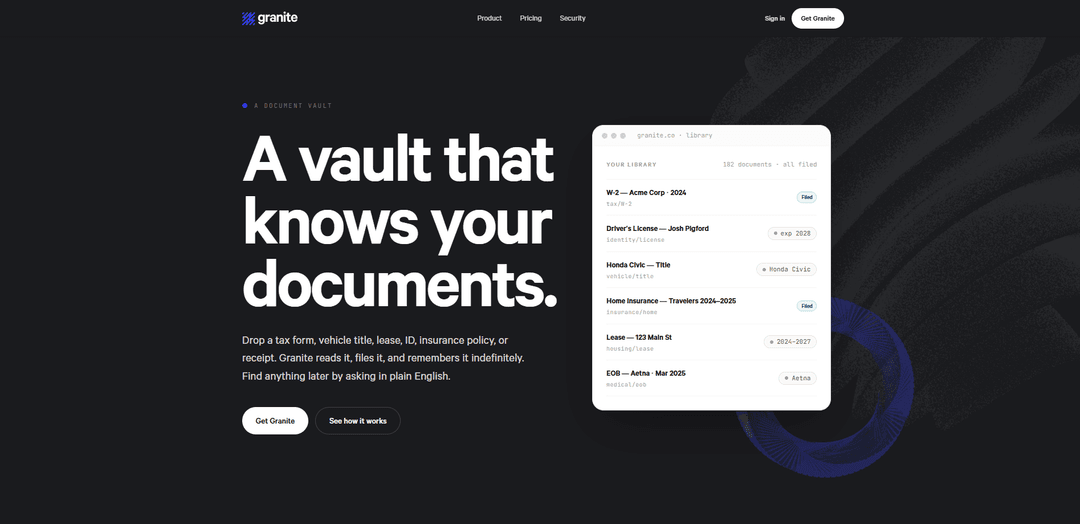
Granite is an encrypted document vault that automatically reads, organizes, and lets you search or ask questions about important documents in plain English with citations.
https://granite.co/?ref=producthunt
Product Information
Updated:Jun 8, 2026
What is Granite
Granite is a digital “vault for every document that matters,” designed to store and manage items like tax forms, IDs, insurance policies, leases, vehicle titles, and receipts. Instead of relying on manual naming, tagging, or foldering, Granite focuses on understanding each document, extracting key fields, and filing it into a structured library that’s easy to browse and retrieve later. It supports common formats (PDFs, scans, phone photos, and forwarded emails) and is built around long-term portability, allowing users to export their entire vault whenever they want.
Key Features of Granite
Granite is an AI-powered, encrypted document vault that accepts documents in whatever format you already have (PDFs, scans, photos, forwarded emails, and common image formats like HEIC). It automatically reads and understands each document, extracts key fields, and files it into a structured library connected to relevant people, vendors, places, vehicles, and tax years—without manual naming, tagging, or foldering. You can later retrieve documents or ask questions in plain English and get answers backed by citations from the source document, with portability features that let you export the entire vault at any time.
Multi-format “Drop” ingestion: Upload PDFs, scans, phone photos, forwarded emails, and common file types (including HEIC/HEIF) individually or via folder upload, so you don’t need to convert documents first.
Automatic document understanding and filing: Granite identifies the document type, extracts important fields, and files it into the right context (e.g., tax year, vehicle, vendor) without requiring you to name, tag, or organize items manually.
Plain-English search and Q&A with citations: Find specific documents (“my 2024 W-2”) or ask questions (“when does my passport expire”, “what’s my deductible”) and get answers sourced directly from your documents with verifiable citations.
Structured library with auto-collections: Documents get a permanent home in a bookshelf-like library, with collections that form around common groupings such as tax years, vehicles, and insurance policies.
Security model focused on privacy and control: Uses two layers of AES-256 encryption (per-upload wrapping plus encrypted metadata/fields) and claims staff don’t browse vaults; emergency access is opt-in, audited, and never silent.
Portability and full-vault export: Documents remain in their original form and you can export the entire vault as a zip, including extracted fields, reducing lock-in risk.
Use Cases of Granite
Personal finance and tax organization: Store W-2s, 1099s, 1040s, receipts, and other tax documents; quickly retrieve forms by year and ask questions like how much was withheld, with citations for verification.
Household and family records management: Centralize IDs, passports, leases, medical EOBs, and insurance policies; query upcoming expirations (e.g., “anything that expires in the next 90 days”).
Small business / freelancer admin: Manage contracts, invoices, receipts, and formation documents; reduce time spent filing and quickly answer questions during bookkeeping or audits by pulling cited details.
Vehicle and property document hub: Keep vehicle titles, registrations, and insurance together with property-related documents; retrieve key fields (like policy deductibles) instantly when filing claims or renewing coverage.
Estate planning and emergency readiness: Maintain a secure, exportable archive of critical documents and enable audited, opt-in emergency access for a trusted person when needed.
Pros
Minimal manual organization: automatic reading, field extraction, and filing reduces tagging/folder work.
Powerful retrieval: plain-English search and Q&A with citations makes it easy to verify answers against source documents.
Security and control: layered AES-256 encryption plus opt-in, audited emergency access and full-vault export improve privacy and portability.
Cons
Annual-only paid plan: pricing is $99/year with no monthly option mentioned.
Free tier limits: capped at 25 documents and 1 GB storage, which may be restrictive for document-heavy users.
Coverage depends on supported document types: while 60+ types are supported and growing, uncommon documents may not be recognized as well.
How to Use Granite
1) Create your Granite vault: Go to https://granite.co/ and sign up to start your document vault (you can begin on the free plan).
2) Upload documents (Drop): Add documents in whatever form you already have: upload PDFs, Word files, images (JPG/PNG/WebP), HEIC/HEIF photos from your phone, or upload a whole folder. You can also forward an email that contains the document.
3) Let Granite process them (Read): After upload, Granite automatically identifies what each document is, extracts key fields, and links it to relevant entities (people, vendors, places, vehicles, tax years). You don’t need to name files, tag them, or manually file them.
4) Verify documents are organized (Filed): Open your library to see each document placed into a permanent home. Review auto-created groupings/collections (e.g., by tax year, vehicle, or vendor) that form automatically.
5) Find documents with plain-English search (Ask → Find): Use natural language to retrieve documents, e.g., “my 2024 W-2” or “anything that expires in the next 90 days.” Granite returns the best-matching document.
6) Ask questions and check citations (Ask → Answer): Ask questions like “when does my passport expire,” “what’s the deductible on my home insurance,” or “how much federal tax was withheld in 2024.” Granite answers using your documents and provides citations so you can verify.
7) Export your vault for portability: When you want a backup or to move your archive, export the whole vault as a ZIP. Documents remain in their original formats, and extracted fields are included alongside them.
8) Choose a plan (optional): Stay on Granite Free (up to 25 documents and 1 GB) or upgrade to Granite Paid ($99/year) for 100 GB storage, no document cap, and emergency access for someone you trust.
9) (Optional) Set up emergency access: If you’re on the paid plan, configure opt-in emergency access for a trusted person; access is audited and not silent.
Granite FAQs
Granite is a document vault that reads and organizes your important documents (like tax forms, IDs, insurance policies, leases, titles, and receipts) so you can find them later by asking in plain English.
Popular Articles

Vosko AI: Localize and Dub Videos for Global Audiences
Oct 15, 2026

Atoms: A Multi-Agent AI Platform That Transforms Ideas into Launch-Ready Products
Oct 13, 2026

Nano Banana SBTI: What It Is, How It Works, and How to Use It in 2026
Apr 15, 2026

Atoms Review — The AI Product Builder Redefining Digital Creation in 2026
Apr 10, 2026
Latest AI Tools Similar to Granite
Folderr
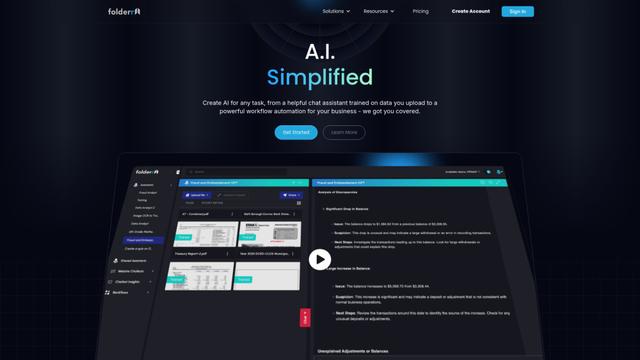
Folderr is a comprehensive AI platform that enables users to create custom AI assistants by uploading unlimited files, integrating with multiple language models, and automating workflows through a user-friendly interface.
InDesign Translator
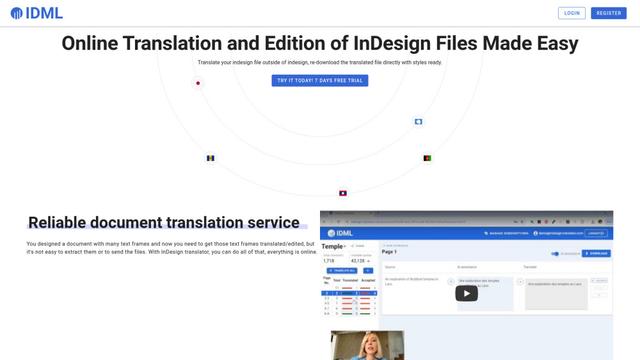
InDesign Translator is an online translation service that enables users to translate InDesign files while maintaining formatting and styles, offering AI-assisted translation and easy collaboration features without requiring translators to have InDesign installed.
Specgen.ai
Specgen.ai is an AI-powered platform that helps businesses optimize their bid responses by automatically analyzing tender requirements and generating personalized responses while ensuring 100% data confidentiality through proprietary AI models.
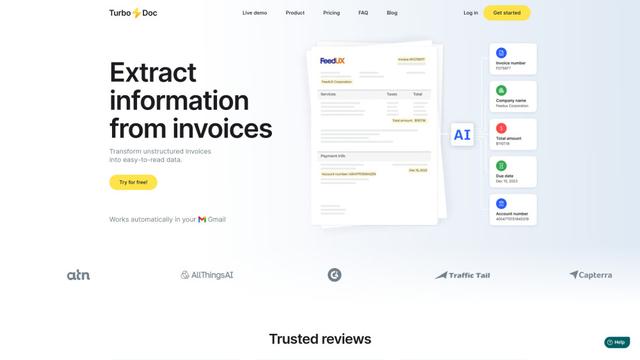
TurboDoc
TurboDoc is an AI-powered invoice processing software that automatically extracts and transforms unstructured invoice data into organized, easy-to-read structured data through Gmail integration and intelligent document processing.
Popular AI Tools Like Granite

R2R
R2R (Reason to Retrieve) is an advanced AI retrieval system that provides production-ready Retrieval-Augmented Generation (RAG) capabilities with multimodal content ingestion, hybrid search, knowledge graphs, and comprehensive document management through a RESTful API.

Claude Folder Upload
A Chrome extension that enables users to upload entire folders to Claude AI while intelligently preserving directory structures and file relationships, with smart filtering capabilities for irrelevant files.
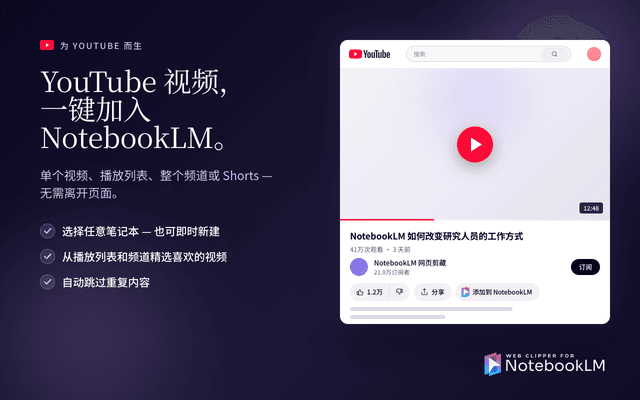
Web Clipper for NotebookLM
Web Clipper for NotebookLM is a Chrome extension that saves web pages, PDFs, YouTube content, social posts/threads, and even AI chat conversations directly into Google NotebookLM in one click, plus adds powerful export, sync, and notebook-management tools.
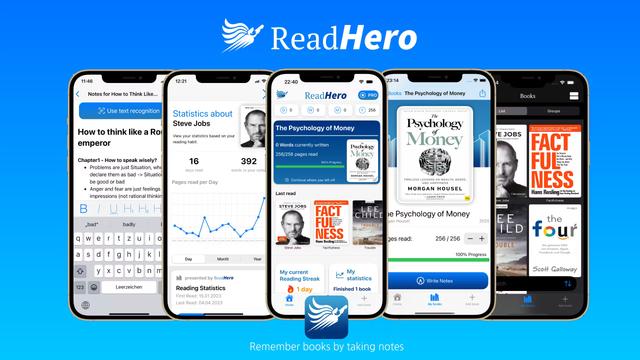
ReadHero
ReadHero is a comprehensive book tracking and note-taking app that helps readers remember and retain more of what they read by enabling progress tracking, note-taking, and book management all in one place.