
Gemini 3.5 Live Translate
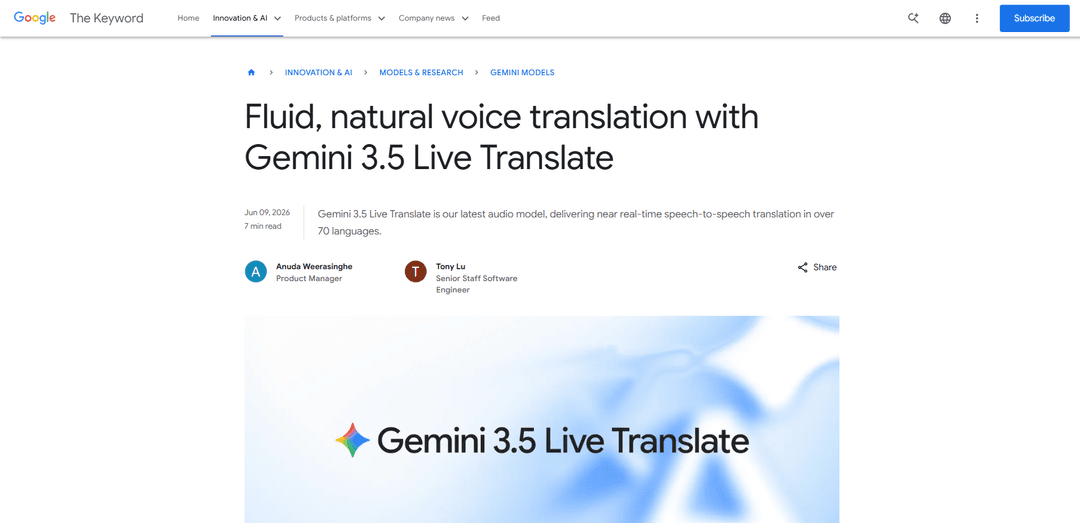
Gemini 3.5 Live Translate is Google’s low-latency, streaming speech-to-speech translation audio model that auto-detects 70+ languages and produces smooth, natural-sounding translated speech while preserving the speaker’s intonation, pacing, and pitch.
https://blog.google/innovation-and-ai/models-and-research/gemini-models/gemini-live-3-5-translate?ref=producthunt
Product Information
Updated:Jun 15, 2026
Gemini 3.5 Live Translate Monthly Traffic Trends
Gemini 3.5 Live Translate received 8.5m visits last month, demonstrating a Slight Decline of -12.1%. Based on our analysis, this trend aligns with typical market dynamics in the AI tools sector.
View history trafficWhat is Gemini 3.5 Live Translate
Gemini 3.5 Live Translate is a specialized Gemini 3.5 family audio model built for fluid, near real-time voice translation during live conversations. Instead of feeling like a typical “talk, wait, then translate” tool, it’s designed to keep up with natural dialogue and deliver lifelike translated audio across more than 70 languages. Google is rolling it out across multiple surfaces: a public preview for developers via the Gemini Live API and Google AI Studio, a private preview for select enterprise customers in Google Meet, and global availability for end users through the Google Translate app on Android and iOS.
Key Features of Gemini 3.5 Live Translate
Gemini 3.5 Live Translate is Google’s low-latency, speech-to-speech translation audio model that delivers near real-time translation across 70+ languages. It continuously translates streaming audio (instead of turn-by-turn), auto-detects and switches languages without manual configuration, and aims to preserve the speaker’s intonation, pacing, and pitch while staying only a few seconds behind. It’s designed to work in noisy, real-world environments and is rolling out across the Gemini Live API/Google AI Studio for developers, Google Meet (private preview for enterprises), and the Google Translate app on Android and iOS, with SynthID watermarking applied to generated audio for detectability.
Near real-time speech-to-speech translation: Translates spoken language directly into spoken output with low latency, keeping the translation just a few seconds behind the speaker.
Continuous streaming (not turn-by-turn): Generates translated speech continuously while the speaker is talking, reducing awkward pauses and making conversations feel more natural.
Automatic 70+ language detection: Recognizes and switches between more than 70 languages automatically, avoiding manual input-language configuration in multilingual conversations.
Preserves delivery and expressiveness: Designed to retain aspects of the speaker’s delivery—intonation, pacing, and pitch—so translations sound more lifelike and aligned with the original tone.
Noise-robust for real-world settings: Built to perform in loud and unpredictable environments (e.g., on-the-go conversations, events, busy streets) rather than only quiet rooms.
SynthID-watermarked audio output: All generated audio includes an imperceptible SynthID watermark embedded in the waveform to help detect AI-generated speech and reduce misuse.
Use Cases of Gemini 3.5 Live Translate
Multilingual video meetings (enterprise): In Google Meet, enables live speech translation across 70+ languages and 2000+ language combinations, supporting more inclusive global collaboration.
Travel and in-person conversations: In the Google Translate app, supports live translation via headphones (and Android ‘listening mode’ via the earpiece) for more seamless real-world communication.
Customer support and contact centers: Allows agents and customers to speak naturally in different languages while receiving continuous translated audio, improving speed and reducing misunderstandings.
Ride-hailing and mobility coordination: Enables near real-time driver–passenger communication at pickups and during trips (e.g., partners like Grab testing for multilingual calls).
Education and training: Supports live interpretation for lessons, tutoring, and workshops, helping instructors teach multilingual audiences without stopping for turn-based translation.
Broadcast, events, and live interpretation apps: Via the Gemini Live API and partner streaming platforms (e.g., LiveKit/Agora), developers can build real-time dubbing and multi-language translation experiences.
Pros
More natural conversations due to continuous streaming translation with fewer pauses
Broad coverage with automatic detection of 70+ languages and multilingual input handling
Designed for practical environments with noise robustness
SynthID watermarking improves transparency and helps deter misuse of generated audio
Cons
Translation can still lag a few seconds behind the speaker due to the quality vs. synchronization trade-off
Enterprise availability in Google Meet is initially limited (private preview before broader rollout)
Pricing/additional costs were not clearly disclosed at launch in the provided sources
How to Use Gemini 3.5 Live Translate
1) Choose where you want to use Gemini 3.5 Live Translate: Pick the surface that matches your needs: (a) Google Translate app (Android/iOS) for personal use, (b) Google Meet (enterprise/private preview) for meetings, or (c) Gemini Live API / Google AI Studio (developer/public preview) to build real-time translation into your own app.
2) Use it in the Google Translate app (Android/iOS): Install/update Google Translate on Android or iOS. Open the app and select the Live translate / conversation-style live translation experience. Connect headphones for the most seamless experience; the model streams translated speech in near real time across 70+ languages and aims to preserve tone, pacing, and pitch.
3) (Android) Try the new Listening Mode for private playback: On supported Android rollouts, enable the new Listening Mode with 3.5 Live Translate. Hold your phone to your ear like a normal call to hear the translated audio through the earpiece—useful when you don’t have headphones and want others not to hear the translation.
4) Use it in Google Meet (enterprise/private preview): If you are a select Google Workspace business customer in the private preview, open Google Meet and start/join a meeting. Use the updated Meet interface to access Speech translation. Meet will support 70+ languages and 2000+ language combinations within a single meeting (not limited to English as a pivot).
5) Try it without coding in Google AI Studio (developer/public preview): Go to Google AI Studio’s Live experience and select the model "gemini-3.5-live-translate-preview". Configure the session for AUDIO output and enable translation by setting a target language code. Start streaming microphone audio; you should receive continuous translated audio and (optionally) input/output transcriptions.
6) Build with the Gemini Live API (developer/public preview) — set up prerequisites: Get access to the Gemini Live API and an API key. Decide your streaming stack (WebSocket or SDK). If you don’t want to build real-time media plumbing yourself, consider partner platforms mentioned in the sources (Agora, Fishjam, LiveKit, Pipecat, Vision Agents) that handle real-time streaming infrastructure.
7) Create a Live session and enable translation in the config: Connect to the Live API using model "gemini-3.5-live-translate-preview" and set a LiveConnectConfig / generationConfig with: responseModalities=["AUDIO"], inputAudioTranscription enabled (optional), outputAudioTranscription enabled (optional), and translationConfig with targetLanguageCode (e.g., "pl") and echoTargetLanguage (optional).
8) Stream audio in and play translated audio out (continuous translation): Send microphone audio frames/chunks as they are captured. The model processes speech as it’s streamed and returns translated audio continuously (staying a few seconds behind the speaker). Play the returned audio stream to the listener in real time; optionally display input/output transcriptions if enabled.
9) Handle multilingual and noisy real-world input: Rely on the model’s automatic language detection for multilingual inputs (no manual language switching required). Design your UX for real environments: background noise, interruptions, and overlapping speech can occur; keep audio capture stable and provide clear indicators of who is speaking and what language is being output.
10) Validate output and communicate watermarking: Be aware that all audio generated by Gemini 3.5 Live Translate is watermarked with SynthID (imperceptible watermark embedded in the audio). If you’re building a product, document that translated audio is AI-generated and includes watermarking for detectability.
11) Use official demos and example code to accelerate development: Review Google’s Gemini Live API demo and example repositories (e.g., the LiveKit-based live translate demo and other Gemini Live API examples) to copy a working streaming pipeline, then adapt it to your app’s UI and deployment environment.
Gemini 3.5 Live Translate FAQs
Gemini 3.5 Live Translate is Google’s latest audio model for near real-time, speech-to-speech translation.
Gemini 3.5 Live Translate Video
Popular Articles

Atoms: A Multi-Agent AI Platform That Transforms Ideas into Launch-Ready Products
May 22, 2026

Nano Banana SBTI: What It Is, How It Works, and How to Use It in 2026
Apr 15, 2026

Atoms Review — The AI Product Builder Redefining Digital Creation in 2026
Apr 10, 2026

Kilo Claw: How to Deploy and Use a True "Do‑It‑For‑You" AI Agent(2026 Update)
Apr 3, 2026
Analytics of Gemini 3.5 Live Translate Website
Gemini 3.5 Live Translate Traffic & Rankings
8.5M
Monthly Visits
#8357
Global Rank
#353
Category Rank
Traffic Trends: Nov 2024-Jun 2025
Gemini 3.5 Live Translate User Insights
00:00:53
Avg. Visit Duration
1.93
Pages Per Visit
55.03%
User Bounce Rate
Top Regions of Gemini 3.5 Live Translate
US: 26.94%
IN: 8.76%
GB: 5.14%
JP: 4.24%
DE: 3.01%
Others: 51.91%
Latest AI Tools Similar to Gemini 3.5 Live Translate
InDesign Translator
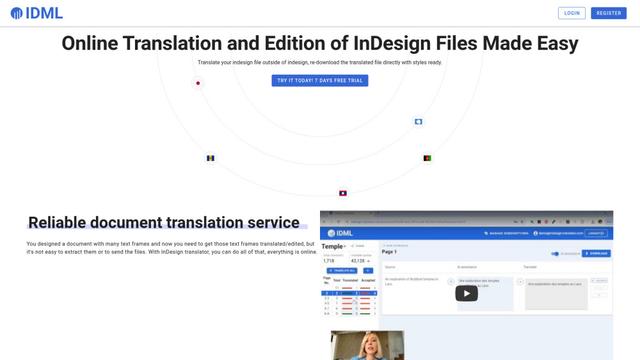
InDesign Translator is an online translation service that enables users to translate InDesign files while maintaining formatting and styles, offering AI-assisted translation and easy collaboration features without requiring translators to have InDesign installed.

Blanc AI
Blanc AI is a revolutionary AI solution that enables video content translation and dubbing into 47+ languages while preserving the original voice, emotions, and lip synchronization.
MenuGuide
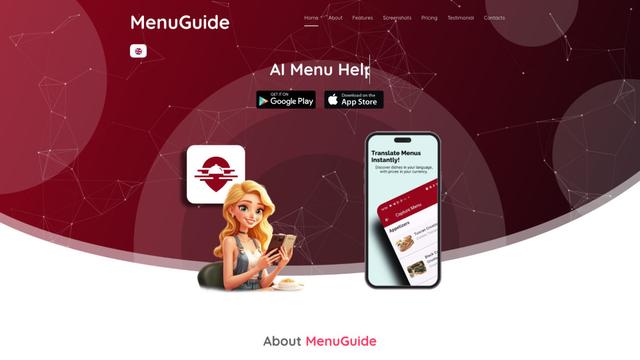
MenuGuide is a cutting-edge AI-powered app that instantly translates restaurant menus from any language to your preferred language, providing dish details, allergen information, and nutritional facts for seamless global dining experiences.
Vocabulary AI
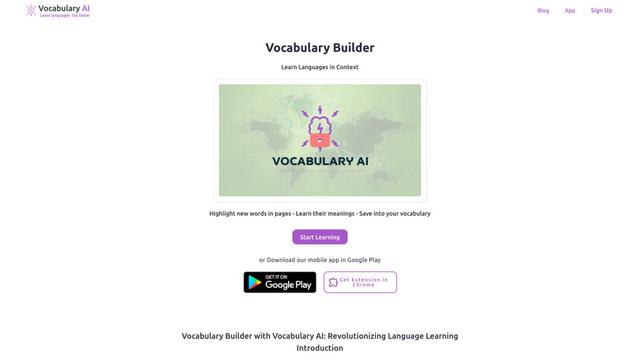
Vocabulary AI is an advanced AI-powered language learning platform that combines translation, vocabulary building, and personalized practice through website, mobile app, and browser extension to help users effectively learn and retain new words.
Popular AI Tools Like Gemini 3.5 Live Translate
ChatGPT Translate
FreeTranslate
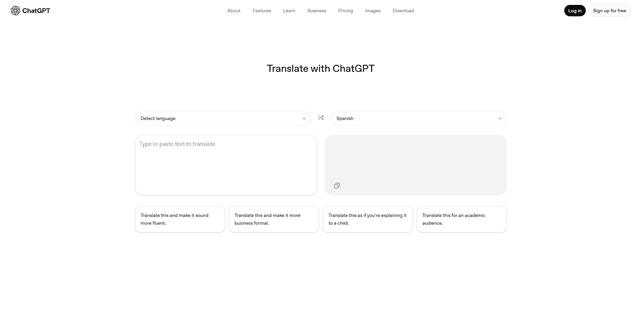
ChatGPT Translate is OpenAI's dedicated translation service that supports 50+ languages with AI-powered customization features for producing natural, context-aware translations across different tones and styles.
RSTGameTranslation
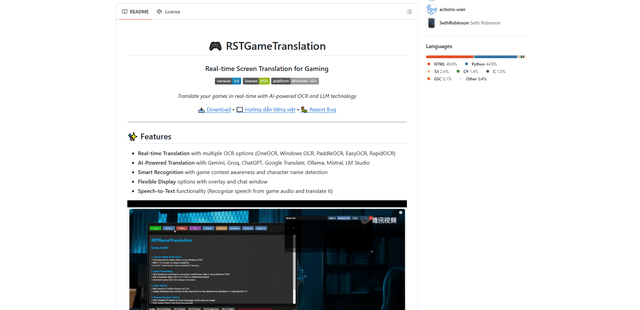
RSTGameTranslation is an open-source real-time game translation tool that combines OCR and AI translation technologies to automatically translate game text across multiple languages while supporting both offline and online modes.
Duory
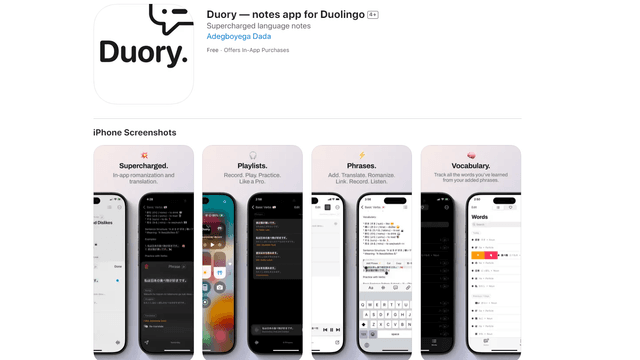
Duory is a dynamic language learning companion app that helps Duolingo users reinforce their lessons through interactive note-taking, translation features, and voice recording capabilities.