
Compendium
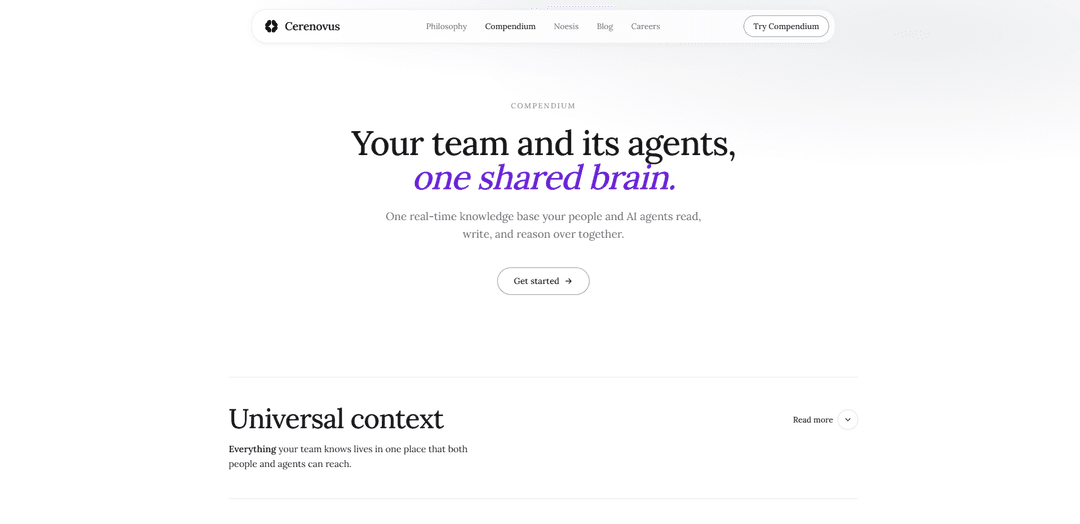
Compendium is a real-time shared team memory and knowledge-graph “company brain” where people and AI agents read, write, collaborate in shared Claude sessions, and trace decisions with linked context and source-backed reasoning.
https://www.cerenovus.ai/compendium-info?ref=producthunt
Product Information
Updated:Jul 9, 2026
What is Compendium
Compendium (by Cerenovus) is a shared, real-time knowledge base designed to act as “one brain” for a team and its AI agents. It replaces scattered docs and siloed chats with a connected knowledge graph that mirrors how teams actually think—linking customer conversations, specs, decisions, and outcomes so anyone can quickly understand not just what happened, but why. Built for both humans and agents, Compendium helps teams maintain durable context across projects, make organizational knowledge uniformly accessible, and enable agents to reason over the same foundation instead of starting from scratch each time.
Key Features of Compendium
Compendium is Cerenovus’s shared, real-time “team brain” where both people and AI agents can read, write, and reason over the same continuously updated knowledge base. It replaces scattered docs and isolated chat sessions with a linked knowledge graph (using wiki-style links) that preserves decisions, discussions, and source trails so anyone—human or agent—can quickly retrieve context, follow reasoning, and cite supporting artifacts. It also enables collaborative, shared Claude sessions, making handoffs seamless and reducing duplicated work by keeping a single, persistent workspace for team memory and ongoing agent runs.
One shared brain for humans + agents: A single real-time knowledge base that your team and AI agents access together, so context is shared by default rather than recreated in silos.
Cross-team visibility and awareness: Lets teammates see what others are working on and read across teams’ vaults, reducing surprises and duplicated effort.
Knowledge graph with wikilinks: Turns information into a navigable graph that mirrors how teams think—link anything to anything so context is always a short hop away.
Traceable decision trails with source citation: Connects customer calls, specs, and decisions so agents (and humans) can follow the chain of reasoning and cite the underlying sources without manual stitching.
Shared live Claude sessions: Multiple teammates can collaborate inside the same ongoing Claude session, watching reasoning in real time and steering together instead of running separate private chats.
Seamless handoffs and persistent runs: Start an agent run, step away, and someone else continues with full history intact—no need for the model to re-derive prior work.
Use Cases of Compendium
Product & engineering decision memory (SaaS/tech): Link customer feedback → PRD/spec → implementation decisions so engineers and PMs can instantly answer “why did we build it this way?” with supporting context.
Sales–engineering alignment (B2B teams): Give sales access to the customer conversations and tradeoffs behind shipped features, improving expectation-setting and reducing miscommunication.
Onboarding and ramp-up (any growing org): New hires ask the vault why systems work the way they do and get original specs, discussions, and tradeoffs—cutting ramp time from weeks to minutes/days.
Incident response & operations continuity (IT/SRE): Maintain linked postmortems, runbooks, and historical decisions so responders and agents can quickly retrieve precedent and continue work across shift changes.
Consulting/analytics-style internal research (enterprise): Leaders and analysts compile evidence-backed narratives by traversing linked artifacts and reusing prior reasoning trails instead of re-interviewing stakeholders.
Pros
Reduces duplicated work by centralizing context and making cross-team knowledge immediately accessible.
Improves continuity via shared sessions and seamless handoffs, preserving both outputs and reasoning history.
Creates durable institutional memory through linked artifacts and decision trails that agents can navigate and cite.
Cons
Requires consistent adoption and hygiene (linking, writing, organizing) to keep the knowledge graph trustworthy and useful.
Cross-team visibility may raise permissioning/privacy concerns for sensitive conversations unless access controls are robust.
Teams used to private chat workflows may face change-management friction when moving to shared sessions and shared memory.
How to Use Compendium
1. Create a shared Compendium workspace (your team’s “one shared brain”).: Set up a single, real-time knowledge base that both your people and AI agents can read from, write to, and reason over together, so everyone starts from the same shared foundation instead of a blank slate.
2. Centralize team context so anyone can “pick up the full picture” instantly.: Use Compendium as the place where cross-functional context lives (e.g., engineers can see the customer conversation behind a request; sales can see why a feature shipped the way it did), reducing context-chasing and surprises.
3. Organize knowledge as a graph that mirrors how your team thinks.: Link anything to anything using wikilinks to form a knowledge graph over time, so the context a teammate or agent needs is typically one short hop away rather than buried in threads or DMs.
4. Capture information once, then connect it to downstream decisions and artifacts.: When you add something like a customer call, link it to the spec it influenced; link the spec to the decision and tradeoffs behind it. This creates a navigable trail that agents can follow and cite without manual wiring later.
5. Use Compendium for real-time awareness across teams.: Follow what colleagues are working on, read across every team’s vault (not just your own), and keep the “left hand” aligned with the “right hand” to reduce duplicated work.
6. Collaborate with AI agents inside shared live Claude sessions.: Have the whole team work in the same live Claude session at once—watching the model reason and steering it together—rather than each person running isolated chats in private silos.
7. Run seamless handoffs between teammates without losing momentum.: Start an agent run, step away, and let a teammate pick it up exactly where you left off with full history and context intact, so the model doesn’t need to re-derive what was already worked out.
8. Onboard new teammates by having them query the vault directly.: Instead of interrupting others for background, new hires ask Compendium and read the reasoning behind past choices at their own pace, ramping in minutes instead of weeks.
9. Ask “why” questions and retrieve evidence-backed context trails.: Use Compendium Q&A to get the original spec, the discussion that produced it, and the tradeoffs considered (e.g., “Why is authentication cookie-based?”), leveraging the linked graph to surface the full rationale.
Compendium FAQs
Compendium is a real-time shared knowledge base (“one shared brain”) that your team and its AI agents can read, write, and reason over together.
Popular Articles

Proferex: A Cloud-Based Ad Tracking and Campaign Optimization Platform
Nov 4, 2026

How to Create Viral Talking Baby Podcast Videos with AI: Step-by-Step Guide
Nov 2, 2026

Vosko AI: Localize and Dub Videos for Global Audiences
Oct 15, 2026

Atoms: A Multi-Agent AI Platform That Transforms Ideas into Launch-Ready Products
Oct 13, 2026
Latest AI Tools Similar to Compendium
Folderr
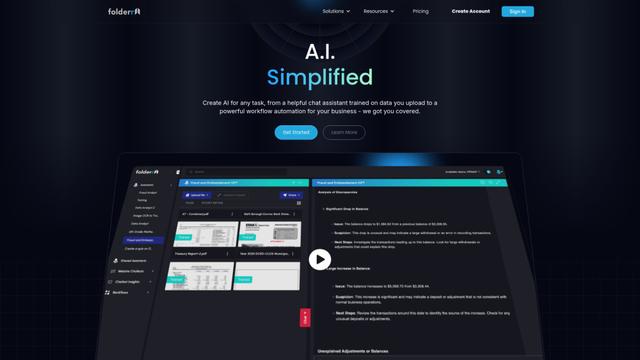
Folderr is a comprehensive AI platform that enables users to create custom AI assistants by uploading unlimited files, integrating with multiple language models, and automating workflows through a user-friendly interface.
InDesign Translator
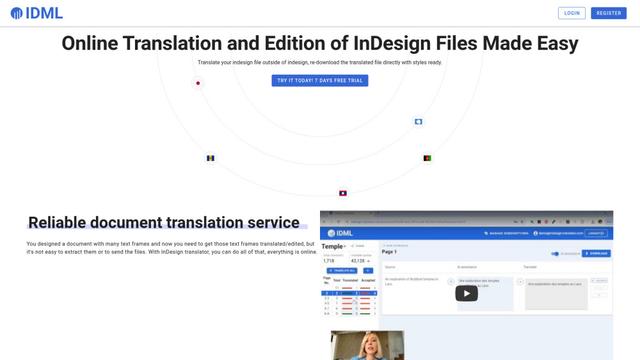
InDesign Translator is an online translation service that enables users to translate InDesign files while maintaining formatting and styles, offering AI-assisted translation and easy collaboration features without requiring translators to have InDesign installed.
Specgen.ai
Specgen.ai is an AI-powered platform that helps businesses optimize their bid responses by automatically analyzing tender requirements and generating personalized responses while ensuring 100% data confidentiality through proprietary AI models.
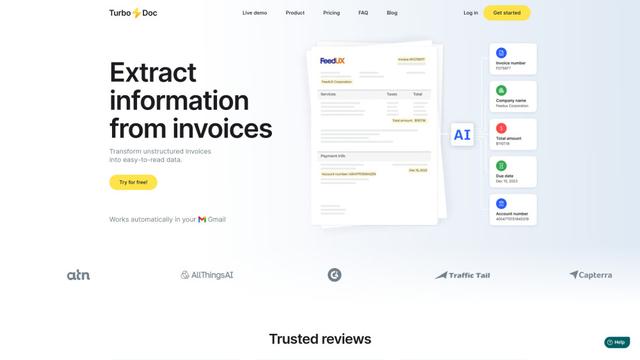
TurboDoc
TurboDoc is an AI-powered invoice processing software that automatically extracts and transforms unstructured invoice data into organized, easy-to-read structured data through Gmail integration and intelligent document processing.
Popular AI Tools Like Compendium
R2R
R2R (Reason to Retrieve) is an advanced AI retrieval system that provides production-ready Retrieval-Augmented Generation (RAG) capabilities with multimodal content ingestion, hybrid search, knowledge graphs, and comprehensive document management through a RESTful API.

Claude Folder Upload
A Chrome extension that enables users to upload entire folders to Claude AI while intelligently preserving directory structures and file relationships, with smart filtering capabilities for irrelevant files.
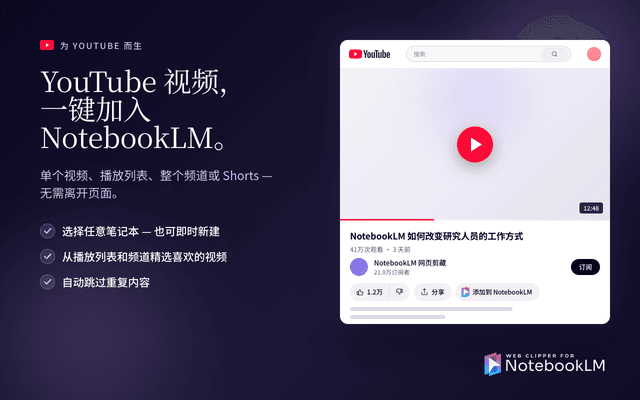
Web Clipper for NotebookLM
Web Clipper for NotebookLM is a Chrome extension that saves web pages, PDFs, YouTube content, social posts/threads, and even AI chat conversations directly into Google NotebookLM in one click, plus adds powerful export, sync, and notebook-management tools.

ReadHero
ReadHero is a comprehensive book tracking and note-taking app that helps readers remember and retain more of what they read by enabling progress tracking, note-taking, and book management all in one place.