
Breadcrumb
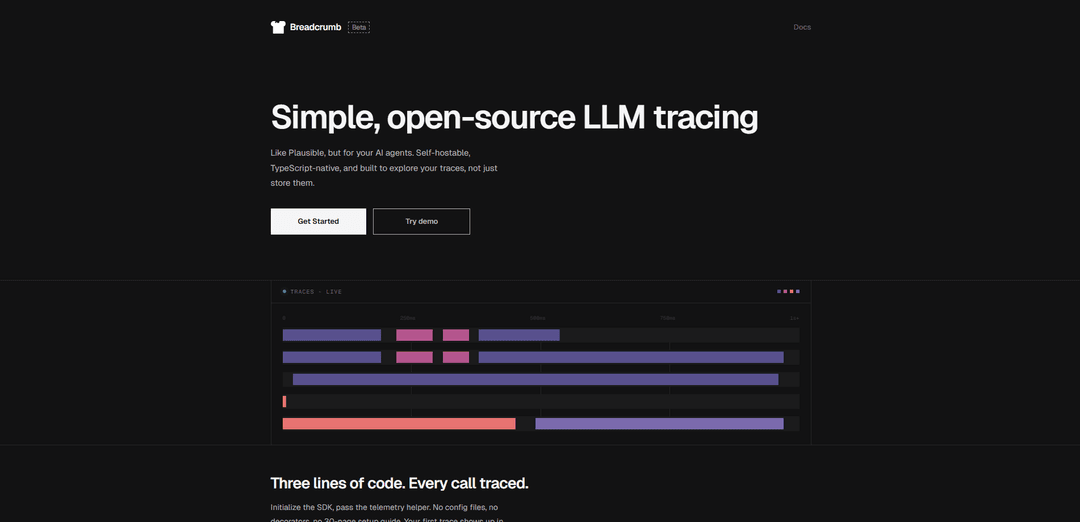
Breadcrumb is a self-hostable, TypeScript-native LLM tracing tool that allows developers to explore and monitor AI agent interactions through a simple integration process.
https://breadcrumb.sh/?ref=producthunt
Product Information
Updated:Apr 8, 2026
What is Breadcrumb
Breadcrumb is an open-source tool designed for tracing and monitoring Large Language Model (LLM) interactions, similar to Plausible but specifically built for AI agents. It provides developers with a comprehensive way to track, analyze and understand how their AI models are performing in real-time. As a self-hostable solution, it gives users full control over their data while maintaining transparency in AI operations.
Key Features of Breadcrumb
Breadcrumb is a self-hostable, TypeScript-native LLM tracing tool that helps developers monitor and analyze their AI agent interactions. It provides real-time tracking of AI calls, including prompts, responses, token usage, latency, and costs, with simple integration requiring minimal code changes. The tool offers transparent monitoring while keeping data within your own infrastructure.
Simple Integration: Requires only three lines of code to implement, with no complex configuration files or decorators needed for setup
Comprehensive Tracing: Captures detailed information about each AI interaction including prompts, responses, token counts, latency, and associated costs
Cost Monitoring: Provides detailed breakdown of token usage and costs per trace, helping identify expensive operations before they impact the budget
Open Source Architecture: Fully open-source solution that can be deployed on various platforms like Railway, Fly, or custom servers with complete control over the infrastructure
Use Cases of Breadcrumb
AI Development Debugging: Helps developers track and debug AI interactions during development by providing detailed traces of each call
Cost Optimization: Enables teams to monitor and optimize AI-related expenses by tracking token usage and costs in real-time
Performance Monitoring: Allows tracking of AI service performance and latency for maintaining service quality and identifying bottlenecks
Pros
Easy implementation with minimal code changes
Complete control over data with self-hosting options
Transparent cost and performance monitoring
Cons
Requires self-hosting infrastructure setup
Limited to Vercel AI SDK integration out of the box
How to Use Breadcrumb
Install the SDK: Install the Breadcrumb SDK packages (@breadcrumb-sdk/core and @breadcrumb-sdk/ai-sdk) in your project
Initialize Breadcrumb: Import and initialize the core SDK with your API key and base URL: import { init } from '@breadcrumb-sdk/core'; const bc = init({ apiKey, baseUrl });
Initialize AI SDK integration: Import and initialize the AI SDK integration: import { initAiSdk } from '@breadcrumb-sdk/ai-sdk'; const { telemetry } = initAiSdk(bc);
Add telemetry to AI calls: Pass the telemetry helper to your AI function calls using experimental_telemetry parameter: generateText({ experimental_telemetry: telemetry('your-trace-name') })
View traces: Access your traces dashboard at app.breadcrumb.sh to view prompt details, responses, latency, token usage and costs for all AI calls
Optional: Self-host: Deploy Breadcrumb on your own infrastructure using platforms like Railway, Fly.io or your own servers if you want to self-host
Breadcrumb FAQs
Breadcrumbs are navigation links typically located at the top of a webpage that show users their current location within a website's hierarchy. They start with 'Home' and display the path through categories to the current page, helping users understand where they are and navigate back through previous levels.
Popular Articles

Vosko AI: Localize and Dub Videos for Global Audiences
Oct 14, 2026

Atoms: A Multi-Agent AI Platform That Transforms Ideas into Launch-Ready Products
Oct 13, 2026

Nano Banana SBTI: What It Is, How It Works, and How to Use It in 2026
Apr 15, 2026

Atoms Review — The AI Product Builder Redefining Digital Creation in 2026
Apr 10, 2026
Latest AI Tools Similar to Breadcrumb

Aguru AI
Aguru AI is an on-premises software solution that provides comprehensive monitoring, security, and optimization tools for LLM-based applications with features like behavior tracking, anomaly detection, and performance optimization.
Jorpex
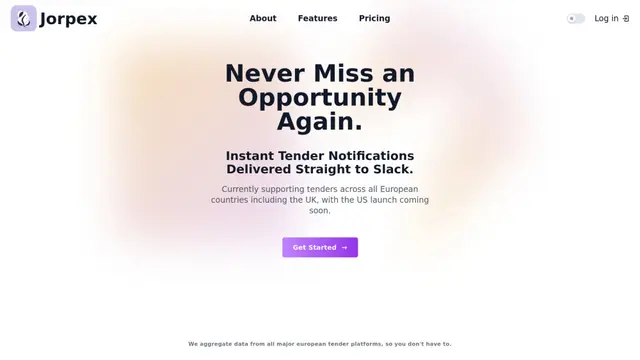
Jorpex is a comprehensive tender notification platform that aggregates and delivers instant tender alerts from across European countries directly to Slack, helping businesses never miss opportunities.
Prompt Inspector
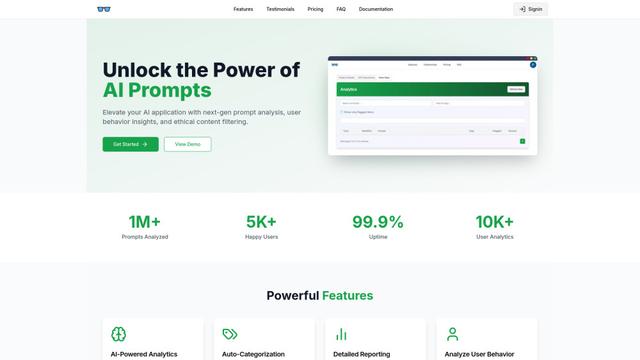
Prompt Inspector is an AI-powered analysis tool that helps developers and businesses optimize their LLM interactions through comprehensive prompt analysis, user behavior insights, and ethical content filtering.
Token Counter
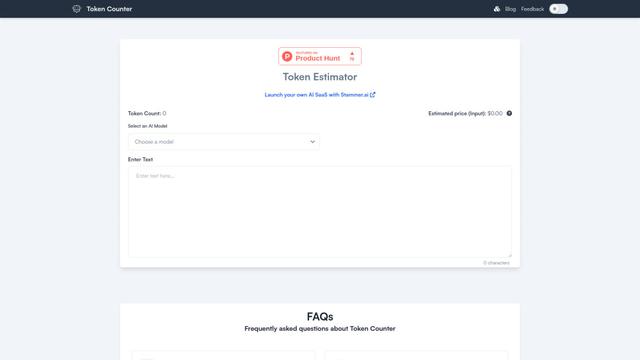
Token Counter is an intuitive online tool that helps users accurately calculate token counts and estimate costs for various AI language models including GPT-4, GPT-3.5-turbo, Claude, and other LLMs.
Popular AI Tools Like Breadcrumb

VoltOps
VoltOps is a framework-agnostic LLM observability platform that provides real-time visual monitoring, debugging, and optimization tools for AI agents across any technology stack.
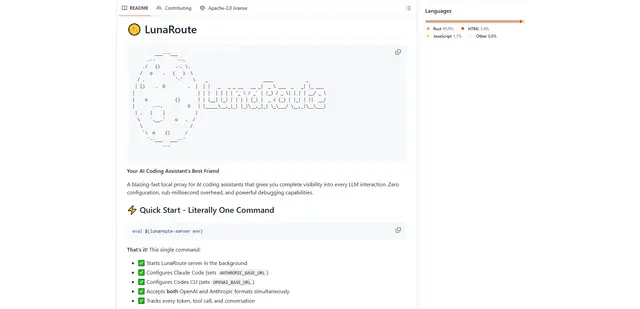
LunaRoute
LunaRoute is a high-performance local proxy for AI coding assistants like Claude Code, OpenAI Codex CLI, and OpenCode that provides complete visibility into every LLM interaction with zero-overhead passthrough, comprehensive session recording, and powerful debugging capabilities.
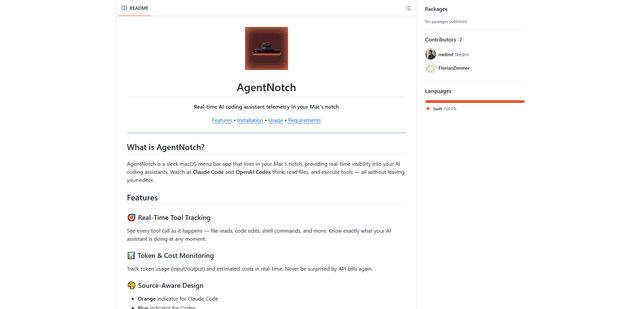
AgentNotch
AgentNotch is a macOS menu bar app that lives in your Mac's notch, providing real-time visibility and monitoring of AI coding assistants like Claude Code and OpenAI Codex.
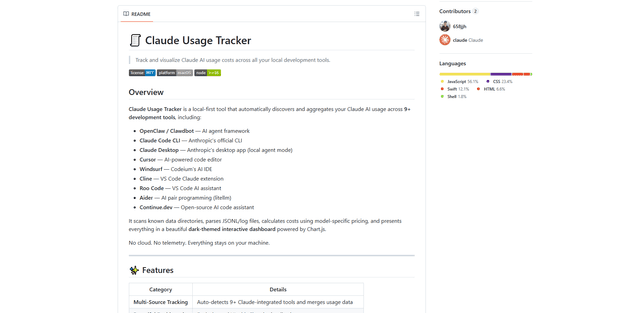
Claude Usage Tracker
Claude Usage Tracker is a local-first tool that automatically monitors and visualizes Claude AI usage costs across multiple development tools through a comprehensive dashboard with real-time analytics and detailed breakdowns.