
Allergo
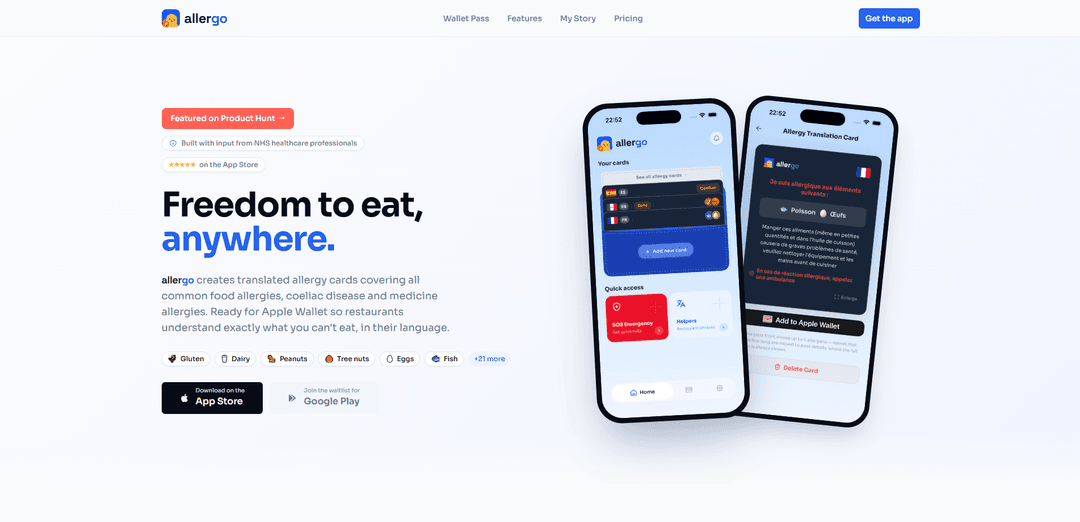
Allergo is a travel-focused allergy translation card app that generates localized, restaurant-ready allergy cards in 36 languages, supports Apple Wallet passes and SOS emergency help, and keeps everything available offline.
https://www.getallergo.com/?ref=producthunt
Product Information
Updated:Jun 16, 2026
What is Allergo
Allergo ("aller go") is a mobile app designed to help people with allergies communicate clearly when eating out—especially while traveling abroad. It creates translated allergy cards covering common food allergies as well as coeliac disease and some medicine/cosmetics-related allergens, aiming to reduce the risk of dangerous misunderstandings caused by language barriers. Built around regulated allergen lists (including major EU and US allergens), Allergo focuses on fast, practical, waiter-friendly communication that you can access instantly on your phone.
Key Features of Allergo
Allergo (aller go) is a travel-focused allergy communication app that generates clear, restaurant-ready allergy translation cards for common food allergies, coeliac disease, and some medicine/cosmetic allergies. It supports 27 allergens across 36 languages and emphasizes country-localised wording rather than direct translation. Cards can be saved to Apple Wallet for fast access and sharing, and the app includes an SOS emergency screen plus follow-up “response helper” phrases. It’s designed to work fully offline so users can reliably communicate dietary restrictions even without signal.
Instant translated allergy cards: Select your allergens and destination language to generate a clear card in seconds, helping staff understand exactly what you can’t have.
27 allergens covered: Includes major regulated allergens (EU and US) and supports a broad set of triggers across food, plus some cosmetics and medicine-related allergies.
36 languages with country localisation: Translations are tailored per country (not purely word-for-word) to better match local terms and common dishes where allergens may be hidden.
Apple Wallet pass + QR sharing: Save a simplified allergy card to Apple Wallet for quick access; share it easily with waiters/chefs via a scannable QR code.
SOS Emergency screen: One-tap access to critical emergency info, key phrases, and local emergency numbers while abroad.
Fully offline access: Cards and phrases remain available without connectivity—useful in remote areas, basements, or when roaming is unavailable.
Use Cases of Allergo
International dining and travel: Travelers with food allergies or coeliac disease can show a translated, localised card to restaurant staff to reduce miscommunication risk.
Family holidays with children: Parents can quickly present consistent allergy requirements across multiple venues, avoiding repeated explanations in unfamiliar languages.
Business travel and conferences: Professionals can communicate restrictions at catered events, hotels, and restaurants without relying on ad-hoc translation.
Tour groups and hospitality support: Tour operators or concierge teams can encourage guests to use standardized cards to streamline allergy communication with local vendors.
Emergency preparedness abroad: In a reaction scenario, the SOS screen helps users surface key phrases and local emergency numbers quickly.
Pros
Country-localised translations and a dedicated card format reduce ambiguity compared with generic translation apps.
Offline access and Apple Wallet passes make it fast to use in real-world restaurant settings.
Broad allergen coverage (27 allergens) across many languages (36) supports diverse needs.
Cons
Translation quality is not yet fully professionally translated across all languages; some rely on AI generation with limited native review.
Full functionality (e.g., unlimited cards/Wallet passes) requires a subscription after the first free card.
Primarily focused on communication; it does not guarantee kitchen practices or eliminate cross-contamination risk.
How to Use Allergo
1. Install Allergo: Download Allergo from the App Store. If you’re on Android, join the Google Play waitlist from the Allergo website.
2. Open the app and start creating an allergy card: Launch Allergo and begin the flow to generate a translated allergy card for restaurants.
3. Pick your allergens (and/or conditions): Select what you need to avoid from the available options (27 total), covering common food allergies plus coeliac disease and some cosmetics/medicine allergies.
4. Choose your destination / language: Select the country or language you need. Allergo localises cards per country (not just word-for-word translation) and supports 36 languages.
5. Generate your translated card: Create the restaurant-ready card. The translation is generated using AI models, with some languages reviewed by native speakers.
6. Save the card for quick access: Keep the card in the app so you can pull it up whenever you’re ordering food.
7. Add the card to Apple Wallet (iPhone): Create an Apple Wallet pass so you can access your allergy card instantly without opening the app.
8. Share the card with restaurant staff: Show the Wallet pass or in-app card to a waiter/chef. If available, use the QR code on the Wallet pass to share the card directly.
9. Use Response Helpers for follow-up questions: Use built-in follow-up phrases to confirm what’s safe on the spot, without needing a separate translation app.
10. Use SOS Emergency when needed: Open the SOS Emergency feature to quickly access critical info, emergency phrases, and local emergency numbers for your location.
11. Use Allergo offline while travelling: Access saved cards and phrases even without signal (e.g., remote areas or basement restaurants).
12. Manage pricing / unlock unlimited cards (optional): Allergo is free to download and your first card is free. If you need unlimited cards and Wallet passes, subscribe monthly (single trip) or annually (frequent travel), then cancel anytime if using monthly.
Allergo FAQs
Allergo (fexofenadine hydrochloride) is an antihistamine used to relieve symptoms associated with seasonal and perennial allergic rhinitis (hay fever) and other allergy symptoms by blocking peripheral H1 histamine receptors.
Popular Articles

Vosko AI: Localize and Dub Videos for Global Audiences
Oct 15, 2026

Atoms: A Multi-Agent AI Platform That Transforms Ideas into Launch-Ready Products
Oct 13, 2026

Nano Banana SBTI: What It Is, How It Works, and How to Use It in 2026
Apr 15, 2026

Atoms Review — The AI Product Builder Redefining Digital Creation in 2026
Apr 10, 2026
Latest AI Tools Similar to Allergo
InDesign Translator
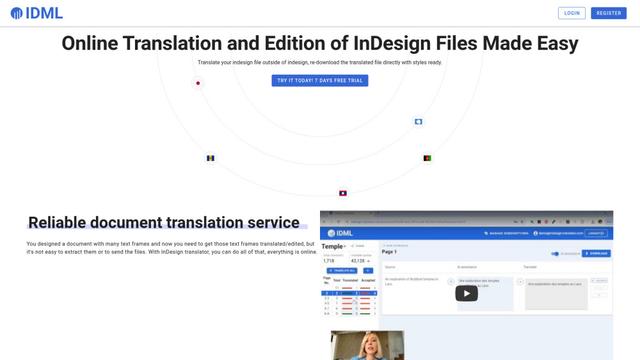
InDesign Translator is an online translation service that enables users to translate InDesign files while maintaining formatting and styles, offering AI-assisted translation and easy collaboration features without requiring translators to have InDesign installed.

Blanc AI
Blanc AI is a revolutionary AI solution that enables video content translation and dubbing into 47+ languages while preserving the original voice, emotions, and lip synchronization.
MenuGuide
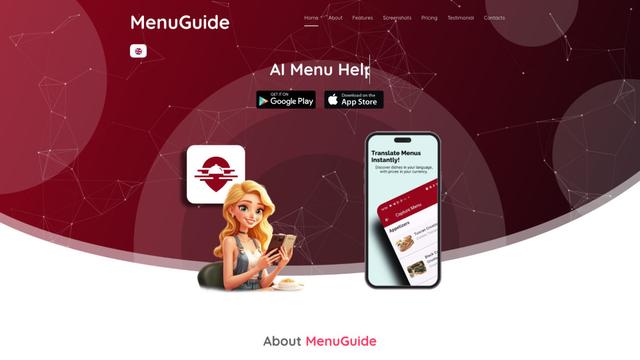
MenuGuide is a cutting-edge AI-powered app that instantly translates restaurant menus from any language to your preferred language, providing dish details, allergen information, and nutritional facts for seamless global dining experiences.
Vocabulary AI
Vocabulary AI is an advanced AI-powered language learning platform that combines translation, vocabulary building, and personalized practice through website, mobile app, and browser extension to help users effectively learn and retain new words.
Popular AI Tools Like Allergo
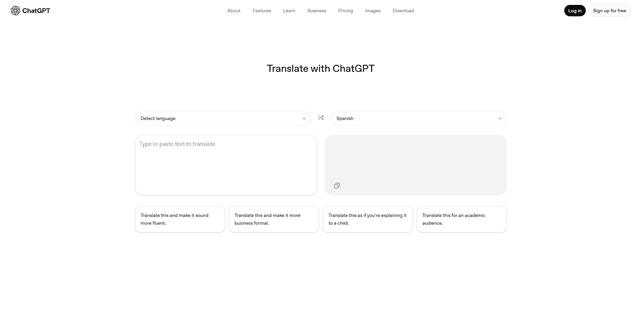
ChatGPT Translate
FreeTranslate
ChatGPT Translate is OpenAI's dedicated translation service that supports 50+ languages with AI-powered customization features for producing natural, context-aware translations across different tones and styles.
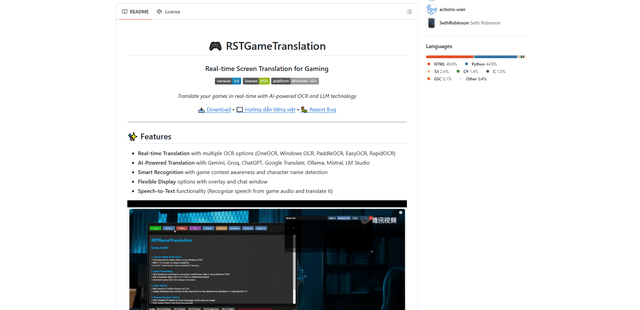
RSTGameTranslation
RSTGameTranslation is an open-source real-time game translation tool that combines OCR and AI translation technologies to automatically translate game text across multiple languages while supporting both offline and online modes.
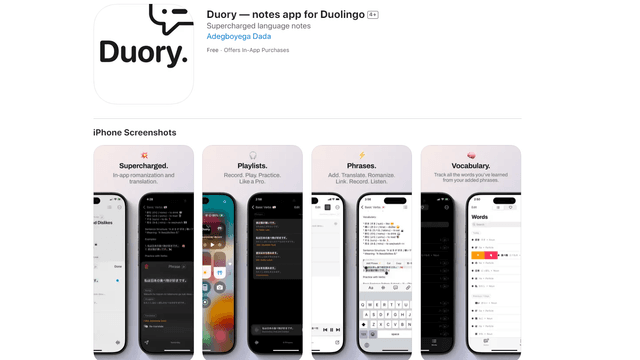
Duory
Duory is a dynamic language learning companion app that helps Duolingo users reinforce their lessons through interactive note-taking, translation features, and voice recording capabilities.