
Wonder
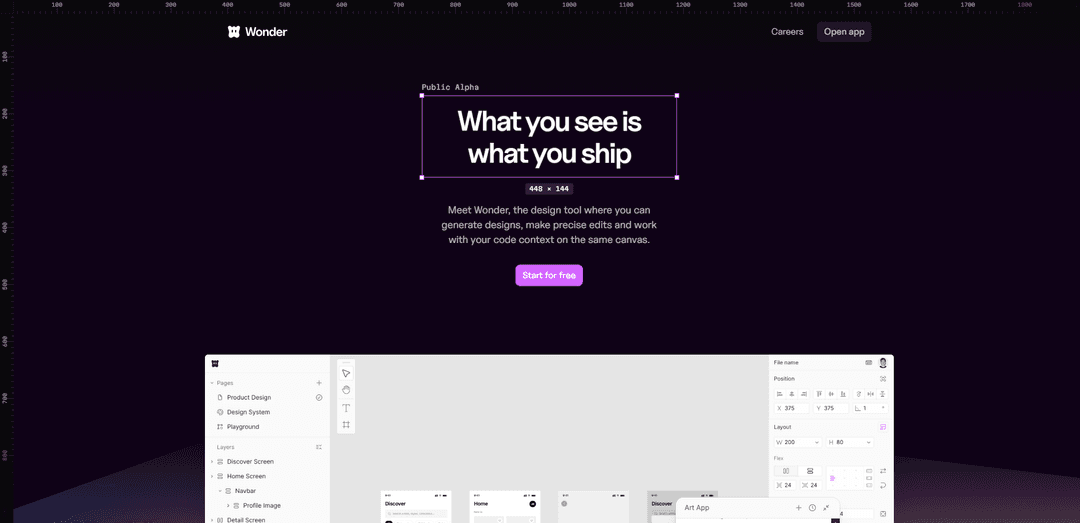
Wonder is an AI-native design tool that unifies canvas-based design, precise editing, and real production code—so what you see is exactly what you ship, including React + Tailwind export and agent/MCP workflows.
https://wonder.design/?ref=producthunt
Product Information
Updated:May 19, 2026
What is Wonder
Wonder is a product design platform built to close the gap between design and development by making designs “backed by code” from the start. Positioned as “What you see is what you ship,” it combines an infinite canvas with AI-assisted generation and editing, letting designers iterate quickly while staying grounded in real implementation details. Wonder is available as a public alpha with a free tier to start, and paid plans for teams and high-volume shipping workflows.
Key Features of Wonder
Wonder is an AI-native product design tool that combines an infinite canvas with code-aware design, letting teams generate UI with an agent, make precise edits, iterate using prior designs as context, and ship what they see as real production-ready code (e.g., React + Tailwind) without traditional handoff. It also supports on-canvas image generation, familiar design tooling (layers/properties), and workflows that connect canvas to code via exporting or pushing changes to coding agents (including MCP integration).
AI agent on an infinite canvas: Generate new flows, layouts, and design projects from prompts, then refine directly on a shared canvas that understands the design context.
Designs are real code (WYSIWYS): Everything you create is backed by code, enabling copy/export of production-ready output (e.g., React + Tailwind) so the shipped UI matches the design.
Code + canvas connected (MCP/agent workflows): Connect Wonder to coding agents and use Wonder’s 1:1 design-to-code mapping to iterate on what’s already built and push updates back toward production.
Fast iteration with contextual memory: Build on previous designs to explore variants, styles, and options without losing flow state—each design informs the next.
Precise editing with familiar UI tools: Use layers, properties, spacing controls, copy edits, theme changes, and variant creation in an interface designed to feel familiar to product designers.
On-canvas asset generation and shaders: Generate images directly in the design (reducing placeholder work) and enhance visuals with shaders for higher-quality, interactive design output.
Use Cases of Wonder
Startup product UI from idea to MVP: Rapidly generate core app screens and flows with AI, iterate on the canvas, then export React + Tailwind to accelerate MVP shipping.
Design-to-production workflow for SaaS teams: Reduce handoff friction by designing against real components/code context and pushing changes through agent-connected workflows.
Design system and component iteration: Explore variants, themes, and spacing rules while keeping outputs aligned to code, helping teams evolve reusable UI patterns faster.
Marketing and landing page creation: Generate landing page layouts, refine copy and styling, create supporting images on-canvas, and ship the exact coded page with minimal rebuild.
E-commerce storefront experiments: Quickly prototype and iterate product pages and conversion-focused layouts, then export code to implement A/B-ready changes faster.
Pros
Production-ready output: designs map 1:1 to real code (e.g., React + Tailwind), reducing rebuild and handoff.
Speed of iteration: AI generation plus contextual reuse of prior designs supports rapid exploration and refinement.
Integrated workflow: canvas, editing, image generation, and code/agent connections live in one tool.
Cons
Credit/plan constraints: usage is governed by monthly credits and tiered plans; heavy generation can require upgrades.
Public alpha maturity: as an early-stage product, features/workflows may change and stability may vary.
Ecosystem fit: teams not using supported web stacks or agent workflows may see less benefit from the code-first approach.
How to Use Wonder
1) Start for free and open the app: Go to https://app.wonder.so/ and start a free account to access the canvas and generation tools.
2) Create or open a design project: Start a new project/flow or open an existing one so you can iterate on prior work (Wonder is designed to build on previous designs).
3) Describe what you want to design (generate on canvas): Use the prompt input (e.g., “Describe what you’d like to design…”) to generate an initial layout or screen directly on the canvas.
4) Chat with the AI while you design: Use the built-in AI chat to request changes, new screens, or alternative directions while keeping your current design as context.
5) Make precise edits with familiar design controls: Refine the generated design using standard UI panels (layers/toolbar/properties) to adjust structure and details.
6) Iterate quickly using variants and style exploration: Create variants and explore different looks without losing momentum—e.g., variate styles, change theme, and generate alternative options from the same base.
7) Edit content and layout details: Adjust spacing, edit copy, and swap images directly on the canvas to match your product and brand needs.
8) Generate images on the canvas (replace placeholders): Use Wonder’s image generation to create needed assets by describing them, so you don’t rely on placeholder imagery.
9) Enhance visuals with shaders (optional): Apply shaders to increase visual quality and create more interactive/stunning visuals when your design calls for it.
10) Connect Wonder to your coding agent via MCP (optional): Use the Wonder MCP integration (“Code and Canvas, Finally connected”) to connect Wonder to your coding agent and keep design and implementation aligned.
11) Export or copy production-ready code: Because Wonder’s design format maps 1:1 to code, export/copy the generated code (e.g., React + Tailwind) for direct use—no traditional handoff required.
12) Push to code / ship: When ready, send/export the design/code to production workflows (“Push to code”) so what you designed is what ships.
13) Manage usage with credits and plan upgrades: Use the Free plan to experiment (includes monthly credits and code export). Upgrade to Pro/Pro+/Max when you need more credits, priority queues/support, unlimited projects, or unlimited MCP tool calls.
Wonder FAQs
Wonder is a design tool where you can generate designs with AI, make precise edits on a canvas, and work with code context so what you create maps directly to shippable code.
Popular Articles

Atoms: A Multi-Agent AI Platform That Transforms Ideas into Launch-Ready Products
May 22, 2026

Nano Banana SBTI: What It Is, How It Works, and How to Use It in 2026
Apr 15, 2026

Atoms Review — The AI Product Builder Redefining Digital Creation in 2026
Apr 10, 2026

Kilo Claw: How to Deploy and Use a True "Do‑It‑For‑You" AI Agent(2026 Update)
Apr 3, 2026
Latest AI Tools Similar to Wonder
Personalized License Plate Generator
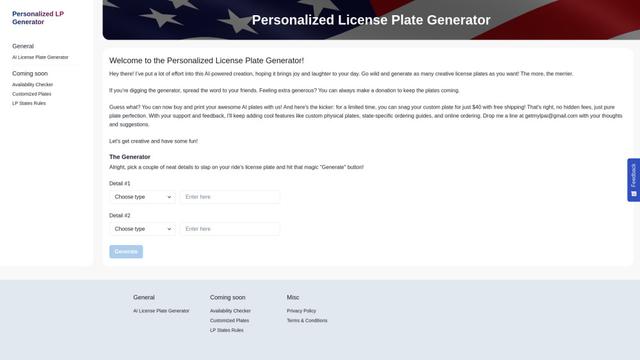
An AI-powered tool that generates unique and personalized license plate designs based on user input.
Keak
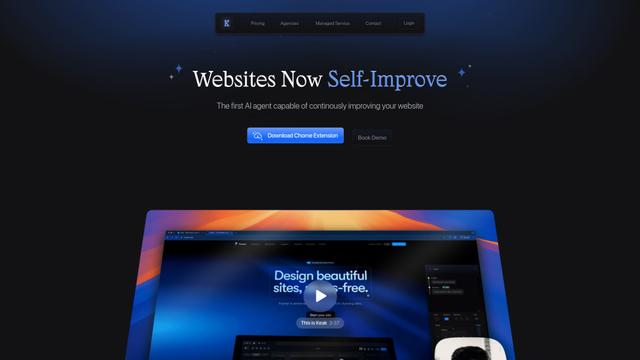
Keak is an AI-powered A/B testing tool that automatically generates website variations, launches tests, and optimizes conversions.
Makeasite
Makeasite is an innovative website builder that allows users to create and share websites quickly using just prompts.
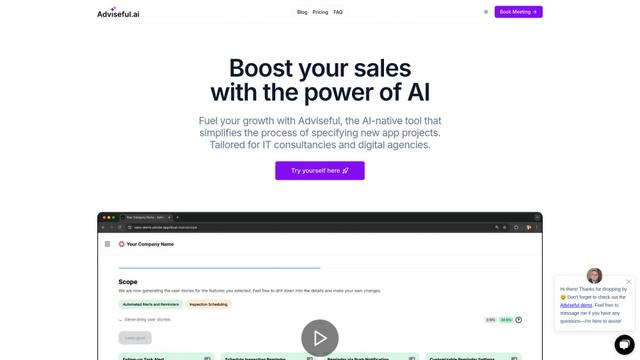
Adviseful
Adviseful is an AI-powered tool that accelerates web and mobile app planning for IT consultancies and digital agencies, turning ideas into qualified leads in minutes.
Popular AI Tools Like Wonder

GPT Engineer
GPT Engineer is an AI-powered software development tool that enables anyone to build web applications by chatting with an AI engineer.
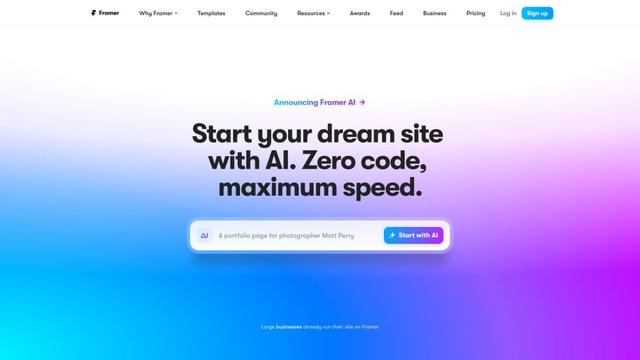
Framer
Framer is a powerful web builder that allows designers to create stunning, responsive websites with an intuitive interface and publish them instantly without coding.
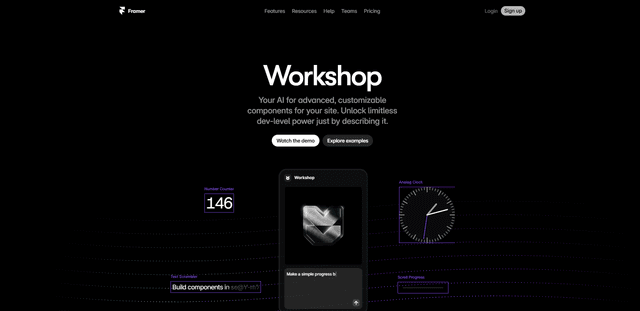
Framer Workshop
Framer Workshop is an AI-powered component generator built into Framer that allows designers and developers to create advanced, customizable website components without writing code through simple conversational prompts.

Wireframer
Wireframer is an AI-powered tool by Framer that quickly generates clean, responsive webpage layouts and wireframes from simple prompts, helping designers create structural blueprints without getting locked into specific visual styles.